Template details
devportfoliotemplates
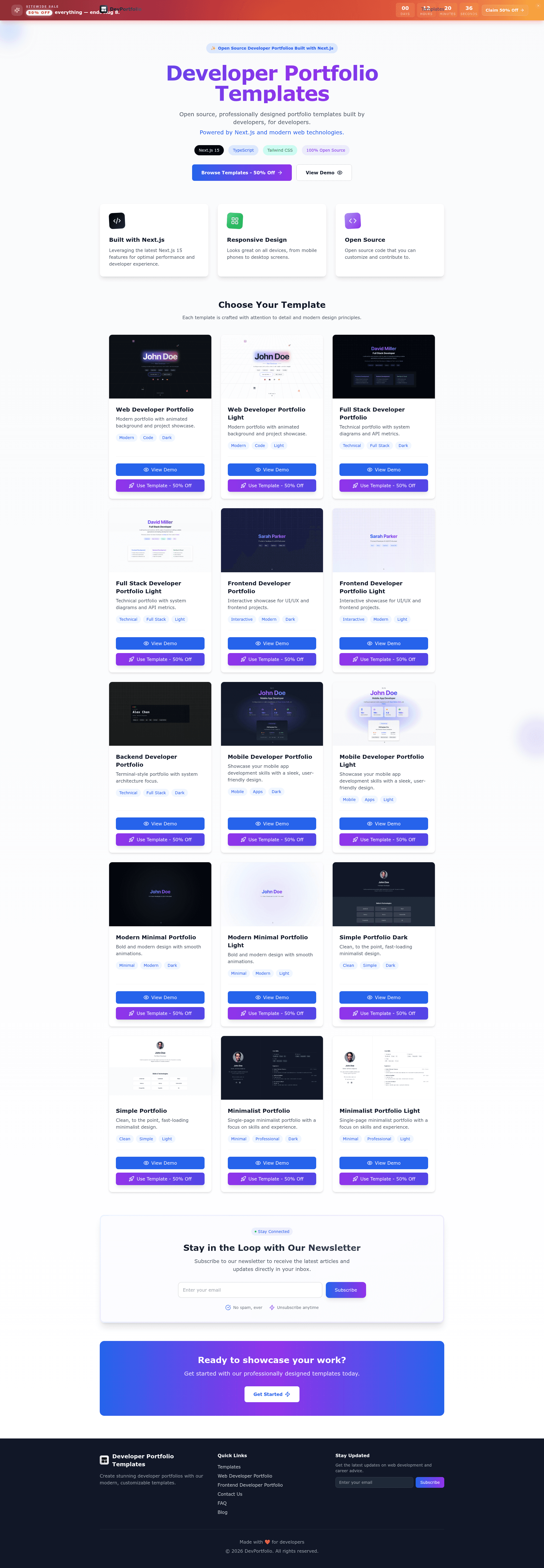
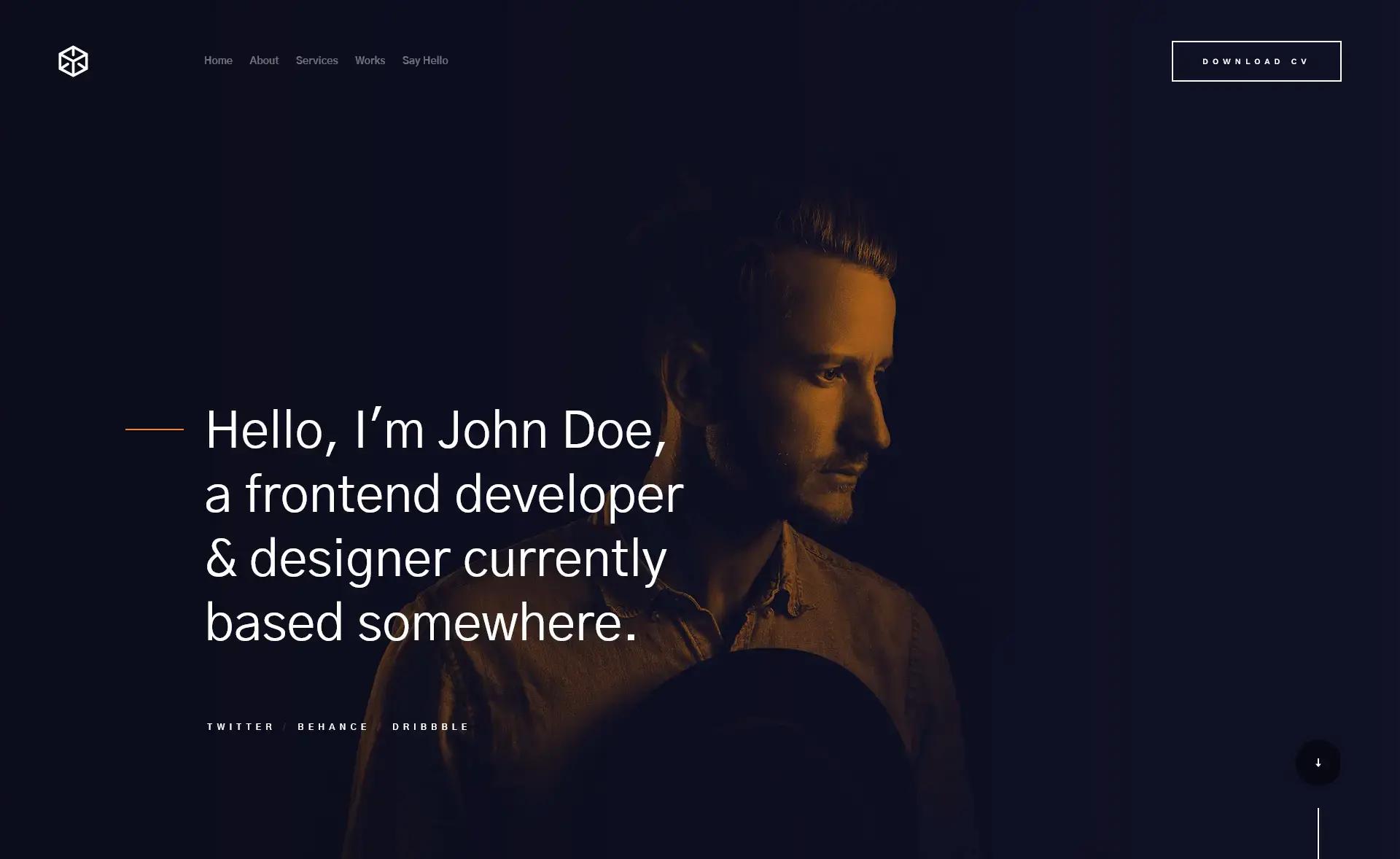
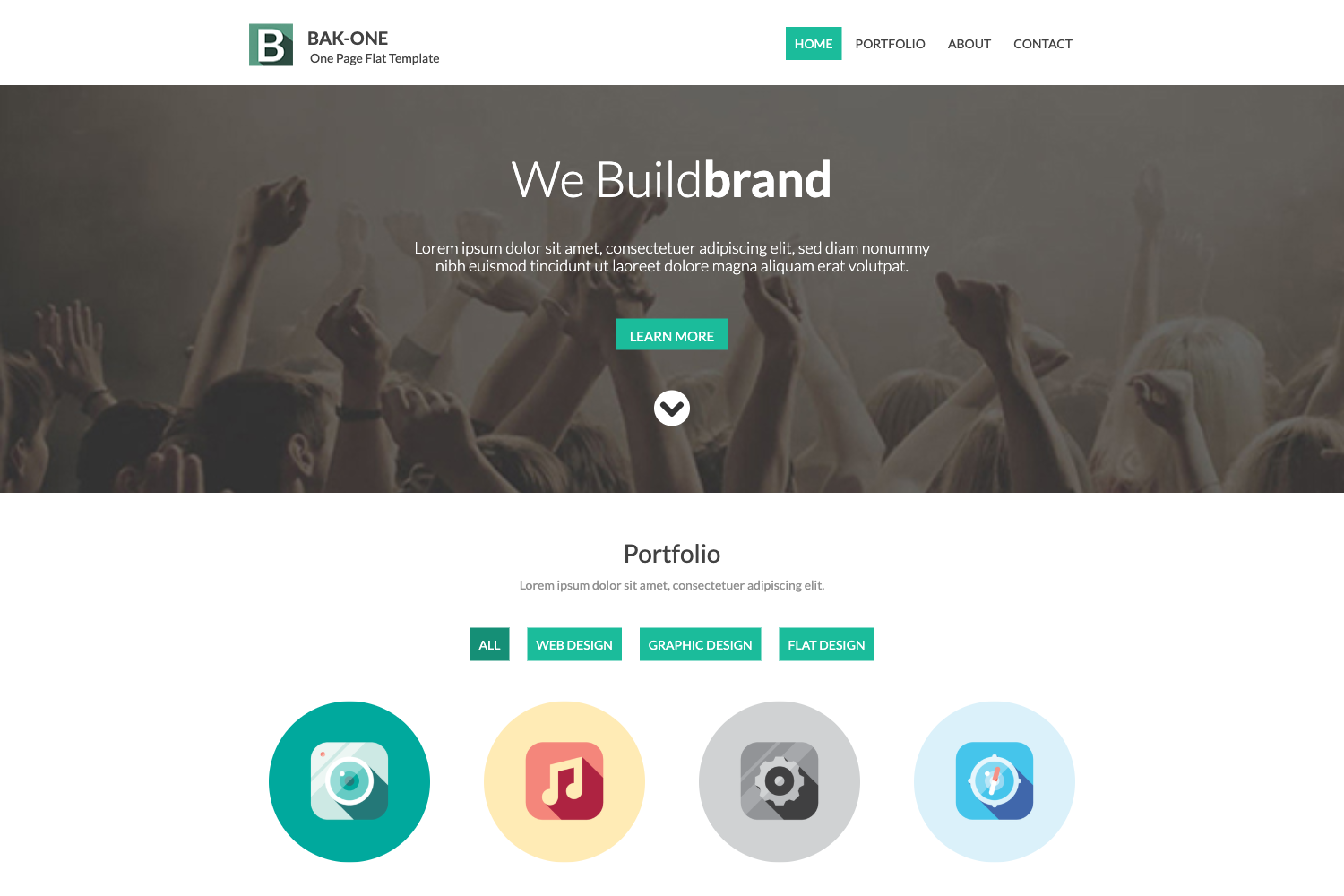
Open source, professionally designed portfolio templates built by developers, for developers. Powered by Next.js and modern web technologies.
About this template
Developer Portfolio Templates (devportfoliotemplates) is an open-source collection of portfolio website templates built with Next.js, React, TypeScript, and TailwindCSS, giving developers a ready-to-run starting point for showcasing their projects and experience.
What is Developer Portfolio Templates?
Developer Portfolio Templates is a GitHub repository that contains multiple portfolio starter projects, each in its own folder. You choose a template (for example, minimalist-portfolio-template or simple-portfolio-template), pull just that folder using git sparse checkout or download it as a ZIP, then run it with npm, yarn, or pnpm to get a local portfolio at localhost:3000. The project is maintained by developer Andreiancu and is licensed under the MIT License, so you can use it for personal or commercial projects without paying a license fee.
Key Features
- Responsive layouts — Every template is designed to adapt to mobile, tablet, and desktop viewports, so the portfolio looks consistent across devices.
- Modern styling with TailwindCSS — Colors, fonts, and responsive breakpoints are controlled through
tailwind.config.jsandapp/globals.css, letting you re-theme the site without touching component code. - Dark and light versions — The templates ship with both dark and light color schemes, which you can switch via the Tailwind theme configuration.
- SEO optimized — Metadata such as title, description, Open Graph tags, and favicon are set in
app/layout.tsx, improving social sharing and search visibility out of the box. - Pre-built sections — The main page structure includes hero, about, projects, and contact areas defined in
app/page.tsx, ready to be filled with your content. - Easy image handling — Static assets live in the
publicdirectory; the README explains that PNG, JPG, and WebP formats are supported and that image paths must point to this folder. - Simple Vercel deployment — The README provides a seven-step guide to push the project to GitHub and deploy it to Vercel for free, with automatic Next.js detection and a free
.vercel.appdomain.
Who is it for?
- Job-seeking developers who need a polished portfolio quickly: clone a template folder, replace the content in
app/page.tsx, and deploy to Vercel the same day. - Developers new to Next.js who want to learn by reading a working project with TypeScript and Tailwind already configured, including the standard file layout of an app-directory-based Next.js app.
- Freelancers and indie hackers who want to set up a personal brand site without designing from scratch, then customize the look by editing
tailwind.config.jsandapp/globals.css. - Open-source contributors who can fork the repository, add a new portfolio template following the existing structure, and submit a pull request to the collection.
What can you do with Developer Portfolio Templates?
- Launch a portfolio site by downloading any template folder, running
npm installthennpm run dev(or the yarn/pnpm equivalents), and opening localhost:3000 to preview it. - Customize the branding by updating the metadata and Open Graph tags in
app/layout.tsxand swapping the images and social icons in thepublicdirectory. - Deploy for free by creating a GitHub repository, pushing the template code, and importing that repository into Vercel — the README walks through each step and notes that Vercel automatically detects Next.js.
- Learn file organization by examining how a Next.js app with Tailwind organizes components, configuration files, and global styles, which is useful for understanding modern React projects.
How does Developer Portfolio Templates work?
The workflow starts by selecting a template. You either run git clone --no-checkout followed by git sparse-checkout set and git checkout to pull a single folder, or you go to download-directory.github.io, paste the GitHub URL of the template folder, and extract the ZIP. After that, you install dependencies with your package manager of choice, run the development server, and open localhost:3000. Customization happens by editing the Tailwind config, global CSS, layout metadata, and page content as described in the README.
Pricing
The templates are completely free and open source under the MIT License. There is no paid tier or subscription; the maintainer offers an optional "Buy me a coffee" link for support, and the README asks for stars and shares rather than payment.
FAQ
Is Developer Portfolio Templates free?
Yes. The repository is licensed under the MIT License, meaning you can use the templates for personal or commercial projects at no cost. The maintainer accepts optional donations through a Buy Me a Coffee link, but donating is not required to use or modify the templates.
How do I get only one template instead of the whole repository?
Use git sparse checkout: run git clone --no-checkout on the repository, then initialize sparse checkout with git sparse-checkout init --cone, set the template folder name with git sparse-checkout set, and run git checkout. Alternatively, visit download-directory.github.io, paste the folder's GitHub URL, and download it as a ZIP.
What tech stack do the templates use?
Each template is a Next.js application written in TypeScript and React, styled with TailwindCSS. The configuration files are tailwind.config.js for design tokens and app/globals.css for global styles; page content lives in app/page.tsx and site metadata in app/layout.tsx.
Can I deploy the portfolio to Vercel for free?
Yes. The README includes a step-by-step guide: push your portfolio to a new GitHub repository, log into Vercel with GitHub, click New Project, import the repository, and Vercel will automatically detect Next.js. You'll get a live site on a free .vercel.app domain within minutes, and you can add a custom domain later.
Does the template include dark mode?
Yes, the templates include dark and light versions. You can control which theme is shown by modifying the theme variables in the Tailwind configuration and the global CSS file, and the README documents where those settings live.