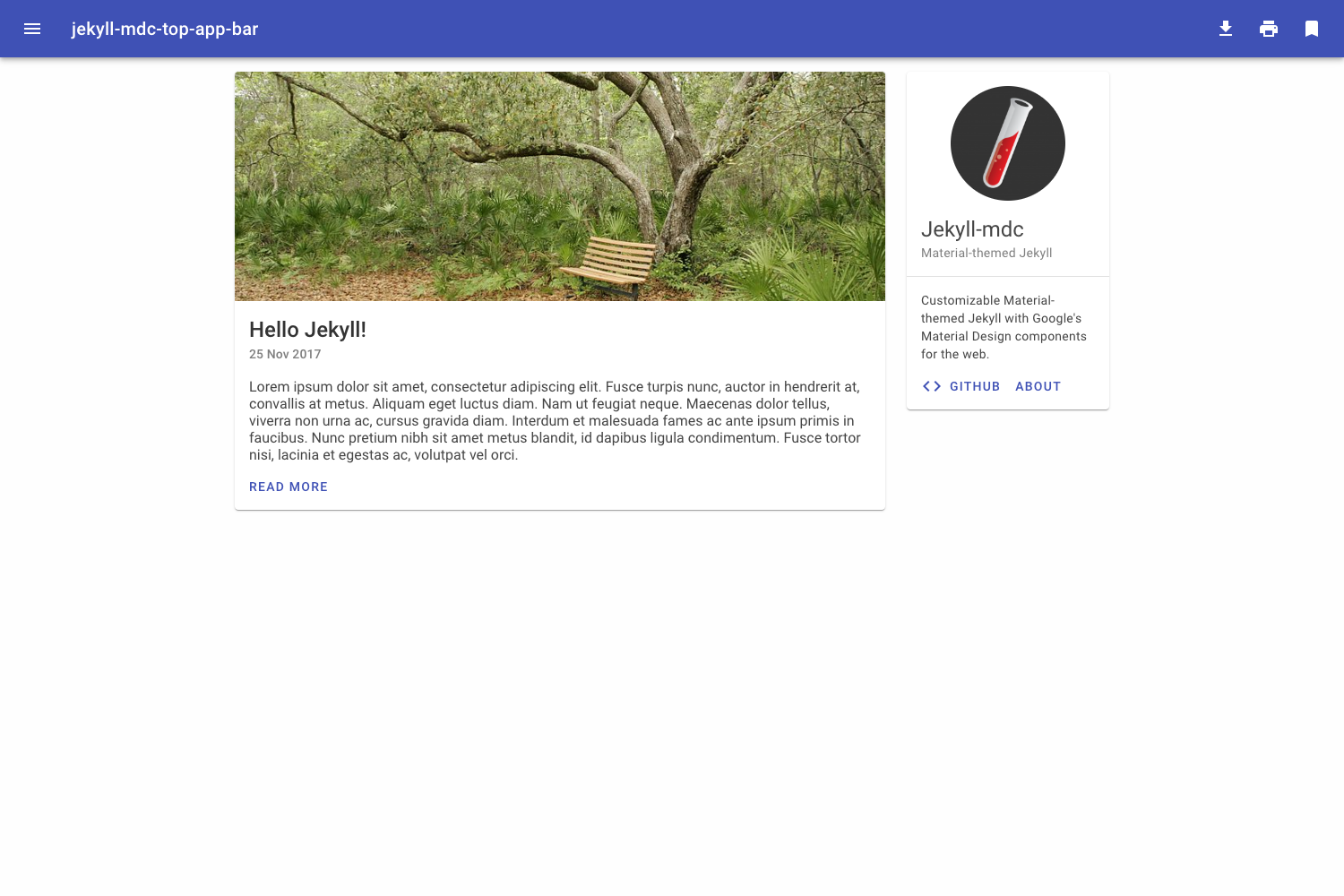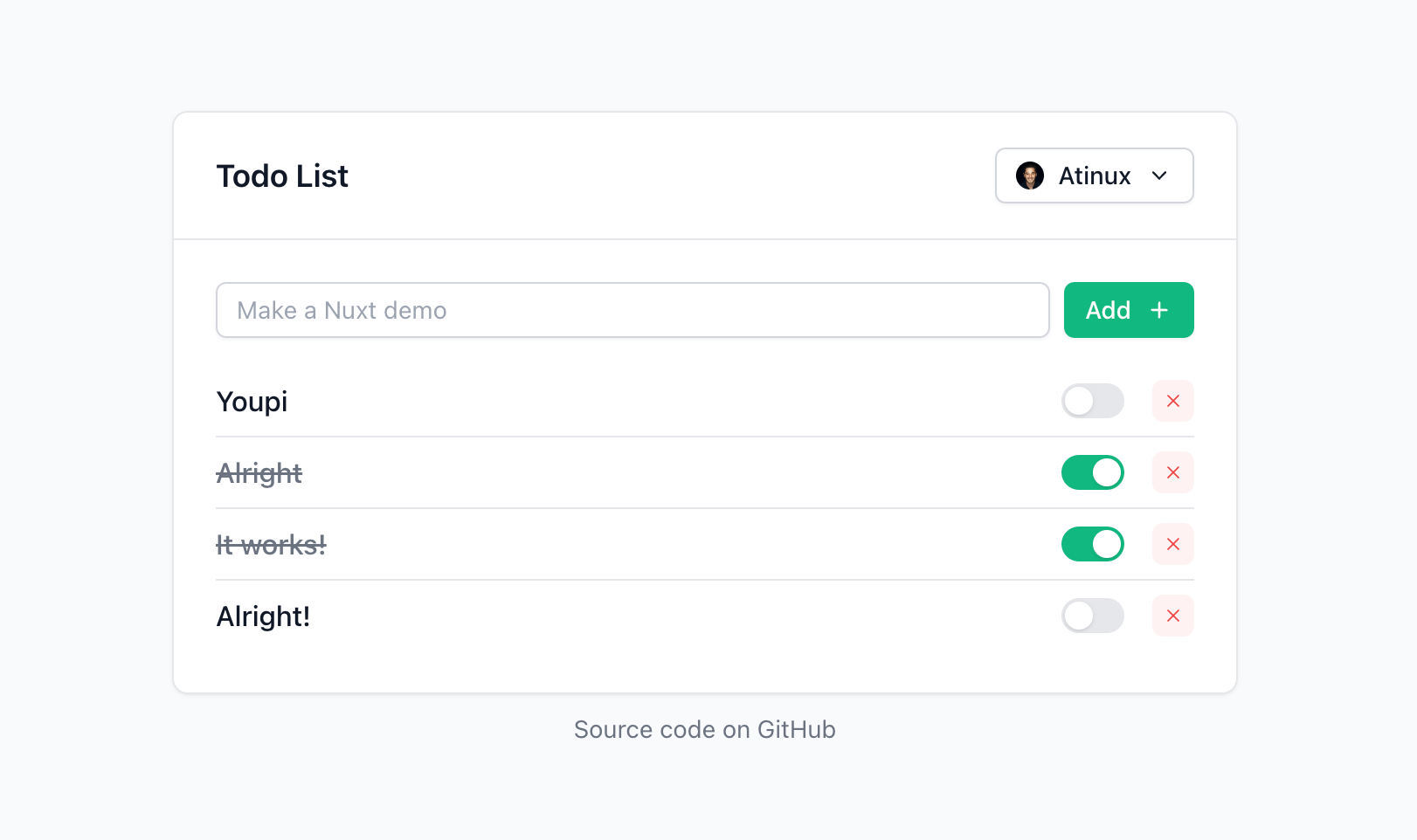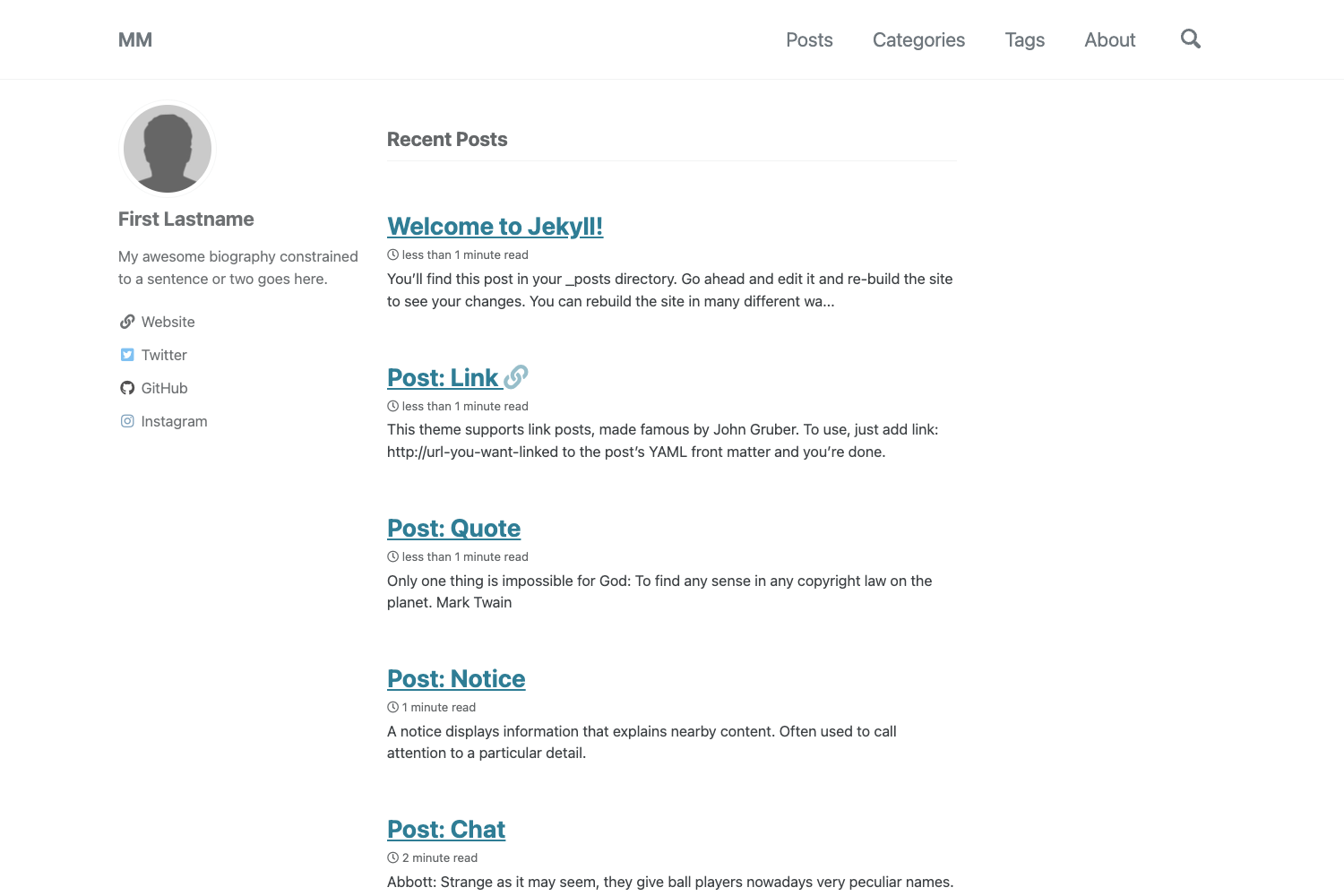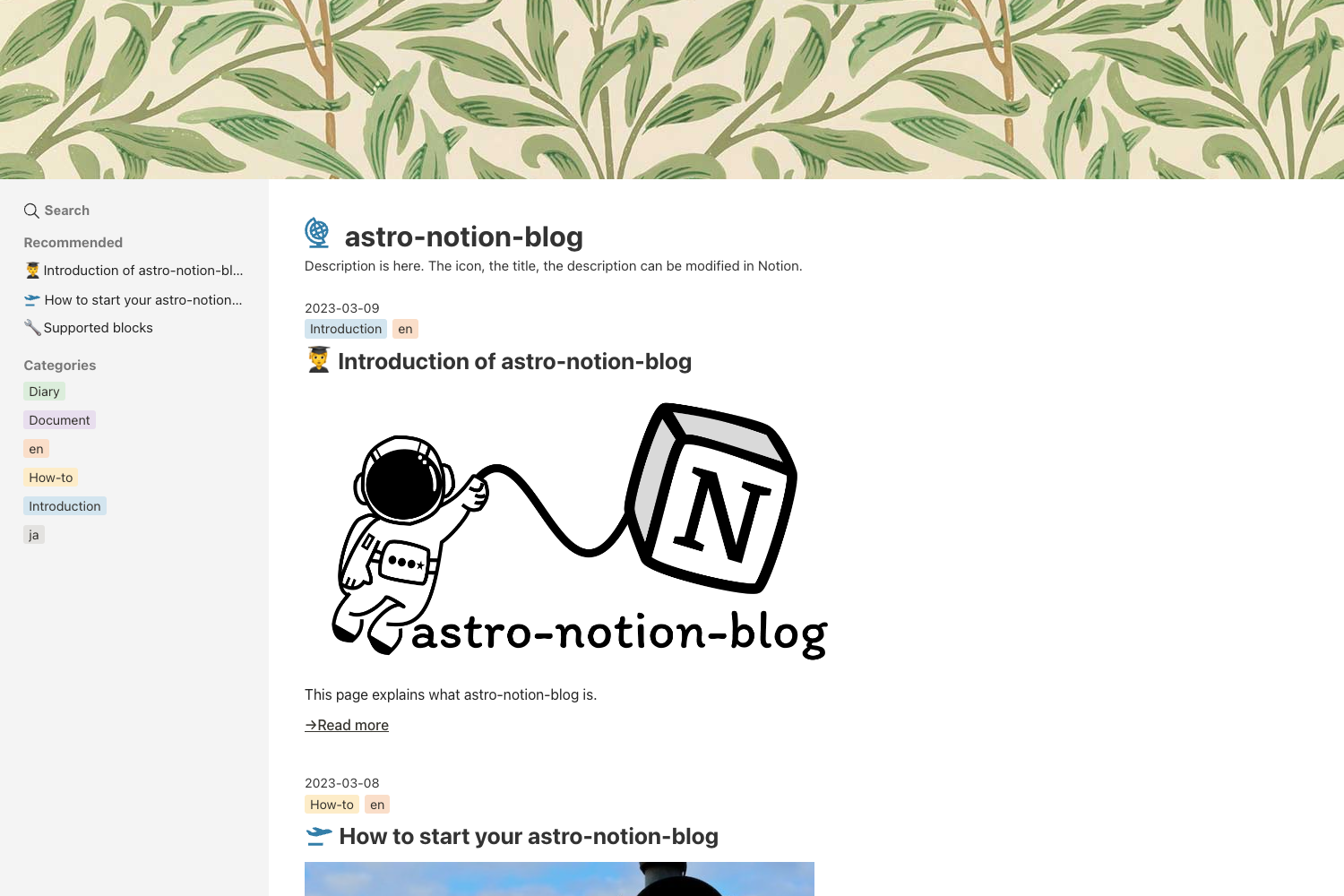
Template details
Destack Starter
Starter template for Destack - the visual page builder for Next.js.
About this template
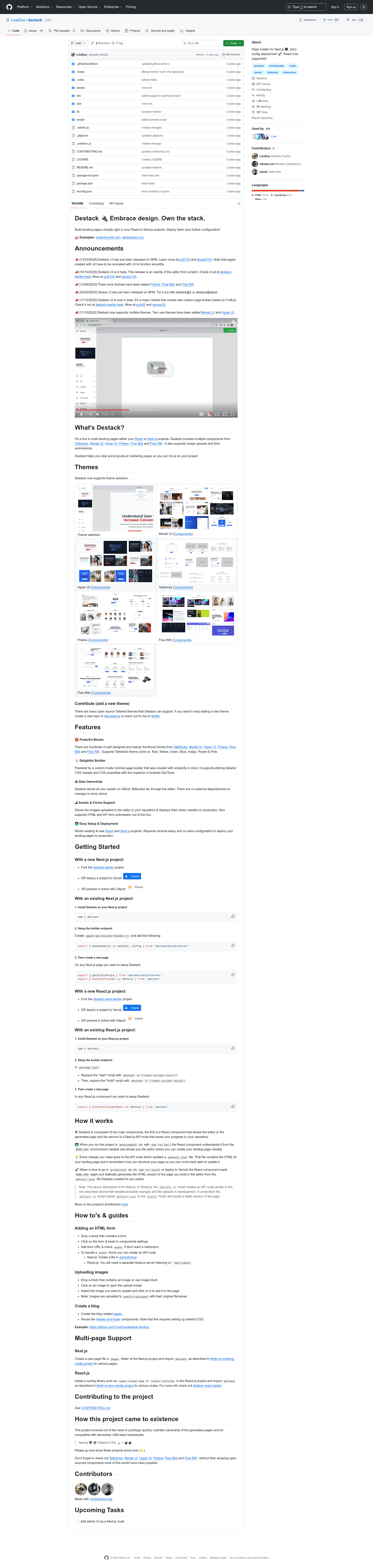
Destack Starter is a minimal Next.js boilerplate for the Destack visual page builder, demonstrating how to serve the visual editor during development and the compiled page in production. It is published on GitHub under the LiveDuo organization and is intended as the starting point for anyone building a Destack-based site.
What is Destack Starter?
Destack Starter is a minimal boilerplate template that connects the Destack visual page builder to a Next.js project. It contains one page, pages/index.js, which shows the visual editor when running in development and the compiled version when running in production. The project also includes a required API route, pages/api/builder/handle.js, that must be set up once to handle template saving and loading. The template is maintained by LiveDuo on GitHub and carries the topics landing-page, nextjs, reactjs, and template.
Key Features
- Single example page — pages/index.js toggles between the visual editor in development and the compiled page in production, so you can see both modes in one route.
- One-time API setup — pages/api/builder/handle.js is the single backend endpoint that saves and loads templates; the README says it has to be set up once.
- Next.js scripts — Standard npm commands are included: npm run dev for development, npm run build for production build, and npm start for running the production server.
- One-click Vercel deployment — The README links to a Vercel deployment flow that clones the repo with pre-filled project and repository names.
- Gitpod workspace — A Gitpod button opens the repository in a pre-configured cloud environment, so you can try the starter without installing locally.
- Minimal footprint — The starter only adds Destack and its required API route to a basic Next.js project, with no extra pages or dependencies mentioned in the README.
Who is it for?
- Next.js developers who want to try Destack's visual builder without building an integration from scratch.
- Landing page builders who prefer to design pages visually and need a minimal Next.js setup that can compile the result for production.
- Open-source contributors who want to understand how Destack's template saving and loading works through the documented API route.
What can you do with Destack Starter?
- Evaluate Destack: Clone the repo, run npm run dev, and open the single page to see the visual editor active in development.
- Build and ship a page: Compose a page in the visual editor, then run npm run build and npm start to serve the compiled production version.
- Deploy to the cloud: Use the provided Vercel link to deploy the starter, or open it in Gitpod to test the environment without local setup.
How does Destack Starter work?
The workflow is documented in the README: clone the repository, install dependencies with npm i, and run npm run dev to start development. For production, run npm run build followed by npm start; the API route at pages/api/builder/handle.js persists the templates you create in the editor.
FAQ
How do I run the development server?
Clone the repository, run npm i to install dependencies, then run npm run dev. This starts the project in development mode, where pages/index.js shows the visual editor.
What does the API route do?
The file pages/api/builder/handle.js is the backend endpoint that handles template saving and loading. The README says this file has to be set up once, and it allows the visual editor to persist templates.
Does Destack Starter include a CSS framework?
The README does not mention any styling system such as Tailwind CSS or styled-components. It is a minimal starter focused on the Destack integration, so you would add your own styling or use Destack's built-in design tools.
Can I deploy Destack Starter to Vercel?
Yes. The README includes a Vercel deployment link that creates a new project with the repository URL and pre-fills the project and repository names. There is also a Gitpod button for a cloud workspace.