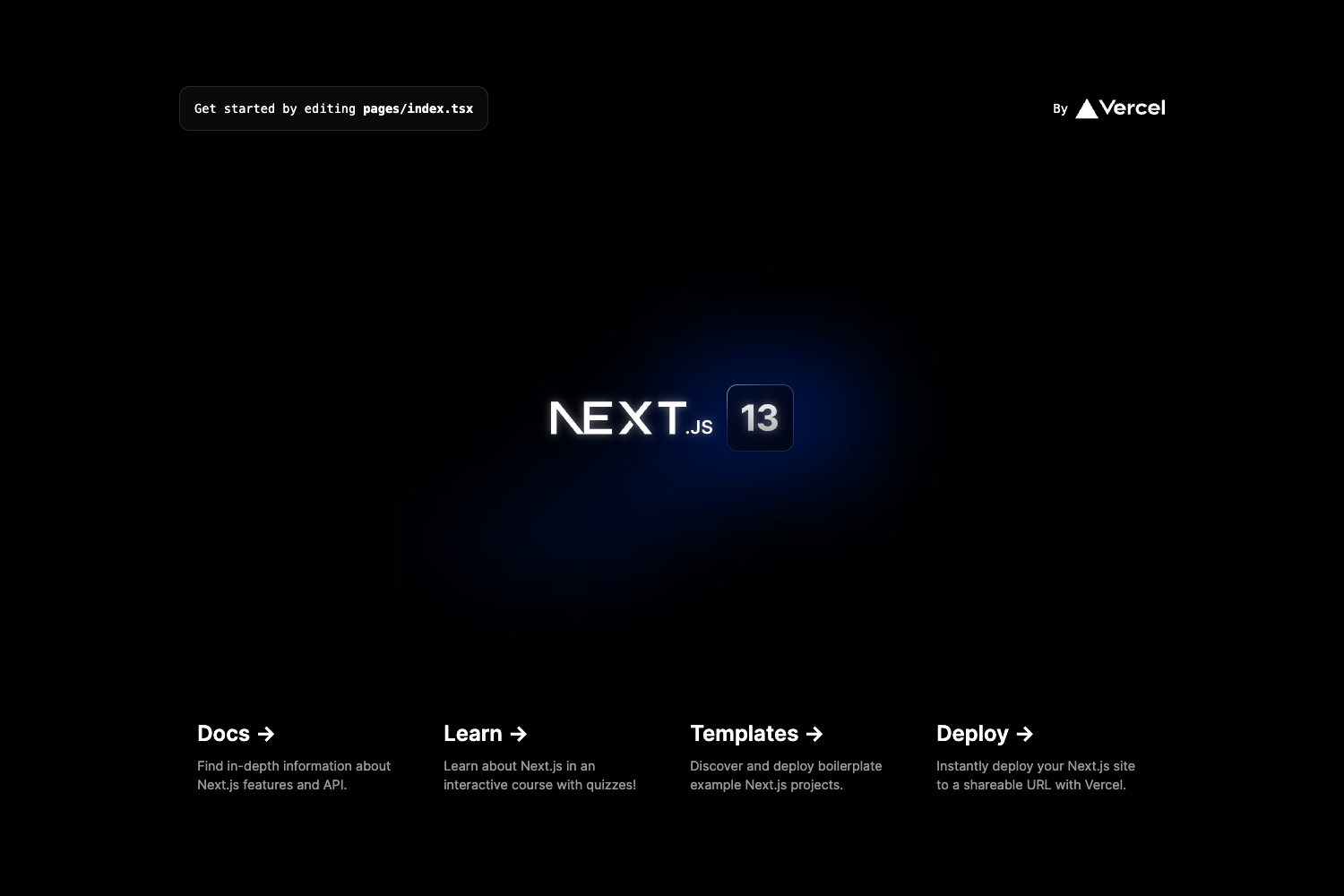
Template details
SIUX Studio Portfolio
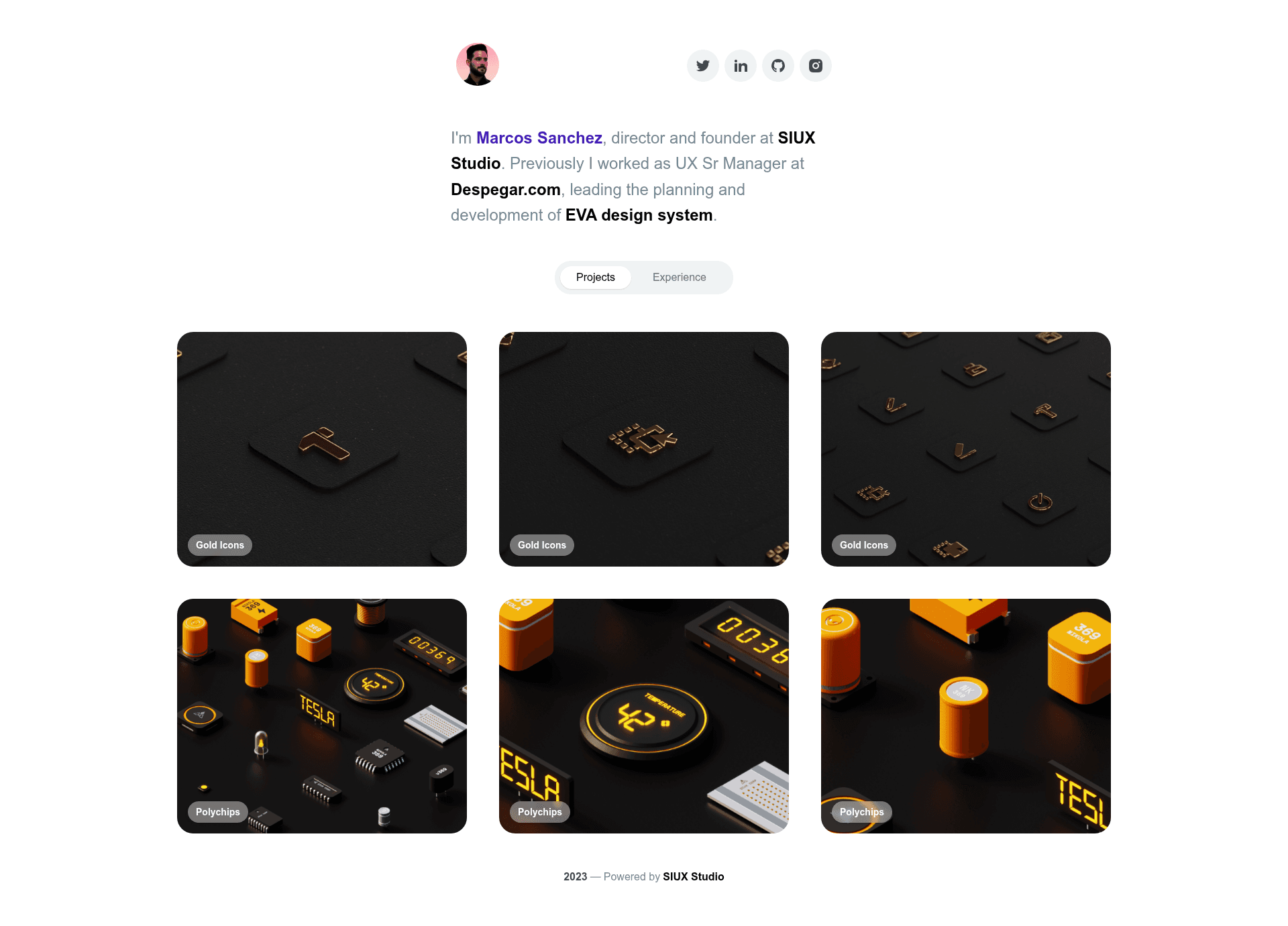
Next.js portfolio template from SIUX Studio for developers and designers to showcase their work quickly.
About this template
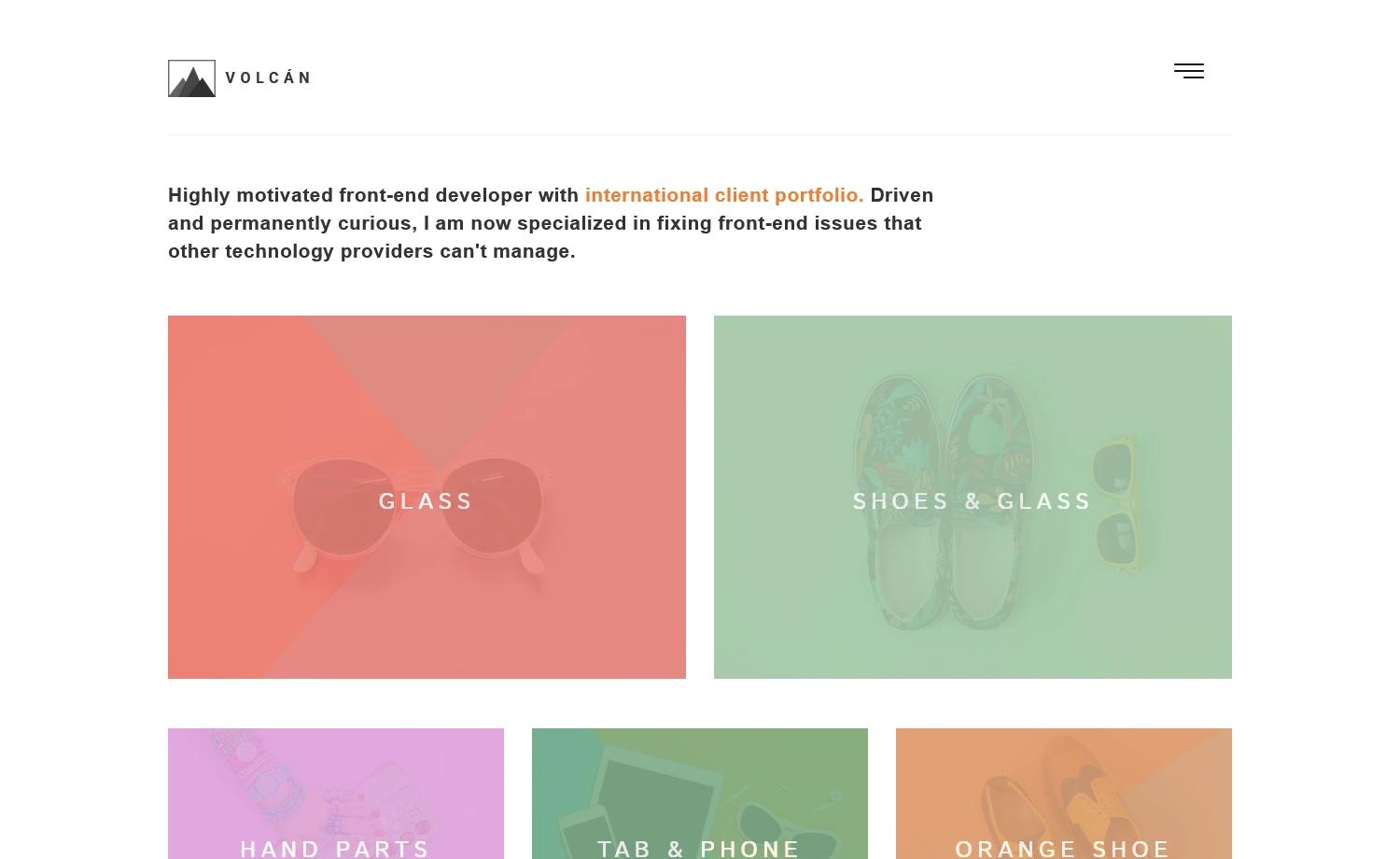
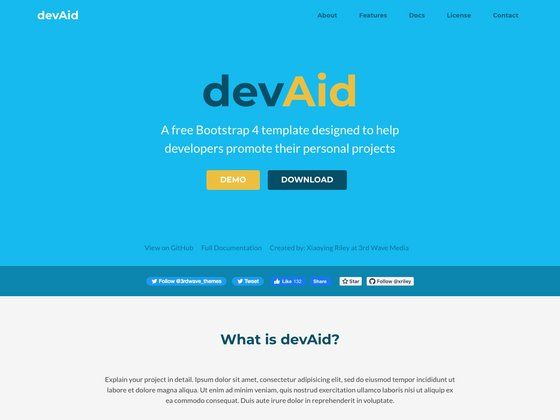
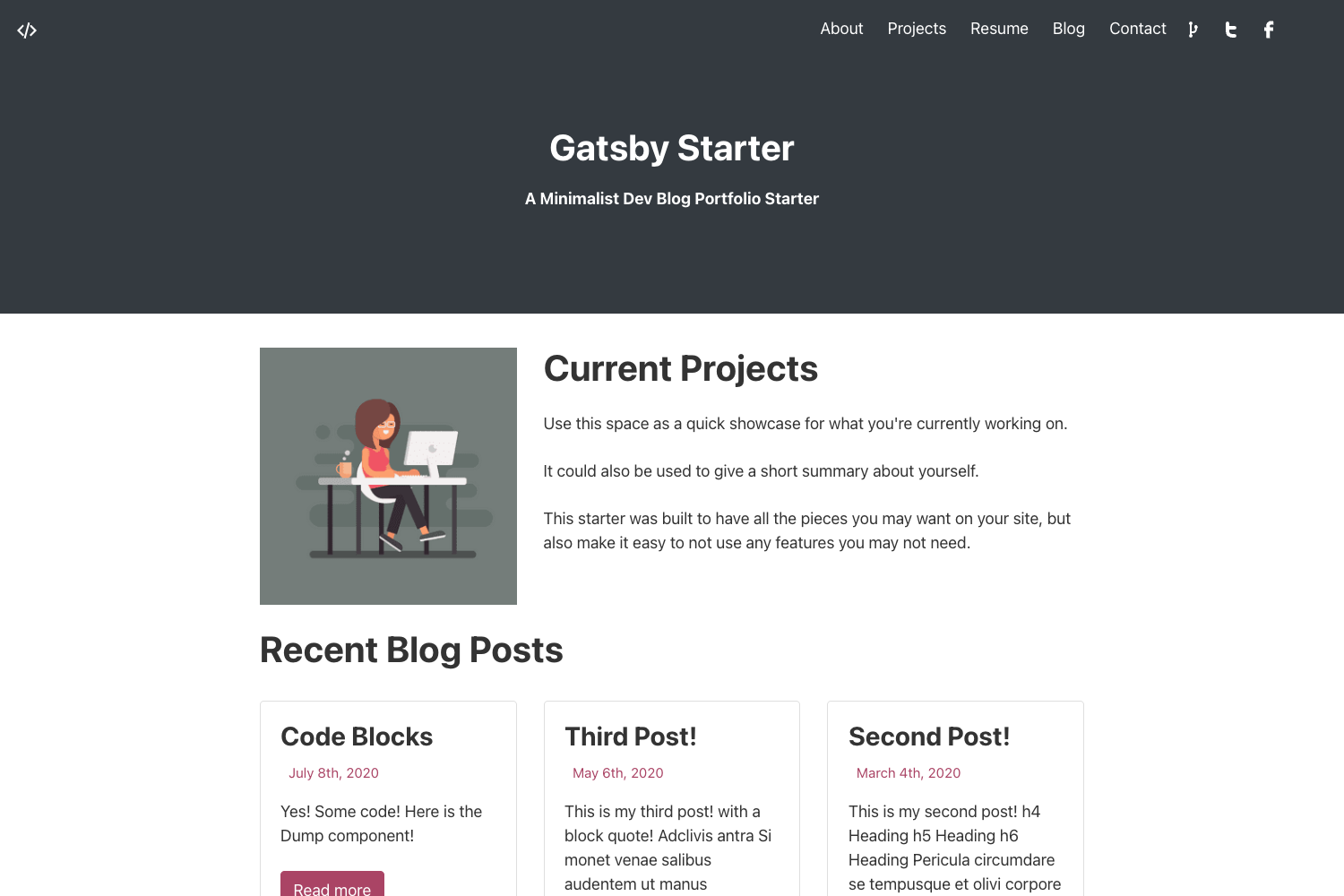
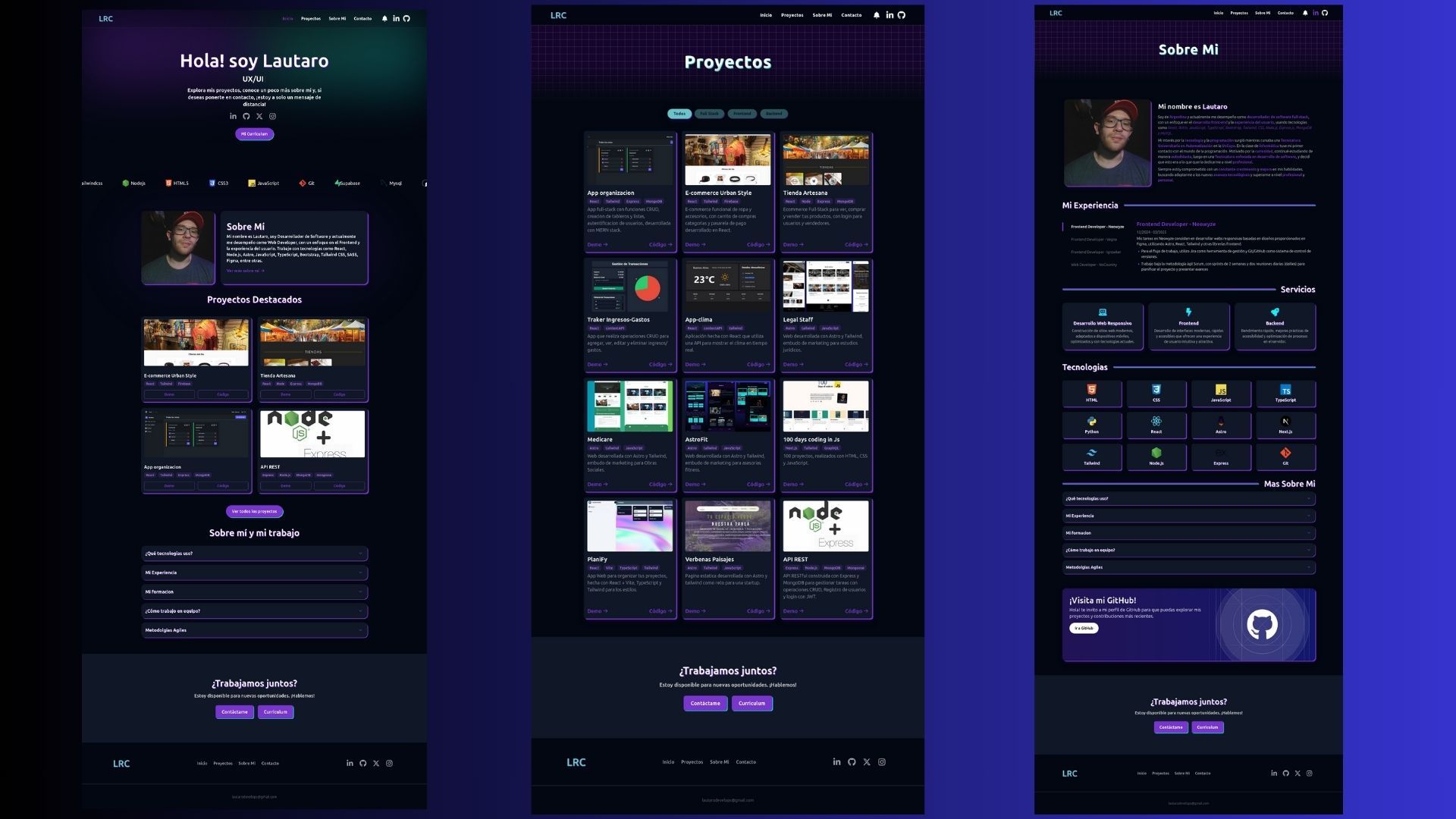
SIUX Studio Portfolio is a free Next.js portfolio template from SIUX Studio that lets developers and designers publish a professional, responsive showcase website quickly.
What is the SIUX Studio Portfolio template?
The SIUX Studio Portfolio template is a Next.js and React starter project that produces a deployable portfolio site. You edit pages/index.js to update the homepage, run npm run dev to preview the site at http://localhost:3000, and deploy the final result to Vercel with one click. The template is published on GitHub by SIUX Studio and integrates the SIUX Studio design system through brand stylesheet links placed in pages/_document.js.
Key Features
- Next.js framework — Built with Next.js and React, providing file-based routing, API routes, and a modern build pipeline for the portfolio site.
- Responsive design — The template's layout is described as modern and responsive, so it adapts cleanly to mobile and desktop screens.
- One-click Vercel deployment — A Deploy with Vercel button clones the GitHub repository and sets up a live deployment without manual configuration.
- SIUX Studio design system integration — Replace the brand stylesheet links in
pages/_document.jsto load your own SIUX Studio brand CSS instead of the defaultsiux.main.cssandsiux.main.responsive.css. - Google Fonts support — Set the
SIUX_STUDIO_BRAND_IDandSIUX_STUDIO_API_KEYenvironment variables, or manually add a Google Fonts link to load families such as Inter and Overpass Mono. - API routes — The
pages/apidirectory maps to/api/*, so you can add backend endpoints; the template ships with a samplepages/api/hello.jsroute. - Live preview — A hosted preview is accessible at
siux-studio-portfolio.vercel.appto see the template's default look before you customize it.
Who is it for?
- Developers — quickly scaffold a personal portfolio site with Next.js and React, then customize the homepage by editing
pages/index.js. - Designers — apply a SIUX Studio brand stylesheet or custom Google Fonts to match a visual identity without writing extensive CSS.
- Independent creatives — use the responsive portfolio layout to present work samples and deploy the site to a free Vercel URL.
What can you do with the SIUX Studio Portfolio template?
- Freelance developers: spin up a professional portfolio in minutes by cloning the repo, running
npm run dev, and deploying to Vercel. - Design studios: load consistent design-system styles by swapping the brand stylesheet links in
pages/_document.jsto their SIUX Studio brand ID. - Next.js learners: explore file-based routing and API routes by editing the included
pages/index.jsandpages/api/hello.jsfiles.
How does the SIUX Studio Portfolio template work?
- Clone the repository or click the Deploy with Vercel button to copy the project.
- Run
npm run devto launch the development server athttp://localhost:3000. - Edit
pages/index.jsto change the homepage content; the page auto-updates as you save. - To apply brand styling, replace the stylesheet links in
pages/_document.jsor set theSIUX_STUDIO_BRAND_IDandSIUX_STUDIO_API_KEYenvironment variables in a.envfile. - Deploy the finished site to Vercel using the one-click button or the Vercel CLI.
FAQ
How do I run the template locally?
Run npm run dev in the root directory after cloning the repository, then open http://localhost:3000 in your browser to preview the site.
How do I deploy to Vercel?
Click the Deploy with Vercel button on the GitHub README, sign in to Vercel, and the service will clone the repository and create a live deployment automatically.
How do I change the Google Fonts?
Add the SIUX_STUDIO_BRAND_ID and SIUX_STUDIO_API_KEY environment variables to a .env file in the project root, or manually add a Google Fonts stylesheet link in pages/_document.js using the link format shown in the README.
What pages are included in the template?
The template includes a homepage at pages/index.js and a sample API route at pages/api/hello.js. It uses Next.js file-based routing, so you add more pages by creating new files in the pages directory.