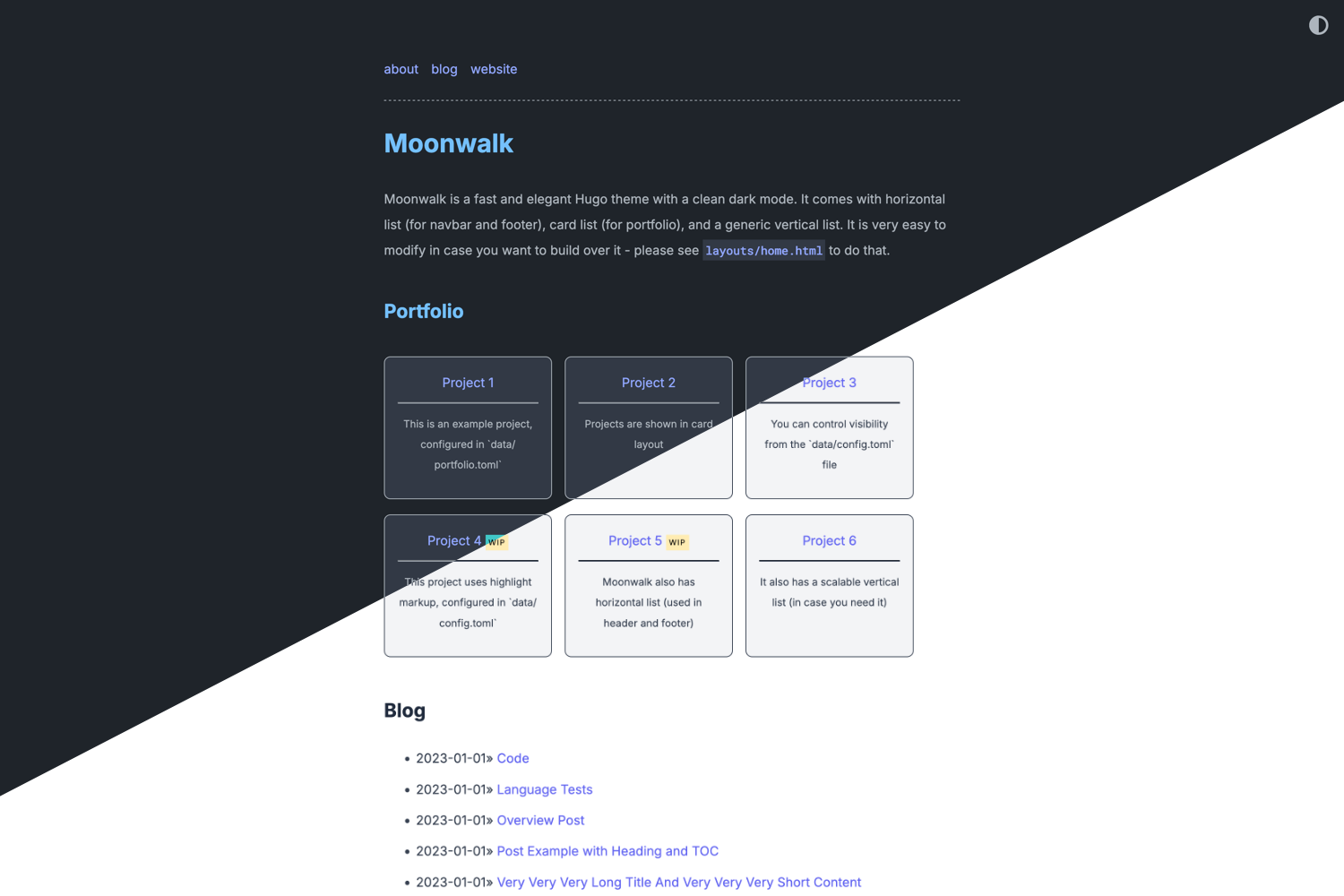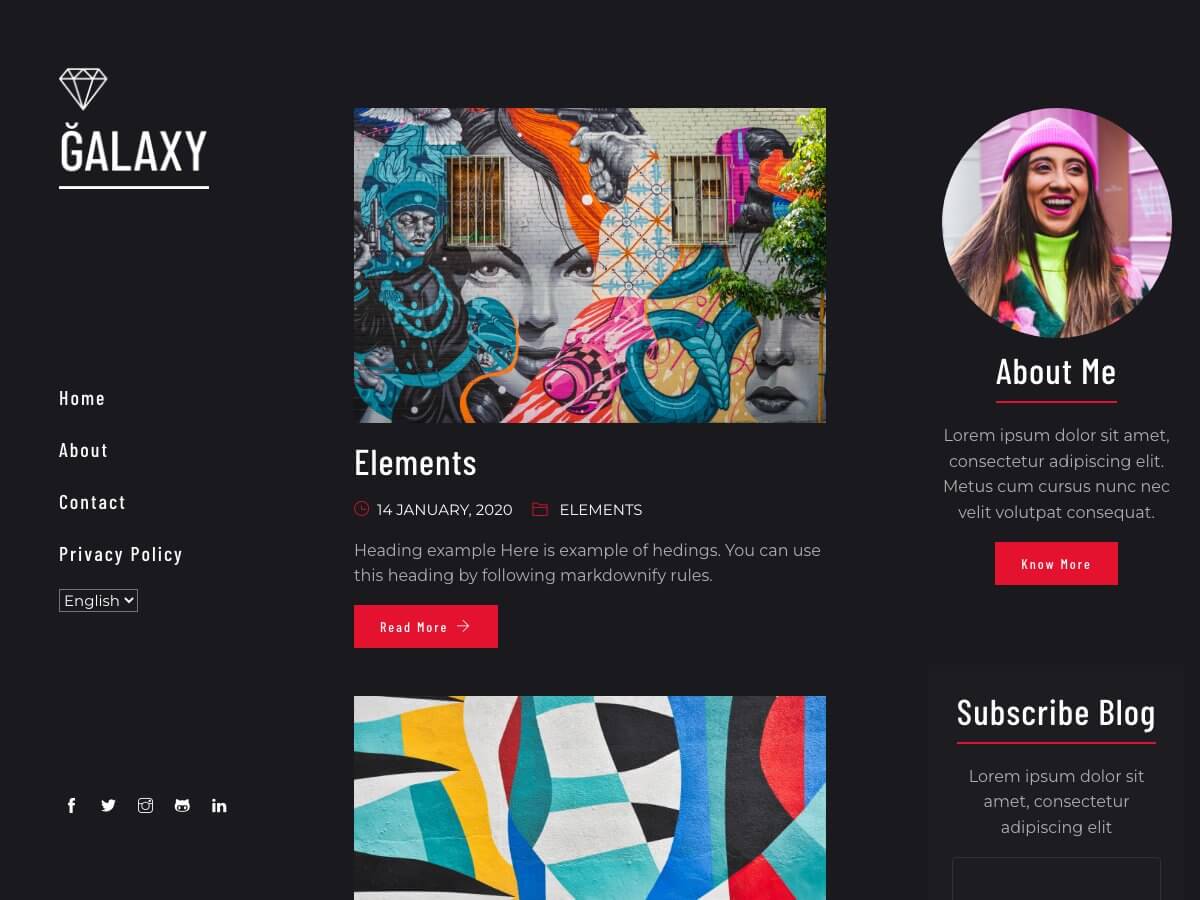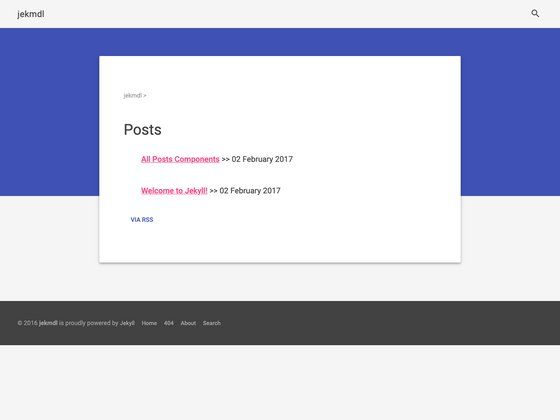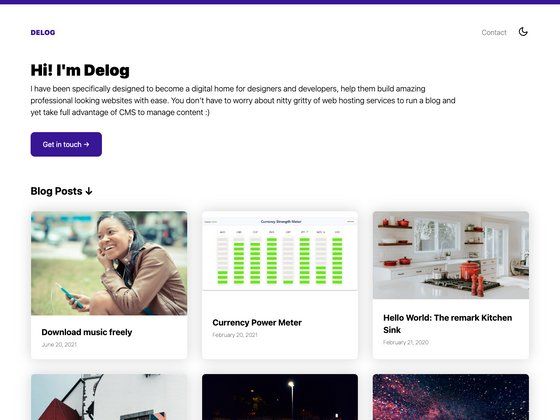
Template details
Developer blog
Open-source developer blog template built with Astro and Tailwind, featuring content collections, themes, and multi-platform deployment.
About this template
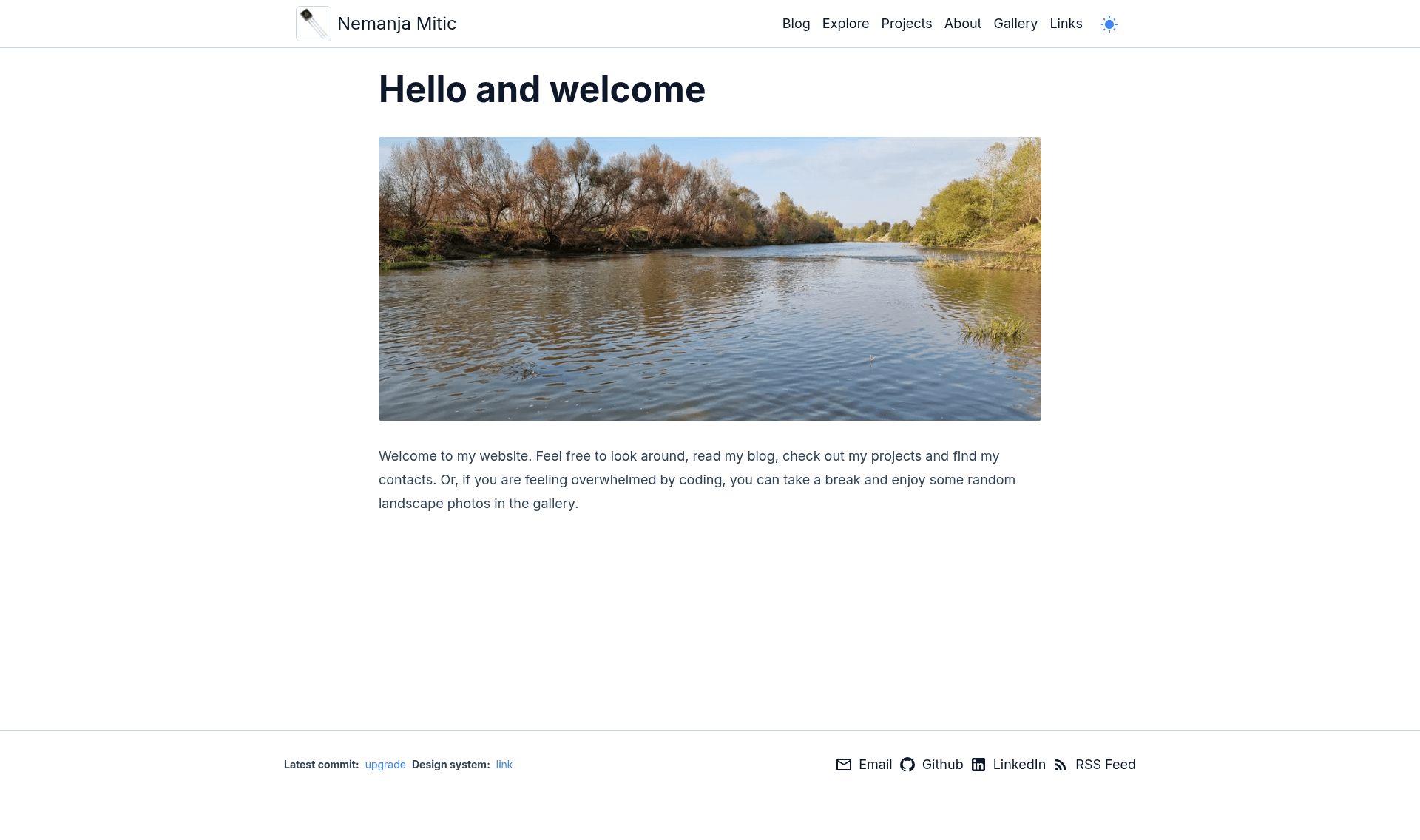
Developer blog is a free, open-source Astro template for building a personal developer blog and portfolio, created by Nemanja Mitić for his site nemanjamitic.com. It takes Markdown and MDX files organized into Post and Project content collections and outputs a statically generated website with Tailwind CSS styling, React-powered interactive components, and full TypeScript validation.
What is Developer blog?
Developer blog is a free, open-source Astro starter for personal developer blogs and portfolios, published on GitHub by Nemanja Mitić. It accepts Markdown and MDX content files in Post and Project collections, and it produces a static, SEO-friendly website with light/dark themes, tags and categories, pagination, RSS and JSON feeds, and draft-preview support. The project runs on the latest Astro with React islands, and it provides deployment paths for Nginx, GitHub Pages, Vercel, and Docker in both x86 and arm64 architectures.
Key Features
- Content collections — Posts and Projects are authored as .mdx files and validated with centralized Zod schemas, with Tags (1:N) and Categories (1:1) relations as well as calculated reading time.
- Theming and styling — Tailwind CSS with light/dark modes and color themes stored as CSS variables in two levels, plus a custom typography system that keeps prose content and components in sync.
- SEO and metadata — Typed, centralized metadata for every page type with fallback defaults, a build-time sitemap, and Satori-generated Open Graph images on a gradient background.
- Analytics and comments — Plausible analytics configured through build-time environment variables, Giscus comments that sync with the dark theme, and sharing for Twitter, Facebook, Reddit, LinkedIn, and Hackernews.
- Content features — Draft posts enabled via PREVIEW_MODE, RSS and JSON static feeds, expressive-code syntax highlighting, astro-embed for Twitter/YouTube/Vimeo/OG links, and a table-of-contents component.
- Deployment — GitHub Actions workflows and local bash scripts for Nginx, GitHub Pages, Vercel, and Docker images built for linux/amd64 and linux/arm64.
- Code quality — Full TypeScript with path aliases, ESLint and Prettier with sorted imports, and build-time validation of both environment variables and config through Zod schemas.
- Extra pages — Paginated tag, category, and Explore archive pages for filtering posts, plus a design system under /design that previews all visual components.
Who is it for?
Developer blog is built for developers who want a personal blog with a maintainable, transparent codebase rather than a closed theme. It suits technical writers who publish code-heavy articles, developers who self-host on Nginx or Docker in a homelab, and anyone who wants to deploy the same static site to Nginx, GitHub Pages, Vercel, or Docker using the included GitHub Actions workflows. It also works as a learning resource, since the README documents the code structure, implementation details, and the credits for every reused component.
What can you do with Developer blog?
- Technical bloggers: write Markdown or MDX posts with code syntax highlighting, Twitter/YouTube/OG embeds, and Giscus comments, using draft status and preview mode before publishing.
- Homelab operators: deploy the static output to Nginx or run the Docker image on arm64 or amd64 servers, using the provided bash scripts and SSH-based deploy helpers.
- Portfolio builders: present projects through the Project collection with tags, categories, pagination, and share links alongside the blog.
- Astro learners: fork the repository to study a structure with extracted constants, modules, queries, hierarchical layouts, and validated Zod schemas for content and config.
How does Developer blog work?
The site is statically generated at build time: Post and Project .mdx collections are queried through the modules folder, and all environment variables (SITE_URL, PLAUSIBLE_SCRIPT_URL, PLAUSIBLE_DOMAIN, PREVIEW_MODE) are inlined at build time and ignored at runtime. Deployment works by copying the /dist output into an Nginx web root, pushing to GitHub Pages, using the Vercel Deploy button or CLI, or building and pushing a multi-arch Docker image. The latest git commit info is displayed in the footer so the deployed version can be identified at a glance.
FAQ
Is Developer blog free?
Developer blog is free and open source, published in the nemanjam/nemanjam.github.io repository on GitHub. The README states that anyone is free to reuse and customize the code for their own developer blog; only blog posts (future) require attribution.
Does Developer blog support comments and analytics?
Yes. Comments are handled by Giscus and sync their dark mode with the site theme. Analytics are handled by Plausible and configured through the PLAUSIBLE_SCRIPT_URL and PLAUSIBLE_DOMAIN environment variables, which can point to Plausible's hosted service or a self-hosted instance.
Which deployment platforms are supported?
Four deployment methods are included: Nginx, GitHub Pages, Vercel, and Docker. Each has ready-made GitHub Actions workflows plus local deployment scripts, and Docker supports building for both linux/amd64 and linux/arm64. A Vercel Deploy button is also available for one-click project creation.
What content types can I publish?
The template defines two content collections. Posts are blog articles with tags, categories, reading time calculation, and a table of contents; Projects are portfolio items. Both are authored as .mdx files, validated by Zod schemas, and can be flagged as drafts that appear only in preview mode.