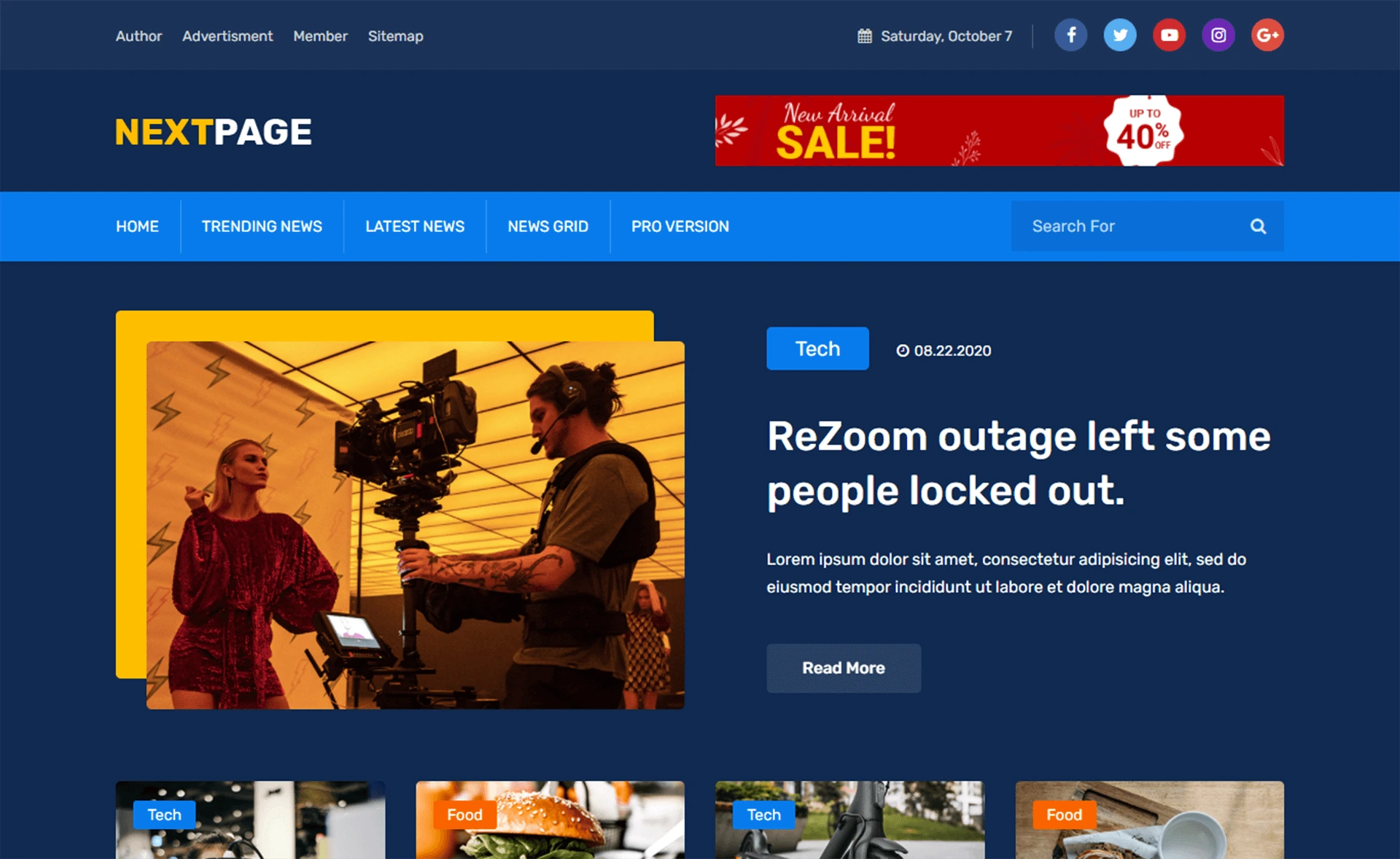
Template details
Dgraph
A responsive Hugo blog theme with Discourse commenting and syntax highlighting for code samples.
About this template
Dgraph is a responsive Hugo blog theme built by the Dgraph team, designed to power personal and company blogs with a list view of posts and dedicated post pages. It is the theme used for the Dgraph Blog at https://blog.dgraph.io and is available as an open-source project on GitHub.
What is Dgraph?
Dgraph is a Hugo-based blog theme that takes Markdown content and generates a static blog with a responsive list view showing an image for each post and a clean individual post page. It runs on Hugo, the static site generator, and is maintained by dgraph-io, the team behind the Dgraph graph database. Inputs are standard Hugo content files and site configuration; outputs are deployable static HTML pages.
Key Features
- Responsive design — The layout adapts to mobile, tablet, and desktop screens without extra configuration.
- Discourse integration — Commenting is handled via Discourse, an open-source forum platform, so readers can discuss posts without a separate commenting system.
- Syntax highlighting — Code samples in posts are highlighted for readability, useful for technical blogs.
- Pagination — The theme includes built-in pagination, displaying 10 posts per page by default; the number can be changed by setting
paginateinconfig.toml. - Author and editor partials — Includes
author_image.html,author_name.html, andauthor_detail.htmlpartials for displaying author and editor names, images, and details on posts. - MIT License — The theme is freely usable and modifiable under the MIT License, as stated in the repository's LICENSE file.
Who is it for?
- Individual bloggers — Start a personal blog with a clean, responsive layout and automatic pagination, without building a theme from scratch.
- Companies — Publish company news and technical articles with support for Discourse comments to engage with readers.
- Developers — Use the theme as a base for a technical blog, taking advantage of built-in syntax highlighting for code snippets.
What can you do with Dgraph?
- Technical bloggers: Write Markdown posts with code samples and get them displayed with syntax highlighting and orderly pagination.
- Community managers: Enable Discourse commenting to turn blog posts into discussion threads without adding a dedicated comment widget.
- Theme developers: Fork the repository and customize the partials for author and editor details, or adjust the
paginatesetting to change the post count per page.
How does Dgraph work?
To install the theme, clone the repository into your Hugo site's themes directory: git clone https://github.com/dgraph-io/hugo-dgraph-theme inside themes/. Then set the theme in your site's config.toml and include the sample configuration from the exampleSite directory. The theme follows Git flow, so contributions should come from feature branches on the develop branch.
FAQ
Is Dgraph free to use?
Yes, the theme is licensed under the MIT License, meaning it is free to use, modify, and distribute, including for commercial projects. The LICENSE file is included in the repository.
What platform does Dgraph run on?
Dgraph is built for Hugo, a static site generator. You can use it with any Hugo site by placing the theme in the themes directory and setting it as your active theme.
Does Dgraph support comments?
Yes, comments are supported through Discourse. Instead of a built-in comment system, you integrate Discourse to handle discussions on your blog posts.
Can I change the number of posts per page?
Yes, add paginate = <number of blogs per page> to your config.toml file. The default is 10 posts per page.
What is the live demo?
The Dgraph Blog at https://blog.dgraph.io uses this theme, so you can see it in action there.