Template details
Hugo Mediumish
Mediumish Hugo theme: a customized port of the Jekyll theme with landing page, tags, Disqus, Google Analytics, and Mailchimp.
About this template
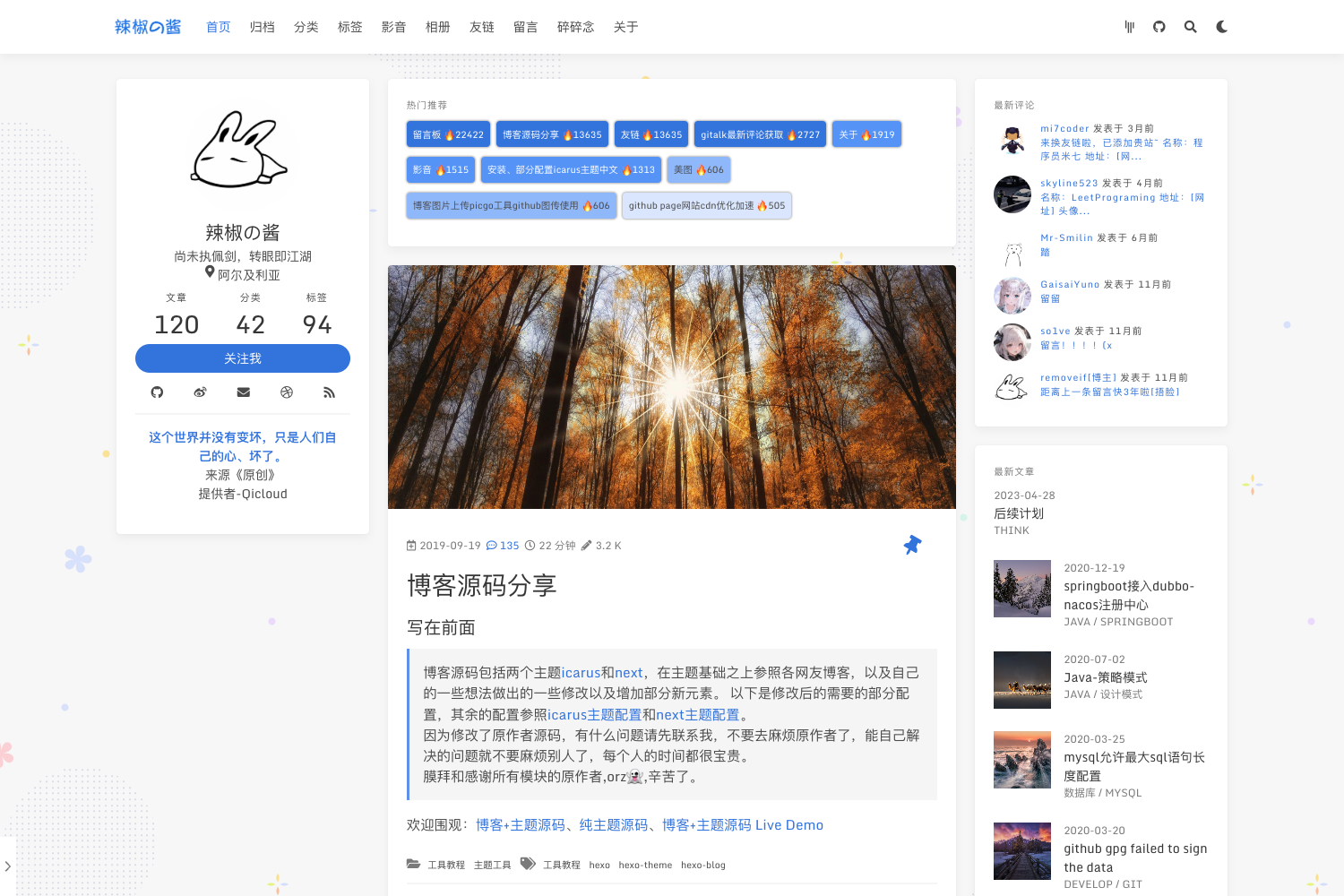
Mediumish Hugo Theme is a Hugo blog theme, a customized port of the Mediumish Jekyll theme by WowThemesNet, that provides a Medium-style blog layout with a landing page, tag-based post organization, and integrations for Disqus, Google Analytics, and Mailchimp.
What is the Mediumish Hugo Theme?
The Mediumish Hugo Theme is an open-source Hugo theme that turns a standard Hugo site into a blog with a separate landing page, a 404 page, and tag-driven navigation. It accepts Hugo content files — posts with front matter, page bundles for cover images, and static pages — and outputs a styled blog with social sharing links, pagination, and a jumbotron tag overview. It was created by the GitHub user lgaida as a port of the Mediumish Jekyll theme and is released under the MIT License.
Key Features
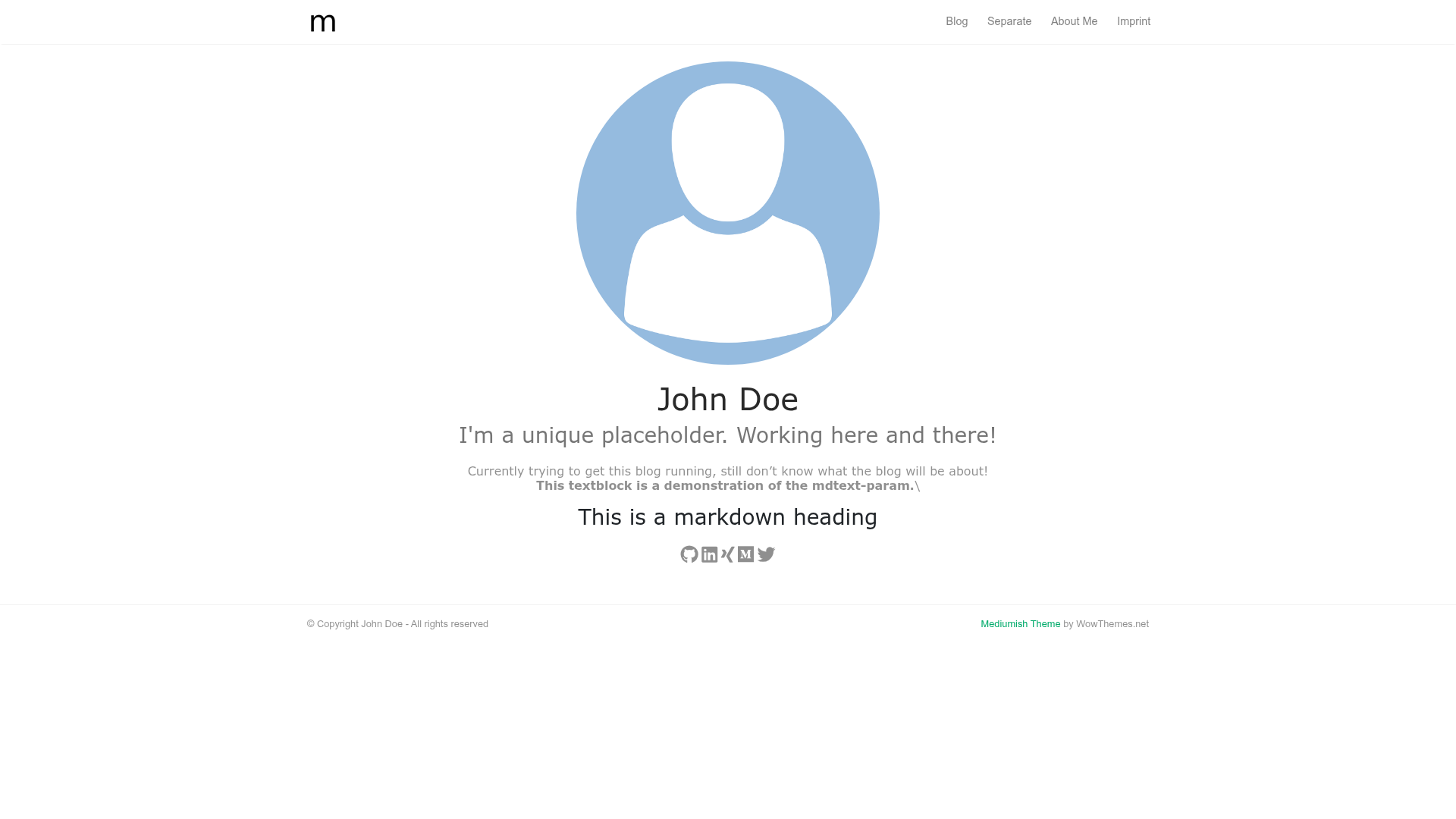
- Landing page — A configurable landing page with a profile picture, title, subtitle, markdown text block (mdtext), and an alertbar toggle; social icons for GitHub, LinkedIn, Xing, Twitter, Medium, and Instagram are shown from params.social.
- Posts with tags and sharing — Posts support tags in front matter, display publishdate and lastmod on the single view, and are shareable via social media.
- Cover images — Uses Hugo page bundles: place an image with "cover" in its name next to index.md, and it becomes the post's cover and is used for Twitter and OpenGraph cards.
- Custom pagination and Prev/Next links — Includes its own pagination controls and previous/next post navigation.
- Tag overview in jumbotron — A jumbotron on the list view displays all tags used across posts.
- Disqus comments — Per-post comments can be enabled via the comments front matter field and the global disqusShortname config.
- Google Analytics — Accepts a googleAnalytics code in config.toml.
- Mailchimp alertbar — A subscription alertbar appears when mailchimp and mailprotect params are configured.
- Custom CSS — The customCSS param lets you add your own stylesheet paths.
- Static content pages — Content of type "static" renders as standalone pages (for example, an imprint) with the list layout disabled.
- 404 page — Includes a custom 404 layout.
Who is it for?
- Hugo bloggers: Users who want a Medium-looking blog without writing a theme from scratch, and who need tags, cover images, and social sharing out of the box.
- Developers who want a customizable theme: Users who want to tweak the theme with customCSS or extend it, since the source is on GitHub with an issue tracker and pull requests.
- Newsletter-driven content creators: Bloggers who need a Mailchimp signup alertbar to grow their subscriber list.
- Non-technical site owners: Users who need a simple static page (like an imprint) without a blog listing, thanks to the "static" content type layout.
What can you do with the Mediumish Hugo Theme?
- Personal bloggers: Publish posts with tags and cover images, and let readers comment via Disqus.
- Developers: Add a custom CSS file through customCSS to tweak the design without forking the theme.
- Site owners: Create standalone pages like an imprint or about page using the dedicated "static" content layout.
- Marketers: Enable the Mailchimp alertbar to capture email subscribers from the landing page.
How does the Mediumish Hugo Theme work?
To install, clone the repository into your Hugo site's themes folder and set theme = "mediumish-gohugo-theme" in config.toml. Posts are created with hugo new blog/my-first-post/index.md (using page bundles), and the front matter fields publishdate, lastmod, tags, and comments control metadata and social sharing. The theme requires a file named jumbotron.jpg in static/images for the CSS.
Pros and cons
Pros:
- Free and open source under the MIT License.
- Adds features over the original Jekyll version, including a landing page and Mailchimp integration.
- Supports custom CSS and page bundles for cover images.
- The demo and demo source are available for reference.
Cons:
- The author has deprecated the theme and no longer reviews issues or merges larger pull requests.
- Users must rely on the project's forks and network for community-maintained customizations.
- The original Jekyll theme ships with more features than this port.
Pricing
The Mediumish Hugo Theme is free to use, released under the MIT License.
Alternatives
- Mediumish Jekyll Theme by WowThemesNet — the original theme this port is based on, which ships with more features than the Hugo version.
FAQ
Is the Mediumish Hugo Theme free?
Yes, the theme is released under the MIT License, so it is free to use, modify, and distribute, with attribution requested. There are no paid tiers.
What is the difference between this and the original Jekyll theme?
This is a Hugo port by lgaida, and it adds a landing page, custom CSS support, and Mailchimp integration. The original Jekyll theme by WowThemesNet has more built-in features, and this port drops some while adding others.
How do I add a cover image to a post?
Create a page bundle for the post (a folder with index.md), place an image file with "cover" in its name inside that folder, and the theme will use it as the post's cover and for Twitter and OpenGraph cards.
Does the theme support comments and analytics?
Yes, comments are enabled per post with the comments front matter field and Disqus, and Google Analytics is configured via the googleAnalytics parameter in config.toml.
Is the theme still maintained?
The author has added a deprecation note stating he will no longer personally review the project, though the theme remains usable and the repository has community forks with further customizations.