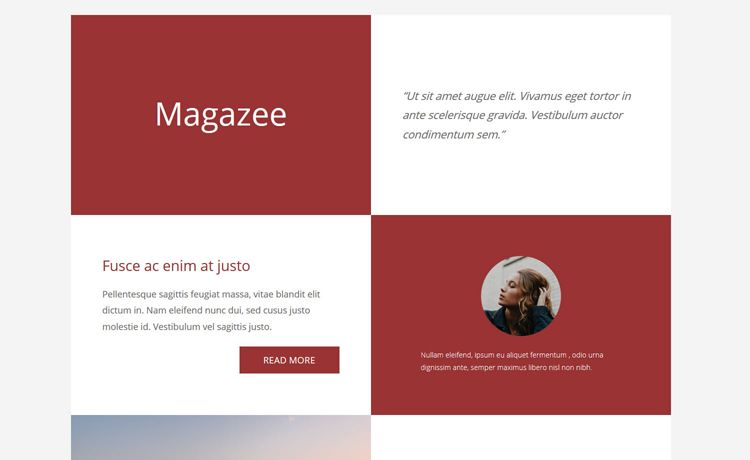
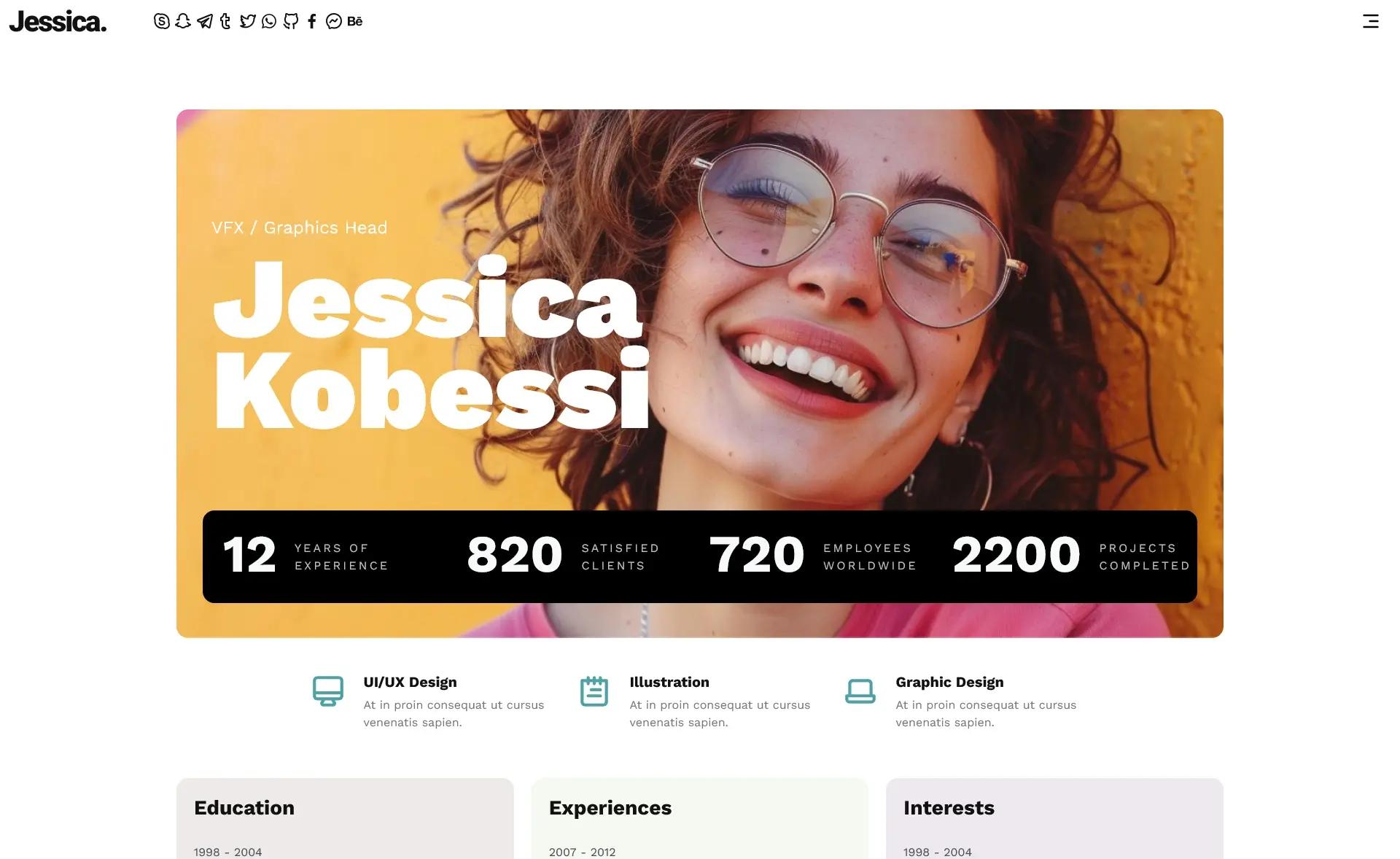
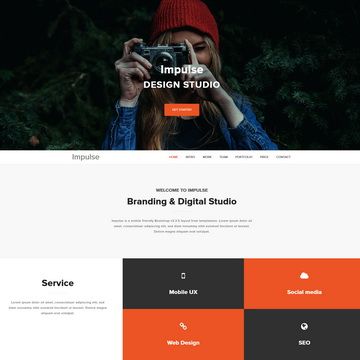
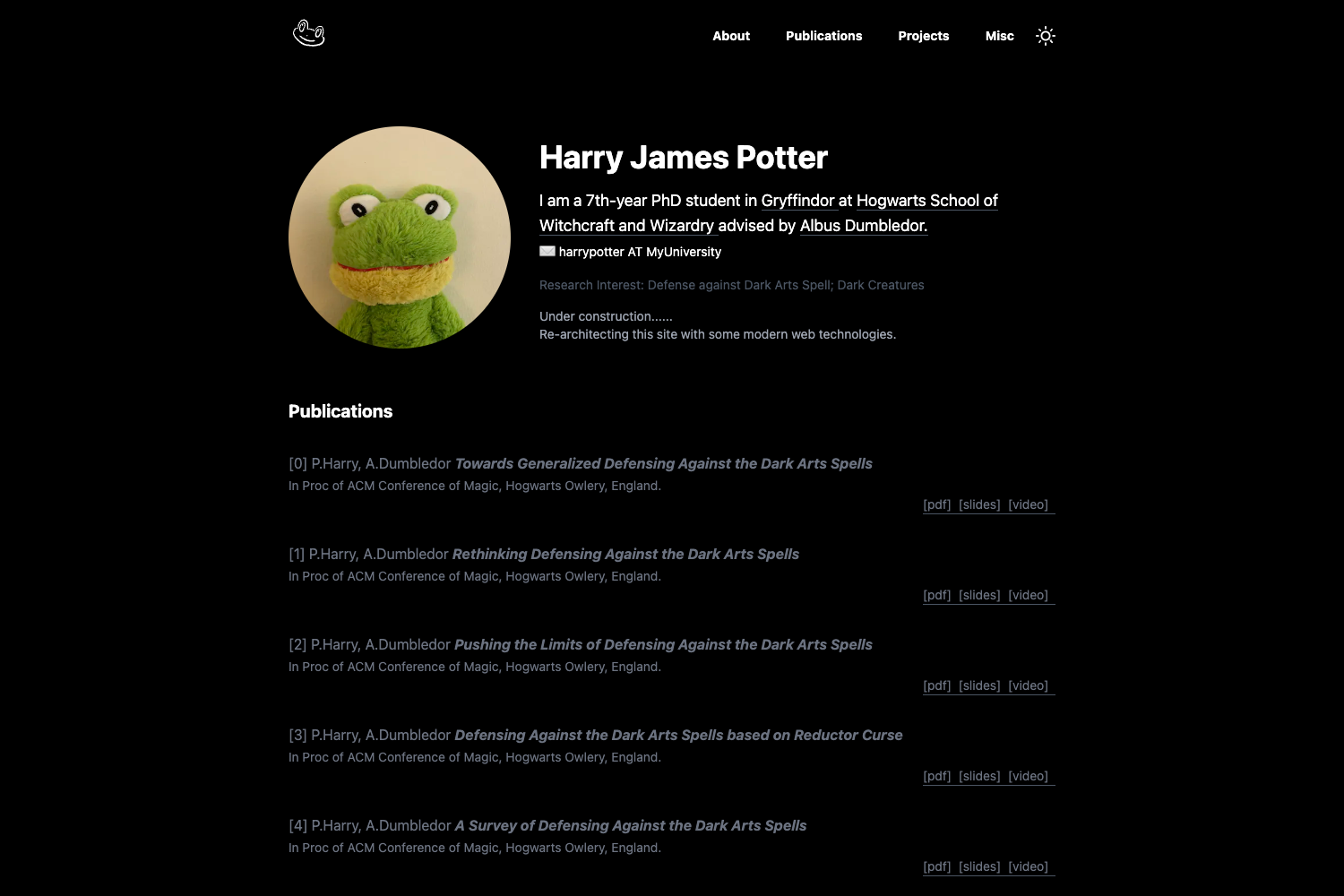
Template details
Dizer Jekyll
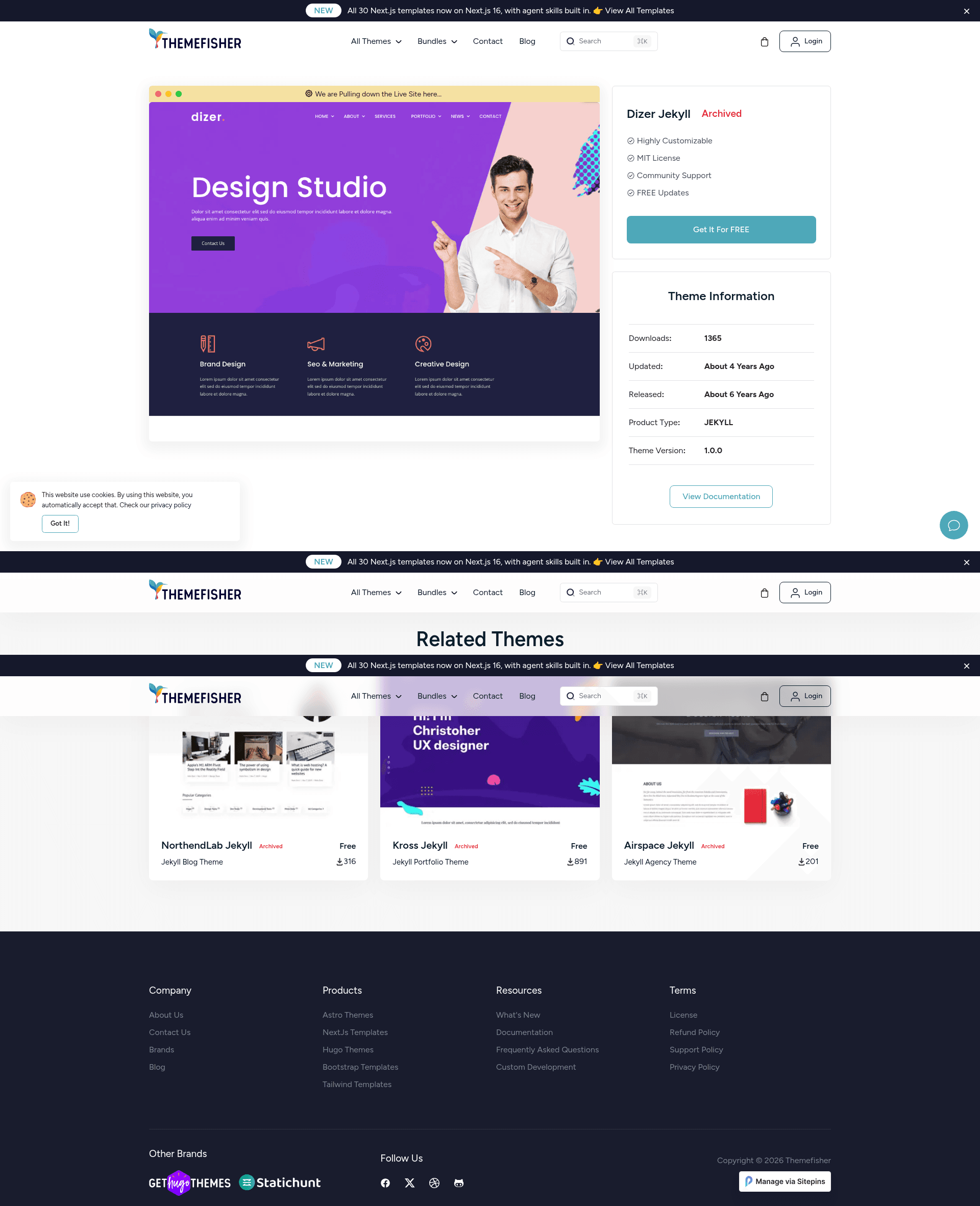
A Jekyll portfolio theme with YAML-based customization and Sitepins CMS support.
About this template
Dizer Jekyll is a free Jekyll portfolio theme by Themefisher that builds a personal portfolio website from a single YAML settings file and deploys directly to GitHub Pages.
What is Dizer Jekyll?
Dizer Jekyll is a Jekyll portfolio theme ported from the Dizer HTML Template, designed and developed by Themefisher. The theme takes content defined in _data/settings.yml and generates a static portfolio site through the Jekyll static site generator. It is built to run on GitHub Pages with minimal setup, and it includes pre-configured integration with the Sitepins Git-based headless CMS for visual content editing.
Key Features
- YAML-driven sections — Hero, About, Team, Skills, Experience, Education, Services, Portfolio, Testimonials, Client Slider, and Contact sections are all configurable from
_data/settings.yml, so no HTML or CSS editing is required for content changes. - GitHub Pages ready — Forking the repository makes the site live immediately at your GitHub Pages URL, like
https://yourusername.github.io/your-repo-name/, after enabling Pages. - Sitepins CMS integration — The template includes a button and configuration for Sitepins, allowing text and images to be edited visually without touching code.
- Local development — Run
bundle installto install dependencies andjekyll serveorbundle exec jekyll serveto preview the site locally. - MIT license — The theme code is released under the MIT license, free for personal and commercial use. Demo images are not included in the license and are for demonstration only.
- Customizable without code — General settings (site name, logo, email, phone, address) and all section content live in one YAML file.
Who is it for?
- Creative professionals — Designers, photographers, and developers can use the portfolio and testimonials sections to display their work and client feedback.
- Freelancers — The contact section and client slider help freelancers present client logos and make it easy for potential clients to reach out.
- Jekyll developers — Those comfortable with Jekyll can modify the underlying templates or extend the data files for deeper customization.
- Non-technical site owners — With Sitepins, users can update text and images through a web interface without knowledge of HTML or Liquid.
What can you do with Dizer Jekyll?
- Launch a portfolio quickly — Fork the repo, enable GitHub Pages, and your portfolio is online without server configuration.
- Showcase services and skills — Use the Services, Skills, and Experience sections to describe what you offer and your background.
- Display team and testimonials — Add team members and client quotes to build trust with visitors.
- Manage content visually — Use the Sitepins integration to edit the site's content from a CMS interface.
How does Dizer Jekyll work?
To get started, fork the repository on GitHub; your site is then served from GitHub Pages. For local editing, run bundle install followed by jekyll serve to launch a development server. Content changes are made in _data/settings.yml, or through the Sitepins app by clicking the "Edit with Sitepins" button.
Pricing
Dizer Jekyll is free to use under the MIT license. The demo images have their own separate licenses and are not permitted for redistribution.
FAQ
Is Dizer Jekyll free?
Yes, the theme code is released under the MIT license, so it can be used and modified freely. The placeholder images in the demo are for demonstration purposes and are not covered by that license.
How do I deploy Dizer Jekyll?
Fork the repository and enable GitHub Pages in your repo settings. The site will be available at your GitHub Pages URL. Alternatively, run Jekyll locally with bundle exec jekyll serve.
Can I edit content without coding?
Yes, you can edit _data/settings.yml to update text and site settings. The Sitepins CMS integration also provides a visual editor for content, requiring no code.
What sections are included?
The theme includes Hero, About, Team, Skills, Experience, Education, Services, Portfolio, Testimonials, Client Slider, and Contact sections, all customizable through the YAML settings file.