Template details
NextJS Academic Theme
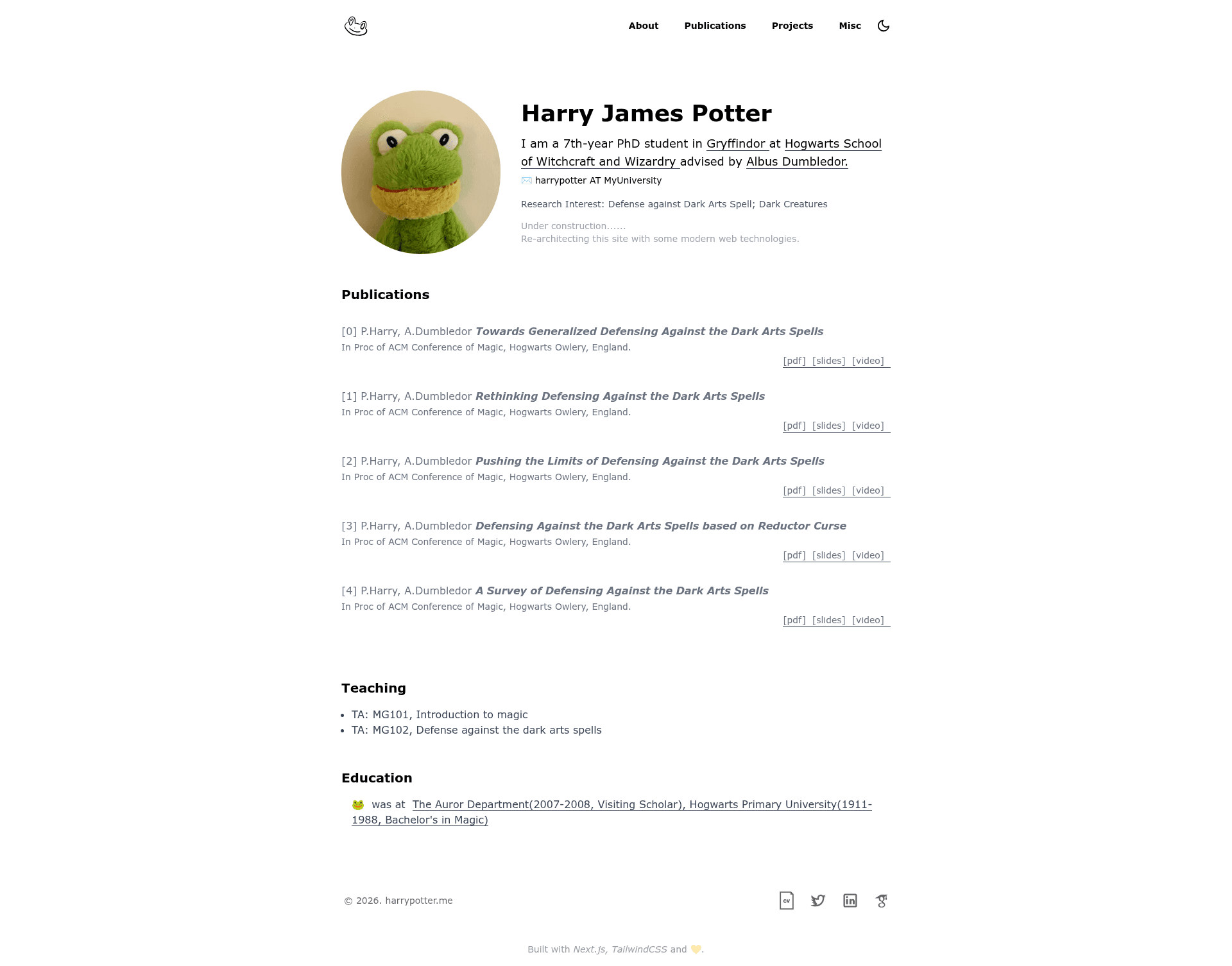
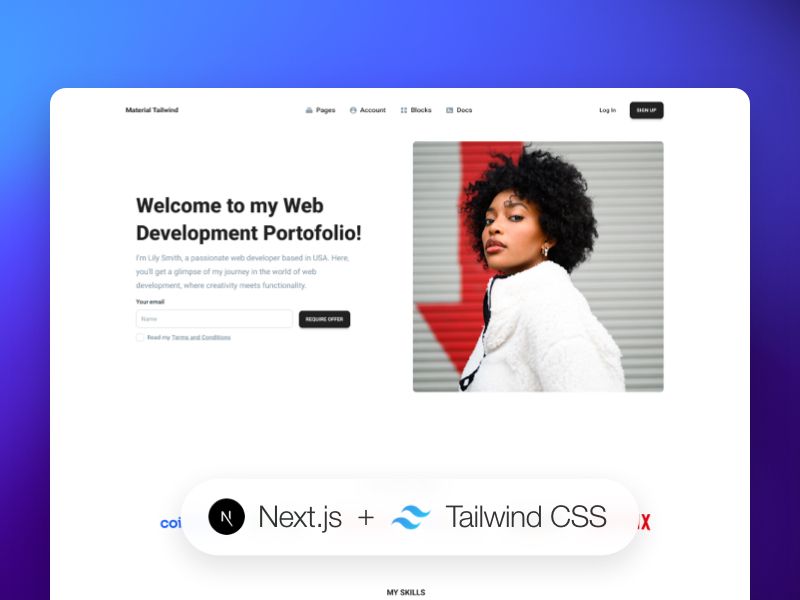
A simple academic personal website template built with Next.js and Tailwind CSS, featuring JSON-driven content and Vercel deployment.
About this template
NextJS Academic Theme is an open-source portfolio template for academics that generates a personal website from JSON data files using Next.js and Tailwind CSS, prioritizing performance, accessibility, and privacy-friendly traffic tracking.
What is NextJS Academic Theme?
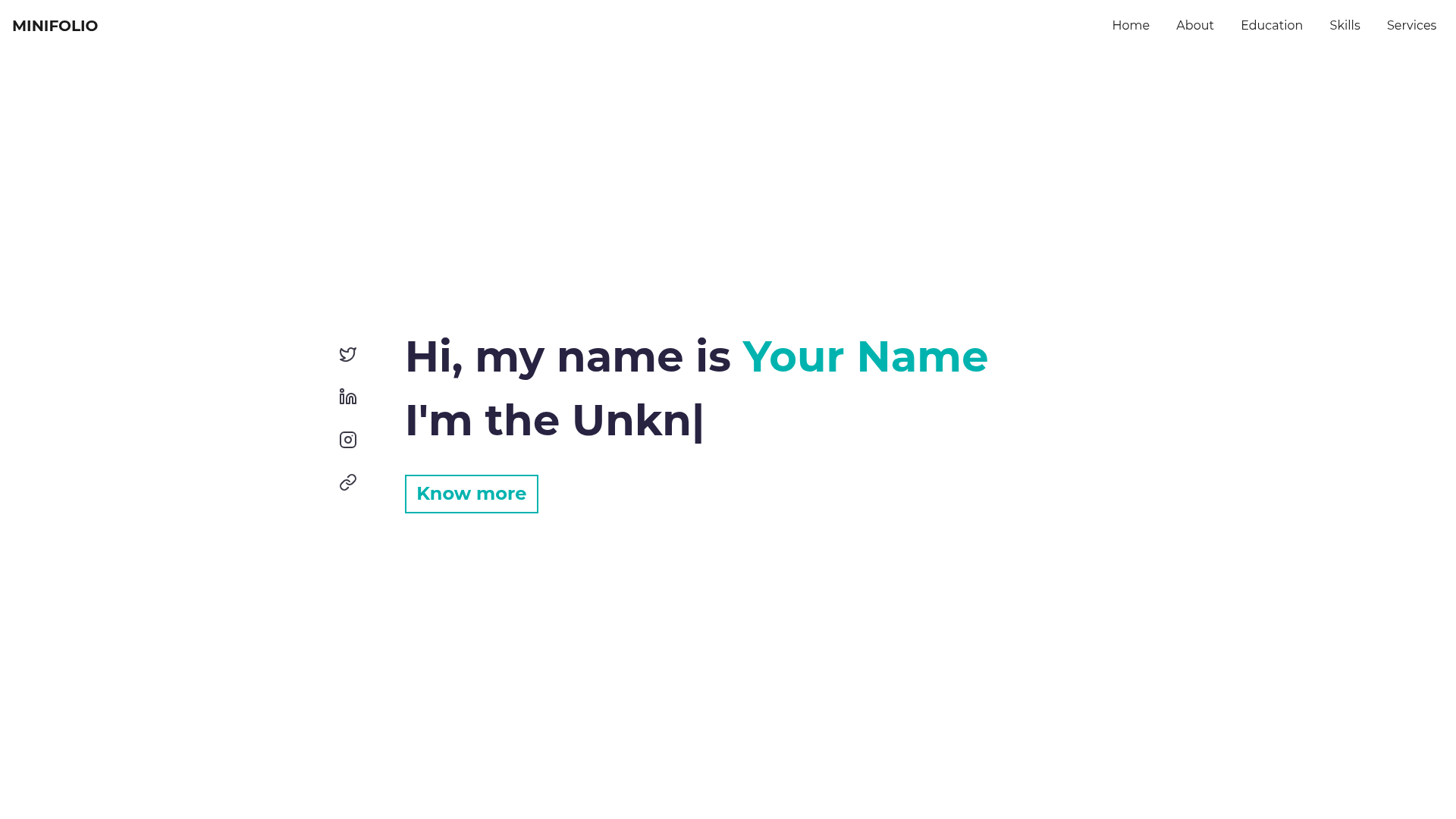
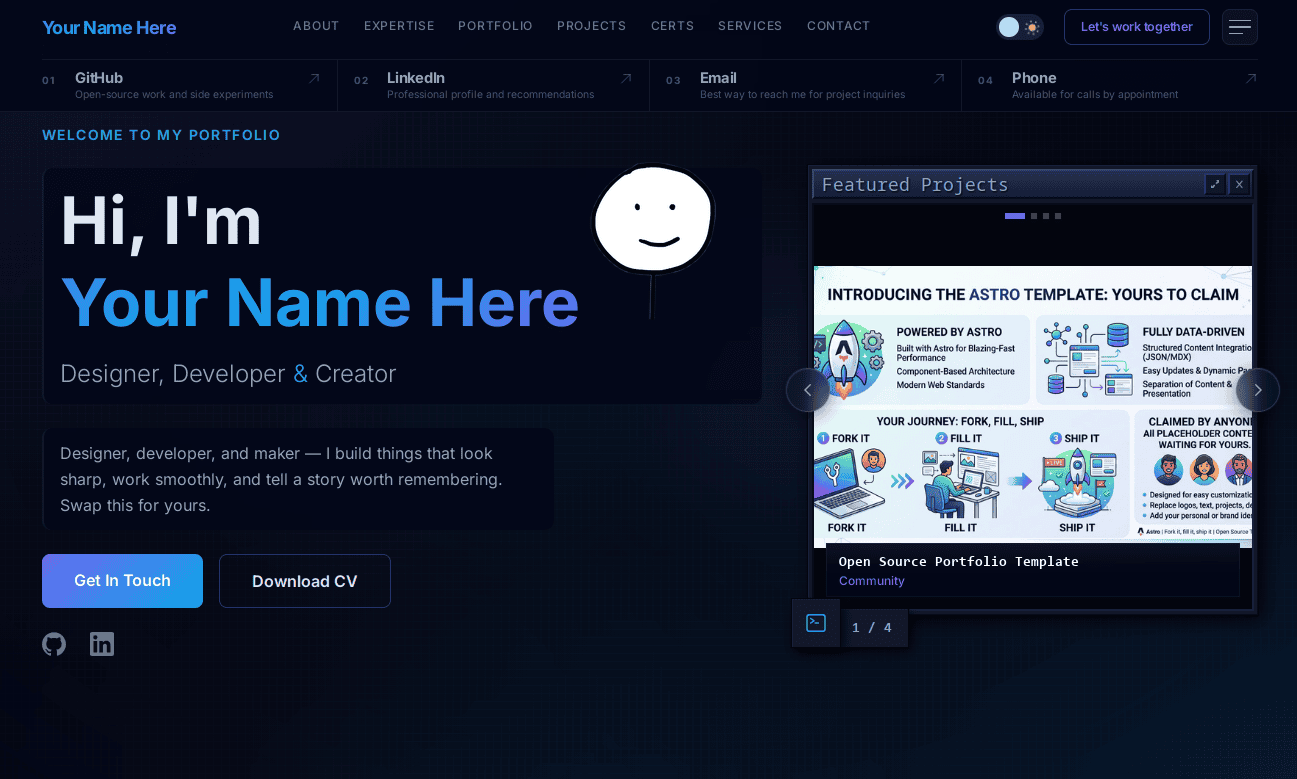
NextJS Academic Theme is a simple academic personal website template built with Next.js, Tailwind CSS, and TypeScript. It takes structured data from JSON files under components/data and renders it into a responsive, accessible site with sections for personal information, publications, projects, and teaching. The template is designed to run on Vercel's free tier and is inspired by kepinski.ch.
Key Features
- JSON-driven customization — Edit personalInfo.json, publications.json, projects.json, and teaching.json to update the site content; no component code changes required.
- Next.js + TypeScript — Written in TypeScript with XO code style, giving you static site generation and type checking out of the box.
- Tailwind CSS — Utility-first styling that produces a responsive layout on all screen sizes.
- Accessibility — Follows WAI-ARIA guidelines for screen readers and keyboard navigation.
- SEO optimization — Includes optimizations for search engine ranking and sharing.
- Google Analytics ready — Add a tracking ID like G-38LNZ3XXXX in a .env file to monitor visits.
- Vercel-native deployment — Deploy via Vercel CLI or GitHub integration, with automatic CI/CD on every commit.
Who should use NextJS Academic Theme?
- Academic researchers and professors — Publish a professional home page listing publications, projects, and teaching responsibilities.
- PhD students and postdocs — Showcase an academic portfolio and link a CV PDF placed in public/cv.pdf.
- Web developers — Use it as a minimal Next.js + Tailwind starter to understand JSON-driven theming and Vercel deployment.
What can you do with it?
- Academics: Present a curated list of publications and projects in a searchable, mobile-friendly layout.
- Job applicants: Add a CV PDF in public/cv.pdf and point visitors to a single, fast URL.
- Developers: Learn how to structure a small Next.js app with external data files and environment-based Analytics.
How does it work?
Start by installing Node.js v20 with NVM, then run npm install to fetch dependencies. Use npm run dev for local development and npm run build for a production build. Customize content by editing the JSON files in components/data, optionally add a Google Analytics tracking code to .env, and deploy by running vercel or vercel --prod, or by connecting the repository to Vercel for automatic deploys.
FAQ
Is NextJS Academic Theme free?
Yes, the template is open-source and licensed under WTFPL. Vercel also offers a free hosting tier that is recommended for this project, so you can deploy the site without paying for hosting.
How do I update my personal information?
Edit the JSON files in components/data: personalInfo.json for bio details, publications.json for papers, projects.json for projects, and teaching.json for courses taught. Changes appear after a rebuild or deployment.
How do I enable Google Analytics?
Create a .env file in the project root and add your tracking code, for example G-38LNZ3XXXX. The template reads this value and injects it into the site for traffic tracking.
Can I use my own domain?
Yes. After deploying to Vercel, configure your custom domain in the Vercel project settings. The template documents this under the add-a-domain section.
What Node.js version is required?
The README recommends installing Node v20 via NVM, which comes with npm. You can then run the standard npm install, dev, and build commands.