Template details
Ultra
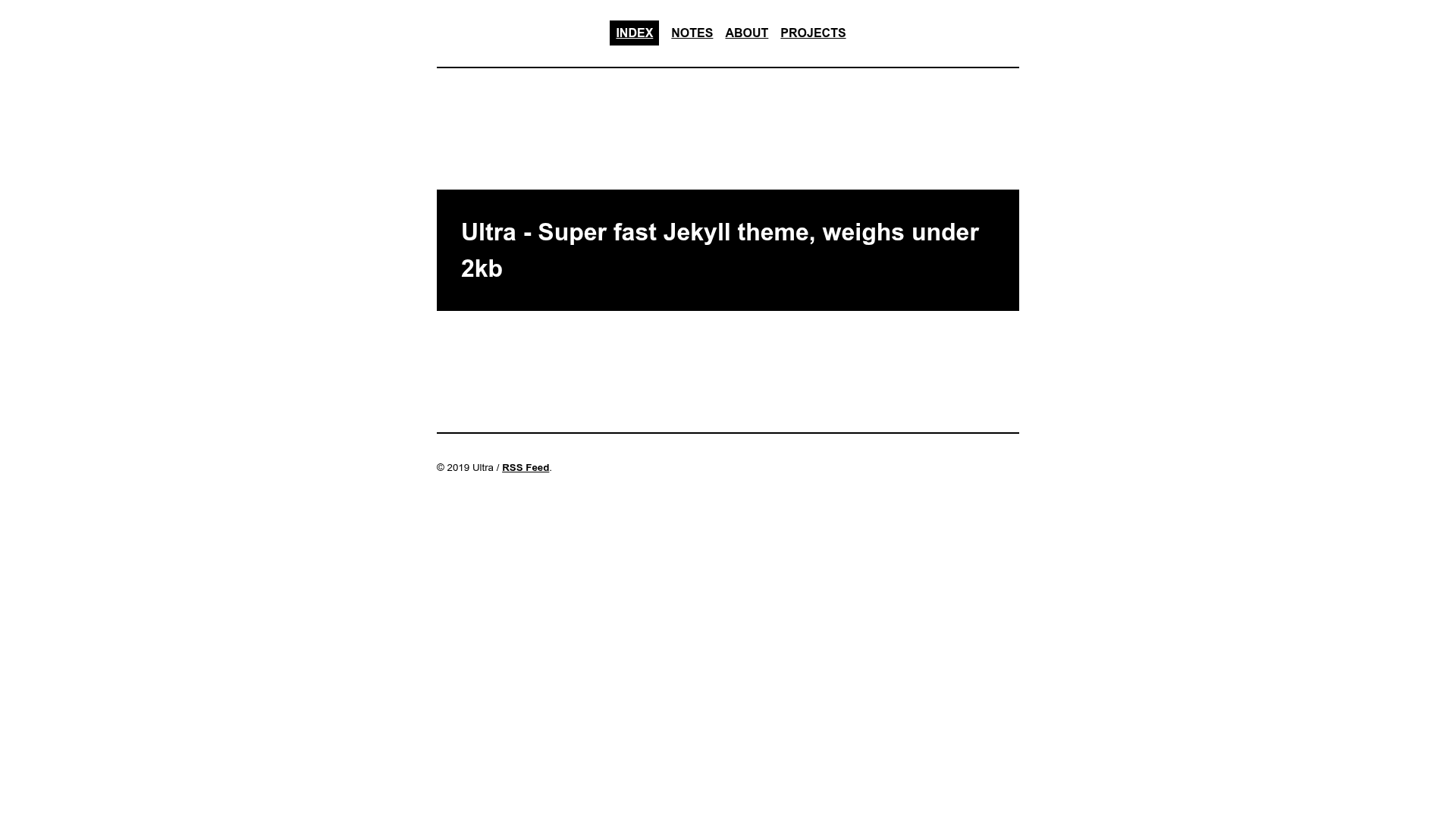
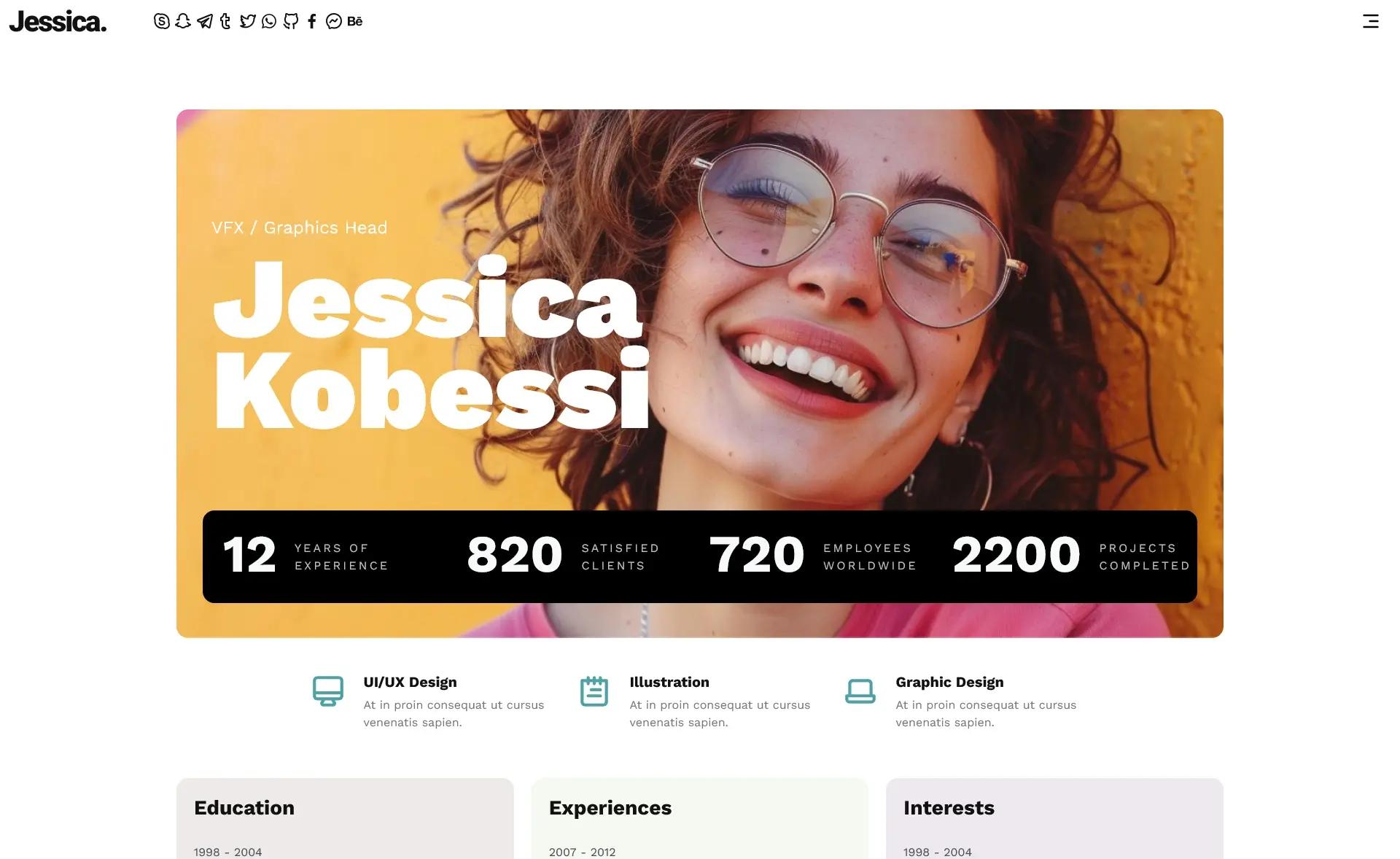
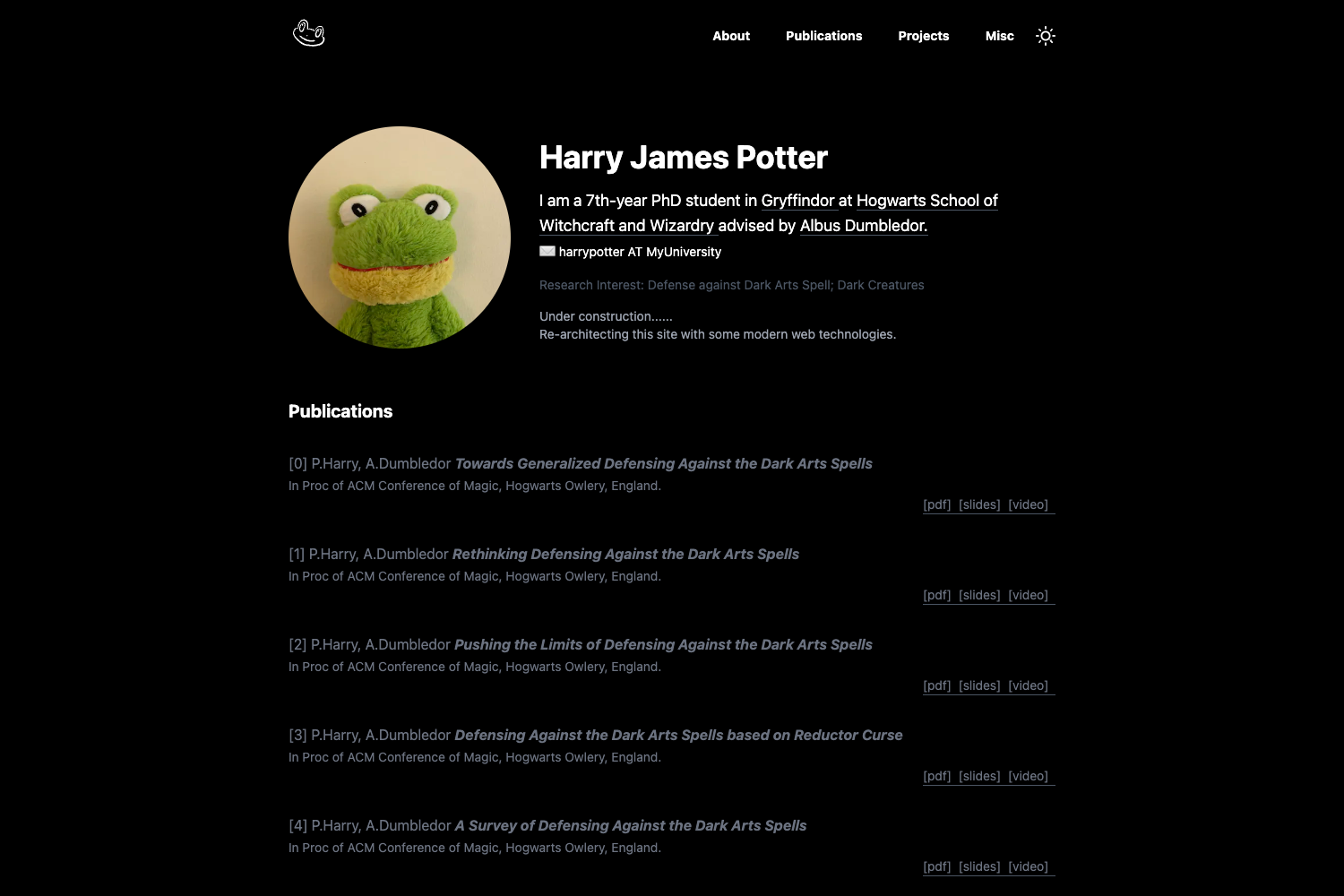
Super fast, minimal one-column Jekyll theme for portfolio and blog sites weighing under 2kb.
About this template
Ultra is a minimal, one-column Jekyll theme for portfolio and blog sites that compresses to under 2kb and scores 100/100 on Lighthouse, GTmetrix, and WebPageTest. Built for Jekyll static site generation, it outputs a fully static HTML site with inline CSS, compressed HTML, an Atom feed, sitemap, and robots.txt. The theme is open-source and hosted on GitHub with 69 stars.
What is Ultra Jekyll theme?
Ultra is a Jekyll theme designed for personal websites, blogs, and portfolios. It takes Markdown content and Jekyll's build process and produces a static HTML site. The theme includes portfolio/blog page layouts, a sitemap, robots.txt, and SEO optimization. It is open-source software available on GitHub.
Key Features
- File size — The entire theme weighs under 2kb, achieved through inline CSS and compressed HTML and CSS, making it one of the lightest Jekyll themes available.
- Performance scores — Achieves AAA, 100/100 scores on Lighthouse, GTmetrix, and WebPageTest across all categories.
- SEO optimized — Includes sitemap.xml, robots.txt, and metadata defaults that help search engines index the site.
- Portfolio and blog layouts — Built-in page types for showcasing projects and writing posts, suitable for personal sites.
- Responsive design — The one-column layout adapts to mobile and desktop viewports.
- Atom feed — Generates an Atom XML feed for blog subscribers.
- Compressed assets — CSS and HTML are output in compressed form to reduce file transfer size.
Who is it for?
- Freelancers and developers — Showcase a portfolio of projects and write technical blog posts with a fast-loading personal site.
- Designers and photographers — Present a visual portfolio using the minimal one-column layout that lets images and work stand out.
- Minimalists and performance enthusiasts — People who want a sub-2kb theme that scores perfectly on page-speed audits and requires no JavaScript or heavy frameworks.
What can you do with Ultra?
- Launch a personal blog — Write Markdown posts, and the theme generates an Atom feed and SEO-friendly pages automatically.
- Build a portfolio — Use the portfolio page type to list projects or works with links and descriptions.
- Deploy a static site — The generated output can be hosted on any static host like Netlify (the demo is live at ultra-jekyll.netlify.com) or GitHub Pages with no server-side dependencies.
How does Ultra work?
Ultra works like a standard Jekyll theme: you add Markdown files to your Jekyll project, configure the _config.yml, and run jekyll build to produce a static site. The theme's CSS is inlined into the HTML and both HTML and CSS are compressed during the build. You can see a live demo at the Netlify URL.
FAQ
Is Ultra free?
Yes, the theme is open-source and available on GitHub, so it is free to use and modify.
Does Ultra require JavaScript?
No, the theme does not mention any JavaScript dependencies; CSS and HTML are compressed and inlined. It is a pure static site.
How can I install Ultra?
Standard Jekyll theme installation applies: add the theme to your Gemfile or clone the repository and configure your _config.yml. Specific installation steps are not provided on the page.
What hosting does Ultra support?
The demo is hosted on Netlify, so it works with any static hosting service that serves plain HTML, such as GitHub Pages or Netlify.