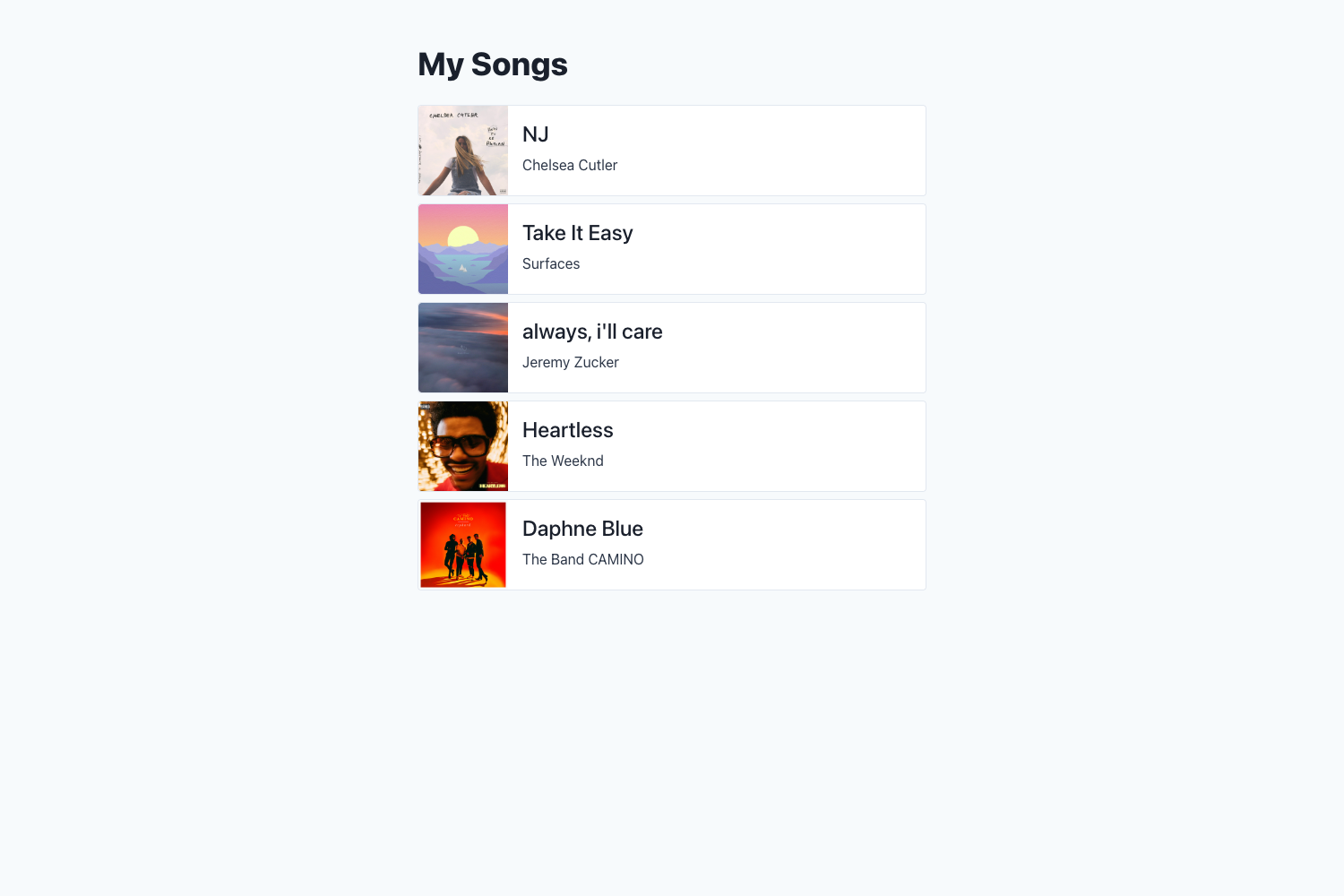
Template details
Django + Vercel + Postgres
Django, Vercel and Postgres Setup using Tailwind CSS and new Vercel Storage (Beta)
About this template
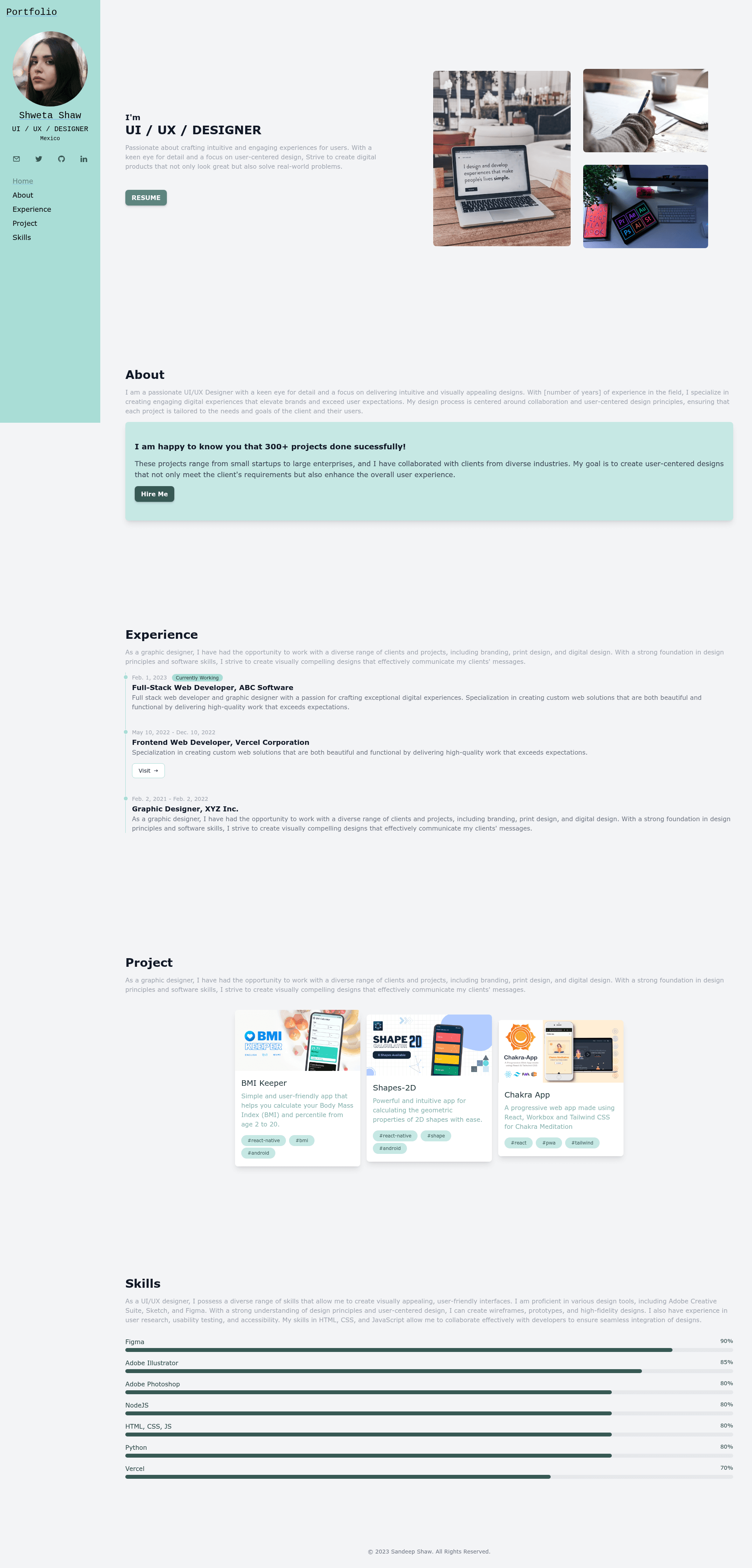
Django + Vercel + Postgres is a starter template for deploying a Django portfolio website on Vercel with a Postgres database from Vercel Storage (Beta).
What is the Django + Vercel + Postgres template?
This template provides a working Django 4.2.1 project configured for deployment on Vercel's serverless platform, with Tailwind CSS for styling and a Postgres database provisioned through Vercel Storage. It takes a Django project with configuration files for environment variables, static files, and custom admin settings, and outputs a live portfolio website hosted on Vercel. The template was created by sandeep-shaw10 and is published on GitHub.
Key Features
- Pre-configured Vercel deployment — Uses framework preset "Other" and root directory "./" with no additional build or output settings required, as shown in the setup guide.
- Vercel Storage Postgres — Connects to a Postgres database from Vercel Storage (Beta) by adding POSTGRES_DATABASE, POSTGRES_USER, POSTGRES_PASSWORD, POSTGRES_HOST, and POSTGRES_DB_PORT environment variables.
- Tailwind CSS CDN integration — Loads Tailwind CSS from a CDN in templates/base.html and lets you define a custom color palette via tailwind.config, with a pre-defined color scheme named "shaw".
- Customizable admin — Change the admin site header, index title, and site title in core/urls.py, and optionally set a custom ADMIN_PATH environment variable to hide the admin route.
- Custom error pages — Includes templates for 404 and 500 HTTP errors.
- Local development setup — Provides a .env.example file, python-dotenv, and instructions for creating a virtual environment, installing requirements, and running migrations locally.
- Dependency list — Requirements.txt specifies Django 4.2.1, psycopg2-binary 2.9.6, whitenoise 6.4.0, python-dotenv, and other packages.
Who is it for?
- Django developers who want to deploy a portfolio or small project to Vercel without writing serverless configuration from scratch.
- Students and beginners learning modern full-stack deployment who need a step-by-step reference for connecting Django, Vercel, and Postgres.
- Freelancers seeking a quick portfolio template with a database and a clean, responsive design using Tailwind CSS.
What can you do with it?
- Build a personal portfolio — Replace the default HTML templates in the templates/ directory with your own content, add images and CSS via the assets/ directory, and run collectstatic to generate the static/ folder.
- Learn the Vercel + Django workflow — Use the included 8-step setup to understand how to link a GitHub repository, connect Vercel Storage Postgres, and handle migrations and superuser creation.
- Customize the site theme — Modify the tailwind.config script in templates/base.html to change the color palette and apply your brand colors across the site.
How does the template work?
The template follows a standard Django project structure with additional Vercel-specific setup. You clone the repository, create a virtual environment, install dependencies from requirements.txt, and create a .env file with the necessary Postgres and Django settings. After pushing the code to GitHub, you import the repository into Vercel, add the five required environment variables (ALLOWED_HOSTS, DEBUG, SECRET_KEY, ADMIN_PATH, POSTGRES_DB_PORT), and connect a Postgres database from Vercel Storage. Vercel then injects the remaining Postgres variables. You run migrations and createsuperuser locally against the same database, redeploy, and the site goes live.
FAQ
Does this template require Python 3.11?
Yes, the README states that Python 3.11 or higher is required.
How do I change the admin URL?
Set the ADMIN_PATH environment variable to a custom path (for example, my-admin). The admin will be accessible at your-app-name/my-admin. If not set, it defaults to /admin.
Is the template free to use?
Yes, the project is licensed under the MIT License, so you can use, modify, and distribute it freely.
What database does this template use?
It uses Postgres provided by Vercel Storage (currently in Beta). The setup connects Vercel's Postgres environment variables to Django via python-dotenv and psycopg2-binary.
Where can I find a video walkthrough?
The README links to a step-by-step video tutorial on YouTube (accessible via the README badge) that demonstrates the full setup.