Template details
Document Template
A Gatsby + Markdown documentation template that builds a navigable site with GitHub Pages deployment and hidden content support.
About this template
Document Template is an open-source Gatsby boilerplate that turns a folder of Markdown files into a navigable documentation website and deploys it to GitHub Pages.
What is Document Template?
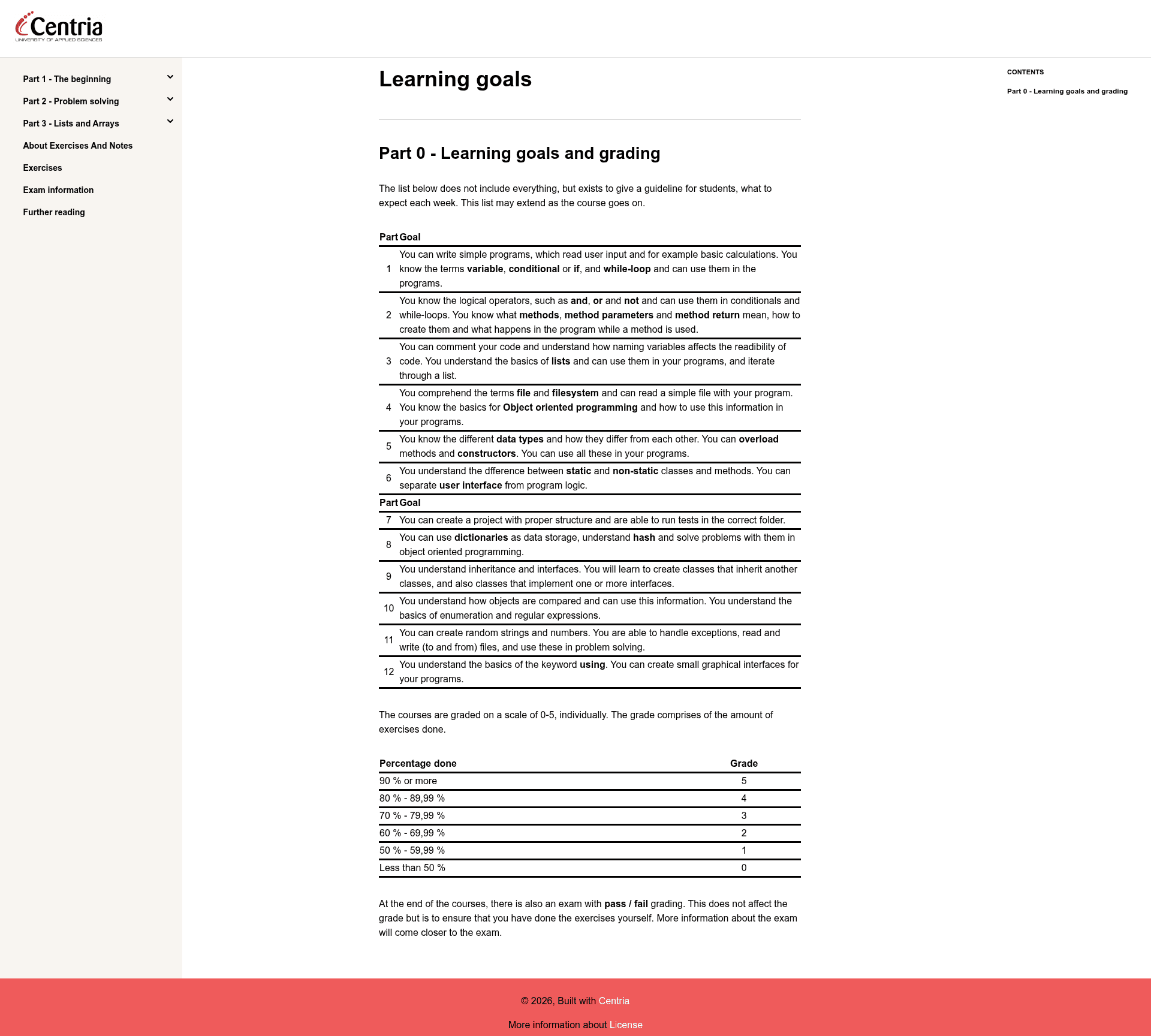
Document Template is a starter repository from Centria (contact: vu.nguyen101@gmail.com) built with Gatsby, React, Markdown, and GitHub Pages. It takes a content folder of Markdown files as input and produces a static documentation site with a collapsible side navbar generated from the folder structure. The template supports two content types: standard pages that inherit a shared layout from a template file, and custom pages such as the 404 page that developers define directly in the pages folder.
Key Features
- Markdown-driven content — All page content lives in Markdown files inside
src/content; the folder hierarchy becomes the side navigation, and each folder's index Markdown file acts as its landing page. - GitHub Pages deployment — A built-in workflow deploys the site by authenticating with a personal access token stored as a
TEMPLATE_APIsecret; you only need to set thepathPrefixingatsby-config.jsto your repository name. - Front matter configuration — Each Markdown file requires
titleandnav_orderfront matter to control the display name and navbar sorting; avoid duplicatenav_ordervalues because ordering is flat rather than hierarchical. - Hidden content support — Place files in
src/content/hidden-docsand sethidden: truein their front matter to keep them out of the navbar but still linkable via a dedicated Link component. - Syntax highlighting — Code blocks are highlighted with theme-ui, extendable through Prism to support additional languages such as R; the default style is oceanic, configurable in
src/gatsby-plugin-theme-ui/components.js. - Theme customization — Global styles in
src/styles/global.jsreference Benjamin De Cock's reset, responsive breakpoints insrc/styles/media.jsfollow Gatsby Theme Novela, and theme-ui colors can be adjusted insrc/gatsby-plugin-theme-ui/color.js. - Template updating — Repositories created from this template can receive upstream features by running
npx update-template https://github.com/centria/template. - Duplicate license handling — Ships two LICENSE files: one for GitHub at the repository root and one inside hidden-docs that appears in the site footer.
Who is it for?
- Documentation writers — Publish Markdown-based documentation without a CMS, using Git for content management and GitHub Pages for hosting.
- Educators and course authors — Structure course material into parts and subcontent, and keep exercise solutions or assignments hidden with the
hidden-docsfeature. - Open-source maintainers — Quickly spin up a documented project site with automatic deployments and a clean sidebar layout.
- Technical teams — Customize the theme and syntax highlighting through theme-ui and Prism to match their brand and language needs.
What can you do with Document Template?
- Create a course website: Organize lessons into parts with
nav_ordernumbering, and link hidden exercise files to students without exposing solutions. - Publish project documentation: Connect GitHub Pages deployment and keep docs in sync with the codebase through pull requests.
- Build a manual or knowledge base: Use the index page and custom single pages to add extras like exams or tutorials.
- Prototype a documentation design: Modify the global styles, breakpoints, and color scheme to test different looks before committing to a full site.
How does Document Template work?
Clone the repository with git clone https://github.com/centria/template, run npm install, then start a local server with npm start. Replace the src/content folder with your own Markdown files, set the required title and nav_order front matter, add a TEMPLATE_API secret and pathPrefix for GitHub Pages, and build the production bundle with npm run build. The template also supports linter checks via npm run lint.
FAQ
Is Document Template free?
Yes. The template is distributed under the MIT License, so it is free to use, modify, and distribute for personal and commercial projects.
How do I hide a page from the sidebar?
Place the Markdown file in the src/content/hidden-docs folder and add hidden: true to its front matter. The page will not appear in navigation but can still be linked using the Link component.
Can I change the syntax highlighting colors?
Yes. Edit src/gatsby-plugin-theme-ui/components.js to extend Prism support for additional languages, and choose a different highlight style from the theme-ui Prism list (the default is oceanic).
How do I deploy to GitHub Pages?
Generate a GitHub personal access token with repo scope, add it as a TEMPLATE_API secret in your repository settings, set pathPrefix to your repository name, and push to the main branch. The included workflow handles the build and deployment.
What happens if I duplicate nav_order values?
The sidebar ordering is determined by the numeric nav_order field; duplicate values can cause unpredictable sorting. The README recommends giving each part at least two digits (e.g., 10, 11, 12) so later additions fit without re-numbering everything.