Template details
Meteor Svelte Tutorial
Open-source Hexo site behind the Meteor Svelte tutorial docs, with example code and contribution workflow.
About this template
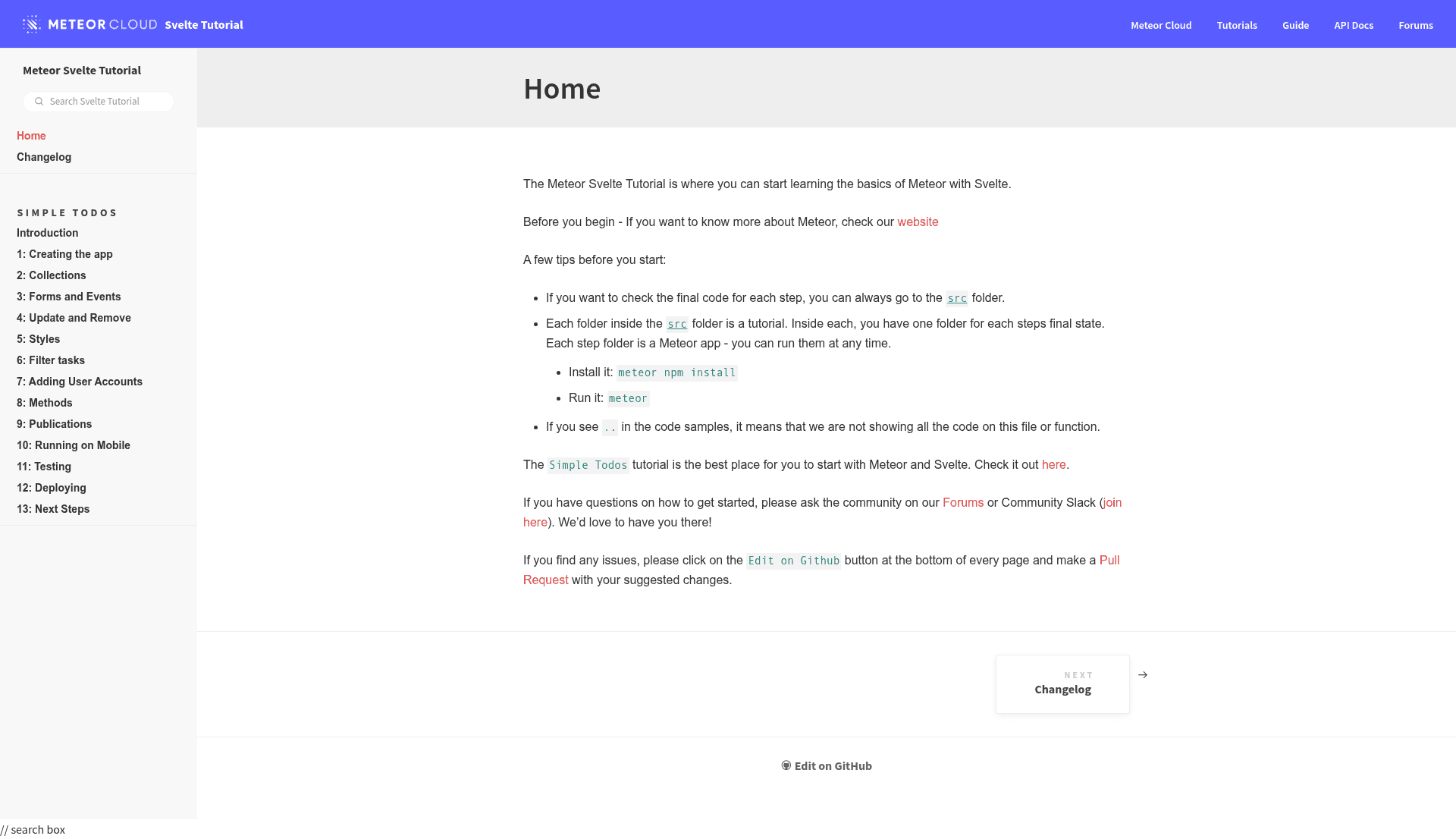
The Meteor Svelte Tutorial is an open-source Hexo static site repo that generates the official tutorial documentation for building Meteor apps with Svelte, hosted at svelte-tutorial.meteor.com.
What is the Meteor Svelte Tutorial?
This repository contains both the narrative tutorial text (in the tutorial folder) and the working Meteor + Svelte example code (in the src folder) that accompany each lesson. It is built with Hexo, a static site generator, and produces the docs at https://svelte-tutorial.meteor.com. The project is maintained by the Meteor community and accepts contributions via GitHub pull requests. It is listed with topics including hacktoberfest, meteor, svelte, and tutorial.
Key Features
- Hexo static site generator — The docs site is built with Hexo, so content is written in Markdown and rendered to static HTML.
- Example code included — The
srcfolder holds Meteor app code for every step, letting readers run the exact same app the tutorial describes. - Local development workflow — Run the site locally with Node.js 8.11.2 (managed via nvm) and
npm start. - Style and lint checks — The
quave-checknpm script validates that changes pass project lint and style rules before a PR. - Git hook protection — A commit hook prevents commits that fail the lint/style rules, keeping contributions consistent.
- Community support channels — Questions are directed to the Meteor Forums and the Meteor Community Slack.
- Hacktoberfest-friendly — The repository is tagged for Hacktoberfest, inviting new open-source contributors.
Who is it for?
- Developers new to Meteor or Svelte — They can follow the tutorial at svelte-tutorial.meteor.com step by step, reading explanations and checking the code in the
srcfolder. - Documentation contributors — People who spot errors or want to expand the tutorial can fork the repo, edit Markdown in the
tutorialfolder, sync withsrccode, and submit a PR againstmaster. - Open-source participants — Because it's flagged for Hacktoberfest, it's a friendly target for first-time PRs.
What can you do with it?
- Self-paced learning: Read the full tutorial online and inspect the matching Meteor + Svelte code in the repository.
- Contribute improvements: Fix typos, add lessons, or update example code and get review from the Meteor team.
- Run the site locally: Use the documented nvm/Node setup to preview edits before submitting changes.
How does the project work?
After cloning the repository, you install nvm and Node.js 8.11.2, run npm install, then npm start to serve the Hexo site locally. When you make changes, run npm run build to generate the static site and npm run quave-check to ensure lint and styles pass. Finally, open a pull request against the master branch and sign the CLA.
FAQ
Is the Meteor Svelte Tutorial free?
Yes, it is open source and hosted freely at svelte-tutorial.meteor.com, with the code publicly available on GitHub.
What Node.js version do I need to run the site locally?
The project specifies Node.js 8.11.2, installed via nvm, because it is a Hexo project. Meteor apps in the src folder do not require manual Node version management.
Where can I ask questions about the tutorial?
The tutorial directs readers to the Meteor Forums or the Meteor Community Slack via the invite link in the repository.
How do I contribute a fix to the tutorial?
Fork the repository, make your text changes in the tutorial folder and sync them with code in the src folder, run npm run build, and create a Pull Request against master. You'll also need to sign the CLA.