Newsletter
Join the Community
Subscribe to our newsletter for the latest news and updates

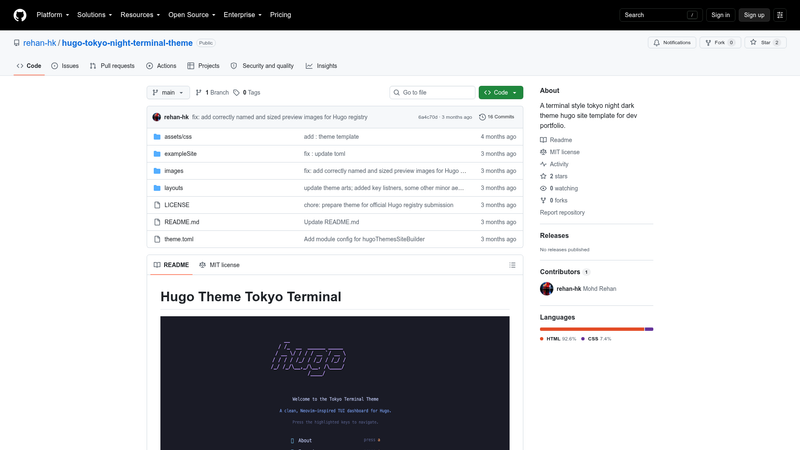
Terminal-style Hugo theme for developer portfolios with Tokyo Night colors, ASCII art, blinking cursor, and configurable prompt.
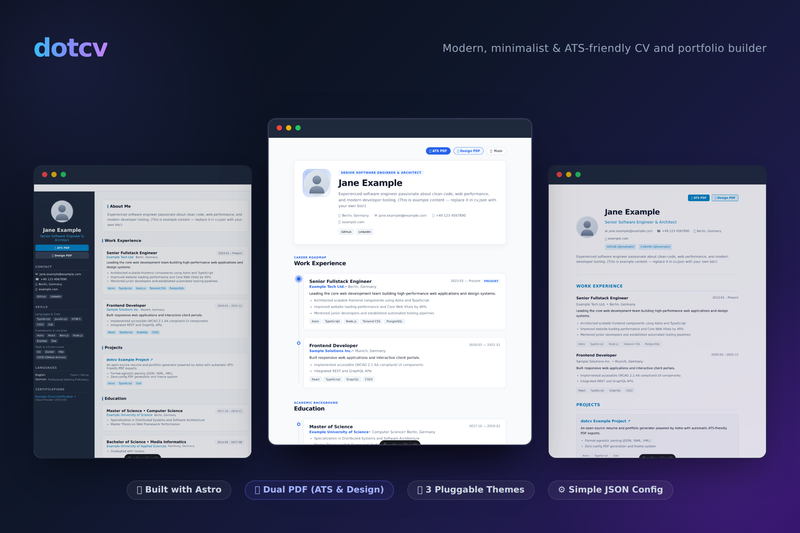
Create an elegant developer portfolio and dual-PDF resumes (ATS-friendly & styled Design layout) directly from a simple JSON config file. Powered by Astro.

A minimal open-source Hugo theme for promo brand websites, with multilingual sections and Sass styling.

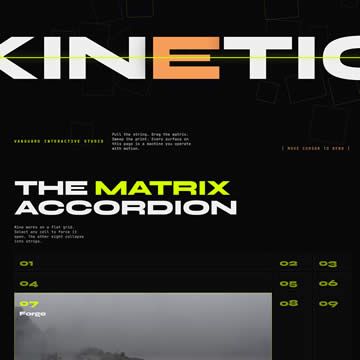
It's a clone website of 'rejouice.com', built with HTML, CSS, and JavaScript (GSAP) for educational purposes.
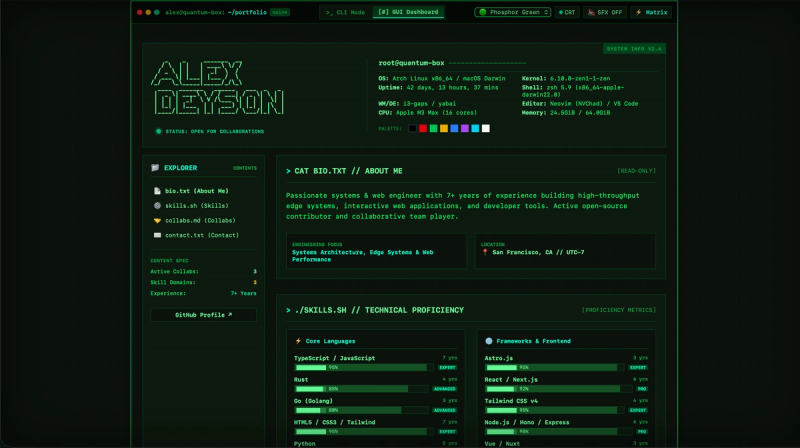
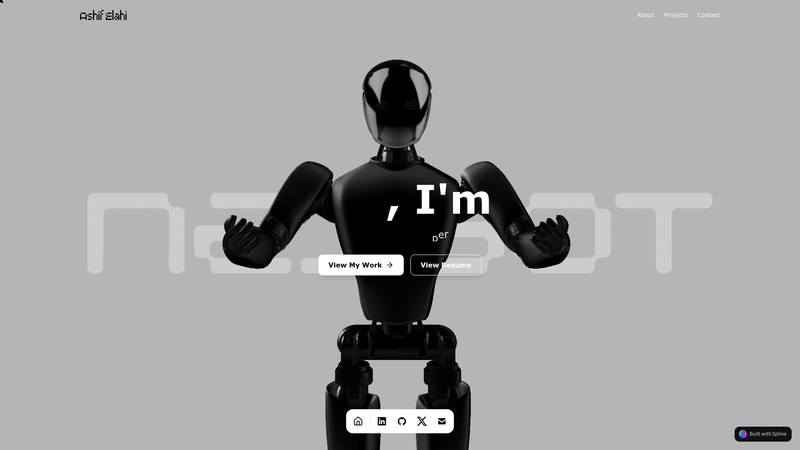
Retro terminal-style developer portfolio template with dual CLI/GUI modes, 6 CRT themes, and live Spotify/Discord RPC built on Astro 7 and Tailwind CSS v4.
Hugo Theme Tokyo Terminal is a Hugo (static site generator) theme that renders a developer portfolio as a retro terminal interface using the Tokyo Night color palette and JetBrains Mono Nerd Font.
Hugo Theme Tokyo Terminal is an open-source Hugo theme created by rehan-hk to present a developer portfolio inside a terminal-style layout. You configure it through your site's hugo.toml file, providing a custom prompt string and social profile links, and Hugo builds a static site with an ASCII-art homepage and terminal aesthetics. The theme is distributed via git submodule and is licensed under the MIT License, so it can be freely reused and modified.
rehan@dev:~$, through the prompt parameter in hugo.toml.Installation is done inside an existing Hugo project by running git submodule add https://github.com/rehan-hk/hugo-tokyo-night-terminal-theme.git themes/hugo-theme-tokyo-terminal, then setting theme = "hugo-theme-tokyo-terminal" in hugo.toml. After that, configure your terminal prompt under [params] with prompt = "your-shell-prompt", and add [[params.social]] entries with name and url values to render links.
Yes, the theme is released under the MIT License, so you are free to use, copy, modify, and redistribute it for personal or commercial projects.
Run git submodule add https://github.com/rehan-hk/hugo-tokyo-night-terminal-theme.git themes/hugo-theme-tokyo-terminal from inside your Hugo project, then set theme = "hugo-theme-tokyo-terminal" in your hugo.toml.
Add a prompt setting under [params] in hugo.toml. The README example uses prompt = "rehan@dev:~$", and the value displays as the terminal prompt on the homepage.
In hugo.toml, create entries below [params] using the [[params.social]] array format, with name and url fields. GitHub and LinkedIn are the examples shown in the theme documentation.
Yes, the theme features pure Tokyo Night syntax highlighting for code blocks.