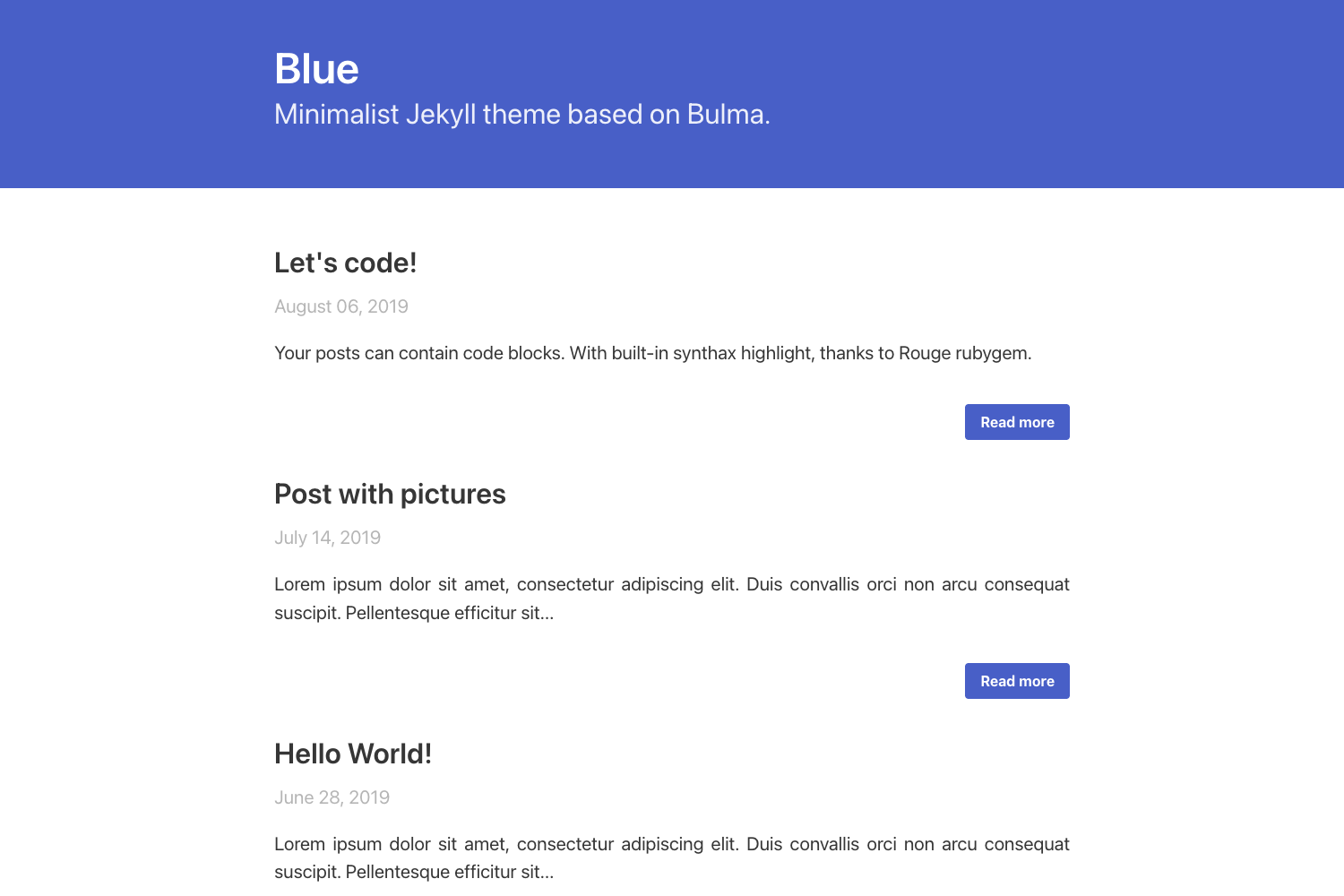
Template details
Eleventy Sveltia CMS Starter
A template for building a fast Eleventy blog with Sveltia CMS, for deployment to Netlify.
About this template
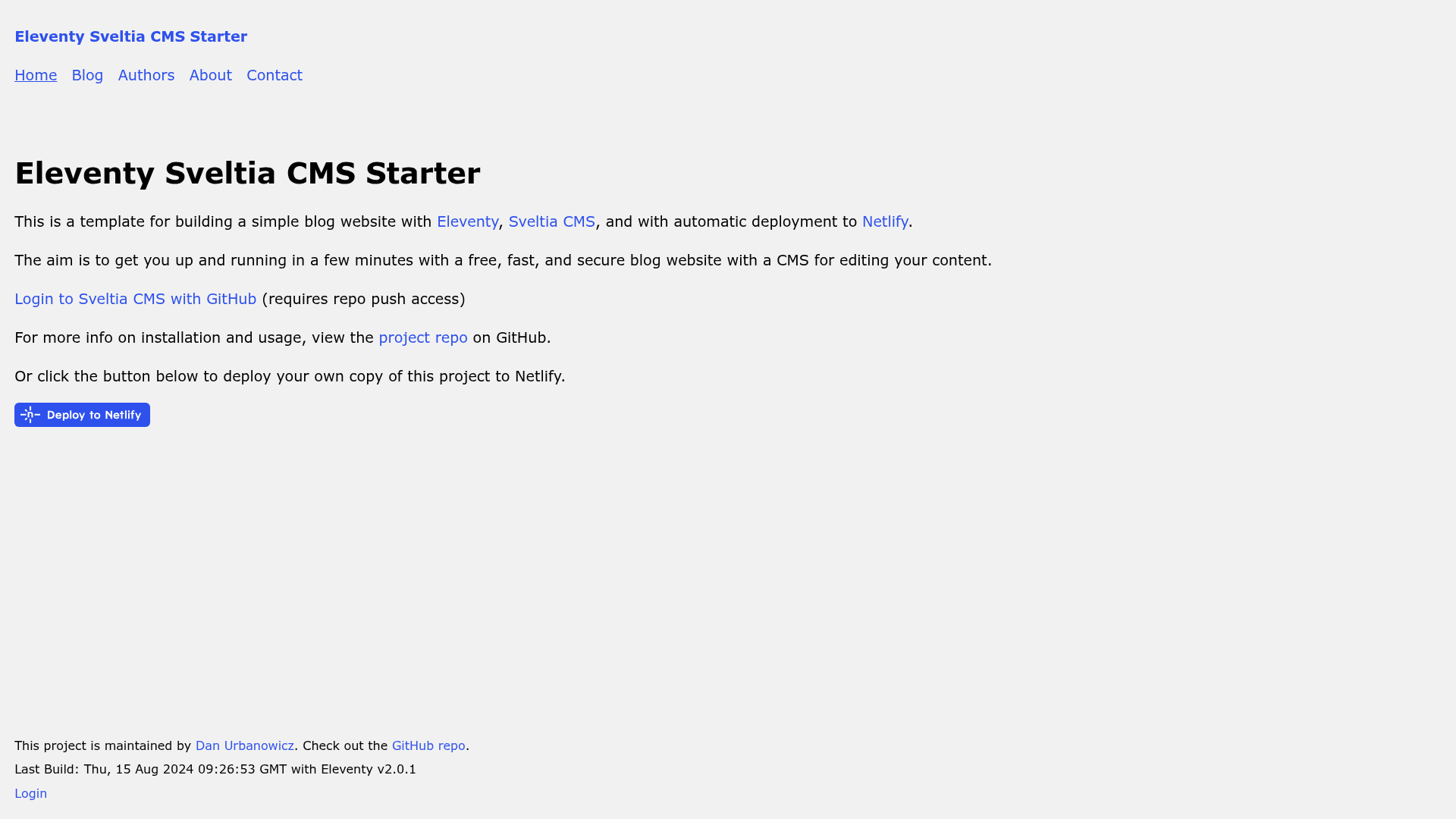
Eleventy Sveltia CMS Starter is a blog template that combines the Eleventy static site generator with the Sveltia CMS headless content management system and automated deployment to Netlify.
What is Eleventy Sveltia CMS Starter?
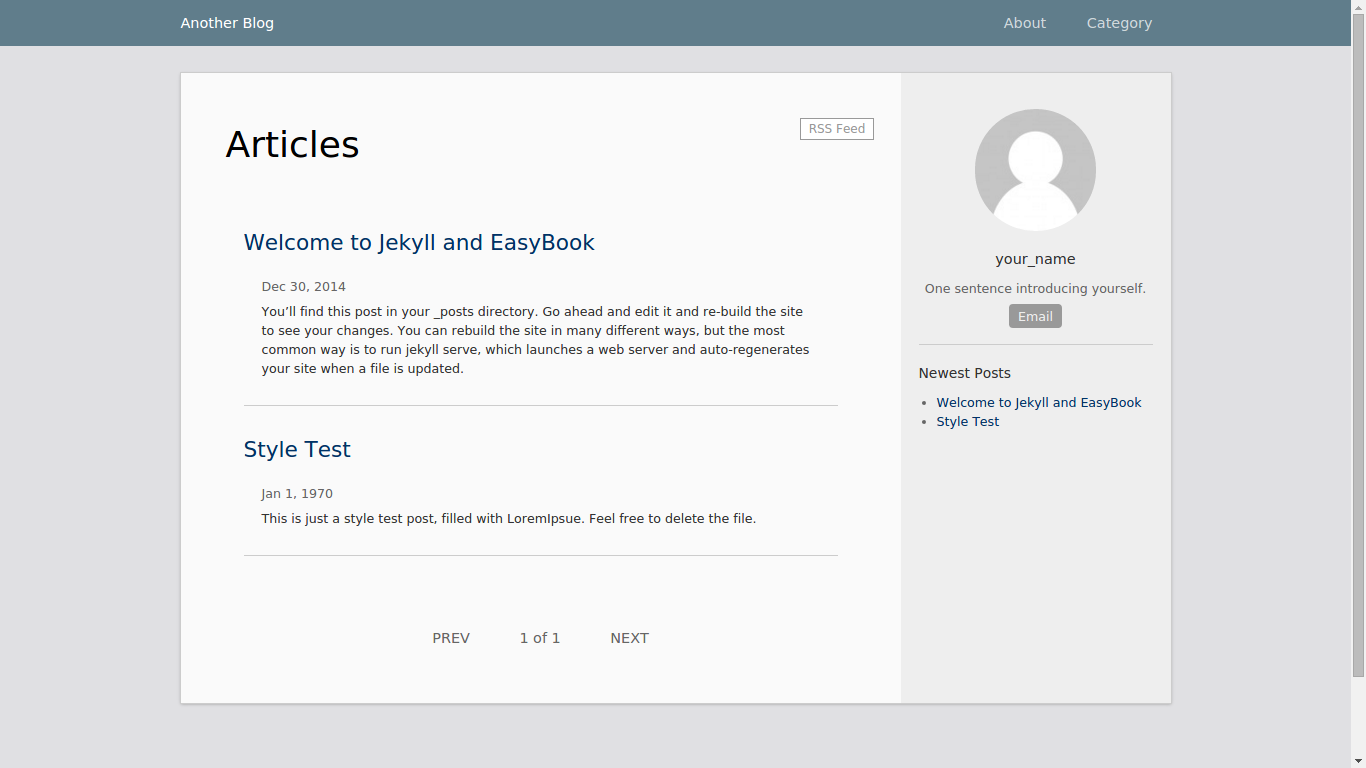
Eleventy Sveltia CMS Starter is an open-source template from developer Dan Urbanowicz for building a simple blog website with Eleventy and Sveltia CMS. It takes your content files (Markdown, images, and configuration in YAML) and produces a static HTML site with zero client-side JavaScript by default, ready to deploy on Netlify. The template comes with a live demo at https://eleventy-sveltia-cms-starter.netlify.app/ and includes support for blog posts, authors, tags, and pages.
Key Features
- Perfect Lighthouse scores — The template targets 100/100/100/100 in Lighthouse performance, accessibility, best practices, and SEO.
- Sveltia CMS integration — Sveltia CMS is a headless CMS compatible with Netlify CMS/Decap CMS configuration, using GitHub OAuth for secure authentication.
- Zero client-side JavaScript — The generated site ships without JavaScript on the client by default, improving speed and security.
- Responsive images with Eleventy Image — Uses the sharp-based Eleventy Image plugin to generate responsive images in modern formats like WebP.
- Contact form for Netlify Forms — Comes with a ready-to-use contact form wired to Netlify Forms.
- Minified and inlined CSS — CSS is minified to about 1 kilobyte and inlined into the HTML for fastest page render, with HTML minification also enabled.
- Nunjucks templates — Layouts are built with the Nunjucks templating engine, making it easy to customize the structure.
- Continuous deployment workflow — Content edits made through the CMS are committed to GitHub, which triggers automatic Netlify builds.
Who is it for?
- Independent bloggers — They can get a free, fast blog with a friendly CMS to write posts and manage tags without touching code.
- Developers — They can use this as a starting point to build custom Eleventy sites with a headless CMS, using the well-structured config files and templates.
- Agencies or freelancers — They can deploy a lightweight client blog on Netlify quickly, with authentication managed through GitHub OAuth.
- Jamstack enthusiasts — They get a reference implementation of an Eleventy + Sveltia CMS + Netlify setup.
Use cases
- Personal blogs: Start a personal blog with a clean, fast front end and edit content via the Sveltia CMS admin panel at /admin/.
- Team publishing: A small team can all log in with GitHub accounts (with push access) and add authors, tags, and posts; each save creates a git commit.
- Small business sites: Although focused on blogs, the template includes website pages and a contact form, making it suitable for simple small-business websites.
How does it work?
The template uses Sveltia CMS to connect to your GitHub repository via the GitHub GraphQL API. When you edit content in the CMS, it reads your site structure from admin/config.yml, then saves changes as git commits, which in turn trigger a new deployment on Netlify. For local development, run npx eleventy --serve and access the CMS at http://localhost:8080/admin/ using the "Work with Local Repository" option.
FAQ
Do I need a paid plan to use this template?
No. The template itself is free and open-source, and it is designed to run on Netlify's free tier with a GitHub repository. You only need to set up a GitHub OAuth app for authentication, which is free.
Is Sveltia CMS the same as Netlify CMS?
Sveltia CMS is a separate, actively maintained CMS that is compatible with Netlify CMS/Decap CMS configuration files. It currently does not support Netlify CMS's Git Gateway authentication method, so it uses GitHub OAuth for login.
Does the site include JavaScript?
By default, the generated site includes zero client-side JavaScript. There is an optional pipeline for minified inline JavaScript if you need it for specific features.
How do I edit content with the CMS?
After deploying to Netlify, go to https://[your-site].netlify.app/admin/ and log in with your GitHub account. The CMS shows your content files, and saving an edit commits the change to your repository, triggering a rebuild.