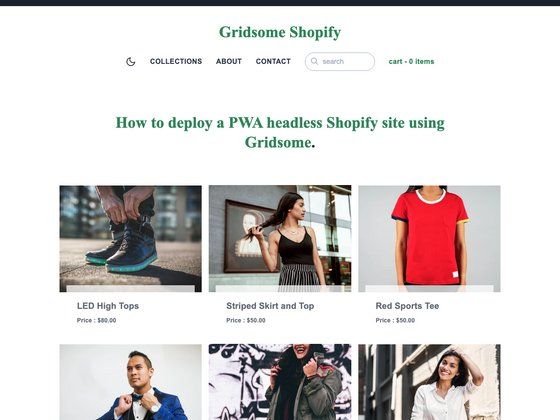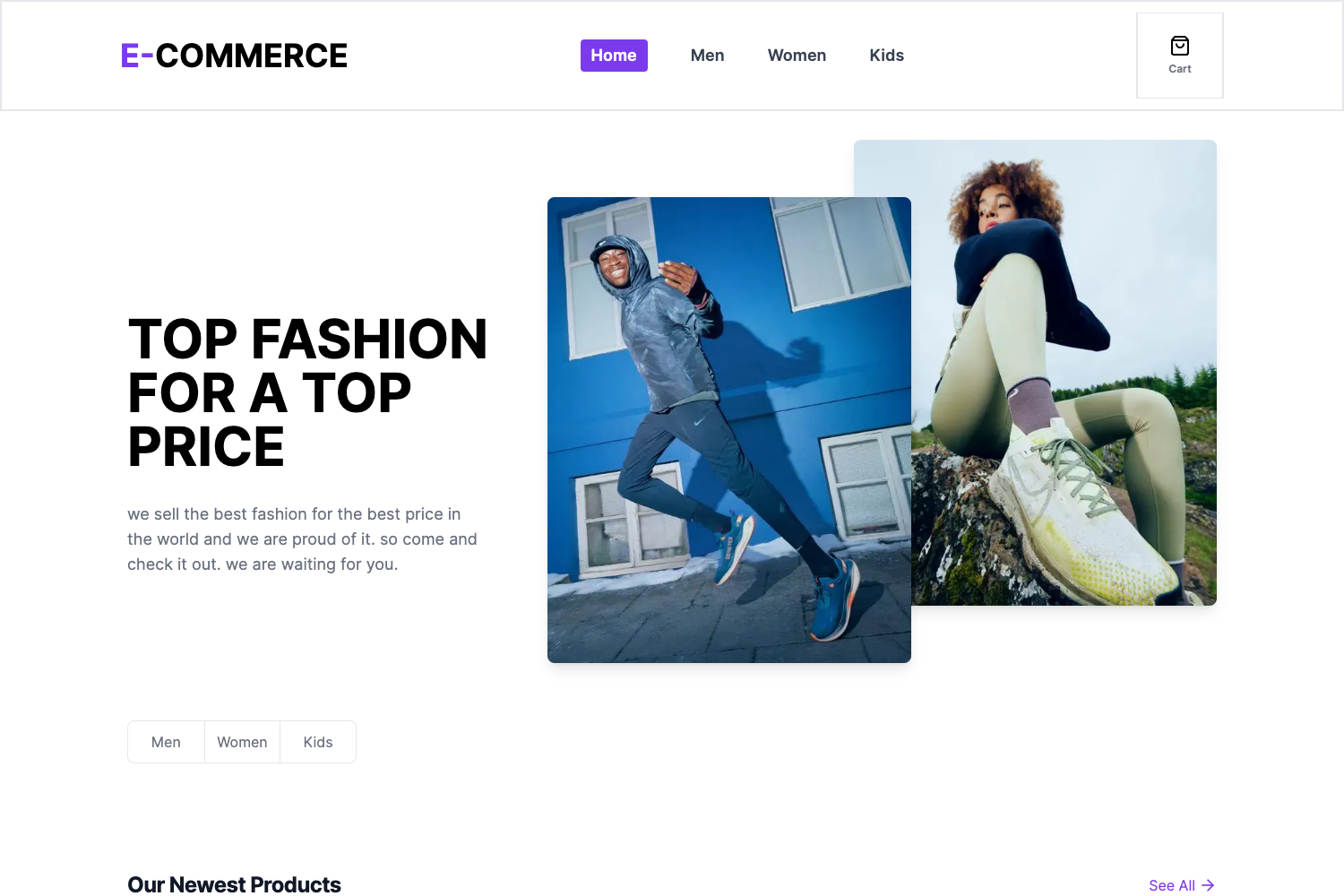
Template details
Ecommerce Admin
Full-stack e-commerce admin dashboard and CMS built with Next.js 13, Prisma, MySQL, Tailwind CSS, and Stripe.
About this template
Ecommerce Admin is a full-stack e-commerce admin dashboard and CMS built with Next.js 13 that lets developers manage multiple stores, products, orders, and payments from a single dashboard.
What is Ecommerce Admin?
Ecommerce Admin is an open-source admin panel that combines CMS, admin, and API generation into one Next.js application. It takes store data like products, categories, billboards, and filters as input, and outputs REST API routes for each store along with a management interface. The template uses React, TypeScript, Tailwind CSS, Prisma, MySQL, and PlanetScale, and it is available on GitHub from user aressss1.
Key Features
This admin dashboard offers feature management for multiple stores, including products, categories, billboards, filters, search, orders, and revenue analytics.
- Multi-store management — Control multiple vendors (e.g., a shoe store, laptop store, suit store) from one CMS; the system generates API routes for each store individually.
- Product CRUD — Create, update, and delete products, upload multiple images via Cloudinary, and assign filters such as color and size during product creation.
- Category and billboard management — Create, update, and delete categories and billboards (large text banners), attach billboards to categories, or use them standalone.
- Search with pagination — Search across all categories, products, sizes, colors, and billboards, with built-in pagination.
- Featured products — Toggle the "featured" flag on products to control homepage display.
- Orders and analytics — View orders, sales data, and revenue graphs in the dashboard.
- Authentication and payments — Clerk handles user authentication, Stripe handles checkout and webhooks, and order creation is automated.
Who is it for?
Developers, agencies, and store owners who need a ready-made backend admin for e-commerce projects will find this template useful.
- Developers — who need a ready-to-use admin backend for e-commerce sites and want to avoid building CRUD and API routes from scratch.
- Agencies — managing multiple client stores from a single dashboard, since the CMS supports multiple vendors with separate API routes.
- Store owners — who want to manage products, categories, featured items, and orders through a clean Shadcn UI.
What can you do with Ecommerce Admin?
This template serves a variety of e-commerce management scenarios.
- Developers building a storefront: set up this admin to manage inventory and then connect the generated API to a separate storefront frontend.
- Agencies running multiple e-commerce sites: use one CMS to manage several stores with independent API routes and branding.
- Freelancers: quickly launch a feature-complete admin for client projects, including Stripe integration for payments.
How does Ecommerce Admin work?
Clone the GitHub repository, install dependencies with npm, and configure the .env file with Clerk, PlanetScale, Cloudinary, and Stripe keys. Then run npx prisma generate and npx prisma db push to sync the database schema, and start the app with npm run dev.
FAQ
Does this template include a storefront?
No, it is an admin dashboard and CMS only. The repository includes a FRONTEND_STORE_URL environment variable, which suggests it is meant to be paired with a separate storefront.
What is the required Node version?
Node version 14.x is listed as a prerequisite.
Which payment provider is supported?
Stripe is integrated with checkout and webhook handling.
Can I manage multiple stores?
Yes, the CMS is designed to control multiple vendors/stores, generating API routes for each store (e.g., a shoe store, laptop store, and suit store).
How do I set up the database?
The template uses MySQL with Prisma and PlanetScale. After installing packages, set the DATABASE_URL in the .env file, then run npx prisma generate and npx prisma db push.