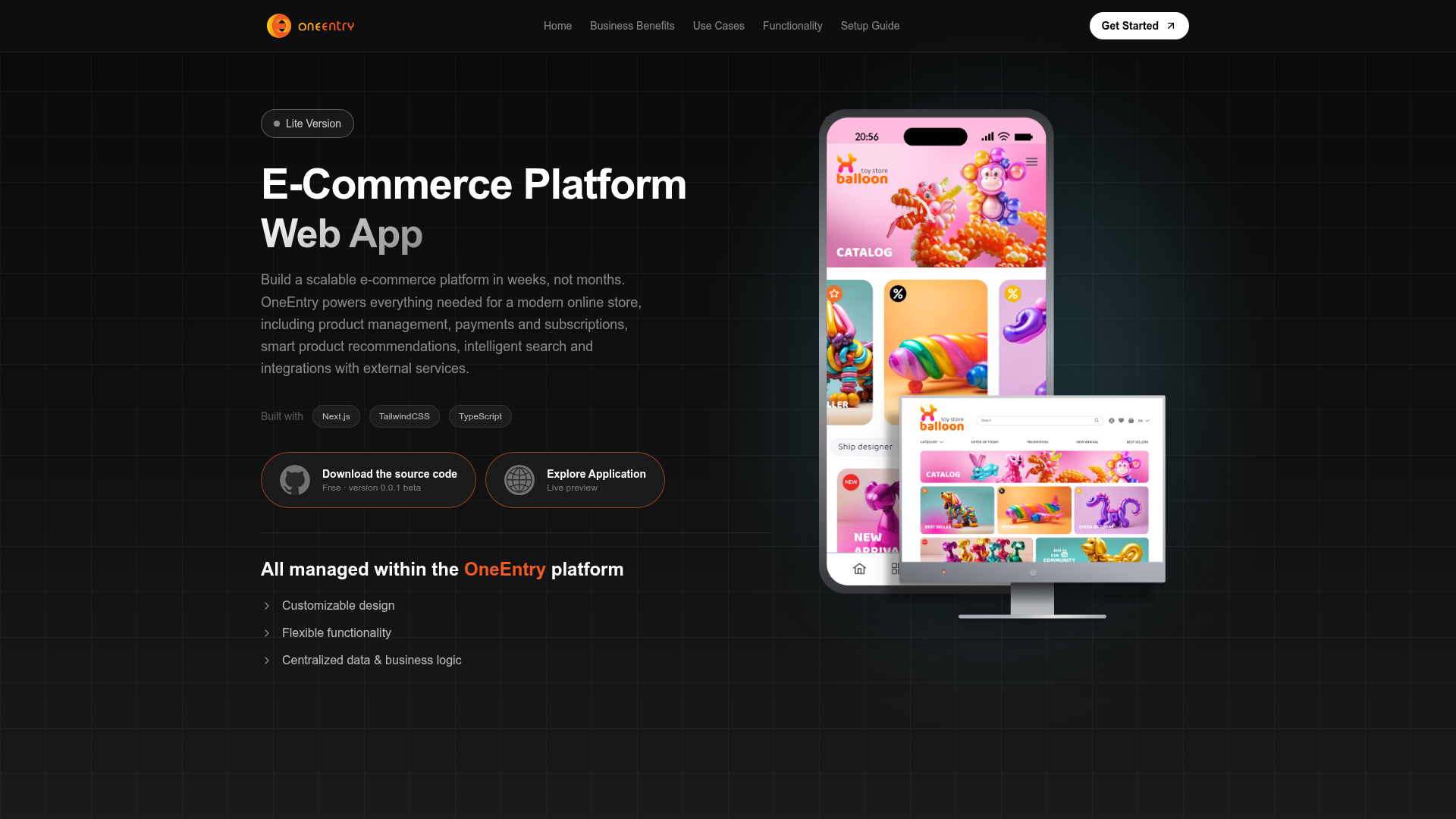
Template details
Ecommerce NextJs
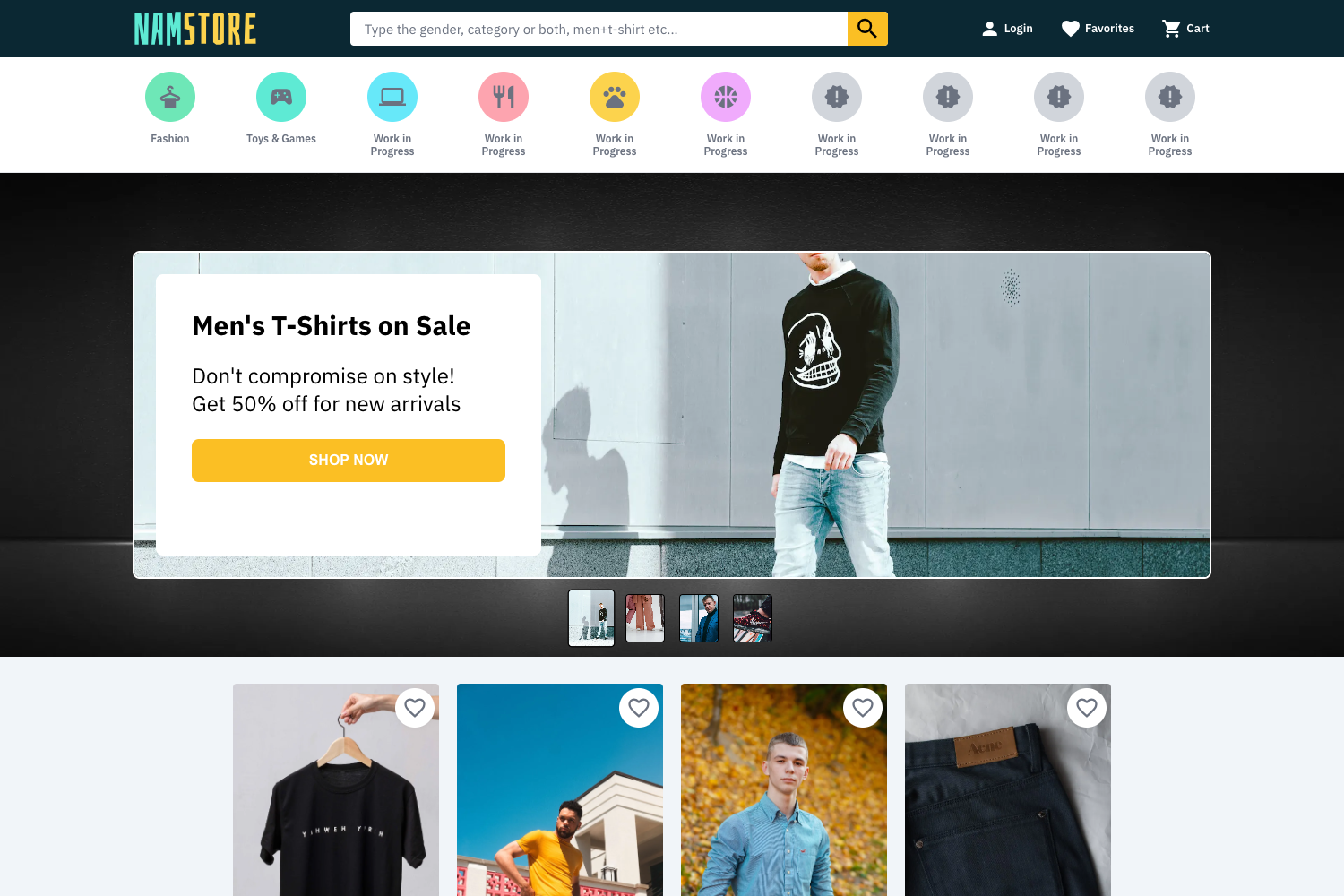
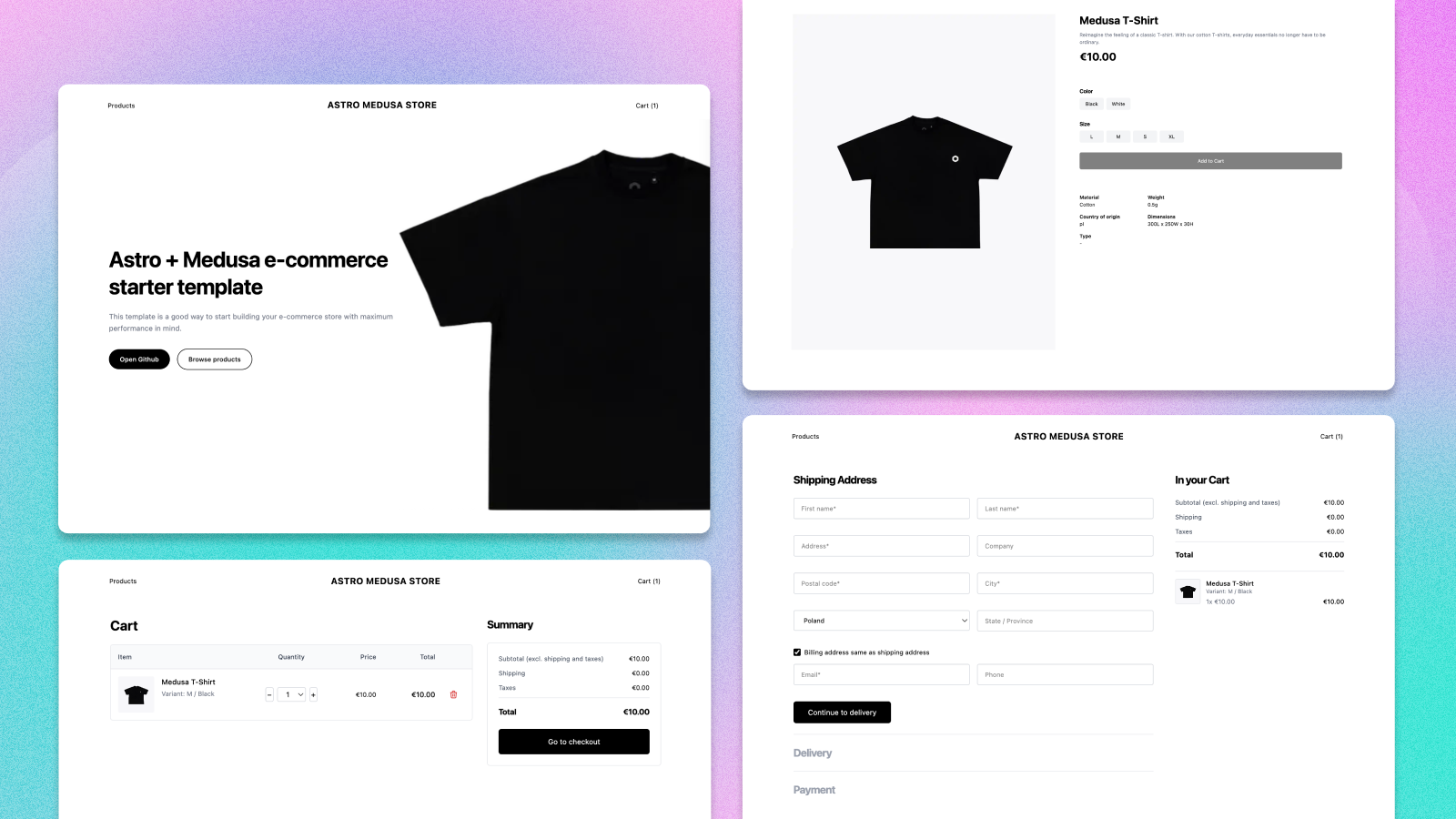
Shopping ecommerce website built with Next.js, Sanity CMS, Tailwind CSS, shadcn/ui, and Stripe payments.
About this template
Ecommerce NextJs is a shopping ecommerce website template built with Next.js, using Sanity CMS as its content management framework, Tailwind CSS and shadcn/ui for the frontend, and Stripe.js for payment processing.
What is Ecommerce NextJs?
Ecommerce NextJs is a full-stack starter template for an online store, bootstrapped with create-next-app and extended with a modern stack: Next.js as the React framework, Sanity.io as the headless CMS that stores and delivers ecommerce content, Tailwind CSS and shadcn/ui for the UI layer, and Stripe for checkout and payments. The template takes content — such as product listings — managed inside Sanity and renders a shopping frontend where customers can pay via Stripe. It runs on any Node.js environment and is designed for deployment on the Vercel Platform. The project is published on GitHub and currently has 2 stars.
Key Features
- Next.js framework — The project is created with create-next-app and uses the App Router, with app/page.tsx as the editable entry point and automatic hot-reloading during development.
- Sanity CMS integration — Sanity.io is used as the CMS framework, letting developers manage store content through a structured backend.
- Tailwind CSS styling — Tailwind CSS is installed for utility-first styling of the storefront, enabling rapid custom theme development.
- shadcn/ui components — The shadcn/ui component library is integrated, providing copy-paste-ready building blocks for UI elements like buttons, cards, and forms.
- Stripe payments — Stripe.js is wired in for payment handling, covering checkout flows and payment processing for orders.
- Font optimization — Uses the next/font package to automatically load and optimize the Inter Google Font, reducing layout shift and improving performance.
- Flexible package management — The development server can be started with npm, yarn, pnpm, or bun, as shown in the standard Next.js setup instructions.
- Vercel deployment ready — Documentation for deploying to the Vercel Platform is included in the project README.
Who is it for?
- Developers building an ecommerce storefront — They get a ready-made Next.js project with Sanity, Tailwind, shadcn/ui, and Stripe pre-wired, so they can focus on customizing products and payment flows instead of setting up the stack from scratch.
- Sanity CMS users — Content editors and developers who prefer a headless CMS can manage products in Sanity and see them rendered on the Next.js frontend.
- Indie hackers and small businesses — Anyone launching a shopping site can use the template as a starting point and deploy it to Vercel quickly.
What can you do with it?
- Launch a CMS-driven storefront: Connect Sanity as the product backend and display items on a Next.js storefront with Tailwind and shadcn/ui styling.
- Process payments: Enable Stripe checkout to accept payments directly from the shopping site.
- Customize the store look: Edit app/page.tsx and Tailwind classes to change the layout and design, then use shadcn/ui components for consistent UI patterns.
- Deploy to production: Follow the included Vercel documentation to deploy the app for live traffic.
How does it work?
The template follows the standard create-next-app workflow. Run npm run dev (or yarn/pnpm/bun dev) to start the development server at localhost:3000, edit app/page.tsx to modify the home page, and use the Next.js documentation to extend the app. For production, the README points to the Vercel Platform for deployment.
FAQ
What stack does Ecommerce NextJs use?
It uses Next.js as the React framework, Sanity.io as the headless CMS, Tailwind CSS and shadcn/ui for styling, and Stripe.js for payments. The project is bootstrapped with create-next-app.
How do I run the development server?
Run one of these commands in the project directory: npm run dev, yarn dev, pnpm dev, or bun dev. Then open http://localhost:3000 to see the app in your browser.
Does the template include Stripe integration?
Yes, the Stripe.js payment API is part of the stack according to the repository metadata, making it possible to handle checkout and payment processing on the storefront.
Can I deploy this to Vercel?
Yes, the README includes a section specifically about deploying on the Vercel Platform, which is the hosting service created by the Next.js team.
Is the project actively maintained?
The GitHub repository currently has 2 stars, which suggests it is an early-stage or personal template. The included README is the standard create-next-app documentation, so there is no custom project-specific documentation in the repo.