Template details
Namstore
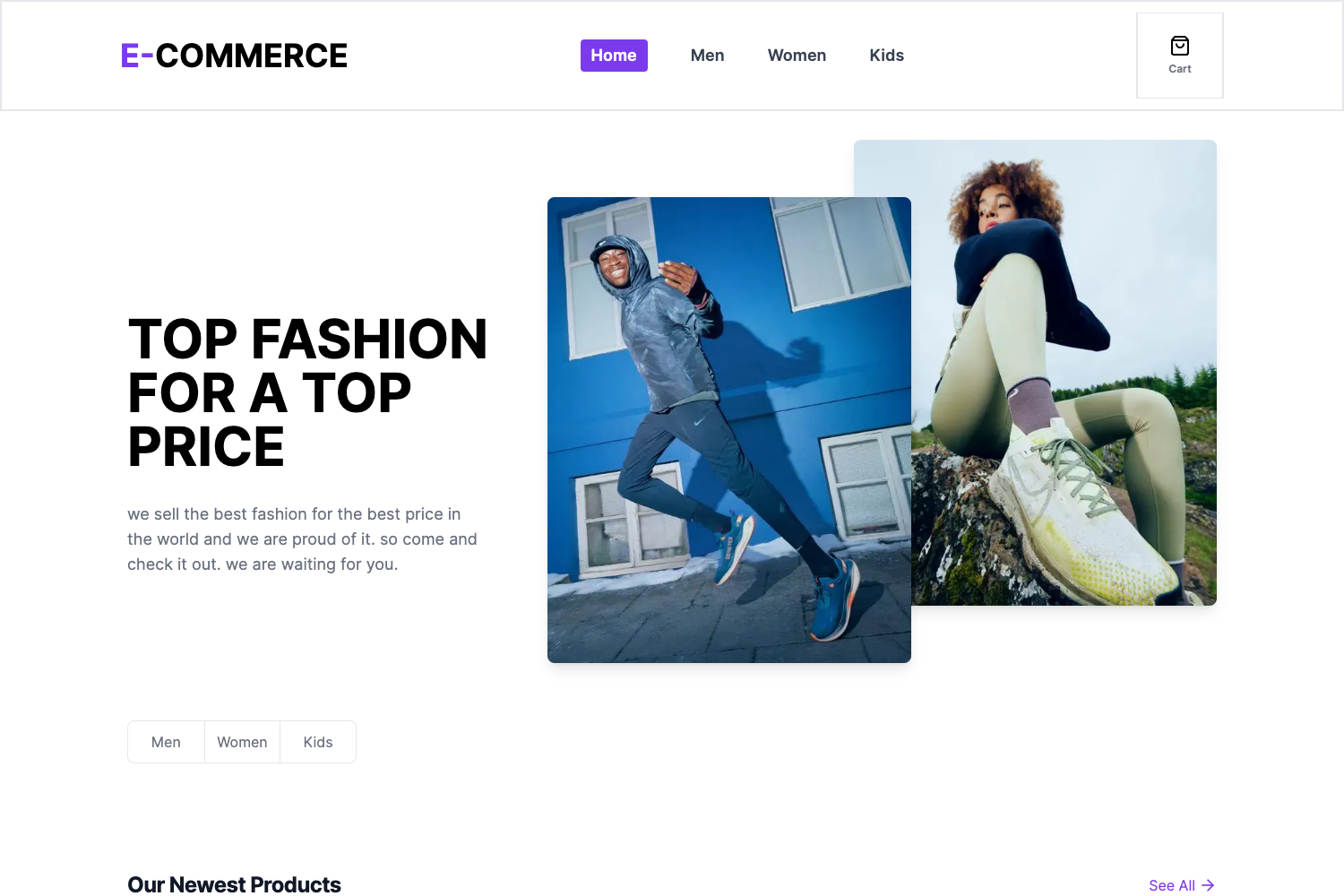
E-commerce web app built with Next.js and TypeScript — add to cart or search products by category, gender, or title.
About this template
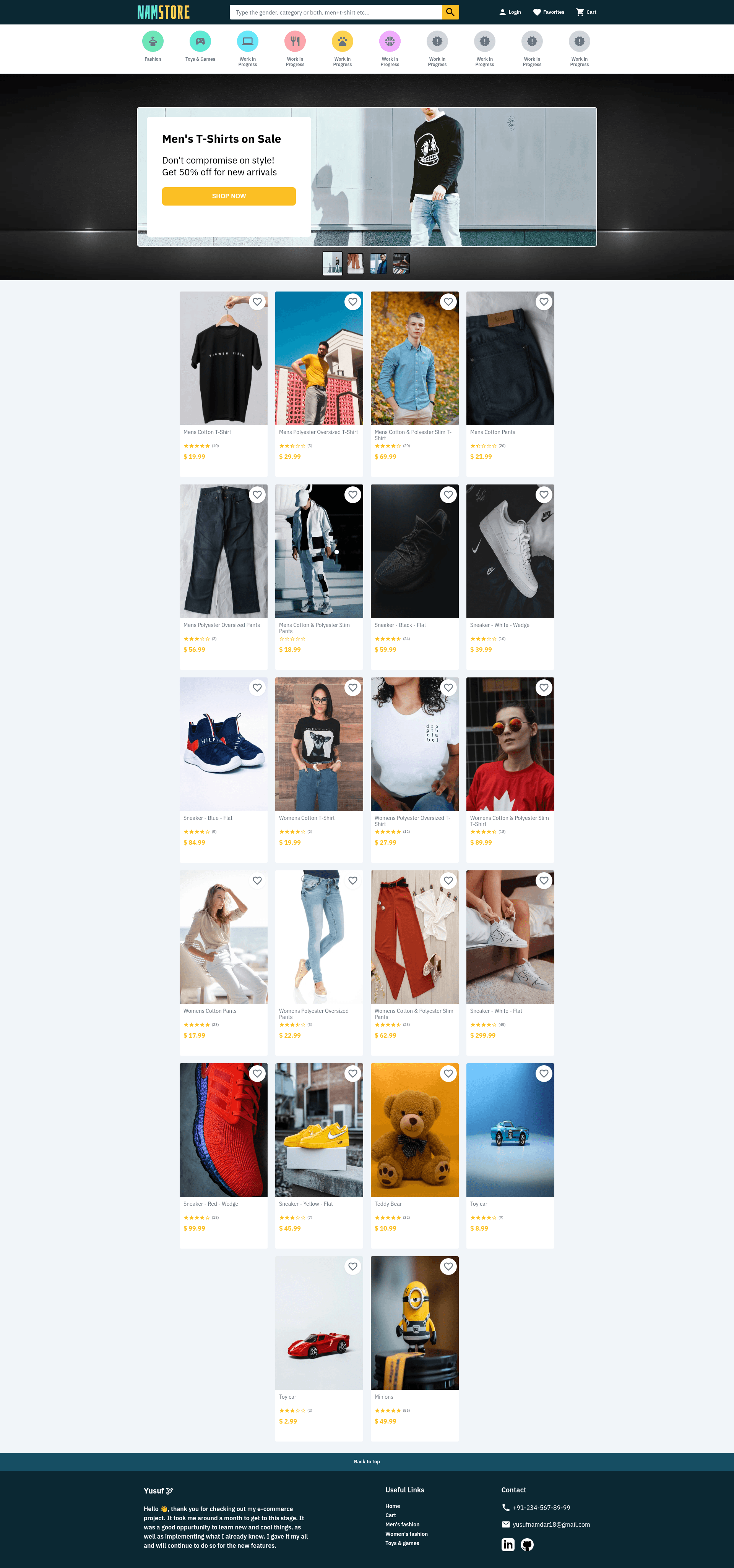
Namstore is an e-commerce starter built with Next.js and TypeScript that ships 22 products across four categories and three genders, includes multi-key search and a cart, and uses MongoDB with Mongoose for data persistence.
What is Namstore?
Namstore is an e-commerce web application built on Next.js and TypeScript, with MongoDB as its database and Mongoose for schema-based CRUD operations. It comes preloaded with 22 products organized into four categories — T-Shirts, Pants, Sneakers, and Toys — and three genders: Man, Woman, and Child. The app provides a search bar that matches products by category, gender, or title, and a cart for adding items during browsing.
Key Features
- Multi-key search — Combine search terms with a plus sign (for example, man+pants) to filter products by category, gender, or title in one query.
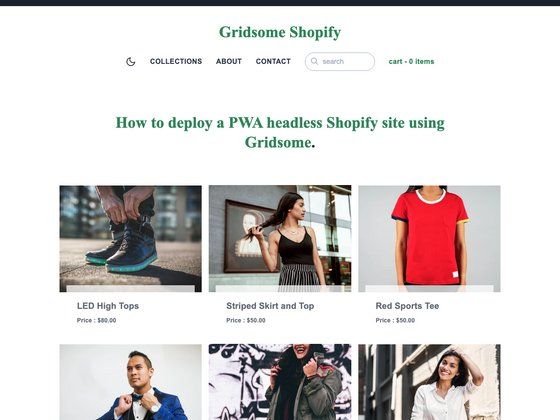
- Product catalog — 22 products split across 4 categories and 3 genders, giving you a realistic starting data set.
- MongoDB + Mongoose — Products live in a noSQL MongoDB database; Mongoose supplies strongly typed schemas and better query building for CRUD operations.
- Add to cart — Visitors can add products to a cart while shopping.
- Next.js and TypeScript — Built on React with Next.js for SSR/SSG and type safety across the codebase.
- Styled-components theming — Styling uses styled-components and styled-system with a theme file for consistent design tokens.
- Quality tooling — ESLint for linting, Husky for pre-commit hooks, and ts-loader for TypeScript compilation are already configured.
Who is it for?
- E-commerce developers — Modify the existing catalog, search logic, and cart flow to launch a custom storefront faster.
- React/Next.js learners — Study a real Next.js project that integrates Redux, MongoDB, Mongoose, and styled-components together.
- Niche store owners — Use the four product categories and three gender filters as a starting point for a focused online shop.
What can you do with Namstore?
- Search products by combined criteria: Enter multiple search keys joined with a plus sign (for example, woman+sneaker) to narrow results by gender and category simultaneously.
- Browse by category and gender: Filter the 22 products through four categories and three genders defined in the data model.
- Manage the product database: Use Mongoose CRUD operations to add, update, or delete products in the MongoDB collection, with schemas enforcing the data shape.
How does it work?
Namstore runs as a standard Next.js application. After cloning the repository, install dependencies with the yarn command, start the development server with yarn dev, or build and launch a production version with yarn build followed by yarn start. A live preview is hosted at https://namstore.vercel.app.
FAQ
Does Namstore include authentication?
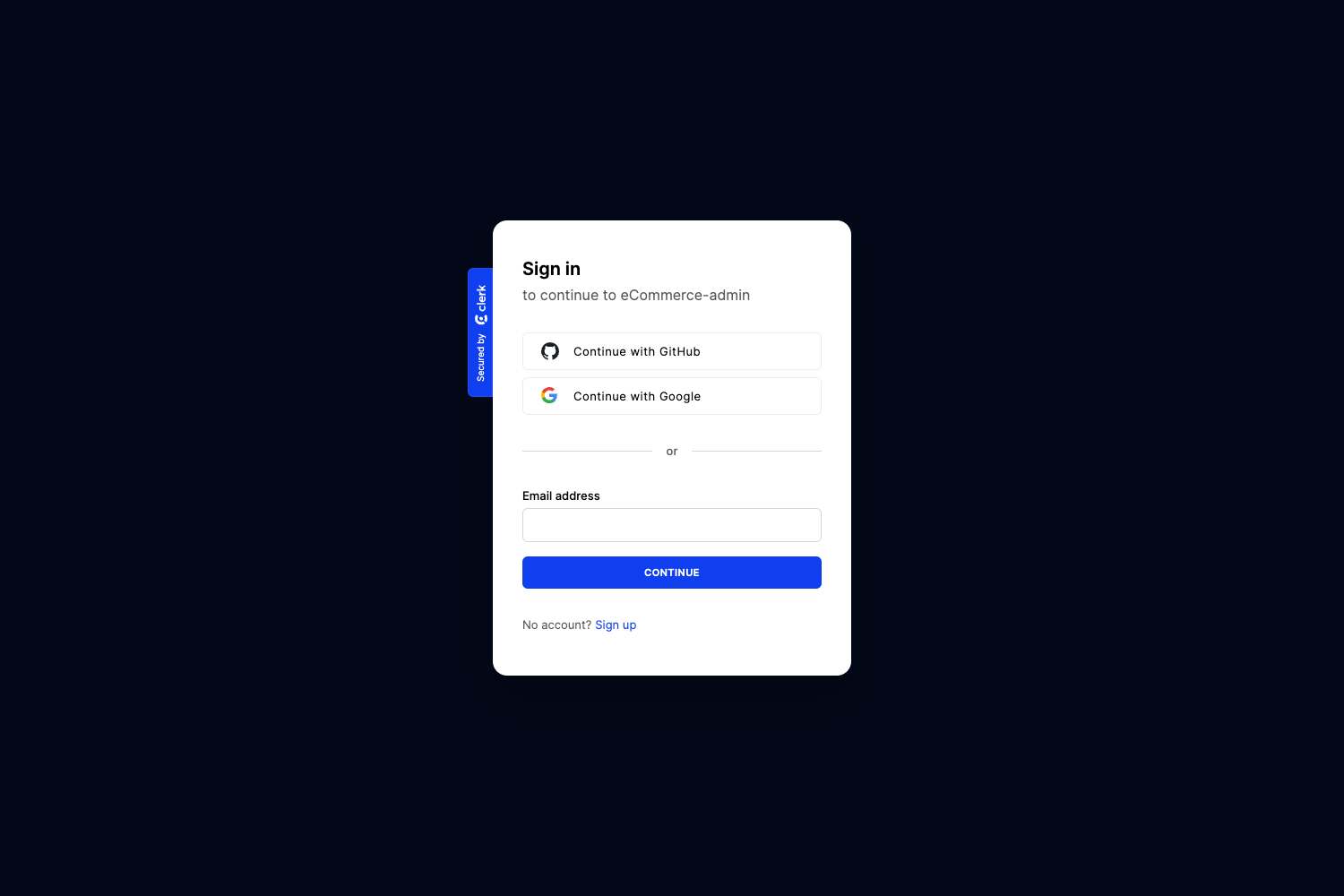
Authentication and Authorization, Favorite products, Dynamic filtering, and an Admin dashboard are listed in the project roadmap, so they are planned but not yet implemented.
What products can I find in Namstore?
The catalog contains 22 products divided into four categories: T-Shirts, Pants, Sneakers, and Toys. Products also belong to one of three genders — Man, Woman, or Child — which can be used as filters.
How do I search using multiple keys?
Place a plus sign between search keys, such as man+pants, to match products whose category, gender, or title corresponds to any of the given terms.
What technologies does Namstore use?
The tech stack includes Next.js, TypeScript, React, Redux, MongoDB, Mongoose, and styled-components, along with ESLint and Husky for development workflow.