Template details
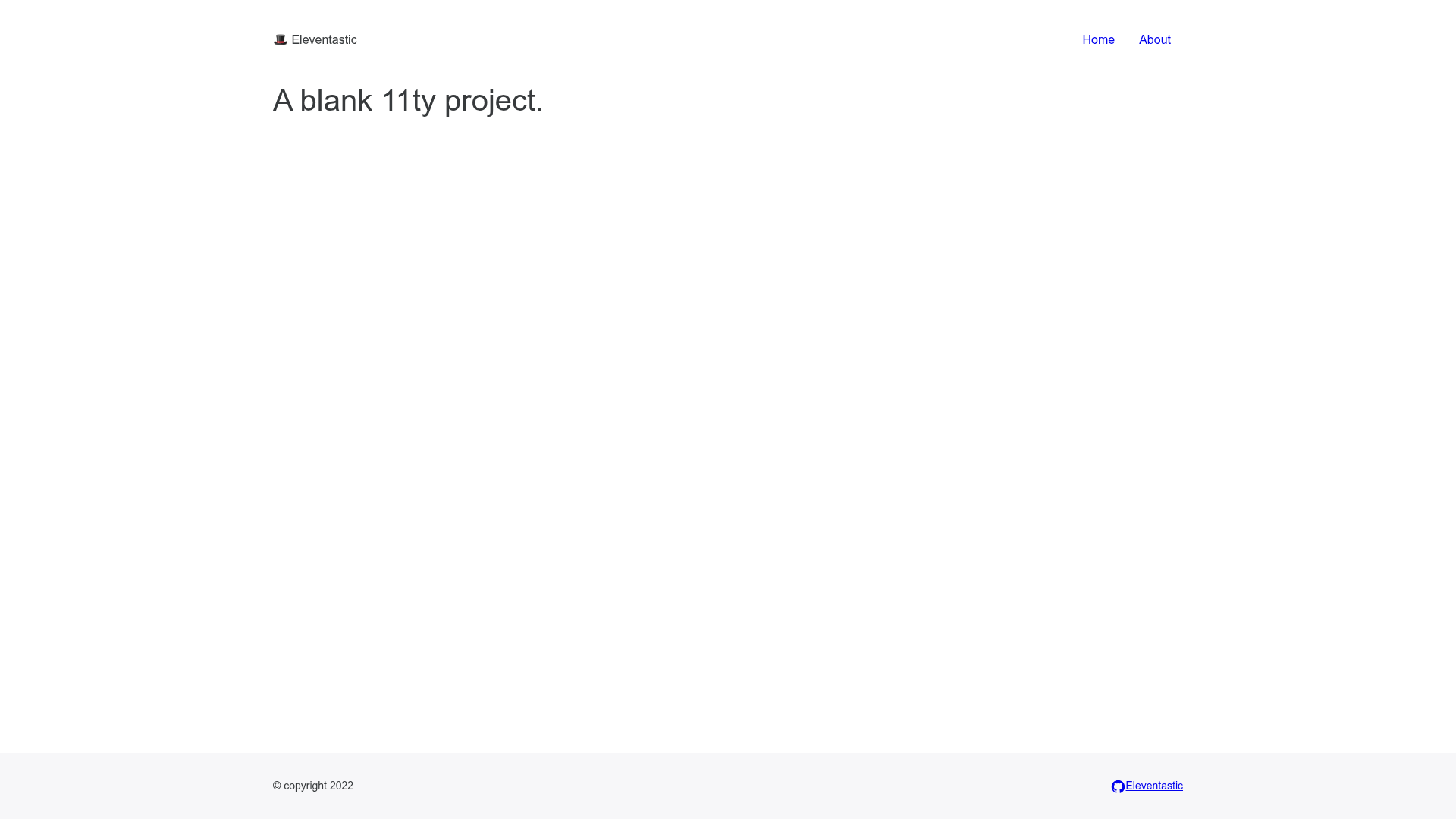
Eleventastic
An Eleventy Starter Kit
About this template
Eleventastic is an Eleventy (11ty) starter kit that wires a Sass CSS pipeline, webpack JavaScript bundling, SVG icon sprite generation, and critical CSS into a single static site build, ready to fork and deploy to Netlify.
What is Eleventastic?
Eleventastic is a simple Eleventy starter kit created by Max Böck as his base for all new 11ty projects. It takes Eleventy template files, Sass stylesheets, ES6 JavaScript modules, and SVG icons as inputs, and outputs a production-ready static site in a dist directory containing minified HTML, optimized CSS, and bundled JavaScript. The entire pipeline runs through Eleventy itself — no external build tools like Gulp or Grunt are used. Böck credits Phil Hawksworth's EleventyOne, Mike Riethmuller's Supermaya, and Zach Leatherman's zachleat.com as sources of ideas.
Key Features
- CSS Pipeline — Sass source at
src/assets/styles/main.scssis processed and optimized with CleanCSS, output todist/assets/styles/main.css. - JS Bundling — ES6 JavaScript at
src/assets/scripts/main.jsis transpiled to ES5 with Babel, bundled with webpack, and minified in production builds, output todist/assets/scripts/main.js. - SVG Icon Sprite Generation — Every SVG placed in
src/assets/iconsis bundled into a single symbol sprite; the filename becomes the icon identifier, and any template renders it with the "icon" shortcode. - Critical CSS — The critical package runs as an automatic transform to inline critical CSS in the head of the homepage only.
- HTML Minification — Production builds emit minified HTML alongside the processed assets.
- No external builds — The whole pipeline runs through 11ty;
npm startlaunches a development server with live reloading, andnpm run buildgenerates the production output.
Who should use Eleventastic?
Eleventastic suits developers who want a preconfigured front-end pipeline without assembling Sass, webpack, and icon sprite tooling themselves. Eleventy developers get a working starting point they can fork and customize for their own projects. Front-end developers who prefer one static site generator over separate build tools get a pipeline run entirely through 11ty. Developers deploying to Netlify can fork the GitHub repository and use the one-click deploy button to publish a live site immediately.
What can you do with Eleventastic?
- New static site projects: scaffold a blog, portfolio, or marketing site with Sass and webpack already wired up.
- Rapid prototyping: run
npm startfor a local dev server with live reloading and iterate on templates without manual builds. - Icon management: drop SVG files into
src/assets/iconsand reference them anywhere with the icon shortcode.
How does Eleventastic work?
Getting started takes three steps. First, run npm install in the site root to install dependencies. Then use npm start to launch a development server with live reloading, or npm run build to generate a production build. To deploy, fork the repository on GitHub and use the "Deploy to Netlify" button, which connects the fork to Netlify for continuous deploys.
Pros and cons
- Pros: one-command setup, no external build system, production build includes minification, automatic SVG sprite generation, one-click Netlify deployment.
- Cons: critical CSS is inlined only on the homepage, so other pages do not get the same inlining treatment.
Pricing
Eleventastic is free — it is distributed through a public GitHub repository that anyone can fork and deploy without a license fee.
Alternatives
- EleventyOne by Phil Hawksworth — an Eleventy starter site Eleventastic explicitly credits as an influence.
- Supermaya by Mike Riethmuller — another 11ty starter kit credited in the project's README.
FAQ
Is Eleventastic free?
Yes. Eleventastic is distributed as a public GitHub repository, so anyone can fork, modify, and deploy it with no license fee or signup.
What build tools are included?
Eleventastic includes Sass with CleanCSS for styles, Babel and webpack for JavaScript, a custom SVG icon sprite generator, the critical package for critical CSS, and HTML minification — all running through Eleventy itself.
How do I use an SVG icon?
Place an SVG file, for example github.svg, into the src/assets/icons folder. The file is bundled into a symbol sprite, and you render it in any template with the shortcode written as the word "icon" followed by the filename in quotes.
Does critical CSS apply to every page?
No. Critical CSS is only inlined in the head of the homepage, which is a stated limitation of the template's current setup.