Template details
next-hexagonal-architecture
✨ Template of NextJS Project using Hexagonal Architecture
About this template
Next Hexagonal Architecture is an open-source, MIT-licensed Next.js 15 template that applies hexagonal architecture to a React 19 project, pairing the App Router with Bun, TailwindCSS v4, shadcn/ui, Zod, Vitest, and Cypress out of the box.
What is next-hexagonal-architecture?
Next Hexagonal Architecture is a free, open-source template for building Next.js applications using a layered hexagonal structure. It takes a blank project skeleton and produces a working app with domain, application, and infrastructure layers under src/modules and a presentation layer of shadcn/ui components under src/sections. It runs on Next.js 15.4.1 with the App Router, React 19, and TypeScript 5, and uses Bun as its package manager and runtime. The repository is public on GitHub and licensed under MIT.
Key Features
- Hexagonal architecture layout — code is split into domain (entities and interfaces), application (use cases), and infrastructure (external adapters) directories under
src/modules, with UI presentation separated intosrc/sections. - Next.js 15.4.1 App Router — uses server components, a root layout, and API routes defined under
src/app/api. - TailwindCSS v4 with shadcn/ui — utility-first styling via
tailwind.config.ts, plus prebuilt shadcn/ui components including button, card, input, and label. - TypeScript 5 and Zod validation — type-safe code with Zod for runtime validation and
@hookform/resolversintegrating Zod with React Hook Form. - Bun as the toolchain — all commands from install to test use Bun, and Biome.js handles linting and formatting in place of ESLint and Prettier.
- Integrated testing stack — Vitest with @testing-library/react and Happy-DOM for unit tests, Cypress for end-to-end tests inside
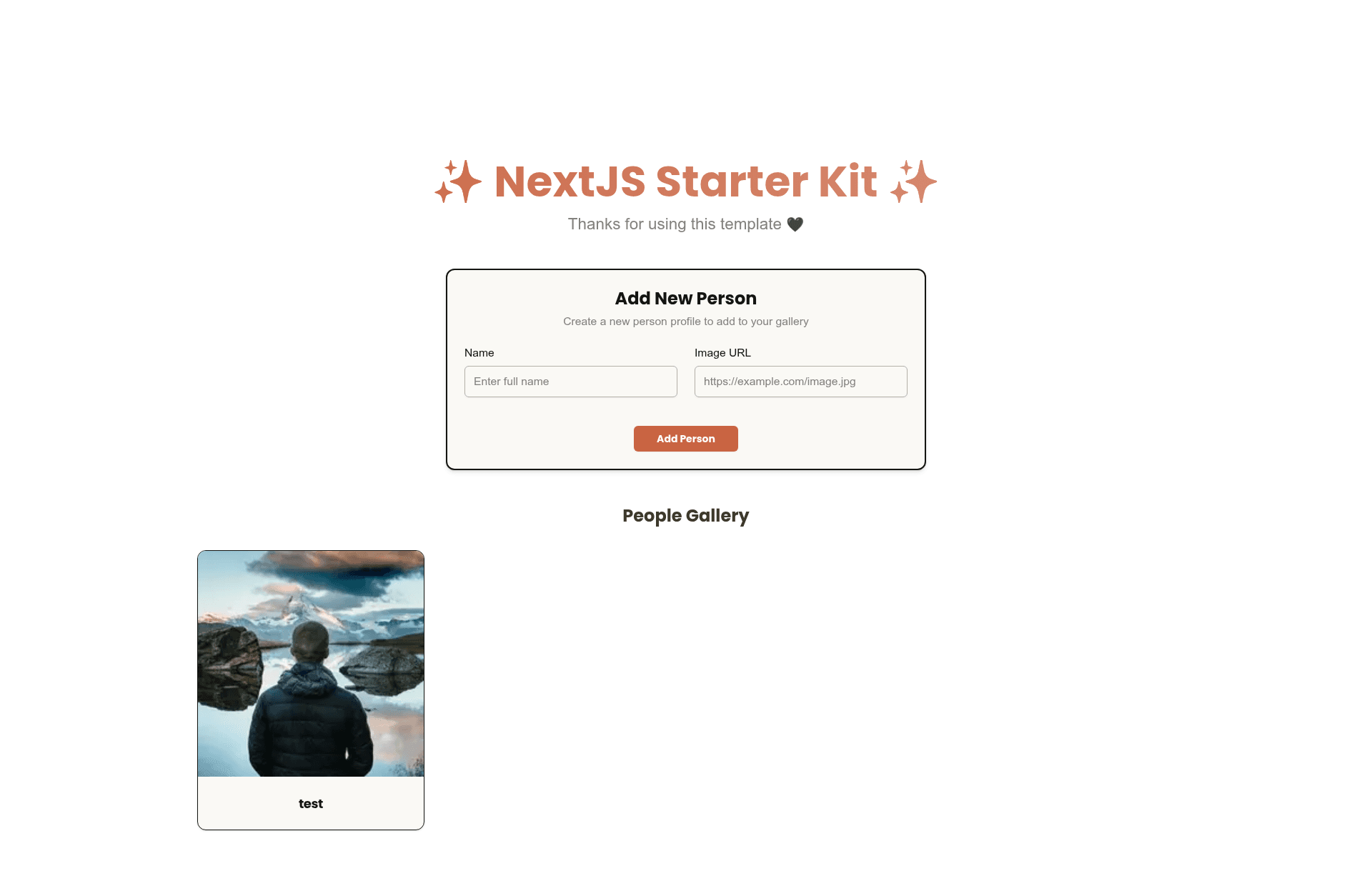
src/e2e/tests. - Working welcome module — a runnable example featuring welcome people create, card, and list components that demonstrate the architecture end to end.
Who is it for?
- Next.js and React developers — who want a codebase organized by business capability instead of a single components folder.
- Teams adopting hexagonal architecture — who need a concrete reference for separating domain, application, and infrastructure concerns in a frontend project.
- Developers who want testing and linting preconfigured — unit and E2E test runners, a linter, and a formatter all work immediately after
bun install. - Open-source contributors and freelancers — who can clone, strip the demo welcome feature, and build client work on a permissively licensed base.
What can you do with it?
- Architecture tutorials and workshops: use the welcome module as a live example of how a request flows from a UI section through a use case into the infrastructure layer.
- Production app bootstrapping: clone the repository, remove the welcome feature, and add your own modules using the same hexagonal structure.
- Testing experiments: run
bun testfor unit tests andbun run cy:openfor interactive Cypress E2E tests to validate the stack in your own environment.
How does it work?
The template is organized into four layers: domain entities, application use cases, infrastructure adapters, and presentation sections. To start, clone the repository, run bun install, then bun dev and visit http://localhost:3000. The included welcome feature demonstrates the full request flow from UI through the application layer to the infrastructure adapters.
Pros and cons
- Pros: preconfigured linting, formatting, unit tests, and E2E tests in one repo; the latest toolchain of Next.js 15, React 19, TailwindCSS v4, shadcn/ui, Zod, Bun, and Biome; business logic stays independent of the framework thanks to the hexagonal layout.
- Cons: requires Bun as the runtime and package manager, so npm or yarn users must translate the commands; the layered folder structure adds boilerplate for very small prototypes; Biome and Happy-DOM are less widely documented than ESLint and jsdom.
Pricing
The template is free and open source under the MIT License, with no paid tiers or usage limits.
FAQ
Is next-hexagonal-architecture free?
Yes, the project is open source and released under the MIT License, so you can use it commercially, modify it, and redistribute it without paying a license fee.
What versions of Next.js and React does it use?
The template uses Next.js 15.4.1 and React 19, with TypeScript 5, TailwindCSS v4, and shadcn/ui components. The README also lists the exact tool versions for each dependency.
Do I need Bun to run this template?
Every command in the README uses Bun, from bun install and bun dev to bun test and bun run cy:run. If you prefer another package manager, you will need to translate the commands.
Does the template include E2E testing?
Yes, Cypress is configured with a config file and test files under src/e2e/tests, and you can run it in headless mode with bun run cy:run or interactively with bun run cy:open.
Does it use ESLint?
No. Biome.js is configured as the linter and formatter, and the README states that it replaces ESLint and Prettier. The bun run lint and bun run format commands invoke Biome.