Template details
landing-page-boilerplate
A pure client-side landing page template you can fork, customize, and host freely, with Mailchimp and Google Analytics.
About this template
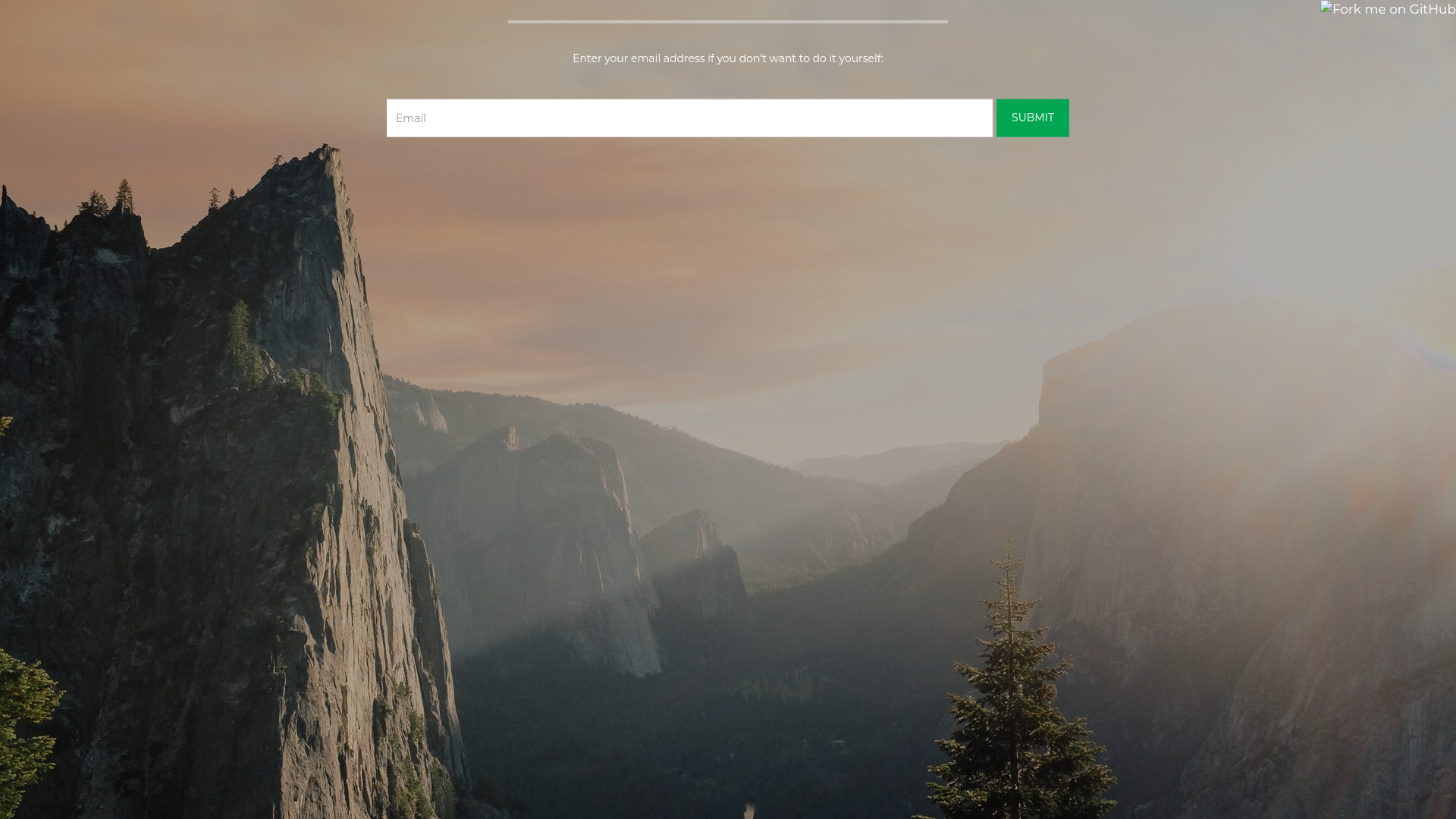
landing-page-boilerplate is a free, pure client-side landing page boilerplate built with static HTML, CSS, and a touch of JavaScript, designed to be forked, customized, and hosted freely on GitHub Pages while integrating Mailchimp for email subscriptions and Google Analytics for visitor statistics.
What is landing-page-boilerplate?
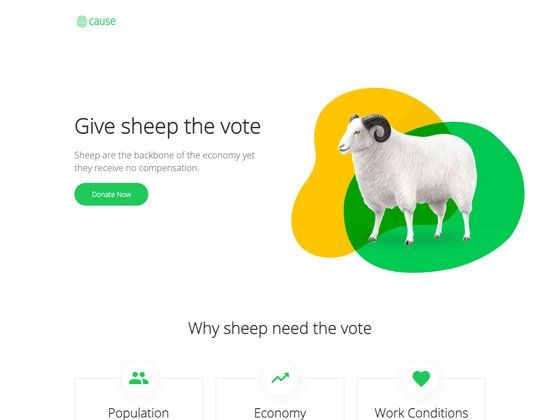
landing-page-boilerplate is a static HTML landing page template that you can fork from GitHub, edit, and publish as your own website. It takes your content and configuration — title, description, Mailchimp form action, Google Analytics ID, and background image — and produces a single-page responsive landing site that collects visitor emails and tracks page views. No server-side code or database is needed; the project runs entirely in the browser and can be hosted on GitHub Pages for free.
Key Features
- Static HTML page — The entire site is a single
index.htmlfile with linked CSS and images, so it loads quickly and requires no server-side processing or database. - Mailchimp integration — User emails submitted through the built-in form are sent to the Mailchimp list you specify by editing the
actionattribute of the form element. - Google Analytics tracking — A hardcoded Google Analytics code (
UA-1858235-15in the source) can be replaced with your own tracking ID to monitor page views. - Responsive design — The layout adapts to desktop and mobile screen sizes without any extra configuration.
- Custom domain support — A
CNAMEfile is included; when paired with GitHub Pages, you can point your own domain name to the site. - Easy customization — You fork the repository, edit the
<title>,<h1>,<p>, and<meta>elements inindex.html, and replace the default background image in/res/background.jpg.
Who is it for?
- Developers and indie hackers — Quickly launch a landing page for a side project or product without setting up a CMS or backend, and collect pre-launch email signups.
- Startups and small businesses — Use it as a simple "coming soon" page to gauge interest while a full product is still in development.
- Designers and non-technical users — Since the template is just static HTML with clear comments in the source, you can edit the content directly and host it on GitHub Pages with no hosting costs.
What can you do with it?
- Product pre-launch pages: Announce an upcoming product and capture email addresses from early visitors, then export those addresses from your Mailchimp list when you are ready to launch.
- Personal project landing pages: Showcase a portfolio, an open-source tool, or a side experiment with a clean single-page layout, and track how many people visit via Google Analytics.
- Event or course waitlists: Collect interest for a workshop, webinar, or online course, and use Mailchimp's automation to send follow-up emails to subscribers.
How does it work?
The workflow is entirely manual and documented in the project's README. First, fork the repository to your own GitHub account, then edit the metadata and content in index.html — including the page title, tagline, meta tags, the Mailchimp form action URL, and the Google Analytics tracking code. Next, replace the default background image in /res/background.jpg with your own. If you have a custom domain, set it in the CNAME file and configure GitHub Pages. Finally, hard-refresh your subdomain (or wait up to 24 hours), submit a test email through the form, and check your Google Analytics dashboard to confirm the page view was recorded.
FAQ
Is landing-page-boilerplate free to use?
Yes, the template is distributed as an open-source project on GitHub. You can fork it, modify it, and host it for free on GitHub Pages. The only external services involved — Mailchimp for email collection and Google Analytics for tracking — have their own free tiers, so you can run the landing page at zero cost for basic usage.
Can I use my own domain with this template?
Yes. The project includes a CNAME file specifically for GitHub Pages custom domain support. After setting your domain in the CNAME file and configuring the DNS records with your domain registrar, your custom domain will point to the GitHub Pages-hosted landing page.
What do I need to edit in the HTML?
You need to update several elements inside index.html: the <title> and <h1> for the page/product name, the first <p> for the baseline description, all <meta> tags for search engines and social sharing, the action attribute of the <form> to your Mailchimp list URL, and the Google Analytics code (the default UA-1858235-15 should be replaced with your own).