Template details
Postgres + Kysely Next.js Starter
Simple Next.js template that uses a Postgres database and Kysely as the query builder.
About this template
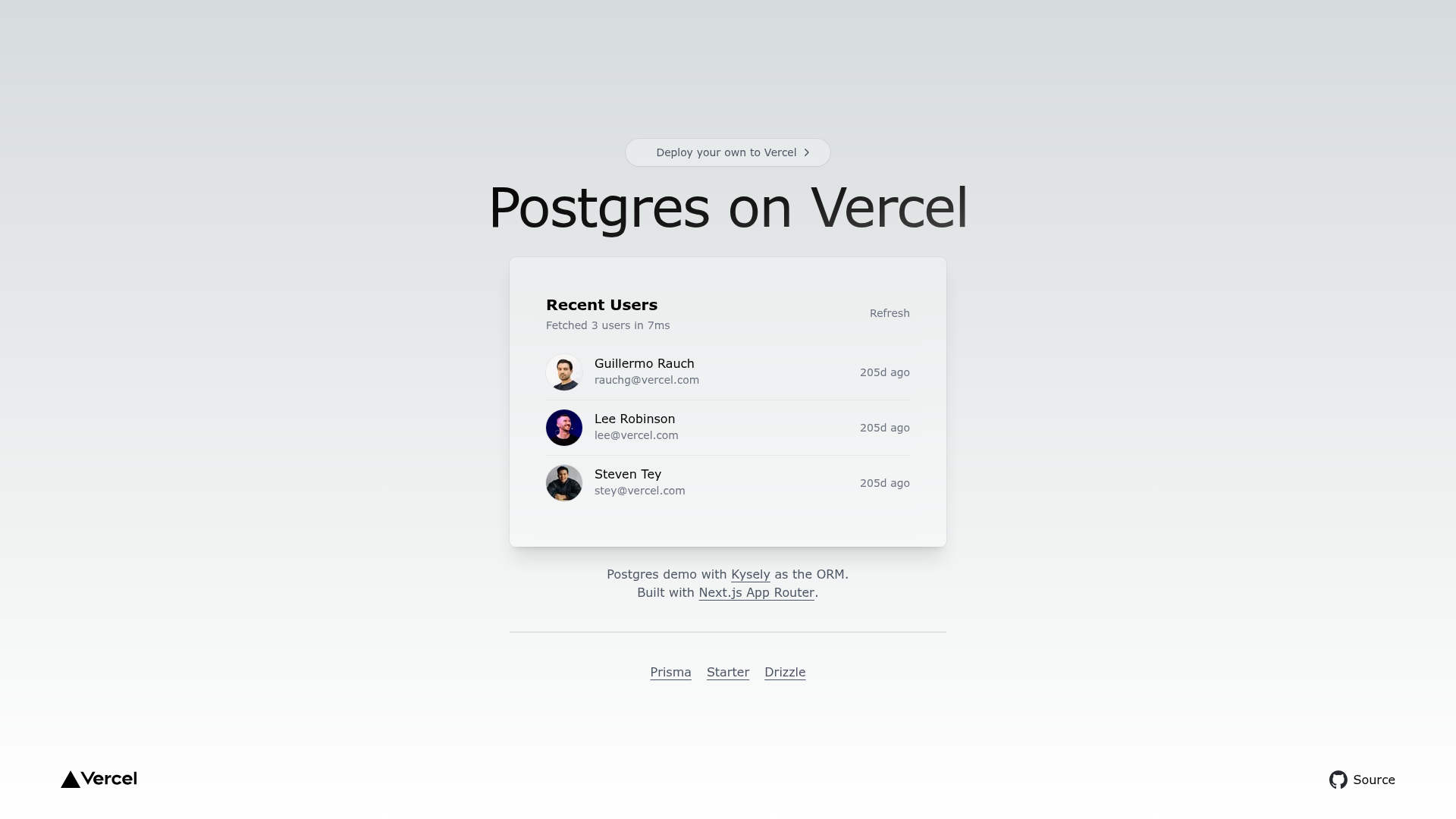
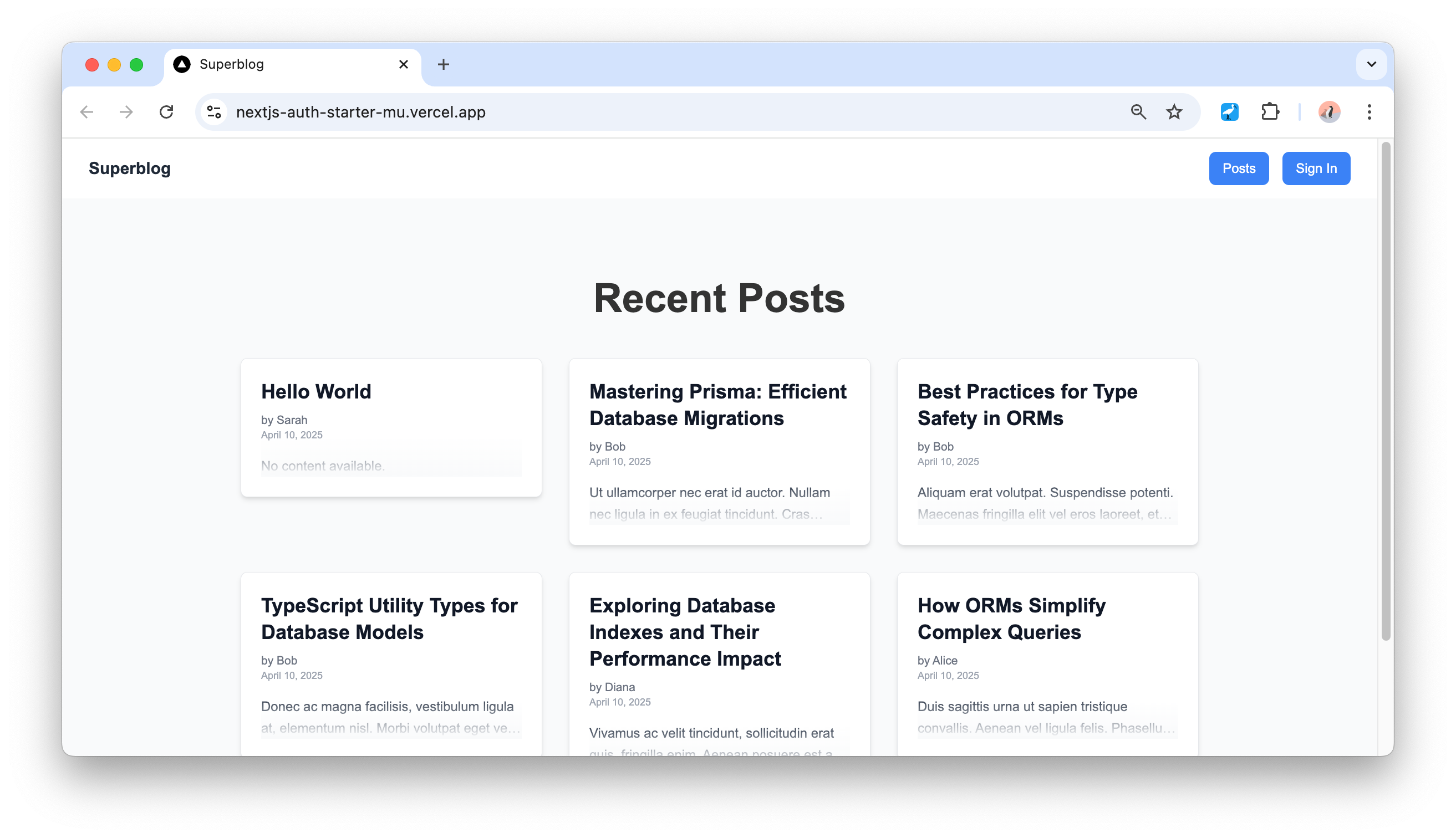
Postgres + Kysely Next.js Starter is a Vercel-published boilerplate for creating Next.js applications that connect to a PostgreSQL database and interact with it using the Kysely query builder. The starter is part of Vercel's official examples repository and ships with Tailwind CSS preconfigured, a live demo, and one-click deployment to Vercel.
What is the Postgres + Kysely Next.js Starter?
The Postgres + Kysely Next.js Starter is a template for building full-stack web applications with Next.js as the framework, PostgreSQL as the database, and Kysely as the typed SQL query builder. It takes database connection credentials via environment variables and produces a runnable Next.js app with a query layer ready to use. The template is maintained by Vercel and is available in the Vercel examples GitHub repository.
Key Features
- Next.js framework — Uses the App Router (implied by Next.js latest) with server-side rendering and API routes, giving a complete React application structure.
- Tailwind CSS styling — Tailwind is preconfigured so you can start styling components with utility classes without additional setup.
- Postgres integration — Pre-wired to Vercel Postgres, allowing you to connect to a hosted Postgres database by setting a few environment variables.
- Kysely query builder — Includes Kysely, a TypeScript-first SQL query builder that offers type safety and schema-aware queries.
- One-click deploy — Deploy to Vercel directly from the repository using the provided deploy button, which clones the repo and sets up the project.
- Local development workflow — The README explains how to bootstrap with
create-next-app, copy.env.exampleto.env.local, configure variables, and runpnpm dev. - Related starter variants — The same repository includes alternative versions using Prisma and SvelteKit, letting you compare query builders and frameworks.
Who is it for?
The starter is aimed at developers who want to skip environment setup and jump straight into building a Next.js app with a Postgres database. It suits full-stack developers who need a clean query layer and prefer typed SQL over a heavy ORM. Teams deploying to Vercel will find the one-click deploy and integration with Vercel Postgres convenient.
What can you do with the Postgres + Kysely Next.js Starter?
- Full-stack developers — Bootstrap a new project with database access already configured, then focus on building data-driven features like content management or user dashboards.
- Developers learning Kysely — Use the starter as a working reference for setting up Kysely with Next.js and Postgres, including environment variable handling and query patterns.
- Prototype builders — Rapidly spin up a functional web app with a Postgres backend for demos or MVPs, then deploy it to Vercel with one click.
How does the starter work?
The template can be used in two ways: you can deploy it directly to Vercel with the one-click button, or clone it locally using pnpm create next-app --example from the Vercel examples repository. After cloning, copy .env.example to .env.local, fill in the database credentials from Vercel Postgres, and run pnpm dev for local development.
Alternatives
- Postgres + Prisma Next.js Starter — A sibling template that uses Prisma ORM instead of Kysely.
- Postgres + SvelteKit Starter — Another Vercel example using the SvelteKit framework instead of Next.js.
FAQ
How do I deploy this starter?
Use the one-click Deploy with Vercel button, which clones the repository and sets up the project on Vercel automatically. Alternatively, clone the repo locally and push it to your own Git provider, then import it into Vercel.
What is Kysely?
Kysely is a TypeScript SQL query builder that provides type safety and autocompletion for database queries without the overhead of a full ORM. It supports Postgres and other SQL dialects.
What database does it use?
The starter is configured for PostgreSQL, specifically Vercel Postgres, a hosted Postgres service integrated with Vercel. You connect by setting environment variables in your project.
Do I need to configure environment variables?
Yes. The project includes a .env.example file; you copy it to .env.local and set the connection details for your Postgres database before running the app locally or deploying.