Template details
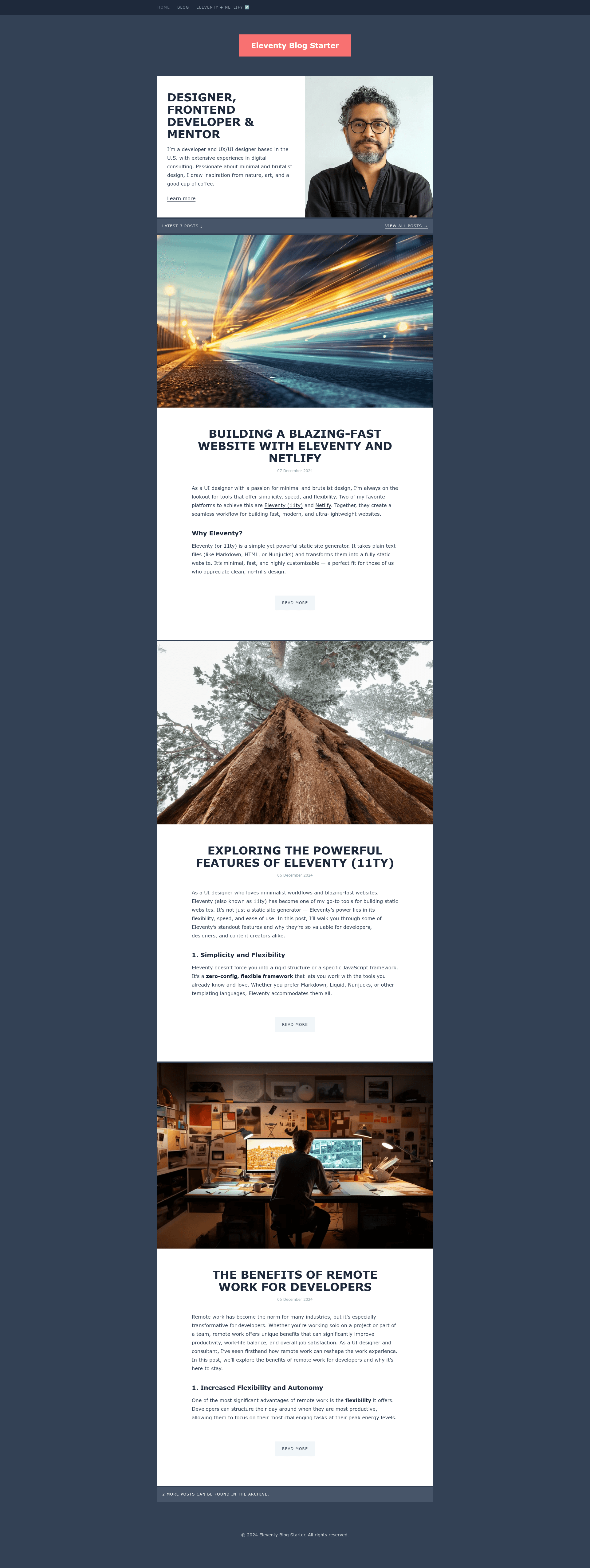
Eleventy Blog Starter
A starter repository showing how to build a blog with the Eleventy and Tailwind CSS.
About this template
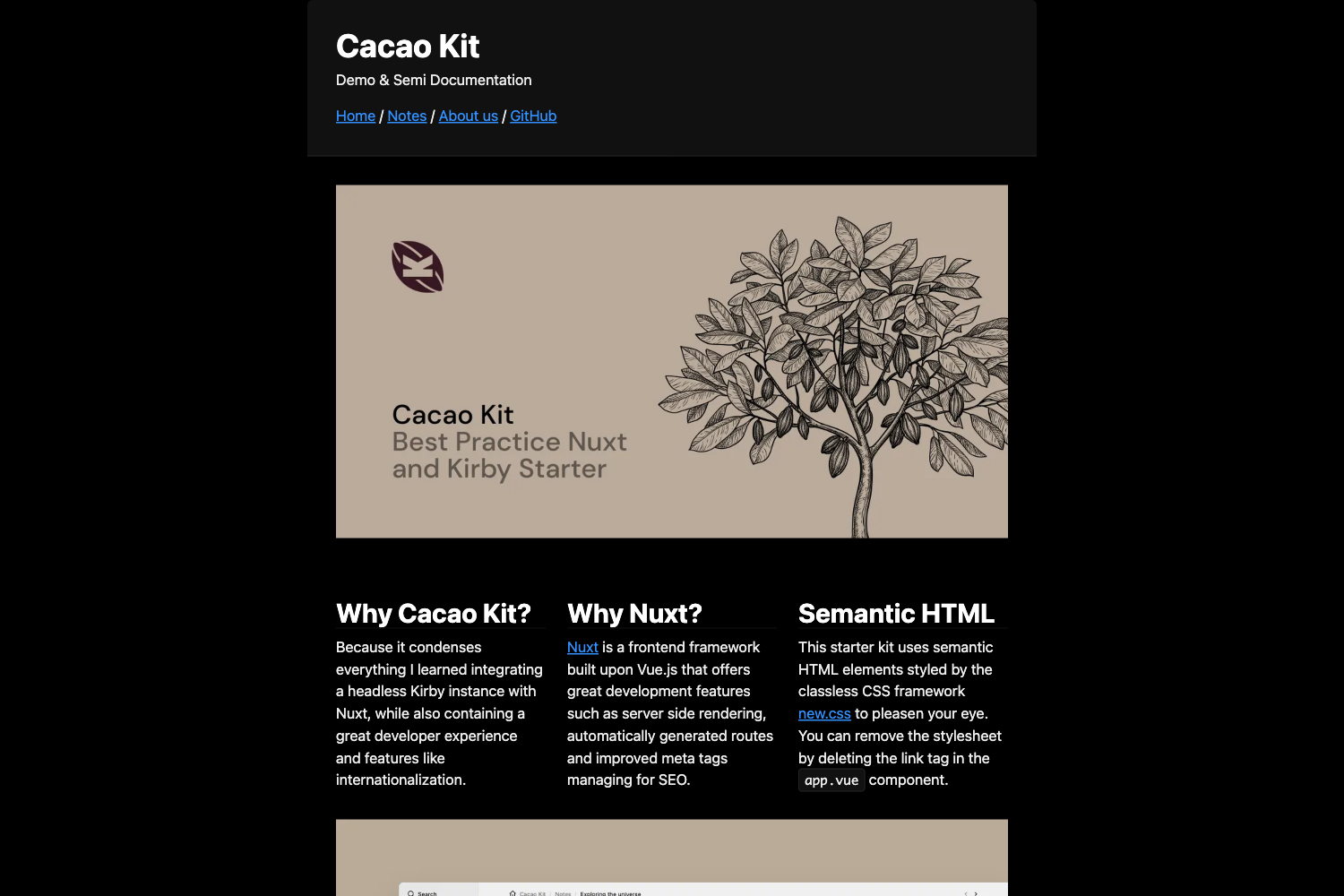
Eleventy Blog Starter is a free starter repository from Netlify that demonstrates how to build a blog using the Eleventy static site generator and Tailwind CSS.
What is the Eleventy Blog Starter?
The Eleventy Blog Starter is a GitHub repository that provides a pre-configured blog structure. It takes content written in Markdown or other supported template formats and outputs a static HTML site. It runs on Node.js, uses Eleventy (11ty) as the static site generator, and includes Tailwind CSS for styling. The starter is published by Netlify, includes a live demo, and offers a one-click deployment option to Netlify.
Key Features
- Eleventy static site generation — Uses Eleventy 11ty to build a blog from Markdown files in the content directory, with support for other template formats configured in eleventy.config.js.
- Tailwind CSS integration — Includes Tailwind CSS for utility-first styling, set up to work with Eleventy's build process.
- Netlify deployment — Includes a Deploy to Netlify button that creates a new repository with the same contents and configures it for deployment on Netlify automatically.
- Eleventy Navigation plugin — Uses the eleventyNavigation key in front matter to add pages to the top-level site navigation, as used on the home and about pages.
- Three custom layouts — Provides base.njk, home.njk, and post.njk to control the HTML structure, home page, and blog post layout.
- Reusable post list component — A Nunjucks include at _includes/postslist.njk that renders a list of all posts, demonstrated in content/index.njk.
- Pass-through copy for static assets — The public folder in the input directory is copied to the output folder after build via addPassthroughCopy in eleventy.config.js.
- Live demo — Available at https://11ty-blog-starter-demo.netlify.app/ to see the starter in action.
Who is it for?
- Static site developers who want a pre-configured blog with Eleventy and Tailwind without setting up the build pipeline from scratch.
- Netlify users who want to deploy a blog to Netlify quickly using the one-click Deploy to Netlify button.
- Bloggers comfortable with Markdown who want a fast, content-focused static site that generates clean HTML.
What can you do with it?
- Quickly start a blog — Clone the repository, run npm install, and start a local development server with npm run dev.
- Deploy to Netlify in one click — Use the Deploy to Netlify button to create a new repository and publish it to Netlify without leaving the browser.
- Add blog posts — Drop new Markdown files into the content/blog/ folder with the posts tag to include them in the blog collection.
- Customize navigation — Use the eleventyNavigation front matter key to add or remove pages from the top navigation bar.
How does it work?
Eleventy transforms content files in the content directory into a static _site folder. Running npm run dev starts a local development server, while npm run build generates a production-ready build. The project structure separates content, layouts, includes, and public assets, making the template straightforward to extend.