Template details
Jekyll Reveal.js
A Jekyll-based framework for creating Reveal.js presentations from Markdown slides.
About this template
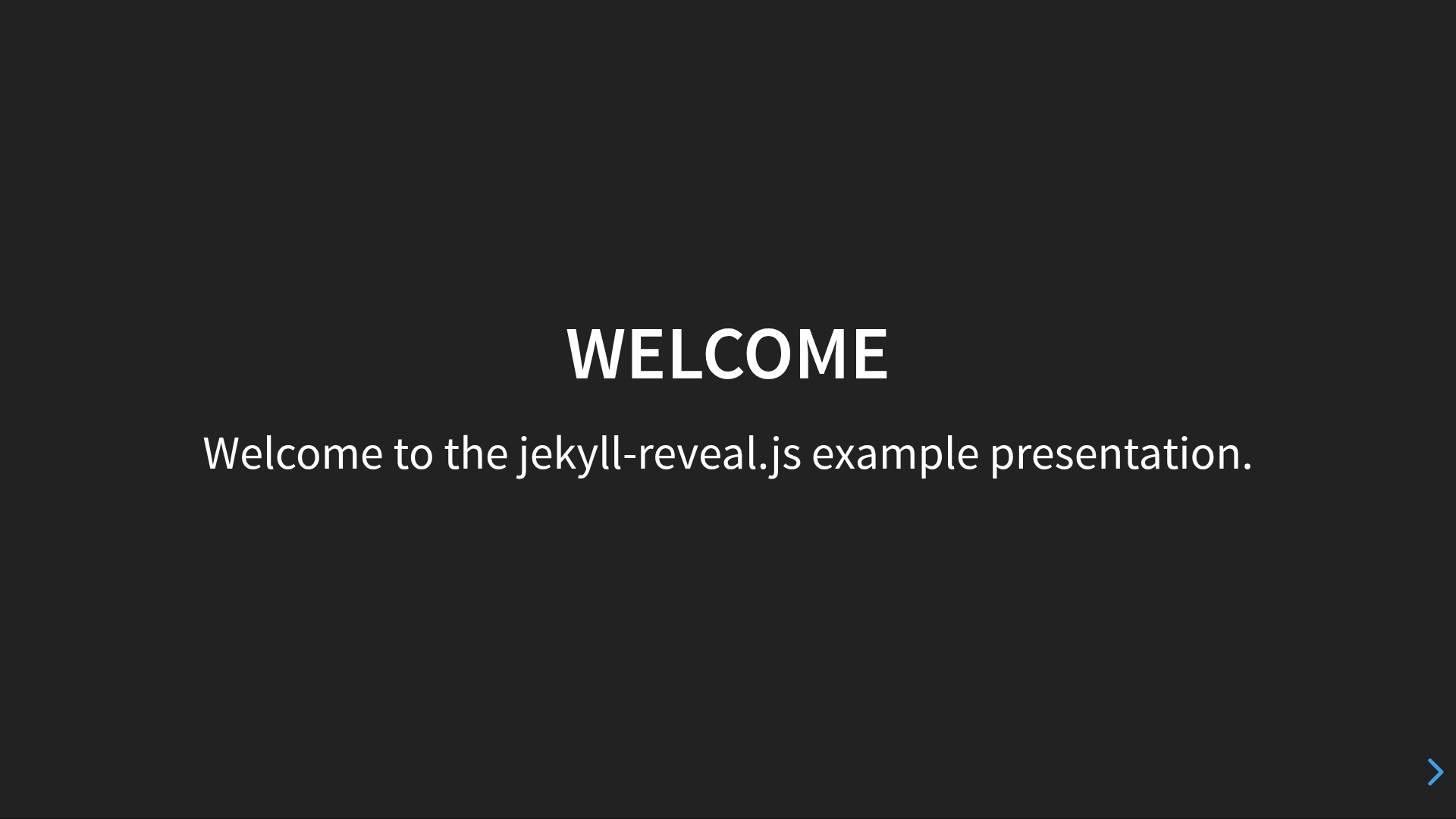
Jekyll Reveal.js is an open-source Jekyll-based framework for building Reveal.js presentations from Markdown slides. It combines the static-site management of Jekyll with the browser-based presentation features of Reveal.js, letting you write each slide as a Markdown file and compile them into a single HTML deck.
What is Jekyll Reveal.js?
Jekyll Reveal.js is a Jekyll boilerplate created by dploeger that uses Jekyll's post system to gather slide files and feeds them through Reveal.js's Markdown interpreter. The output is a static HTML presentation that runs entirely in the browser. It takes clean Markdown files as input and produces a fully navigable Reveal.js deck as output, with support for horizontal slides, vertical slides, fragments, backgrounds, speaker notes, and mermaid diagrams.
Key Features
- Markdown slide files — Each slide (or group of slides) lives in the
_postsdirectory following Jekyll's date-named filename convention, e.g.0000-01-01-welcome.md, so ordering is controlled by the numeric prefix. - Reveal.js configuration — Almost every Reveal.js setting can be set from
_config.yml, includingreveal_theme,reveal_transition,reveal_path, and thereveal_optionslist for width, height, and other JavaScript options. - Markdown extensions — Use three dashes between line breaks to split multiple horizontal slides in one file, two dashes for vertical slides, and a
Note:line for speaker notes. - Fragments — Reveal's step-by-step reveal behavior is simplified to a
<fragment/>tag, or simply using+list markers. - Slide backgrounds — Set solid color backgrounds with
<background>white</background>or image backgrounds with<backgroundimage>and<backgroundimageopacity>. - Mermaid diagrams — Enable
mermaid_diagrams: truein_config.ymlto render mermaid-js SVG diagrams directly inside slides. - Custom themes — Point
reveal_theme_pathto a local directory to use your own reveal.js themes, and add extra CSS viaextra_css. - Docker support — Run
docker-compose upto build and serve the presentation without installing Jekyll locally.
Who is it for?
Jekyll Reveal.js is for technical presenters, educators, and developers who already use Jekyll or want to version-control their slide decks with Git. It suits anyone who prefers writing in Markdown over using PowerPoint or Google Slides, and who needs the interactive capabilities of Reveal.js such as fragments and speaker notes.
What can you do with it?
- Technical speakers can write conference talks as a series of Markdown posts, commit them to a Git repository, and build a self-contained HTML deck with
jekyll build. - Teachers and trainers can embed mermaid diagrams and image backgrounds to create visually rich lesson slides without touching HTML or CSS.
- Teams can manage multiple presentation branches from a single repository, using Git branching to spin up a new deck from the master branch.
How does it work?
After cloning the repository recursively and creating a Git branch, remove the example _posts and add your own Markdown files. Run jekyll build to generate the presentation site, or use docker-compose up to serve it live. The framework reads every post, processes the Markdown extensions, and assembles the Reveal.js deck.
FAQ
Do I need to install Jekyll to use Jekyll Reveal.js?
No — if you have Docker, you can run docker-compose up to build and serve the presentation without a local Jekyll installation. The repository includes a docker-compose.yml for this purpose.
How do I create multiple slides in one file?
Write a newline, three dashes, and another newline between slide sections in your Markdown file. Use two dashes instead of three to create a vertical slide below the current one.
Can I use custom reveal.js themes?
Yes. Create a theme directory, place your theme files there, then set reveal_theme_path in _config.yml to point to that directory. The bundled reveal.js submodule should not be modified directly since it is a Git submodule.
What are the speaker notes syntax?
Add a line containing only Note: and write the notes below it in the same Markdown file. These notes appear only in the speaker notes view, not on the projected slide.