Template details
Next.js & Checkly Starter Template
A minimal Next.js starter with Checkly monitoring, Vercel deployment checks, and a ready GitHub Actions workflow.
About this template
The Next.js & Checkly Starter Template is a boilerplate repository from Checkly that pairs a minimal Next.js app on Vercel with automated browser and API checks that run in CI before and after deployment.
What is the Next.js & Checkly Starter Template?
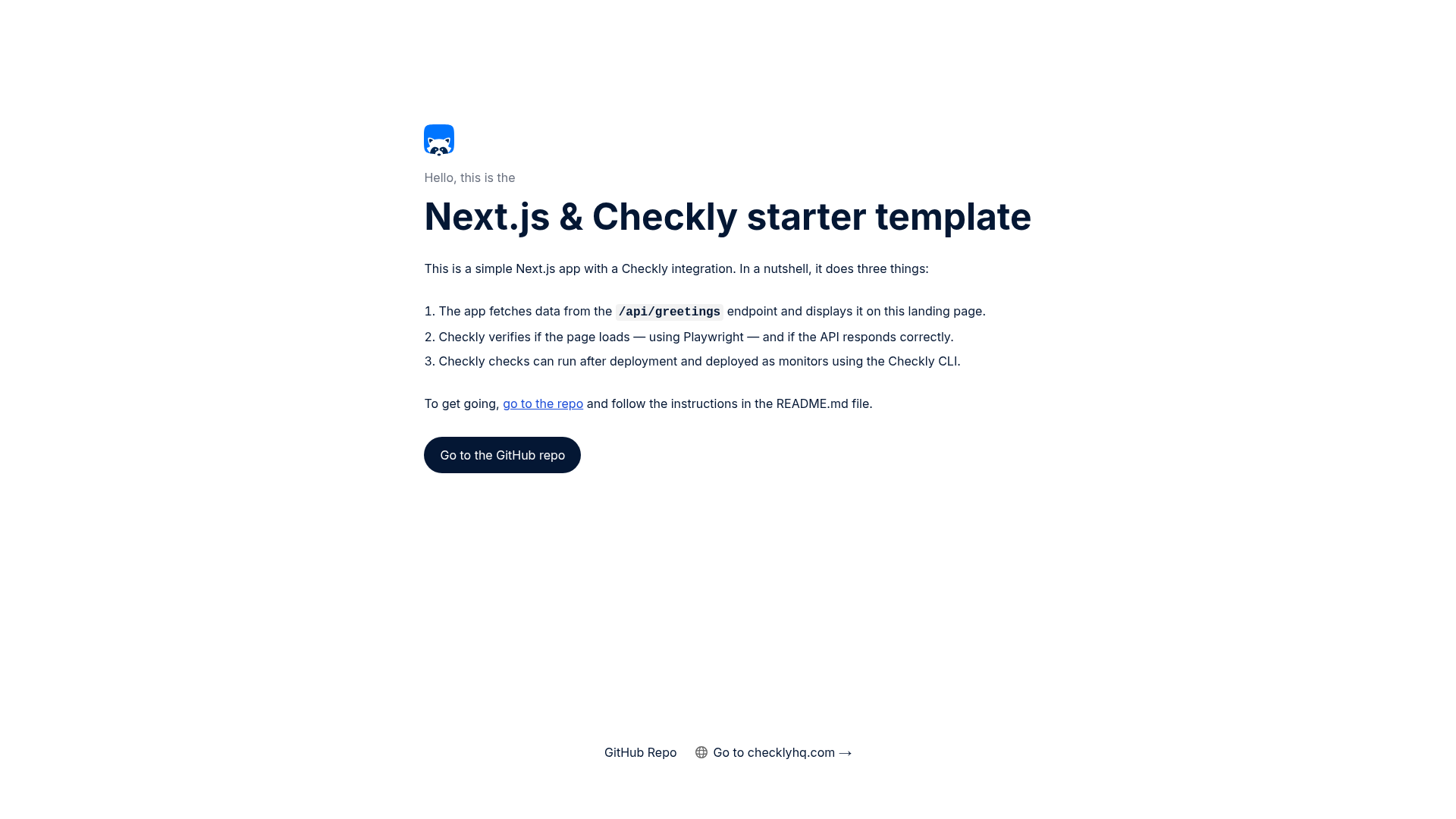
The template contains a simple Next.js application that fetches data from the /api/greetings endpoint and renders it on the landing page. It also includes Checkly checks in the __checks__ directory that verify the page loads and the API responds correctly, along with the Checkly CLI and GitHub Actions configuration needed to execute those checks in continuous integration. The project is hosted on GitHub under the Checkly organization and is designed to be a starting point for adding monitoring to a Vercel-hosted Next.js app.
Key Features
- Next.js app with API route — The template includes a working Next.js app and a custom
/api/greetingsendpoint that returns data displayed on the landing page, so you can immediately see how the frontend and backend interact. - Checkly checks in
__checks__— A__checks__directory contains Playwright-based checks that test both the rendered page and the API endpoint, giving you real end-to-end coverage out of the box. - GitHub Actions workflow — A ready-made workflow at
.github/workflows/checkly.ymltriggers on Vercel deployment webhooks, runs the checks, posts a Markdown report as a GitHub Actions summary, and records test sessions in Checkly. - Vercel Deployment Protection handling — The README documents how to configure a
VERCEL_AUTOMATION_BYPASS_SECRETand enable system environment variables so Checkly can access protected preview deployments. - Checkly CLI commands — The setup uses
npx checkly login,npx checkly env add,npx checkly test --record, andnpx checkly deployto manage checks, test sessions, and monitors from the command line. - One-click Vercel deployment — A "Deploy with Vercel" button lets you spin up the template directly in a new Vercel project without manually cloning the repo first.
- CI platform flexibility — Although the example uses GitHub Actions, the documentation points to example configurations for Jenkins and GitLab CI, so you can adapt the pattern to your existing pipeline.
Who is the Next.js & Checkly Starter Template for?
Developers deploying Next.js applications on Vercel who want to add automated end-to-end testing around their deployment process. DevOps engineers will find the GitHub Actions workflow and Checkly CLI setup useful for creating a CI pipeline that prevents broken previews from reaching production. Teams already evaluating Checkly for synthetic monitoring or API testing can use this template to see how checks behave in a realistic Vercel workflow.
What can you do with the Next.js & Checkly Starter Template?
- Vercel developers: Test every preview deployment automatically by running Checkly checks after each Vercel deployment webhook, so you catch page or API breakage before merging.
- Release engineers: Put the checks in front of production by deploying them as Checkly monitors with
npx checkly deploy, giving you always-on uptime and API health monitoring. - Open-source maintainers: Fork the template to demonstrate your own Next.js project with built-in monitoring, or as a basis for a blog post or workshop on CI integration.
How does the Next.js & Checkly Starter Template work?
After cloning the repo and installing dependencies, you run npx checkly login to authenticate. Then you add the production URL as a PRODUCTION_URL environment variable and optionally a VERCEL_AUTOMATION_BYPASS_SECRET secret. Running npx checkly test --record executes the checks in __checks__ in the Checkly cloud and records a test session. When you're satisfied, npx checkly deploy pushes the checks as production monitors. In CI, the GitHub Actions workflow listens for Vercel deployment webhooks and runs the same checks against the preview URL.
FAQ
Do I need a Checkly account to use this template?
Yes. The CLI requires you to log in with npx checkly login or sign up for an account before running checks in the cloud. However, you can inspect the checks locally with npx checkly test without an account.
Does this template work with CI platforms other than GitHub Actions?
Yes. The example uses GitHub Actions, but the Checkly docs include example configurations for Jenkins and GitLab CI, so you can swap the workflow file for your preferred platform.
How do I bypass Vercel Deployment Protection for the checks?
Create a VERCEL_AUTOMATION_BYPASS_SECRET in Vercel Project Settings > Deployment Protection, and enable the "Automatically expose System Environment Variables" setting. The app will use the secret automatically when fetching from the /api/greetings endpoint.
What checks are included in the __checks__ directory?
The template includes one browser check that loads the landing page and one API check that verifies the /api/greetings endpoint responds correctly. Both are written using Checkly's Playwright-based test framework.