Template details
Eleventy I18n
Minimal starter for localized content, using Eleventy's own Internationalization (I18n) plugin.
About this template
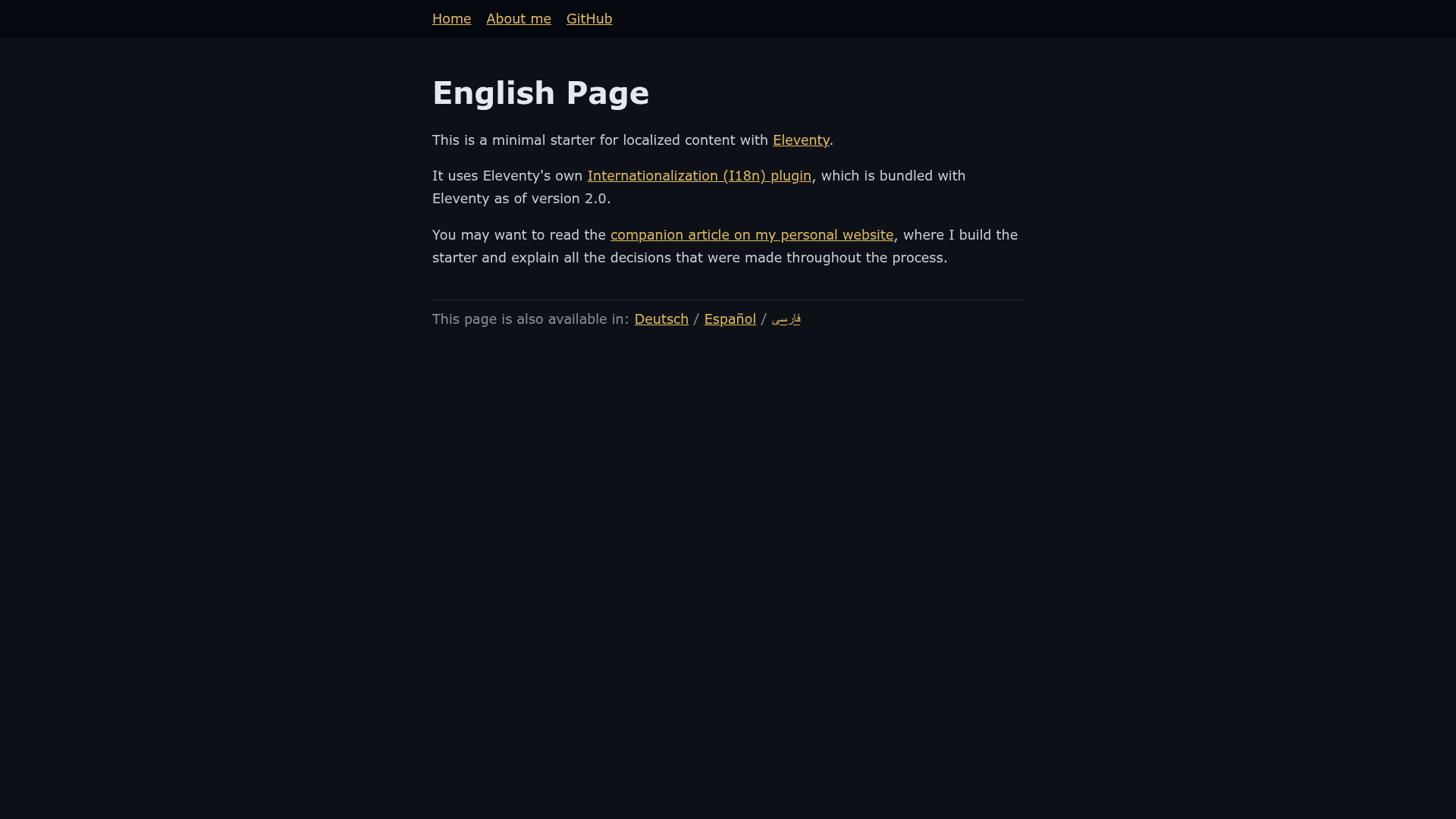
eleventy-i18n is a minimal Eleventy starter for building multilingual static sites with localized content, using Eleventy's official Internationalization (I18n) plugin. It organizes Markdown content into per-locale directories and outputs a static HTML site with locale-specific URLs, making it a direct starting point for any Eleventy project that needs more than one language.
What is eleventy-i18n?
eleventy-i18n is a minimal starter project for Eleventy, the static site generator, that configures multilingual support through Eleventy's built-in I18n plugin. It takes Markdown content files organized by language and produces a static HTML site with locale-specific URLs, such as /en/ for English. The starter was created by Lene Saile for a personal project, and she explains the structure and technical decisions in an accompanying blog post on her website.
Key Features
- Official I18n plugin — Built on Eleventy's own Internationalization (I18n) plugin, following the recommended approach for localized content in Eleventy 2.0.
- Minimal structure — A deliberately small starter that includes only the essential files for multiple languages, with no CSS framework or JavaScript bundle.
- Markdown content — Content is authored in Markdown, and the starter separates files by locale directory (for example, an English section under
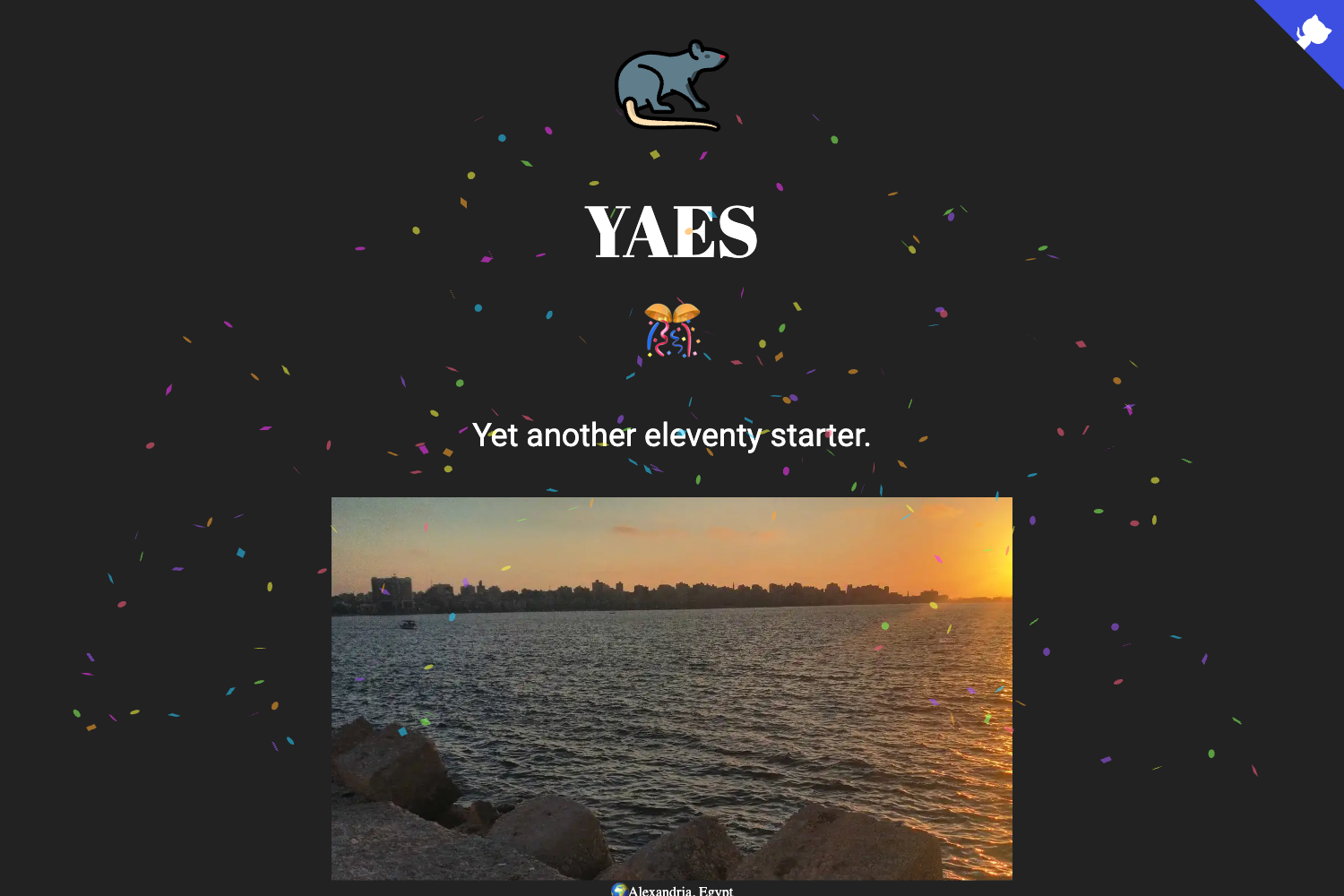
/en/). - Live Netlify preview — The demo site is publicly accessible at https://eleventy-i18n.netlify.app, showing the default structure in action.
- Local development server — Running
npm startlaunches a dev server athttp://localhost:8080with watch tasks that recompile when files change. - Production build —
npm run buildgenerates a static site ready for deployment to any hosting service. - Documented setup — The README links to a detailed article explaining the starter's folder layout and the optimization choices involved.
Who should use eleventy-i18n?
eleventy-i18n suits Eleventy developers who need a clean, minimal base for a multilingual site without pulling in a complete theme or UI kit. It's also for developers who want to learn how Eleventy's I18n plugin works by studying a working example. Content authors who use Markdown and need to publish in several languages can clone the starter and add their own pages.
What can you do with eleventy-i18n?
- Create a bilingual site — Set up separate Markdown directories for each language and let the I18n plugin generate locale-specific paths automatically.
- Deploy to Netlify — Use the included redirects to serve the correct locale at the root when the site is hosted, as demonstrated by the live preview.
- Learn i18n in Eleventy — Read the linked article and inspect the minimal codebase to see how the plugin handles localized URLs and content.
How does eleventy-i18n work?
Clone the repository, run npm install, and start the development server with npm start. The site is served at http://localhost:8080, but because redirects are only active on the server you need to manually visit a locale folder such as http://localhost:8080/en/ while developing locally. A production-ready build is then generated with npm run build.
FAQ
Does eleventy-i18n include a CSS framework?
No, the starter is deliberately minimal and does not bundle any styling framework. You can add Tailwind, Sass, or plain CSS on top according to your needs.
What languages does the starter support out of the box?
The repository's example content is in English under /en/, but the locale-based directory structure works for any number of languages. You add a new locale by creating its own content folder.
Are redirects enabled in the local development server?
No, redirects are only applied when the site is served from a hosting server such as Netlify. While running the dev server, you must navigate directly to a locale path like http://localhost:8080/en/.
Is eleventy-i18n free to use?
Yes, it is an open-source starter hosted on GitHub. You can clone it, modify it, and use it in your own projects without cost.
Where can I see the live demo?
The live preview is hosted on Netlify at https://eleventy-i18n.netlify.app.