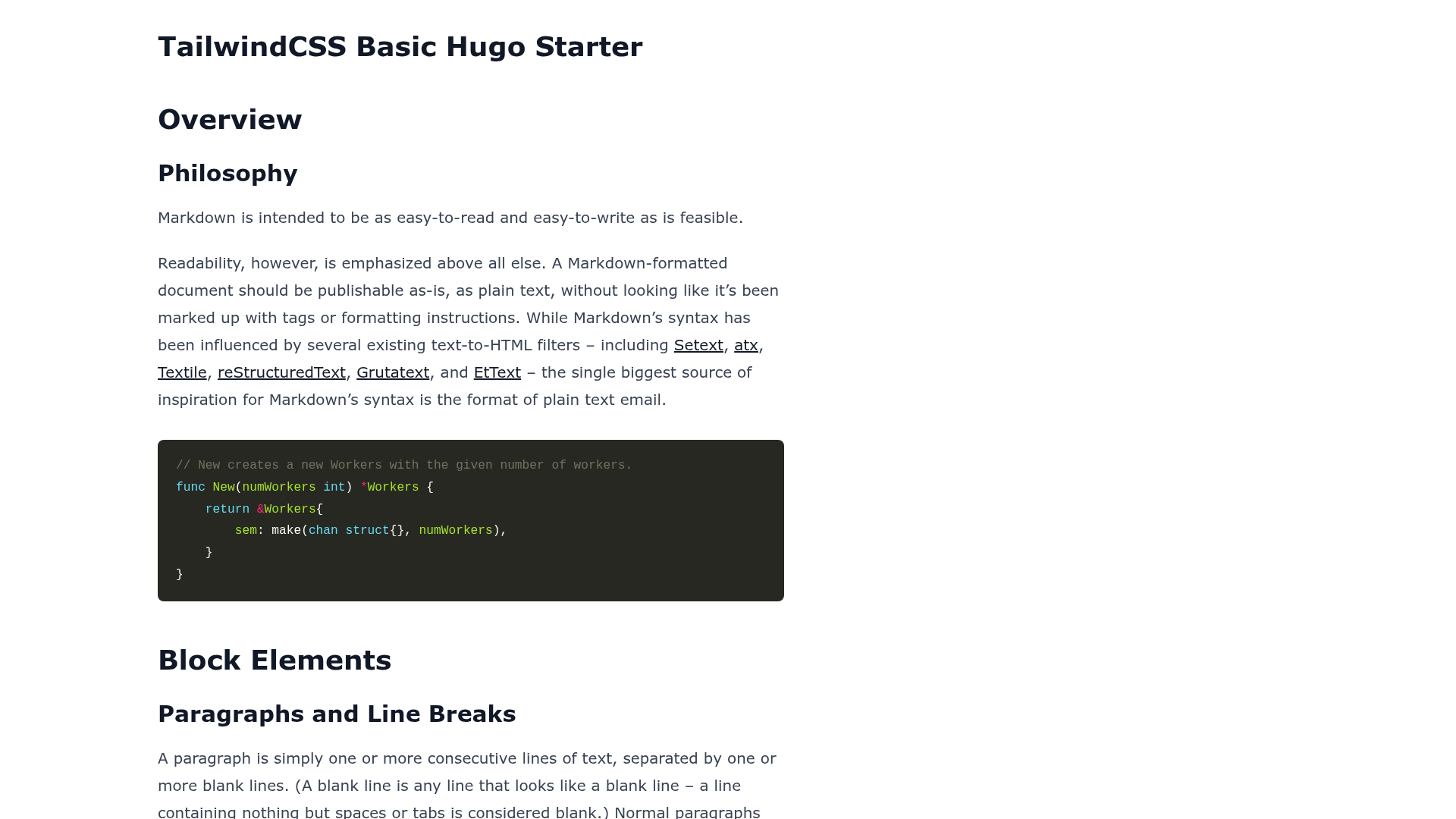
Template details
Letswrite Hugo Tailwindcss Init
A Hugo starter template preconfigured with Tailwind CSS, including dev server and static build scripts.
About this template
Letswrite Hugo Tailwindcss Init is a starter template for the Hugo static site generator that comes with Tailwind CSS already wired into the build process, providing npm and Yarn scripts for development and static output.
What is Letswrite Hugo Tailwindcss Init?
It is a Hugo project initializer (初始檔) that bundles Tailwind CSS so you can start building a site without configuring the PostCSS and Tailwind toolchain yourself. The template takes a standard Hugo project and adds a package.json with predefined commands. It runs on Hugo for site generation and Node.js for the Tailwind CSS tooling. The repository is published by Let's Write and carries the topics hugo, hugo-theme, and init, indicating it is meant as a base for Hugo themes and sites.
Key Features
- Preconfigured Tailwind CSS — Tailwind is installed through package.json, so a single install command sets up the styling toolchain.
- npm and Yarn support — Both
npm installandyarnwork for dependency installation, and equivalent scripts exist for running and building. - Development server —
npm run serveoryarn servestarts a local development workflow for live editing. - Static build command —
npm run buildoryarn buildproduces the production-ready static site. - GitHub Pages-ready output — The build writes all static files into a
docsfolder, the default directory GitHub Pages serves for project sites. - Minimal Hugo theme base — The repository is tagged as a Hugo theme init, giving theme developers a clean starting structure.
Who is it for?
- Hugo developers who want to use Tailwind CSS without manually setting up the build pipeline.
- GitHub Pages users who need the built site to land in the
docsfolder for automatic publishing. - Hugo theme authors looking for a minimal base with Tailwind preconfigured.
What can you do with it?
- Hugo developers: scaffold a new project and run
yarn serveto start developing with Tailwind immediately. - GitHub Pages users: run
npm run buildso the output goes todocs, then enable Pages on the repo. - Hugo theme creators: fork the repo and use it as the starting point for a custom theme.
How does it work?
First, make sure Node.js is installed, and optionally Yarn. Then open a terminal in the project and run npm install or yarn to install Tailwind and other dependencies. For development, run npm run serve or yarn serve; to generate static files, run npm run build or yarn build, which outputs everything to the docs directory.
FAQ
Is Node.js required to use this template?
Yes, Node.js is required because the Tailwind CSS toolchain depends on it. The instructions link to the official Node.js download page, and Yarn is offered as a recommended alternative to npm.
Where does the built site output to?
The build command outputs static files into the docs folder. The README explains this choice is for hosting on GitHub Pages, which serves project sites from the docs directory.
Does this template work as a full Hugo theme?
It is described as an initialization file (初始檔) and tagged with hugo-theme, so it serves as a base for building a Hugo site or theme rather than a complete pre-designed theme.