Template details
Emanates
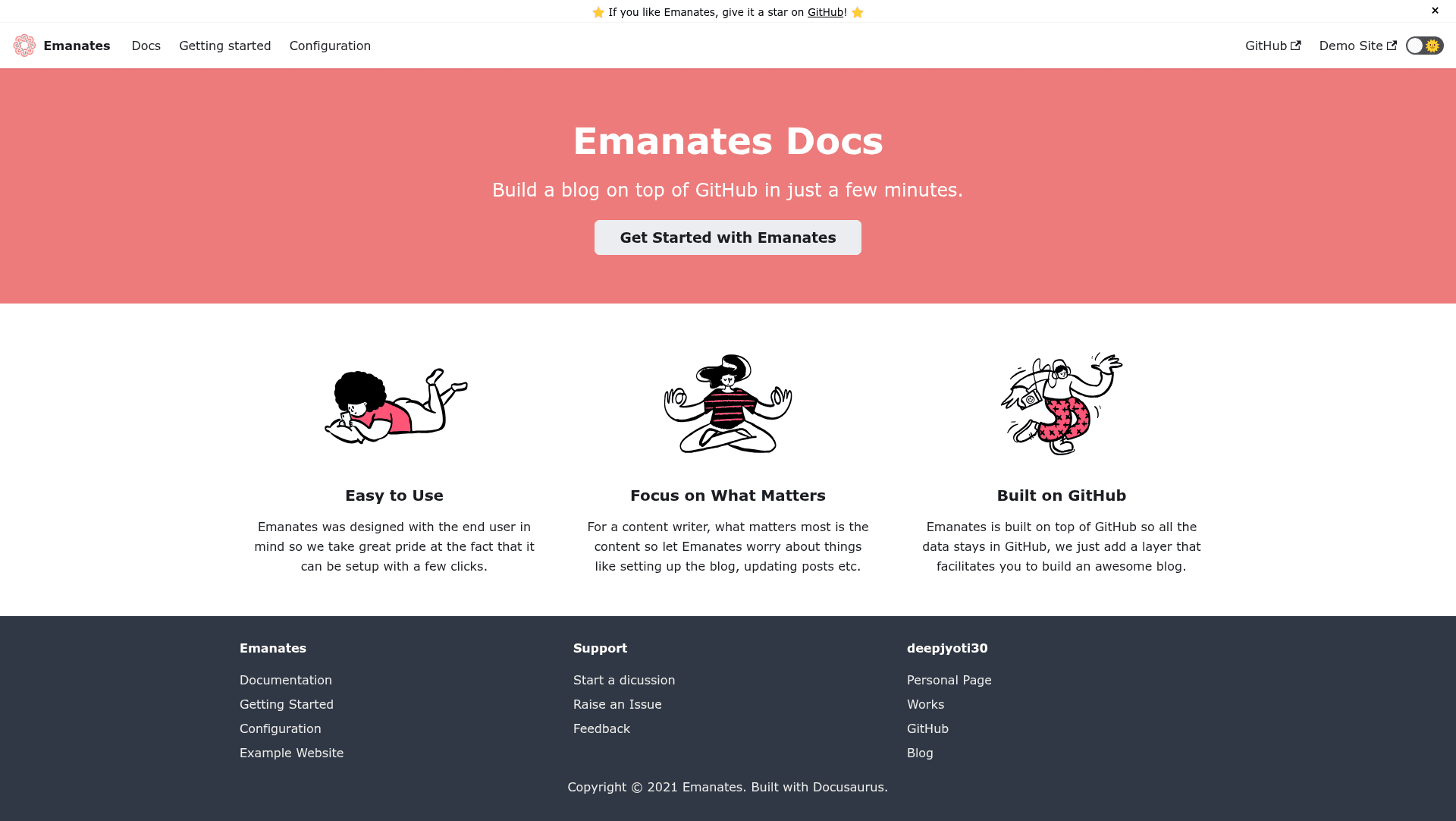
Turn GitHub Issues into a static blog with automated builds and deployment via GitHub Actions.
About this template
Emanates is an open-source static blog template that turns GitHub Issues into blog posts and uses GitHub Actions to build and deploy the blog automatically.
What is Emanates?
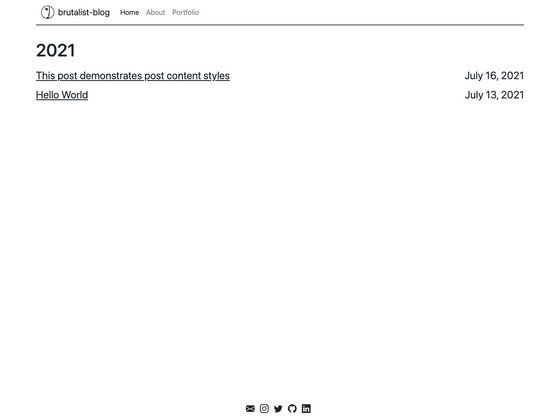
Emanates is a blog engine that runs entirely on GitHub: each GitHub Issue you create becomes a blog post, and any create/update/delete event on an issue triggers a GitHub Workflow that rebuilds your static site and deploys it to your chosen host. The template includes support for comments, analytics, meta tags, and other standard blog features out of the box. It is developed by Deepjyoti Barman (GitHub user deepjyoti30) and released under the MIT license. A live demo is available at emanates-demo.netlify.app.
Key Features
- GitHub Issues as a CMS — write posts by opening an issue; the issue title becomes the post title and issue body becomes the content.
- Automated GitHub Actions workflow — any issue event automatically triggers a fresh build and deployment, so the blog stays in sync with your issues.
- Comments support — comments are built into the template, giving readers a way to discuss each post.
- Analytics integration — documentation includes an analytics setup guide so you can track visitor behavior.
- SEO-friendly output — supports meta tags and is designed for static, SEO-friendly pages.
- Multiple deployment targets — deploy to Vercel, Netlify, or your own server using the documented options.
- Full documentation — a dedicated docs site covers getting started, configuration, deployment options, writing posts, analytics, and comments.
Who is it for?
- Developers who already live in GitHub — they can write blog posts without leaving their workflow, using issues they already know.
- Technical writers and maintainers — they can turn project issue trackers into clean static blogs or changelogs with almost no setup.
- Indie hackers and hobbyists — they get a free, low-maintenance blog that only requires a GitHub repo and a hosting account.
How does Emanates work?
The flow is simple: you create an issue in your repository, that action triggers a GitHub workflow, the workflow runs Emanates to build a static page from the issue content, and deploys the result to your configured host (Vercel, Netlify, or a self-hosted server). The README summarizes the loop as: create an issue → workflow triggers → build and deploy → repeat.
Use cases
- Personal blogging: Write a post by opening a GitHub issue, then let the workflow deploy it to your Netlify or Vercel site without touching a terminal.
- Project changelogs: Maintain a changelog or release notes by using labeled issues; each issue becomes a dated entry on a static blog.
- Team knowledge bases: Use a shared GitHub repo as a CMS, so non-technical team members can publish posts through GitHub’s web interface.
FAQ
Is Emanates free?
Emanates is open source under the MIT license, so the template itself is free. You only pay for the hosting platform you deploy to, and free tiers on Netlify and Vercel are sufficient for most small blogs.
What do I need to run Emanates?
You need a GitHub repository, a GitHub account, and a hosting target (Netlify, Vercel, or a server you control). The getting-started documentation walks through the setup steps.
Does Emanates support analytics?
Yes. The documentation has a dedicated analytics page that explains how to add analytics to your Emanates blog, though the exact provider configuration is covered in the docs.
Can I deploy Emanates to my own server?
Yes, the deployment options include self-hosting. The documentation lists Netlify, Vercel, and self-hosting as supported targets.