Newsletter
Join the Community
Subscribe to our newsletter for the latest news and updates

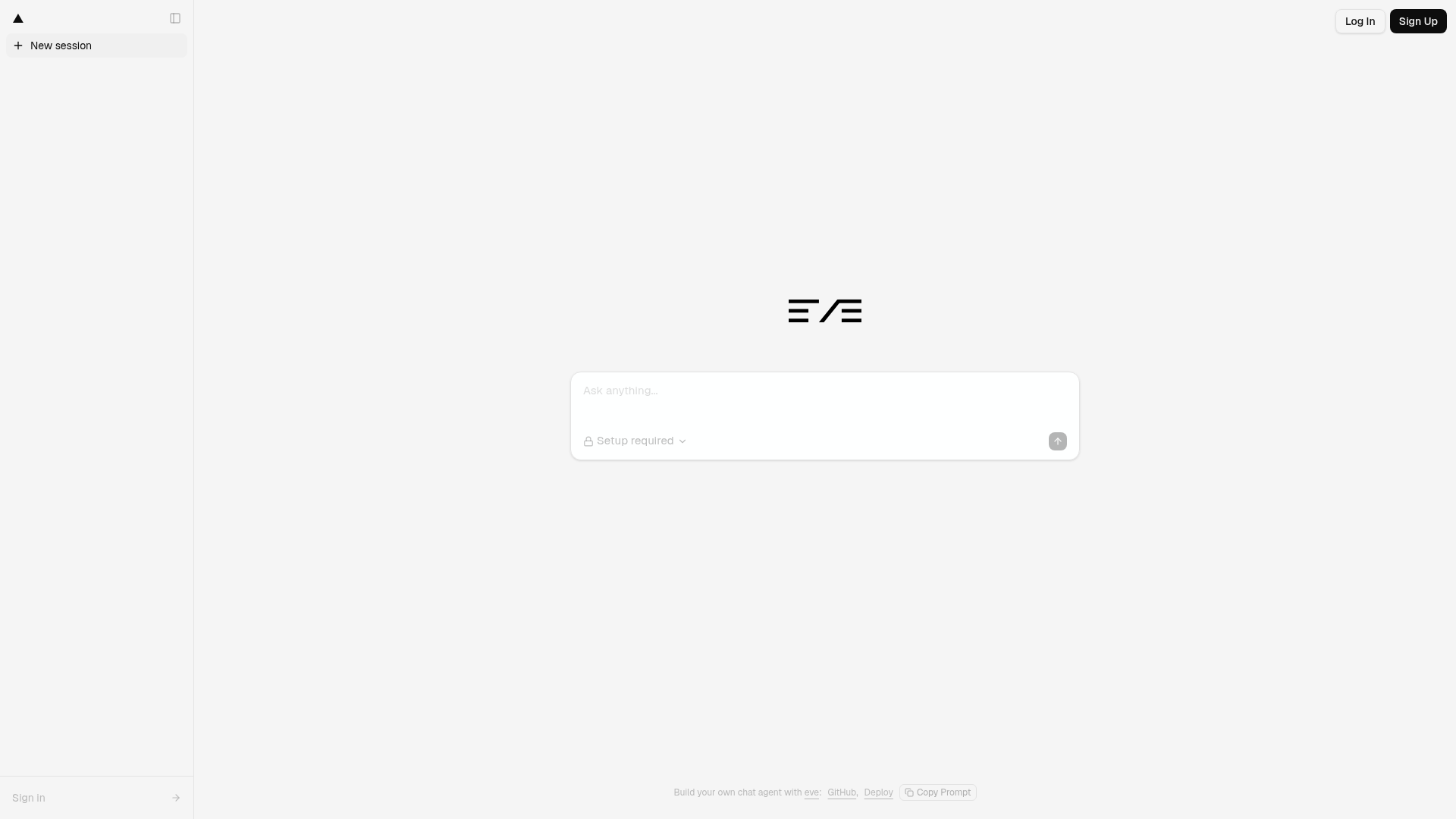
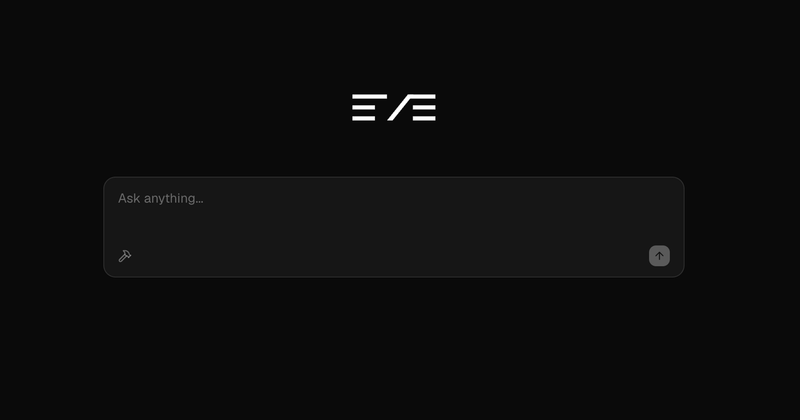
A persisted Next.js chat template for eve, built with shadcn/ui, Tailwind CSS, Streamdown, Better Auth, Drizzle, and Neon.
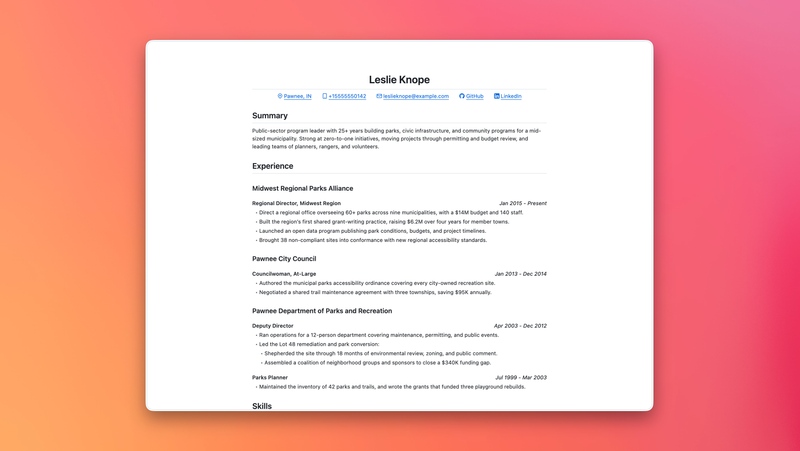
A minimal print-friendly resume template with GitHub Markdown-inspired styling and built-in PDF export.
Deploy Python background tasks using Vercel Queues. FastAPI example with queue subscribers and Runtime Cache.
Get started creating emails with React and Resend in combination with Vercel Functions.
A minimal Bun-based SDK and demo for the v0 Platform API with sync and streaming examples.
A full-stack Next.js TypeScript template focused on functionality over UI, featuring Zustand, TanStack Query, and ESLint 9 support.
eve Chat Template is a Next.js chatbot boilerplate from Vercel's eve-examples repository that turns an eve agent into a deployable chat web app, starting with password-only access and scaling to a production multi-user application.
eve Chat Template is a Next.js application scaffold for the eve agent platform (https://eve.dev), published by Vercel in the public eve-examples GitHub repository. It takes an eve agent definition — edited in agent/agent.ts, with behavior in agent/instructions.md and tools in agent/tools/ — and produces a chat web app with sidebar history, Streamdown markdown rendering of assistant text and reasoning, and durable conversation resumption at /chat/[id]. The app deploys through a one-click Deploy with Vercel button and is built with shadcn/ui components, Tailwind CSS, Better Auth, Drizzle, Neon, and Upstash Redis.
EVE_CHAT_PASSWORD with a secure session cookie and browser localStorage; production mode uses Sign in with Vercel, Neon persistence, and Upstash Redis rate limiting; local development runs with neither configured. Production takes precedence when its full environment is present, and the app fails closed in a production deployment when no mode is configured.EVE_CHAT_PASSWORD (16+ characters recommended); no database or Marketplace products are needed, and chat history stays in the browser../scripts/setup.sh provisions Neon and Upstash, registers Sign in with Vercel, pulls environment variables, and runs Drizzle migrations for cross-device chat history under lib/db./chat/[id] resume the same conversation after a refresh./eve/v1/slack plus Notion, Linear, and Sentry MCP connections created with vercel connect create; the composer shows its connections menu only when at least one MCP connector is configured./eve/v1/* routes using useEveAgent() from eve/react, and shadcn/Tailwind components cover messages, tools, human-in-the-loop prompts, and the composer../scripts/setup.sh to provision Neon and Upstash, register Sign in with Vercel, and run migrations, producing an authenticated chat app with server-persisted history and rate limiting.vercel connect create and set the resulting UIDs in SLACK_CONNECTOR, NOTION_CONNECTOR, LINEAR_CONNECTOR, and SENTRY_CONNECTOR.agent/agent.ts and add tools under agent/tools/; custom production domains are supported through the optional BETTER_AUTH_URL variable.EVE_CHAT_PASSWORD, open the deployed app, and enter that password — chats persist in that browser's localStorage../scripts/setup.sh (optionally with --scope team-slug) to provision the database and Redis store, then create tables with pnpm db:migrate (or vercel env run -e production -- pnpm db:migrate).agent/./chat/[id] and continue the same eve conversation, with deletion and new-chat actions in the sidebar.Quick start takes three steps: click Deploy with Vercel, set a strong EVE_CHAT_PASSWORD, and open the deployed app to enter that password. The production upgrade is driven by ./scripts/setup.sh, which provisions Neon and Upstash, registers Sign in with Vercel, pulls environment variables, and runs migrations. Locally, pnpm install then pnpm dev runs the app without cloud services, and setting EVE_CHAT_PASSWORD in .env.local enforces the same password.
No. Starter mode requires only EVE_CHAT_PASSWORD; chats and eve session cursors live in browser localStorage and are not shared across browsers or users. Neon is required only in production mode, which activates when Neon, Upstash, and all Sign in with Vercel variables are configured.
Run ./scripts/setup.sh from the repository root, or ./scripts/setup.sh --scope team-slug for a specific team. The script provisions Neon and Upstash, registers Sign in with Vercel, pulls environment variables, and runs migrations; production mode then takes precedence over the password mode.
Yes. Run pnpm install and then pnpm dev. With neither production variables nor EVE_CHAT_PASSWORD set locally, the app uses a local development identity and browser localStorage. Adding EVE_CHAT_PASSWORD (at least 16 characters) to .env.local requires that same password to enter the app.
Production requires DATABASE_URL, BETTER_AUTH_SECRET, NEXT_PUBLIC_VERCEL_APP_CLIENT_ID, VERCEL_APP_CLIENT_SECRET, UPSTASH_REDIS_REST_URL, UPSTASH_REDIS_REST_TOKEN, KV_REST_API_URL, and KV_REST_API_TOKEN. Optional variables include BETTER_AUTH_URL for custom domains and the Slack, Linear, Notion, and Sentry connector variables.
File uploads, Vercel Blob, guest mode, NextAuth/Auth.js, and AI Elements are not part of the template. Password-only starter deployments also omit the composer's connections menu because no MCP connectors are configured in that mode.