Newsletter
Join the Community
Subscribe to our newsletter for the latest news and updates

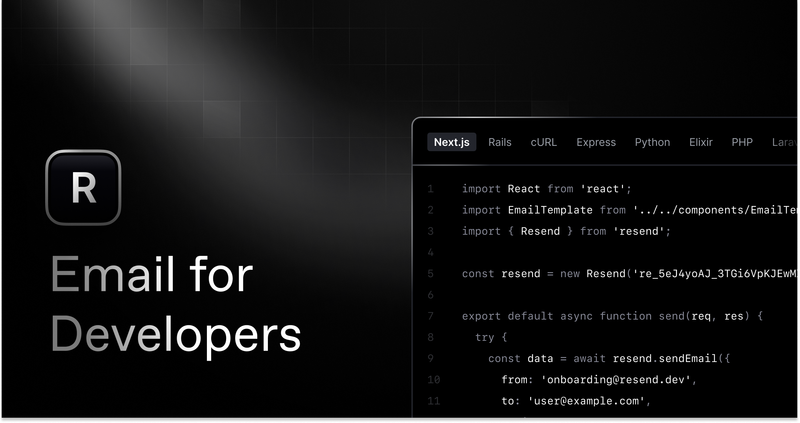
Get started creating emails with React and Resend in combination with Vercel Functions.
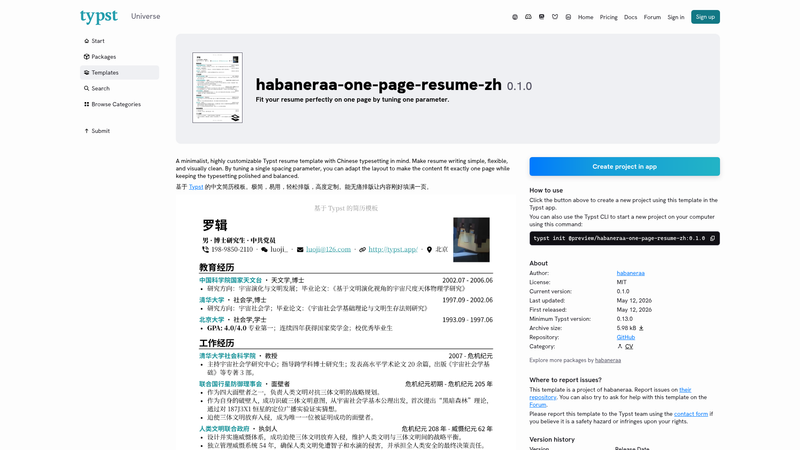
A minimalistic resume template based on Typst. Fit your content perfectly on one page by tuning just one parameter. 中文简历模板
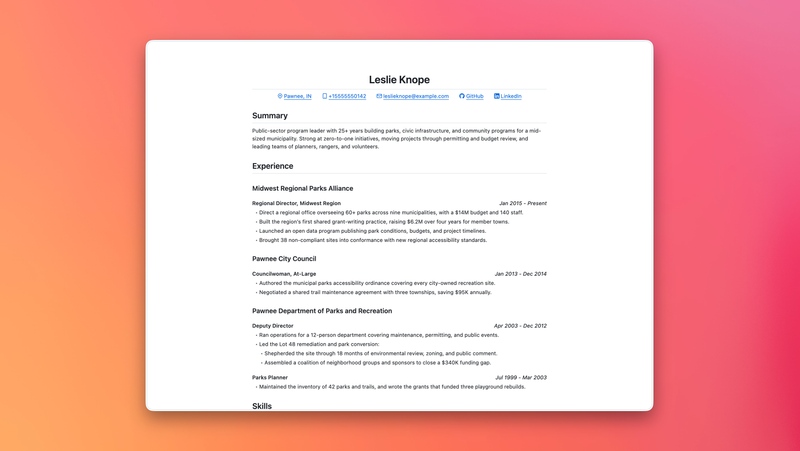
A minimal print-friendly resume template with GitHub Markdown-inspired styling and built-in PDF export.

Deploy Python background tasks using Vercel Queues. FastAPI example with queue subscribers and Runtime Cache.
A persisted Next.js chat template for eve, built with shadcn/ui, Tailwind CSS, Streamdown, Better Auth, Drizzle, and Neon.
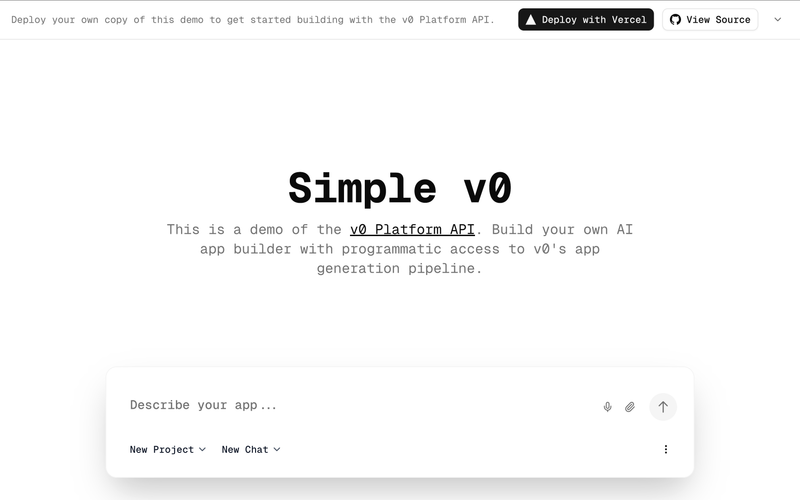
A minimal Bun-based SDK and demo for the v0 Platform API with sync and streaming examples.
Resend's React Email + Next.js + Vercel example is a boilerplate template for building transactional email templates with React Email, sending them through the Resend API, and deploying the full-stack app to Vercel.
The template is an official example from Resend, published under the MIT License, that demonstrates how to combine React Email, Next.js, and Vercel to send email from a web application. It accepts a form submission on a Next.js page, calls a serverless function that uses the Resend API to send the email, and includes a local preview environment for designing email components. The project is available as a GitHub repository (resend-vercel-example) with a one-click Deploy with Vercel button that clones the repository and configures the Resend integration automatically.
.env.example hold the API key and other configuration values.npm run dev starts the Next.js application on your machine so you can test the form flow against your local environment.npm run email launches the React Email preview server, letting you see email components rendered locally before sending.npm install and pnpm install, so you can use either package manager.npm run email gives a live browser preview of your React Email components as you edit them..env.example to .env and fill in the required keys, such as the Resend API key.npm install or pnpm install.npm run dev to start the Next.js application and npm run email to start the React Email preview server in parallel.Yes, the example sends email through the Resend API, so you need a Resend account and an API key stored in your .env file. The Vercel deployment may also prompt you to connect the Resend integration for environment variable management.
Yes, the project is a standard Next.js app, so you can run it locally with npm run dev and deploy it to any platform that supports Next.js. The one-click Vercel deployment simply adds the Resend integration and hosting for convenience.
React Email allows you to create responsive HTML email layouts using React components. In this example, the form-triggered email is a basic demonstration, but you can extend it to design transactional emails like welcome messages, password resets, order confirmations, and more.
The source code is licensed under the MIT License, meaning you can freely use, modify, and distribute it, including in commercial projects. Be aware that sending emails through Resend will incur charges according to Resend's pricing, and hosting on Vercel may have its own costs.