Newsletter
Join the Community
Subscribe to our newsletter for the latest news and updates

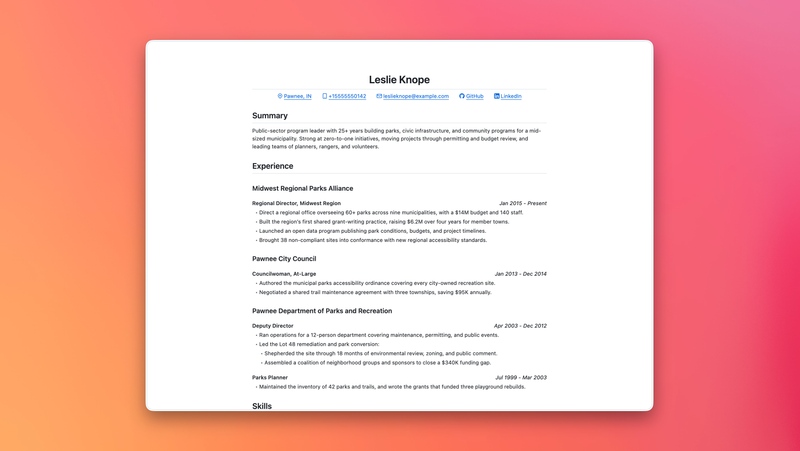
A minimal print-friendly resume template with GitHub Markdown-inspired styling and built-in PDF export.
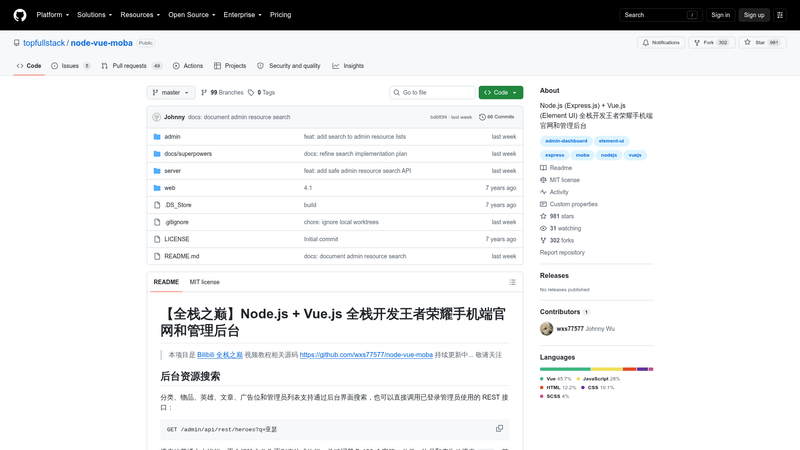
Node.js + Vue.js full-stack code for a Honor of Kings mobile site and admin dashboard, from the Bilibili 全栈之巅 tutorial.
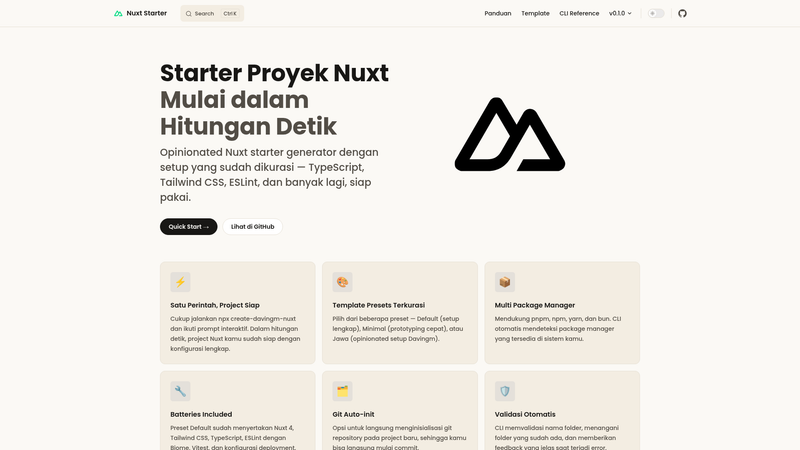
CLI generator that scaffolds opinionated Nuxt projects with curated structure, ESLint, TypeScript, Tailwind CSS, Vitest, and deployment config.
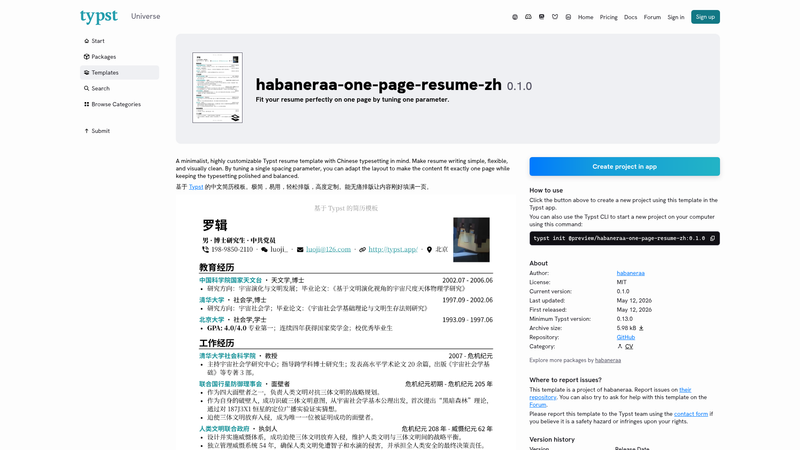
A minimalistic resume template based on Typst. Fit your content perfectly on one page by tuning just one parameter. 中文简历模板
Deploy Python background tasks using Vercel Queues. FastAPI example with queue subscribers and Runtime Cache.
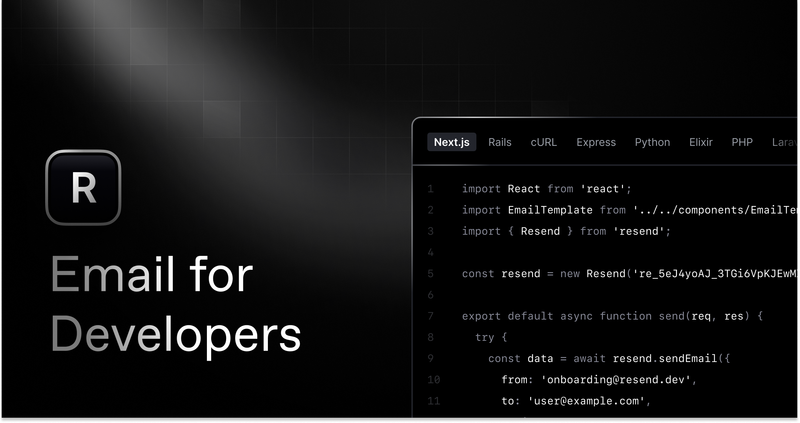
Get started creating emails with React and Resend in combination with Vercel Functions.
Astro Resume Minimal Template is a free, MIT-licensed resume template for the Astro static-site framework that renders a minimal, print-friendly CV with styling modeled on GitHub Markdown documents. The template takes resume content as Markdown files with typed frontmatter and outputs a single-page HTML site that can be previewed at localhost:4321 and exported directly to PDF with a built-in npm script.
Astro Resume Minimal Template is an Astro-based resume template whose core function is turning structured Markdown content into a clean, single-page, print-ready resume styled with github-markdown-css and GitHub Octicons icons. Content is edited in the src/content directory, where Zod schemas in src/content.config.ts validate the frontmatter of Markdown files; the main markup and styling live in src/pages/index.astro. The project is distributed under the MIT license, and its shipped example resume is fictional placeholder content that must be replaced before publishing.
The template's feature set centers on a Markdown-native content model and GitHub's visual language, with a built-in path from source files to a finished PDF.
github-markdown-css package reproduces the look of rendered GitHub Markdown, giving the resume a developer-facing aesthetic without a separate CSS framework.src/content/projects maps to the "Selected Projects" section and is sorted alphabetically by file name, while src/content/work maps to the "Experience" section and is sorted by the period frontmatter field, ignoring file name.src/content.config.ts define and validate the frontmatter fields for both the work and project Markdown collections.npm run build:pdf while the site serves at localhost:4321 writes a PDF into the pdf-exports directory, appending the current commit SHA to the file name (for example, resume-2026-07-06-3d5e64f.pdf).npm install, npm run dev, npm run build, npm run preview, and npm run check cover installation, local preview, production builds, and format/type checking.The template suits people who prefer writing their resume as plain Markdown files and want a printed result that reads like a GitHub document.
npm run build:pdf script produces a print-ready PDF without manual browser print-to-PDF steps.src/pages/index.astro, forking and restyling the template does not require navigating a component-heavy structure.Three practical workflows are supported out of the box.
src/content/work and project descriptions under src/content/projects as Markdown files with typed frontmatter, then track every change in Git.localhost:4321 and run npm run build:pdf to create a timestamped PDF in pdf-exports whose name includes the current commit SHA.src/pages/index.astro to change the markup and styling, since that single component holds the template's main structure.First, confirm the Astro prerequisites such as the required Node.js version. Then edit the Markdown files in src/content, run npm install, and start npm run dev to preview the resume at localhost:4321. For a PDF export, optionally commit clean changes first, keep the site serving on localhost:4321, and run npm run build:pdf to produce the PDF in pdf-exports.
Yes. The project is released under the MIT license, so it can be freely used, modified, and redistributed, including for commercial resume-building purposes.
Serve the site at localhost:4321 with the dev or preview server, then run npm run build:pdf from the project root. A new PDF appears in the pdf-exports directory, and the file name includes the current commit SHA so it corresponds to your latest changes.
Resume content lives in src/content/projects and src/content/work as Markdown files with frontmatter. Zod schemas in src/content.config.ts define and validate the expected frontmatter fields, and the "Experience" section sorts entries by the period field rather than file name.
Yes, but the included example resume is entirely fictional — the character, employers, schools, dates, accomplishments, and links are placeholder content, and every placeholder URL and email address points at example.com. Replace all of it before publishing your own resume.
The template is built with Astro and styled with github-markdown-css plus GitHub Octicons from Primer. Content frontmatter is validated with Zod, and the README documents no CSS framework such as Tailwind or any UI component library.