Template details
Fernfolio
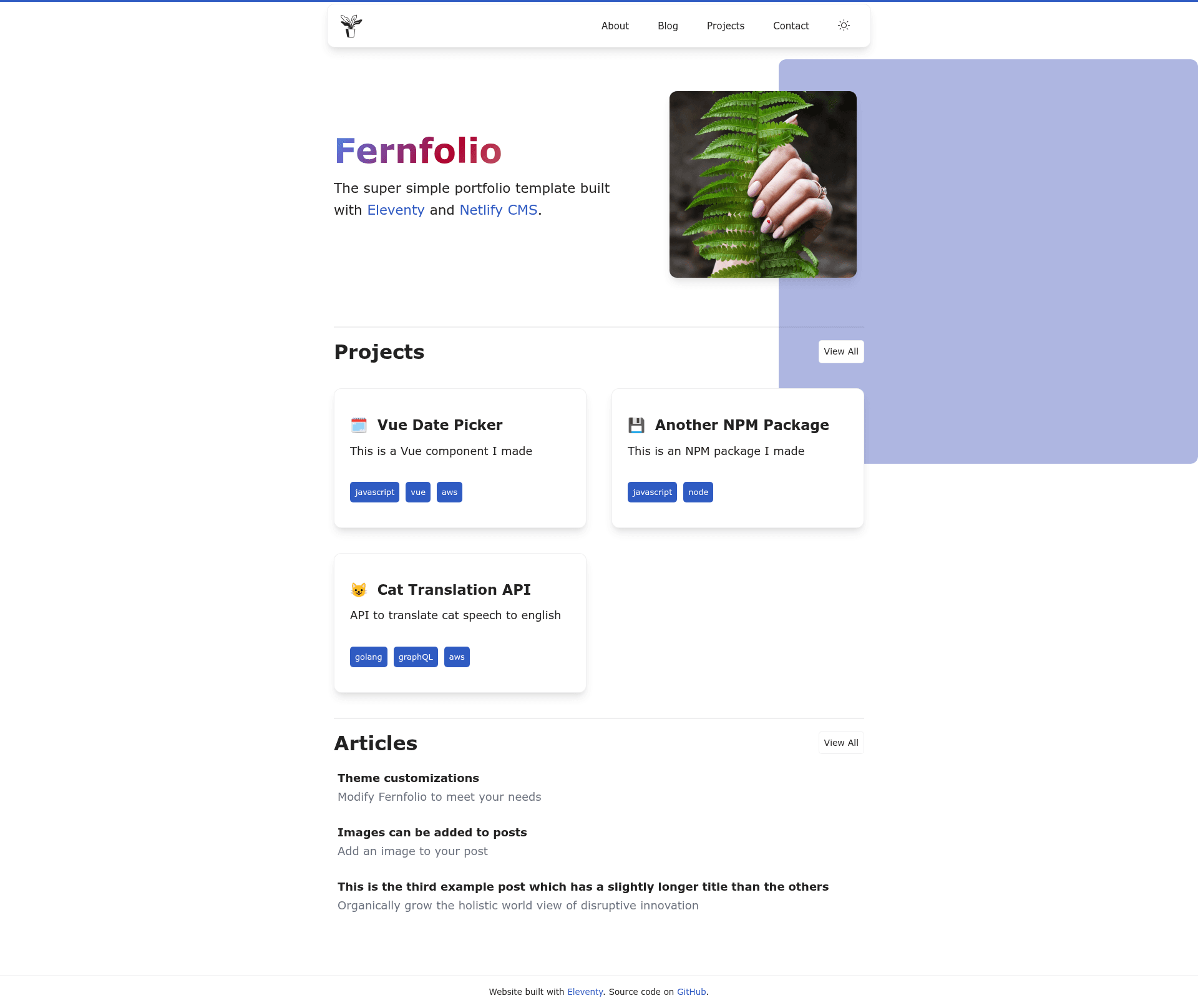
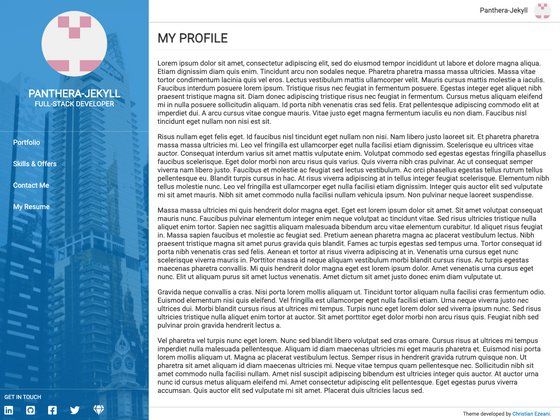
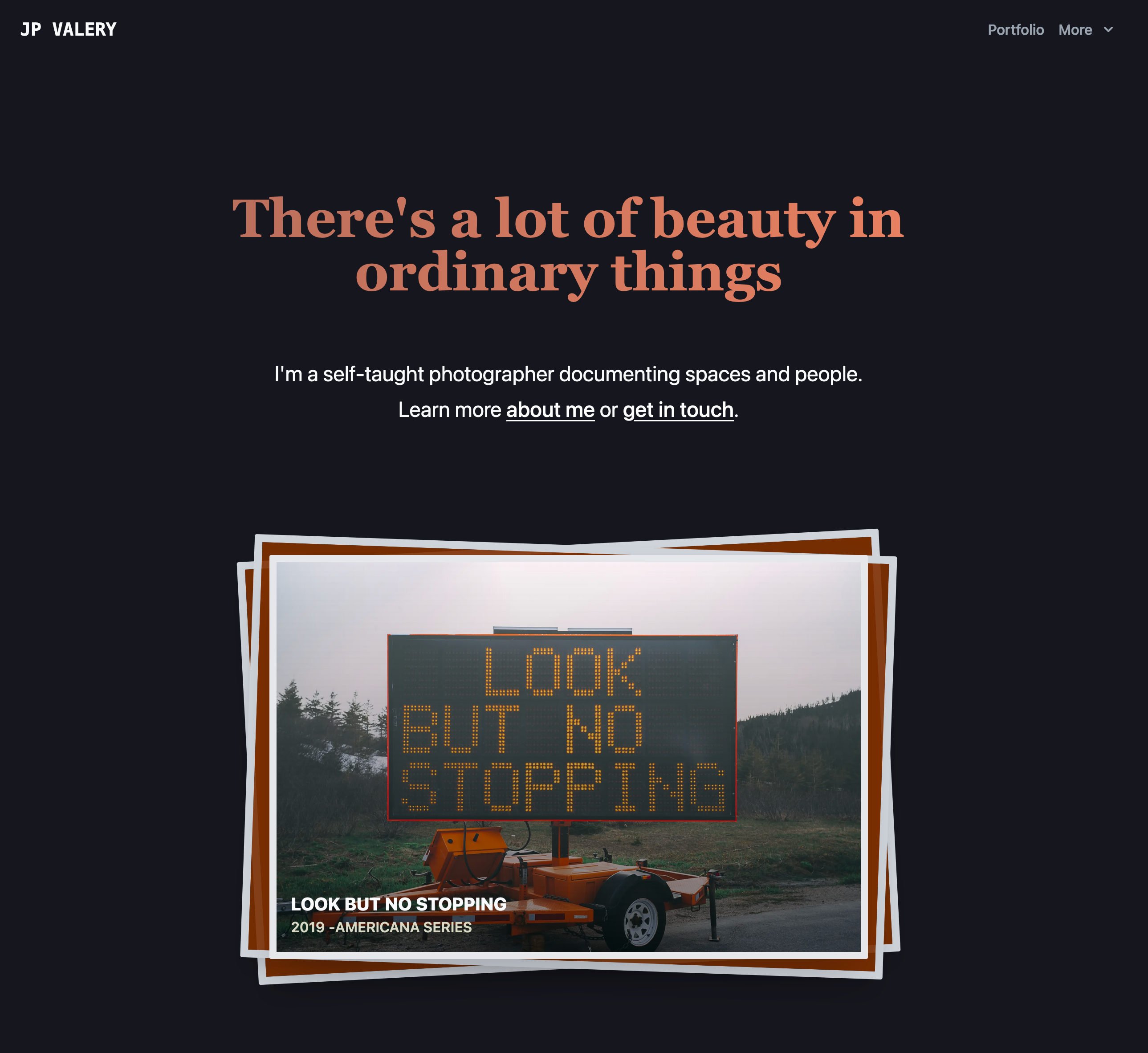
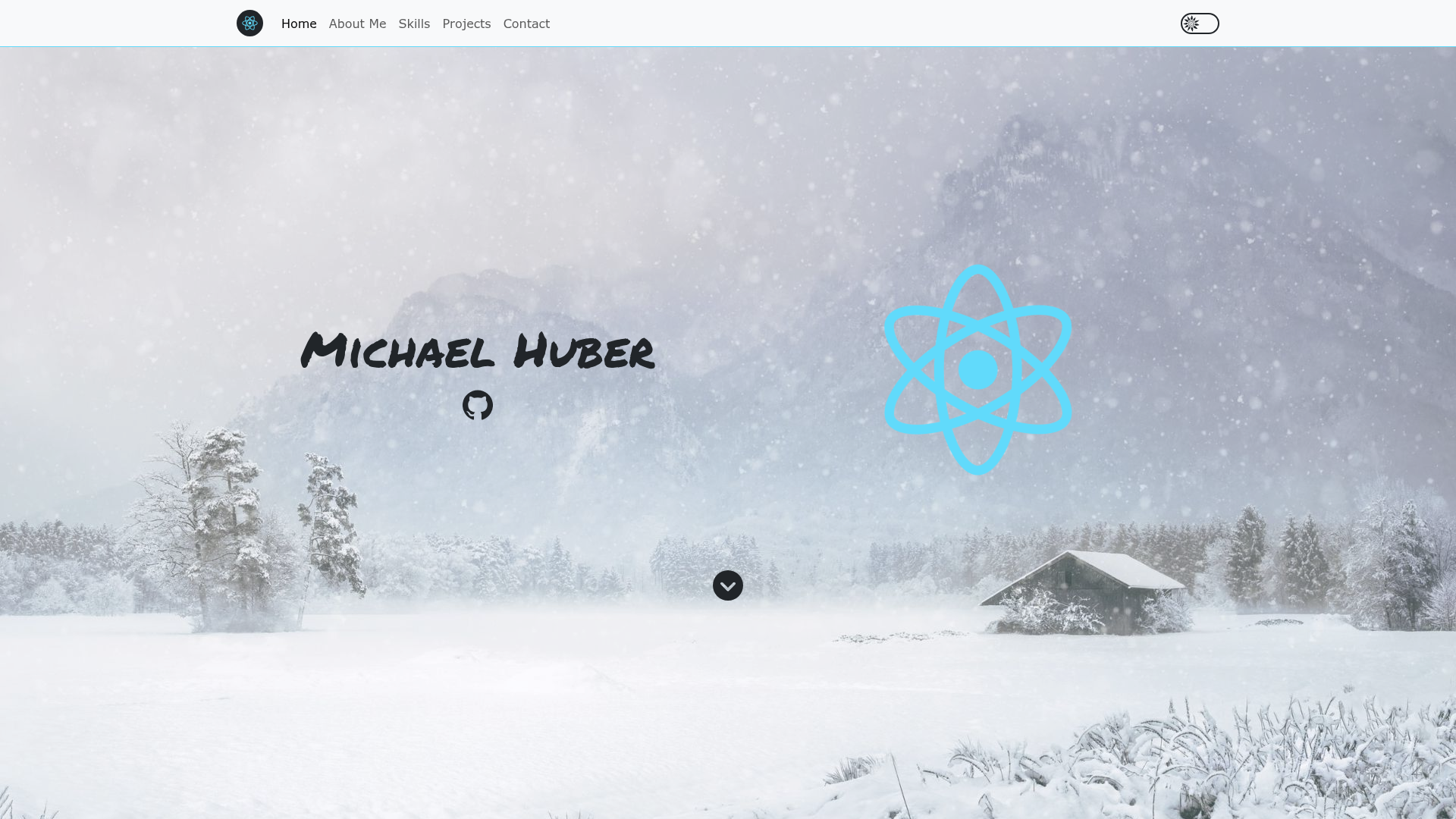
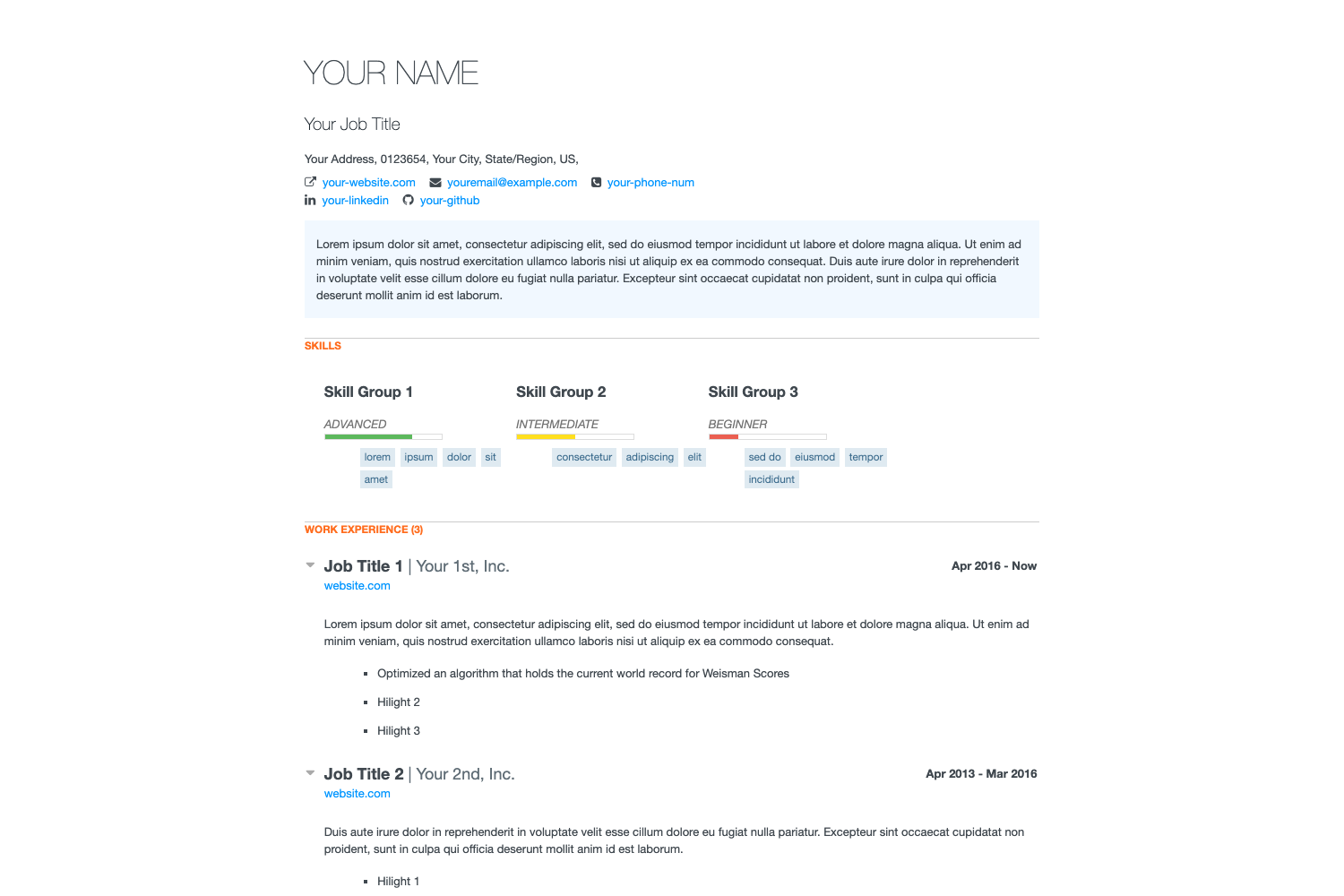
Fernfolio is an Eleventy portfolio and blog template with Netlify CMS integration for browser-based content editing.
About this template
Fernfolio is a portfolio and blog template built on the Eleventy static site generator that integrates Netlify CMS so you can edit site content from a browser.
What is Fernfolio?
Fernfolio is an open-source starter theme for personal portfolios and blogs, originally forked from the eleventy-netlify-boilerplate and revamped for modern portfolio needs. It takes Markdown content for projects and posts, renders it with Nunjucks layouts, and outputs a static, minified HTML site ready for deployment. The reference hosting workflow uses Netlify for continuous deployment, forms, and identity-based CMS authentication, and the project is maintained as a side project by Tyler M. Roderick.
Key Features
- Netlify CMS integration — edit content through an admin dashboard at /admin without opening a code editor; every CMS save commits to your Git repository and triggers a new Netlify deployment.
- Customizable blog and project pages — built-in tag support on both content types lets you categorize portfolio pieces and articles.
- Working contact form — powered by Netlify Forms, with submission processing included out of the box.
- No JavaScript framework — the output is 100% framework-free; it uses Markdown for content and Nunjucks for layouts, and Turbolinks provides instant navigation without page refreshes.
- Minified production build — the npm run build script minifies HTML with HTMLMinifier and CSS with cssnano for fast page speeds and high Lighthouse scores.
- SCSS support — includes sane base styles, and dark mode can be enabled with theme switch settings in global.json.
- Responsive images — images are generated at build time for different screen sizes.
- One-click deployment — the Deploy to Netlify button clones the repository to your GitHub account and wires up the CMS stack automatically.
Who is it for?
- Freelancers and creative professionals — publish a personal portfolio with project case studies and blog posts, and manage everything through the CMS.
- Developers and designers — get a minimal Eleventy setup with Netlify integrations as a foundation, then extend the Nunjucks templates and SCSS to match their own design.
- JAMstack enthusiasts — use it as a reference example of an Eleventy site paired with Netlify Identity, Netlify CMS, and Netlify Forms.
Use cases
- Web designers — set up a portfolio with a working contact form and deploy to Netlify with automatic continuous deployment from Git commits.
- Tech bloggers — publish Markdown-based posts with tag support and a clean reading layout, using the CMS to draft and edit without touching code.
- Agency teams — let non-technical members update project pages and team bios through the /admin dashboard while the site rebuilds automatically.
How does it work?
- Click the Deploy to Netlify button on the GitHub README, which clones the repository to your GitHub account and deploys a copy of the demo site to Netlify.
- Netlify Identity sends an email invitation to add you as a CMS user; accepting it lets you set a password.
- Go to yoursite.com/admin, log in, and start editing content — changes create a Git commit that triggers an automatic Netlify deployment.
FAQ
Is Fernfolio free?
Yes, the template is open source and free to use. You only pay for the hosting and services you choose, such as Netlify's free tier.
What static site generator does Fernfolio use?
It uses Eleventy (11ty). Content is written in Markdown, layouts are built with Nunjucks templates, and the production build outputs static HTML with no client-side JavaScript framework.
Can I use Fernfolio without Netlify?
Yes, you can build the site locally with npm run build and host the static output anywhere. However, the CMS integration, contact forms, and user authentication are all built around Netlify services, so those features depend on a Netlify deployment.
How do I enable dark mode?
Open global.json in the repository and set enable_theme_switch to true to allow visitors to switch between light and dark themes, default_theme to choose the initial theme, and use_system_theme to follow the visitor's system preference.