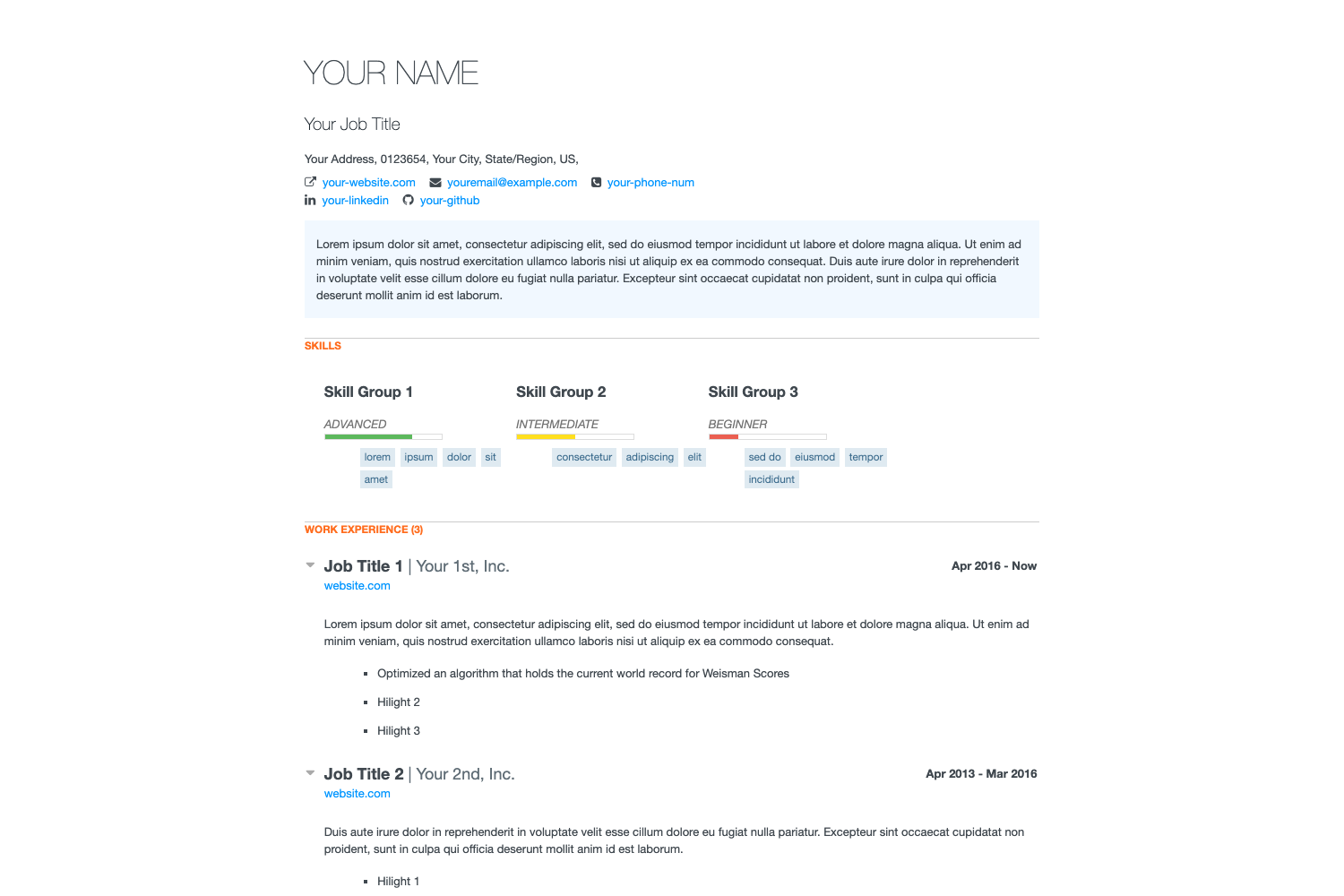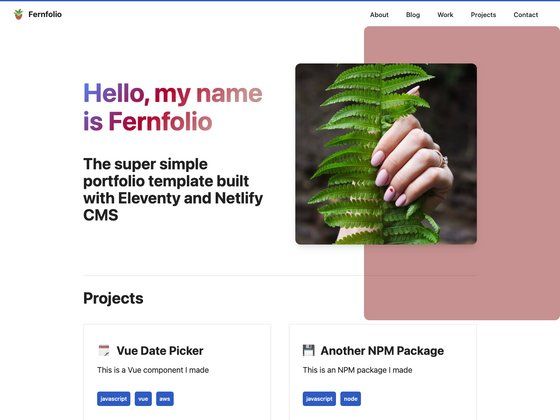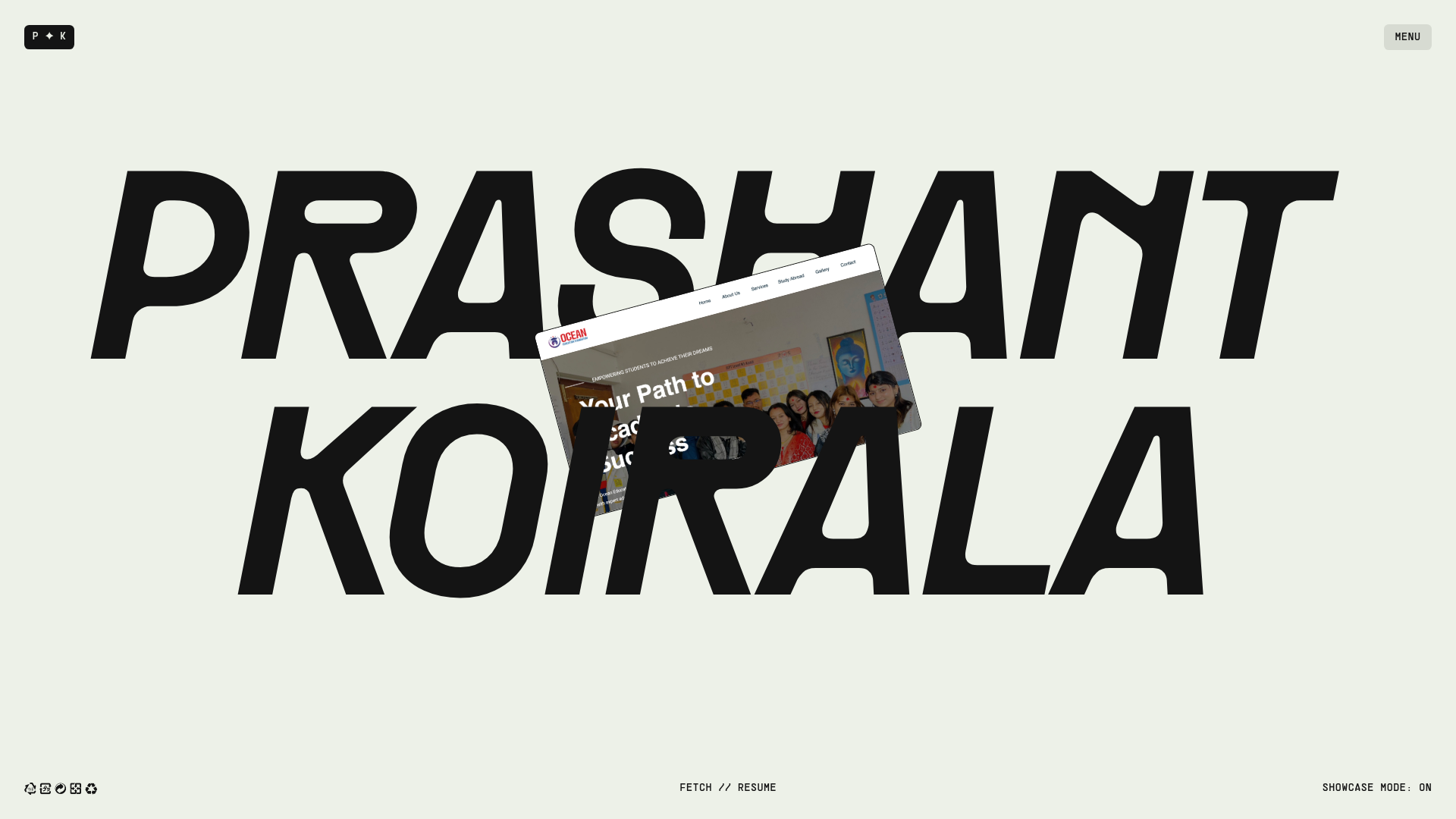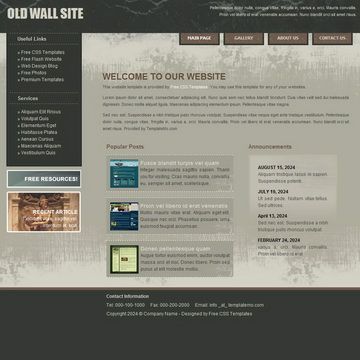
Template details
github-react-portfolio-template
A React portfolio template for GitHub Pages that auto-populates your site from your GitHub REST API profile and repositories.
About this template
github-react-portfolio-template is a React portfolio template for GitHub Pages that automatically builds a personal site from your GitHub REST API data by reading just your username from a config file.
What is github-react-portfolio-template?
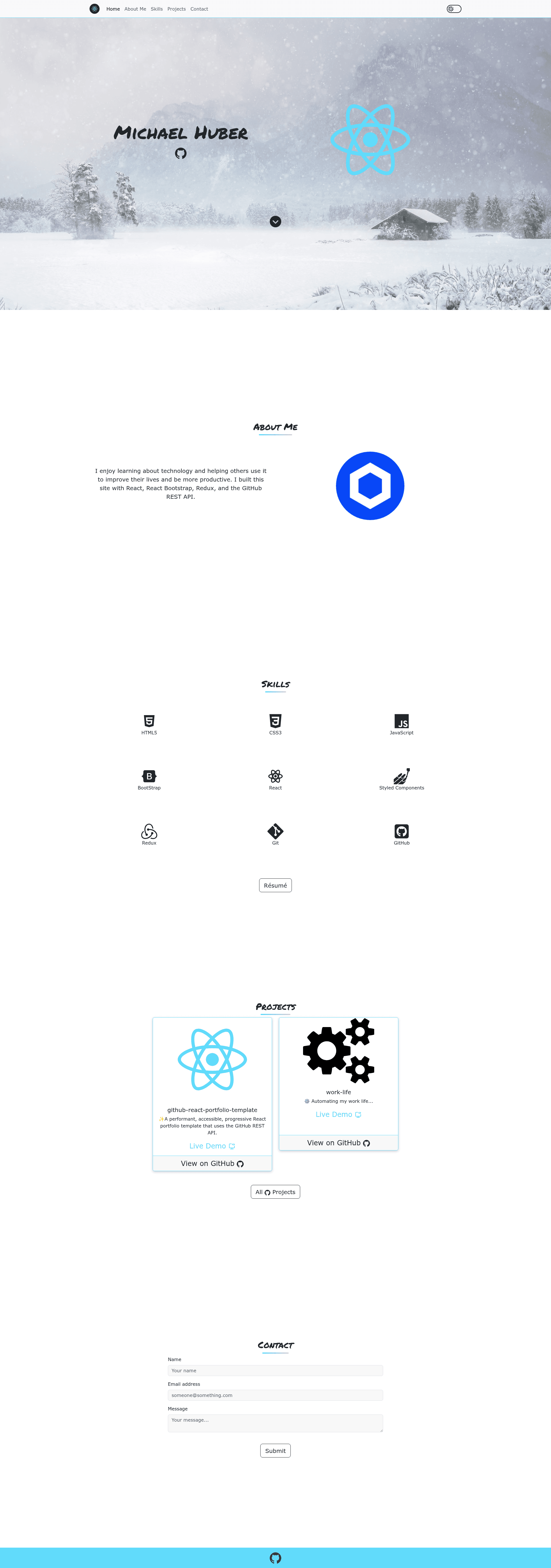
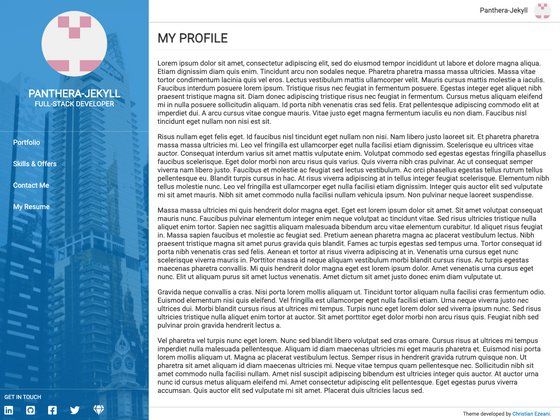
It's a ready-to-deploy React portfolio template built with Create React App and Redux, designed to be hosted on GitHub Pages. You input a GitHub username in src/config.js, and the template fetches profile information, repositories, and other data via the GitHub REST API to populate the site automatically. It was created by GitHub user mshuber1981 and is published as a GitHub template repository, making it easy to copy and deploy. The output is a static single-page portfolio with sections for hero/main, about, skills, projects, contact, and a footer, plus a working contact form wired to Formspree.
Key Features
- GitHub REST API integration — The template fetches your profile and repository data from the GitHub API, so projects appear automatically when you publish new repos; only your username is required in the config.
- Light and dark themes — A theme toggle lets visitors switch between light and dark color schemes; the documentation also explains how to change the main theme color.
- Formspree contact form — The contact section is pre-built for Formspree; you add your own endpoint URL at line 114 of src/config.js to receive messages.
- One-command GitHub Pages deployment — After setting the homepage URL in package.json, running npm run deploy publishes the site to GitHub Pages using the project's deploy script.
- Documented customization — The project Wiki includes step-by-step guides for updating the navbar logo, main section, About Me, Skills, Projects, theme color, and footer icons theme.
- Performance and accessibility focus — The repository describes the template as performant and accessible, and points users to Google PageSpeed Insights for speed testing.
- Built on React and Redux — Uses Create React App as the build tool and Redux for state management, with a single config file (src/config.js) controlling user-specific data.
Who is it for?
- Developers who want a portfolio fast — They can create a repository from the template, replace the username, and deploy to GitHub Pages in minutes without writing front-end code.
- GitHub users who want their site to stay in sync — Because content comes from the GitHub REST API, new repositories and profile updates appear on the site automatically.
- Design-minded developers — The template includes light/dark themes and wiki guides for customizing colors, logos, and sections to match their personal brand.
Use cases
- Freelancers and job seekers: publish a live portfolio at their GitHub Pages URL that demonstrates their public GitHub work without maintaining a separate blog or CMS.
- Open-source contributors: showcase their repositories and contributions via an auto-updating Projects section derived from their GitHub account.
- Developers learning React: use this template as a working example of Create React App, Redux, and REST API integration, then extend it with their own components.
How does it work?
Start by creating a repository from the GitHub template, cloning it, and running npm install. Then edit src/config.js to set your GitHub username (line 18) and your Formspree contact endpoint (line 114). Run npm start to preview locally, update the homepage field in package.json, and run npm run deploy to publish to GitHub Pages.
FAQ
Is this template free to use?
Yes, the project is released under the MIT license, which means you can use, modify, and distribute it freely, including for commercial projects.
Do I need to manually update my portfolio content?
No. The template pulls data from the GitHub REST API, so your profile, repositories, and other public info are fetched automatically whenever the site loads. You only maintain your GitHub account.
Can I customize the design?
Yes. The project Wiki explains how to update the navbar logo, main section, About Me, Skills, Projects, theme color, and footer icons. The theme color change is done via a config or CSS setting described in the wiki.
How do I set up the contact form?
The contact form uses Formspree. Create a Formspree account, copy your form endpoint URL, and paste it into src/config.js at line 114. After deploying, messages submitted through the form will be sent to the email associated with your Formspree account.