Template details
Vita
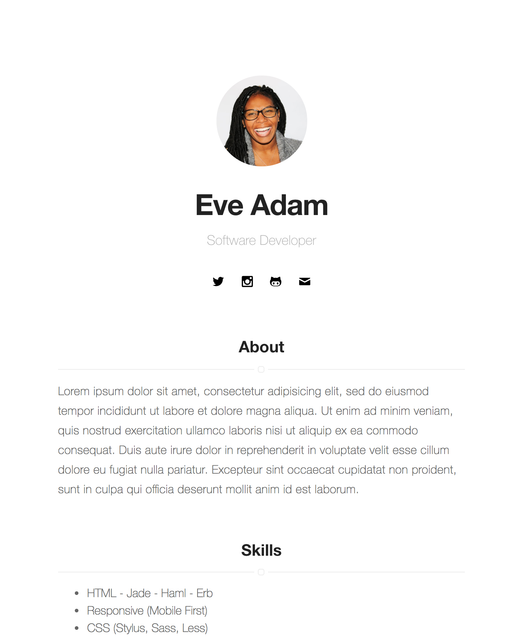
A simple and minimal Hexo resume theme
About this template
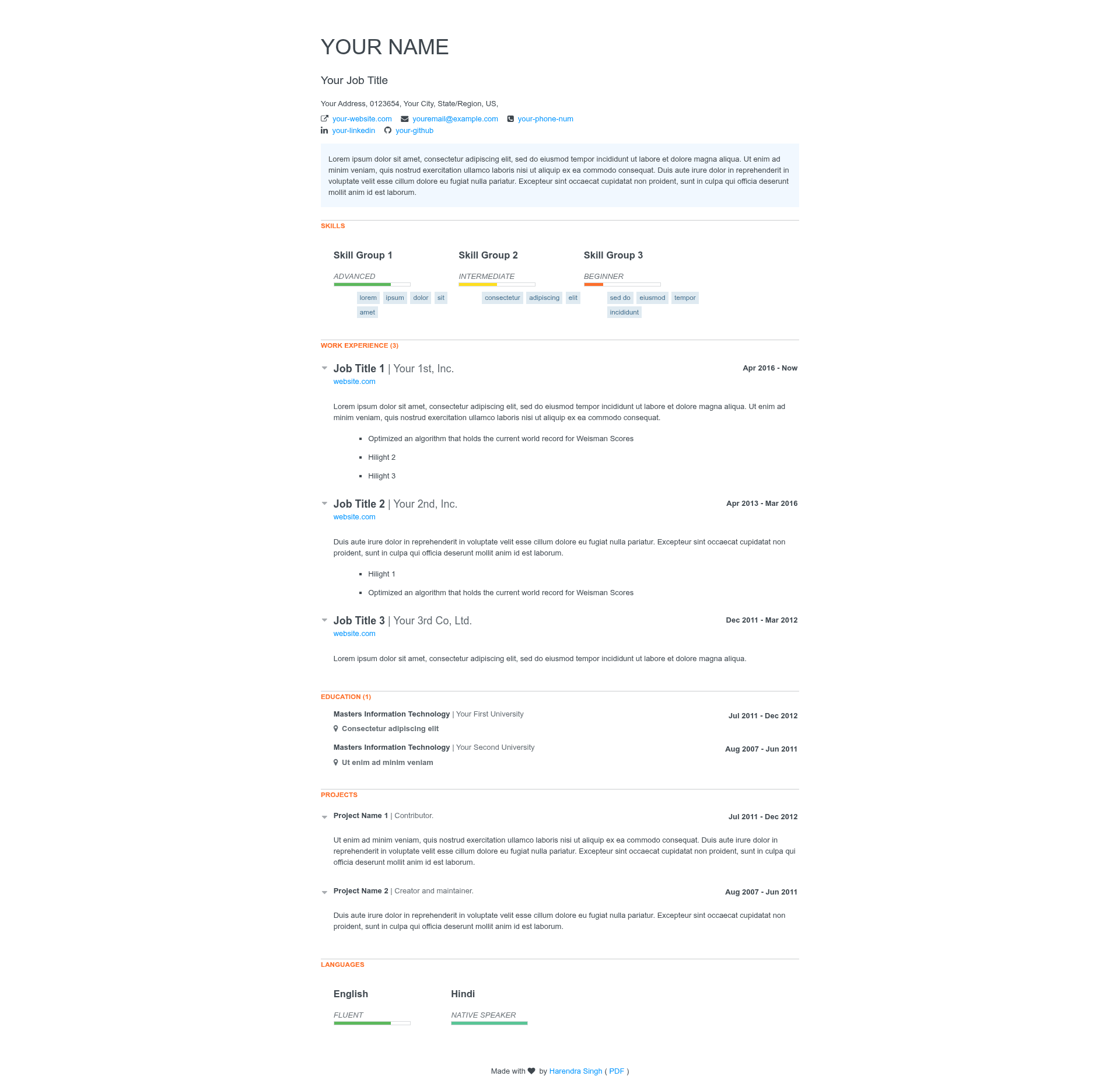
Vita is a minimal Hexo theme for generating a static resume website, taking structured resume data from YAML configuration and rendering it into a single-page personal site. It runs on the Hexo static site generator with Node.js (version 1.x or higher), and it is published on GitHub by harendra1993 under the MIT license.
What is Vita?
Vita is a Hexo theme designed to present resume information as a clean, static website. It takes your resume content — contact details, education, skills, experience, and projects — defined as structured data under the resume key in the Hexo _config.yml file, and outputs a simple single-page resume site. The theme requires NodeJS 1.x or higher and Hexo 1.x or higher, and it includes a live demo linked from the repository.
Key Features
- Minimal design — the theme is described as "simple and minimal" in its README, with a demo available at the project's GitHub Pages site.
- Hexo integration — built as a Hexo theme, so it uses Hexo's standard commands like
hexo serverfor local preview and the standard Hexo project structure. - YAML-based resume data — all resume sections (contact information, education, skills, experience, and projects) are configured in
_config.ymlunder theresumekey, so you update content without editing templates. - Simple installation — installation steps are: clone the repository, copy the theme folder into
themes/vitain your Hexo project, and settheme: vitain_config.yml. - Local preview —
hexo serverruns a local development server so you can see and debug your resume before deploying. - MIT license — the theme is free to use, modify, and distribute under the MIT license.
Who is it for?
- Developers who want a lightweight, no-template-editing resume site and are comfortable writing YAML in a Hexo config file.
- Job seekers looking for a static single-page CV that can be hosted anywhere Hexo deploys, such as GitHub Pages.
- Existing Hexo users who already run a Hexo blog and want a matching resume theme using the same workflow and commands.
What can you do with Vita?
- Job seekers: write your contact info, education, skills, experience, and projects into the
resumesection of_config.yml, then generate a clean static resume page. - Developers: customize the theme's layout by editing the template files under
themes/vitaif you need to go beyond the default minimal style. - Portfolio creators: present your work history and projects in a single, focused page that loads quickly as a static site.
How does Vita work?
Install Hexo globally with yarn global add hexo-cli, create a new project with hexo new your-resume, clone the Vita repository and copy it to the themes/vita directory, then set theme: vita in your project's _config.yml. After adding your resume data under the resume key, run hexo server to preview the site locally or hexo generate to build the static files for deployment.
FAQ
Is Vita free?
Yes, Vita is released under the MIT license, so it is free to use and modify for both personal and commercial projects.
Do I need to know HTML to use Vita?
No — the README shows that resume content is defined in YAML in _config.yml. You would only touch HTML templates if you want to customize the theme's design beyond the default.
What resume sections does Vita support?
The README lists contact information, education, skills, experience, and projects as the resume data sections you configure under the resume key.
What versions of Node.js and Hexo are required?
The prerequisites state NodeJS version 1.x or higher and Hexo version 1.x or higher.
Can I use Vita as part of an existing website?
Yes, the README notes that the baseurl is required in _config.yml if you serve the page as part of a larger website, so the theme can be used in a subpath.