Template details
Resume – Free Bootstrap 4 CV Template
Resume is a free, minimal Bootstrap 4 CV template for building a one-page online résumé with sections for education, experience, and skills.
About this template
Resume is a free, open-source Bootstrap 4 CV template created by Start Bootstrap that packages education, experience, skills, interests, and achievements into a single, one-page online résumé.
What is Resume?
Resume is a one-page HTML/CSS CV template built on Bootstrap 4, HTML5, and CSS3, with jQuery for interactivity. It takes plain text and section content that you fill into the provided HTML file and renders a clean, flat, text-first resume site with a fixed left sidebar, animated social icons, and smooth-scroll navigation. The template is distributed through ThemeWagon, where it shows 23,652 downloads, and it carries a free license that permits commercial use.
Key Features
Resume's standout traits are its minimal flat design, fixed left sidebar with scroll tracking, collapsible burger menu, and animated social icons, all built on Bootstrap 4. The bullets below list the concrete capabilities visible in the template.
- Bootstrap 4 framework — ensures responsive rendering across screen sizes from 5-inch smartphones to 27-inch monitors and across Chrome, Edge, Firefox, Safari, Opera, and mobile browsers.
- Fixed left-aligned sidebar — keeps your name and navigation visible at all times, with a smart marker that tracks your current position on the page.
- Burger/drawer menu — collapses the sidebar into a burger menu on smaller screens for mobile-friendly navigation.
- Animated social media icons — use hover animations and FontAwesome icons to link your social profiles without adding images.
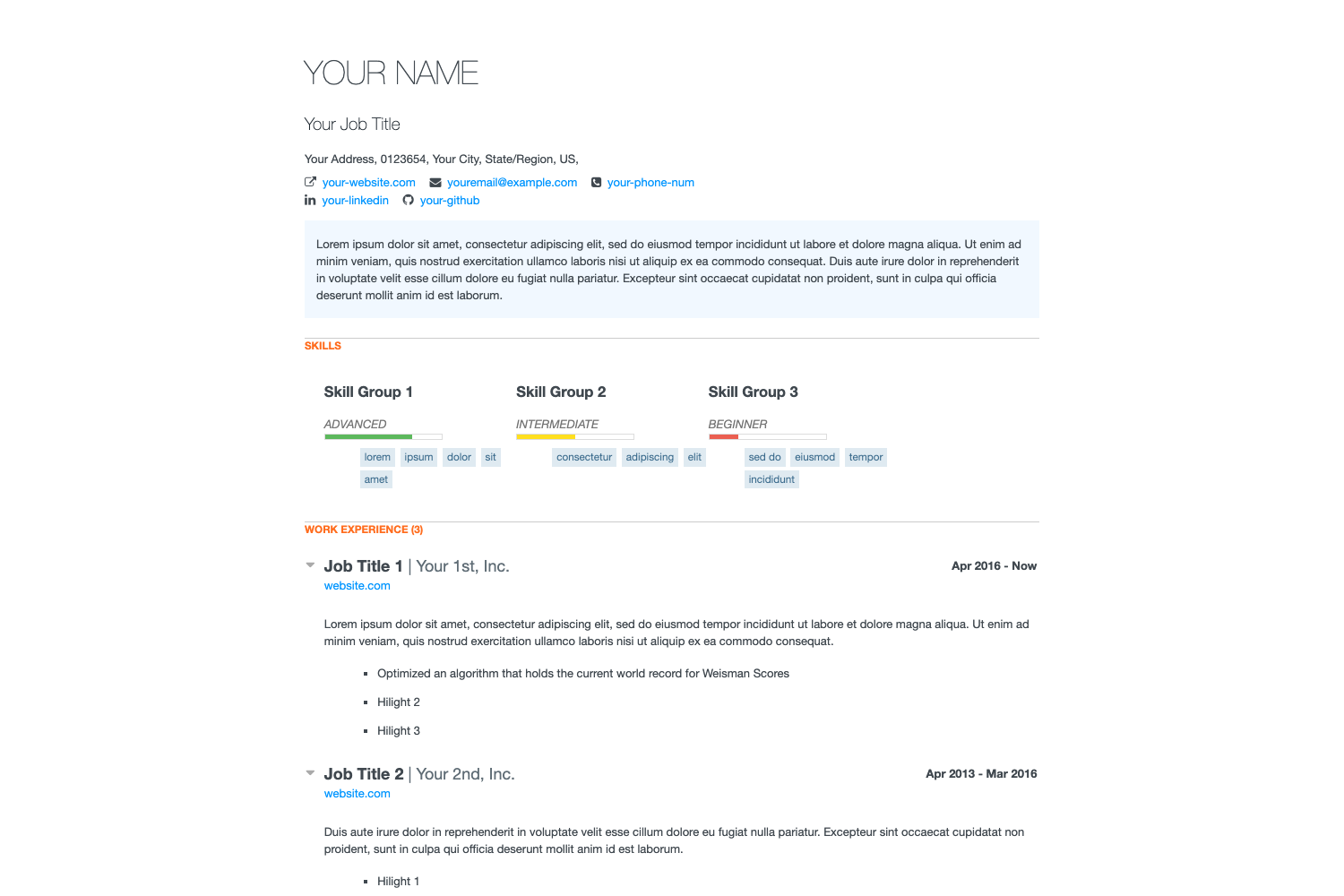
- Multiple content sections — includes dedicated blocks for education, experience, skills, interests, and achievements, all reachable through scrolling page anchors.
- Minimal, image-light design — deliberately uses almost no images, relying on typography and smooth animations for a fast-loading page.
- Single HTML file structure — the entire resume lives in one HTML file plus associated CSS, making it straightforward to edit and host anywhere.
Who should use Resume?
- Job seekers — create a professional single-page CV to share as a link with recruiters or export for print.
- Developers and designers — use the simple, flat layout as a quick personal portfolio page that highlights skills and projects.
- Students and recent graduates — present education history, interests, and achievements in a clean format without building a full website from scratch.
What can you do with Resume?
- Build a personal resume site: edit the HTML and CSS files to replace placeholder text with your own details, then publish the page on any static host.
- Showcase a portfolio: use the multiple sections to feature selected work samples, experience, and skills with animated icons.
- Customize navigation: take advantage of the fixed sidebar and burger menu to organize sections, and adapt the styling further using the GitHub repository.
How does Resume work?
Download the template from ThemeWagon and open the HTML and CSS files. Replace the placeholder text and images with your own content, then save and host the files on any web server. The page uses Bootstrap 4 and jQuery to handle responsiveness, scrolling anchors, and the collapsible burger menu automatically.
Pros and cons
- Pros: free with lifetime updates; open-source and available for commercial projects; easy to edit; fast-loading due to minimal images; responsive with cross-browser support.
- Cons: restricted to a single page, so multi-page sites need another template; uses Bootstrap 4 rather than the newer Bootstrap 5; the image-light design means you must add your own visuals for a more media-rich portfolio.
Pricing
Resume is free to download from ThemeWagon. The license allows open-source use, commercial projects, and lifetime free updates, with no listed paid tier.
FAQ
Is Resume free?
Yes, Resume is free to download and use. It is released as open source, you may use it in commercial projects, and it comes with lifetime free updates, according to the ThemeWagon distribution page.
How do I customize the template?
Open the downloaded HTML and CSS files. Edit the placeholder text and add your own information, then save and upload to your hosting. The GitHub repository linked on the page also documents advanced usage for those comfortable with coding.
Does the template work on mobile?
Yes. Bootstrap 4 ensures responsive behavior, and the sidebar collapses into a burger/drawer menu on smaller screens. The page states it renders well from 5-inch smartphones to 27-inch monitors.
What technologies does Resume use?
Resume uses HTML5, CSS3, jQuery, Bootstrap 4, FontAwesome icons, and Google Fonts. These are listed in the template's framework and technology metadata on the download page.
Can I add images to my resume?
The template's design intentionally uses almost no images, focusing on text and animations. To add photos or portfolio images, you would need to insert your own image elements into the HTML — the template does not include built-in image gallery sections.