Template details
FireCMS
Awesome Firebase/Firestore-based CMS. The missing admin panel for your Firebase project!
About this template
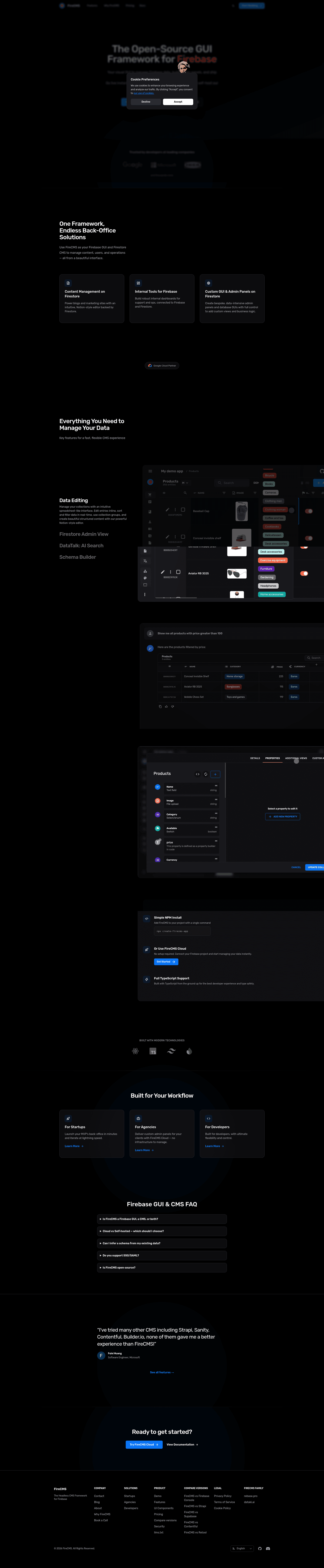
FireCMS is an open-source, developer-first Firebase CMS and Firestore admin panel framework that auto-generates CRUD interfaces, forms, and data management tools from your schema, built with React and TypeScript.
What is FireCMS?
FireCMS is an open-source Firebase CMS and Firestore admin panel framework built with React and TypeScript. It connects natively to Firebase Firestore (and MongoDB in the PRO edition) and auto-generates CRUD interfaces, forms, and data management tools from your schema, producing a production-ready admin panel in minutes. The project is maintained by FireCMS and offers both a fully managed Cloud SaaS and a self-hosted Community edition under the MIT license.
Key Features
FireCMS provides the following schema-driven capabilities, all configurable from the UI or in code:
- Native Firebase & Firestore integration — real-time Firestore data sync, Firebase Auth, and Firebase Storage work out of the box; changes propagate instantly across connected users.
- Visual schema editor — design Firestore data models with 20+ field types and advanced validation, or auto-infer schemas from existing Firestore and MongoDB collections (PRO/Cloud editions).
- AI-powered data management — AI Autofill generates titles, descriptions, and translations via OpenAI and Google Gemini; DataTalk allows natural-language queries like "Show all products over $100"; AI Collection Generation builds schemas from plain text.
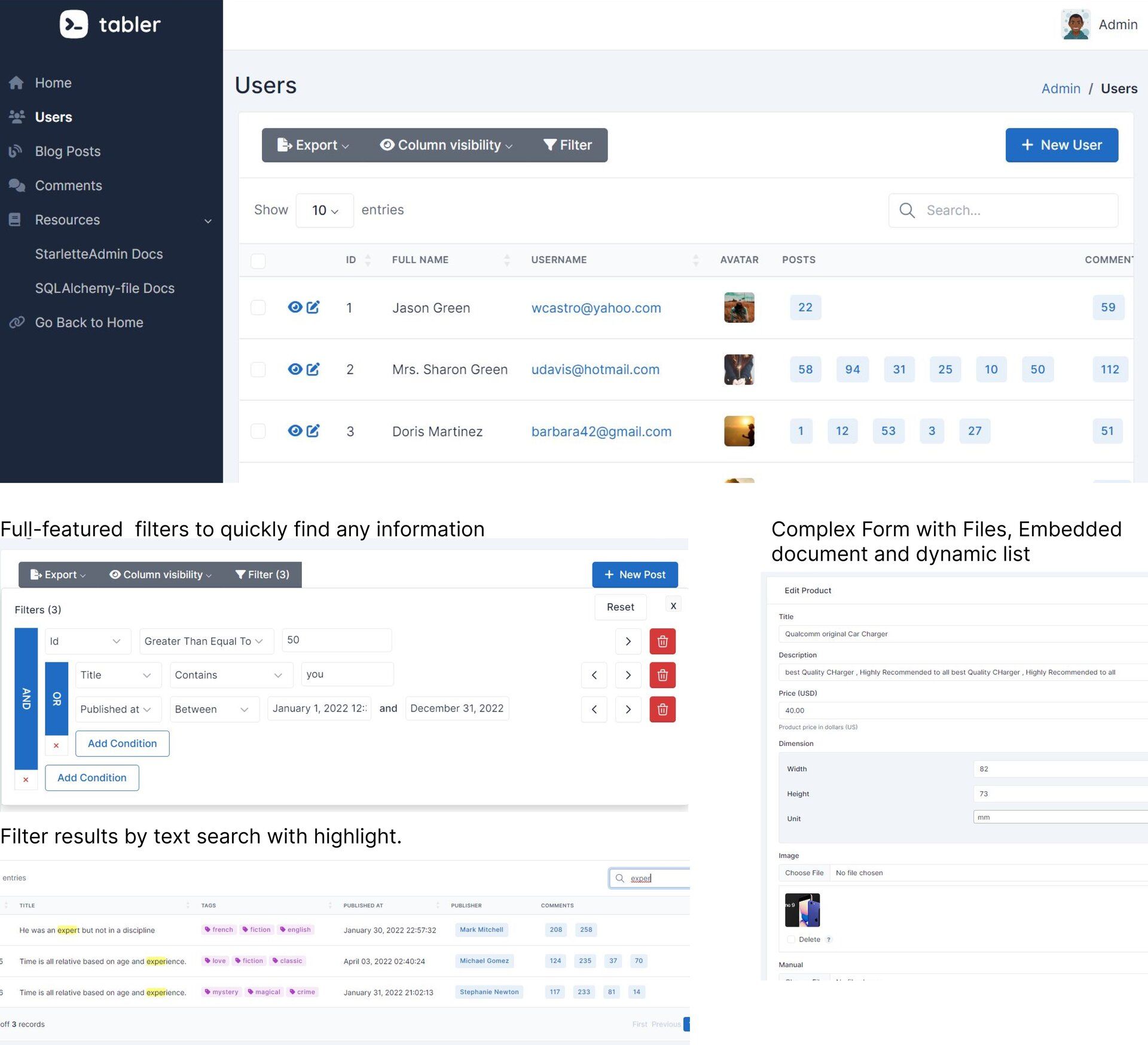
- Spreadsheet-style collection views — a windowed spreadsheet view with inline editing, real-time updates, filtering, sorting, and text search, plus card grid and Kanban board layouts for collections with enum properties.
- Notion-style rich text editor — built on TipTap v3, offering slash commands, drag-and-drop blocks, keyboard shortcuts, and AI text completion.
- Data import and export — import from CSV, JSON, and Excel with a field mapper and validation UI; export Firestore collections to CSV or JSON with customizable date formats and array serialization.
- Extensibility via React — custom fields, views, and hooks let developers add components; built-in hooks include
useSideEntityController,useSnackbarController, anduseAuthController. - Tech stack — built with TypeScript 5.x, React 18+, Tailwind CSS v4, Firebase 12, Radix UI, and TipTap v3; the core package
@firecms/coreis published on npm and the standalone@firecms/uicomponent library works in any React project.
Who is it for?
Four main groups use FireCMS to get a production admin panel without building one from scratch:
- Startups — launch an MVP back-office in minutes instead of weeks, using FireCMS Cloud for zero-setup management.
- Agencies — deliver custom, white-labeled admin panels to clients; the self-hosted Community/PRO editions allow full source access and custom branding.
- Developers — build internal tools with React + TypeScript + Firestore, using custom React views, fields, and hooks to tailor the admin panel to their data model.
- Enterprise teams — manage mission-critical data with fine-grained role-based access control, entity history, and audit trails (PRO/Cloud editions).
What can you do with FireCMS?
The feature set translates into concrete workflows for different users:
- MVP builders: scaffold a back-office for a new Firebase project in minutes with
npx create-firecms-appor connect FireCMS Cloud to an existing Firestore project. - Content editors: use the Notion-style rich text editor and side-panel or full-screen entity views to edit Firestore documents with undo/redo support and local draft persistence.
- Data analysts: import data from CSV, JSON, or Excel, run natural-language queries via DataTalk, and export collections to CSV or JSON with custom date formatting.
- Product managers: visualize collections in spreadsheet, card grid, or Kanban views, and group collections with favorites and search on a customizable home page.
How does FireCMS work?
The system takes a Firestore schema as its input and generates the admin UI as output. Define a schema visually, via AI, or by inference from existing collections, then FireCMS builds the collection views and forms from it. For self-hosting, scaffold a project with npx create-firecms-app and deploy anywhere; for FireCMS Cloud, connect your Firebase project at app.firecms.co and go live without deployment, with a free 1-month trial that requires no credit card.
Pricing
FireCMS has three editions with different feature gates. Community is self-hosted and free under the MIT license; PRO is self-hosted under the Business Source License 1.1; Cloud is a fully managed SaaS with a free 1-month trial. The PRO and Cloud editions add the visual schema editor, AI features, DataTalk, entity history, user management UI, and data import/export; MongoDB support is available in PRO only.
FAQ
Answers to common FireCMS questions:
Is FireCMS free?
The Community edition is free and self-hosted under the MIT license. FireCMS Cloud offers a free 1-month trial without requiring a credit card, and after that it is a paid managed service. PRO is a paid self-hosted edition under the Business Source License 1.1.
Does FireCMS work with MongoDB?
Yes, the PRO edition includes MongoDB support via the @firecms/mongodb package. The Community edition and Cloud do not include MongoDB support; Cloud is Firebase/Firestore only.
What tech stack does FireCMS use?
FireCMS is built with TypeScript 5.x, React 18+, Tailwind CSS v4, Firebase 12, Radix UI, and TipTap v3. It is distributed as a modular monorepo with packages like @firecms/core, @firecms/ui, @firecms/firebase, and @firecms/cli.
Can I customize FireCMS?
Yes. Developers can build custom React fields, views, and hooks, and integrate them through built-in controllers such as useSideEntityController, useSnackbarController, and useAuthController. Full theme control and custom branding are available, and the standalone @firecms/ui component library can be used in any React project.
Does FireCMS support real-time updates?
Yes, all views — collections, forms, and custom views — support real-time Firestore updates, so changes sync instantly across all connected users.