Template details
Flotiq Gatsby Event Starter
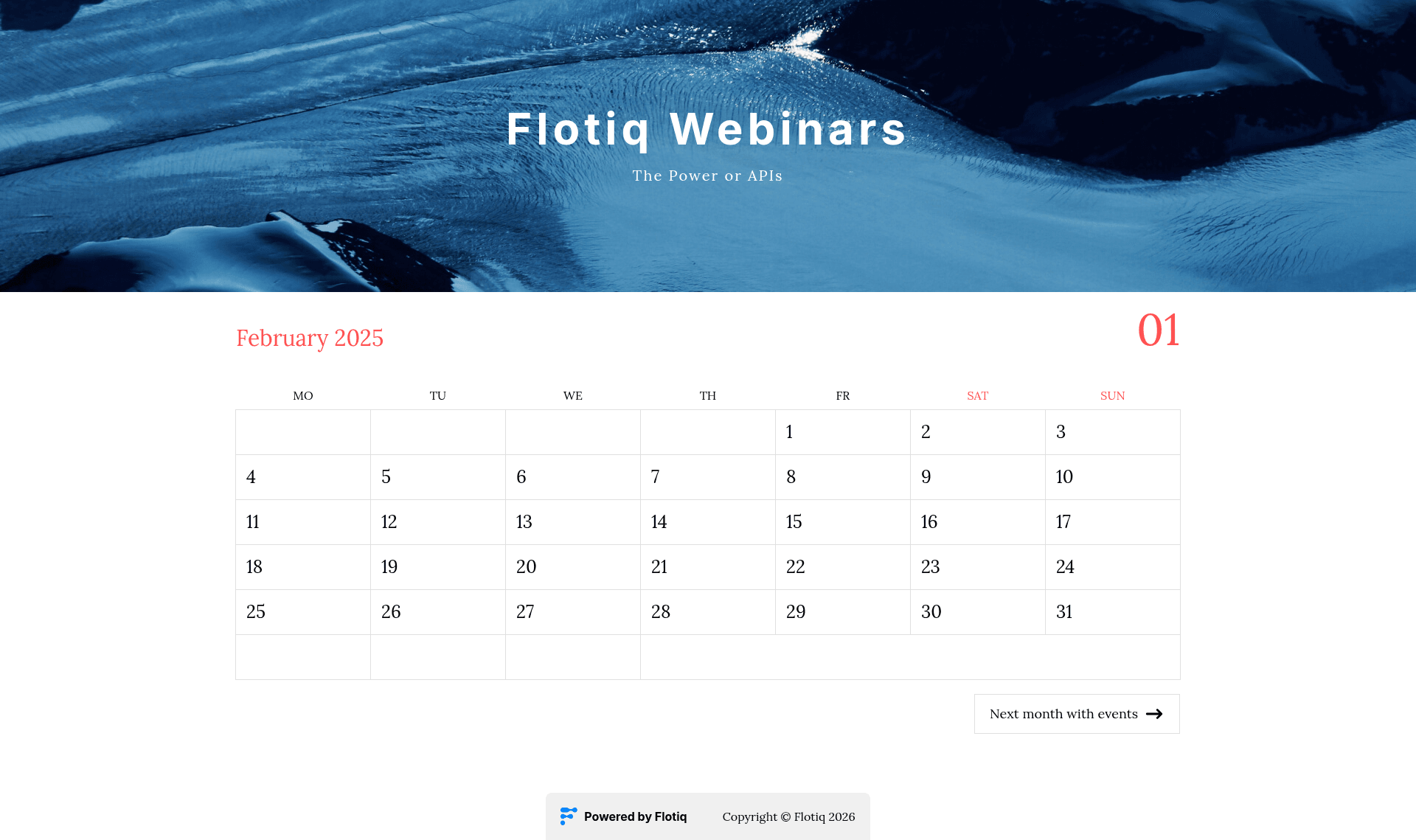
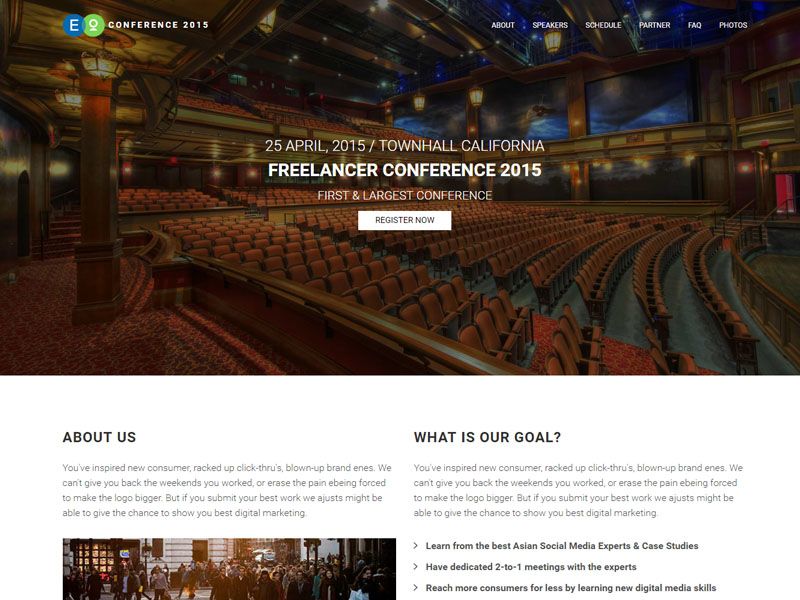
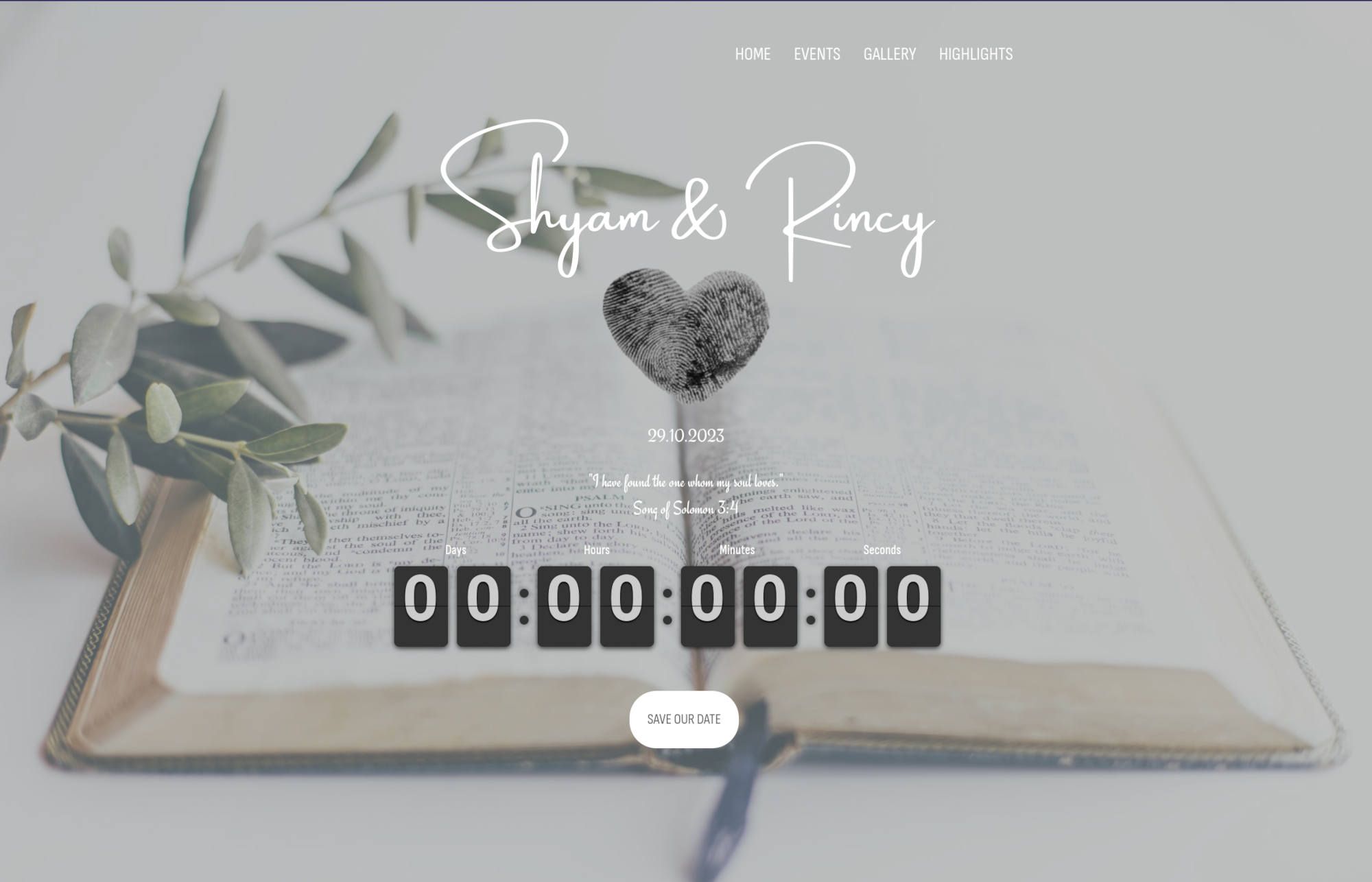
Gatsby starter for events using Flotiq headless CMS and Tailwind CSS.
About this template
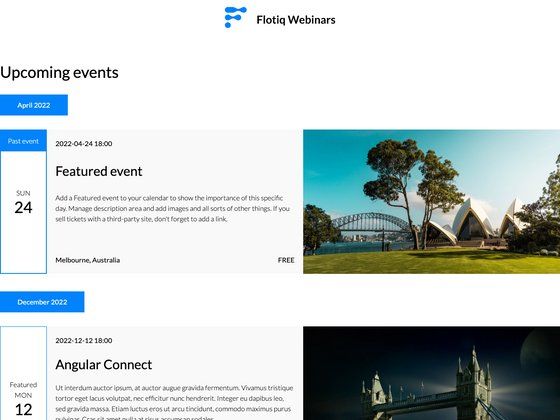
The Flotiq Gatsby Event Starter is a Gatsby 5 boilerplate that produces a static event website, with content edited in the Flotiq headless CMS and styled using Tailwind CSS.
What is the Flotiq Gatsby Event Starter?
This is a starter project created by Flotiq, a headless CMS provider. It gives you a working Gatsby site for events. It takes content type definitions and example data from the .flotiq directory, plus your Flotiq API key, and outputs a static site. It requires Node.js version 18 or higher because it uses Gatsby 5. A live demo is deployed at https://flotiq-gatsby-event-1.netlify.app.
Key Features
- Gatsby 5 framework — Generates static React pages; requires Node.js version 18 or higher.
- Flotiq source plugin — Fetches content from Flotiq using the
gatsby-source-flotiqconnector. - Flotiq components for React — Ready-to-use React components designed for Flotiq Content Objects.
- Tailwind CSS — Utility-first styling configured via
tailwind.config.jswith no CSS framework lock-in. - Flotiq CLI integration —
flotiq startclones the project, installs dependencies, sets.envvariables, imports example data, and runsgatsby develop. - One-click deploys — Deploy to Heroku, Netlify, or Cloudflare Workers using the provided buttons and config files (
app.json,netlify.toml,wrangler.toml,worker-index.js). - Data import script —
flotiq import .flotiq [apiKey]adds four example objects to your Flotiq account. - Project structure —
src/templates,src/sections,src/components,src/layouts,src/pages, and.flotiqcontent-type definitions included.
Who is it for?
- Event organizers building conference or meetup sites who want content managed by non-technical staff via the Flotiq editor.
- Gatsby developers who need a working starting point with GraphQL and headless CMS integration already wired.
- Agencies delivering static event pages for clients and needing fast deployment to Netlify, Heroku, or Cloudflare Workers.
What can you do with the Flotiq Gatsby Event Starter?
- Event organizers: create an event listing site, manage sessions or dates as Content Objects in Flotiq, and rebuild on publish.
- Frontend developers: use the included GraphiQL interface at
localhost:8000/___graphqlto experiment with querying Flotiq data before building templates. - DevOps teams: connect Flotiq plugins for Gatsby Cloud or Netlify to trigger rebuilds automatically when content changes.
How does the template work?
The quick start uses the Flotiq CLI. After installing flotiq-cli, you run flotiq start [projectName] https://github.com/flotiq/flotiq-gatsby-event-1.git [flotiqApiKey]. That command creates the project based on the template, installs npm dependencies, sets up .env variables, imports example data, and starts the development server at localhost:8000. Alternatively, you can clone the repo and run flotiq import .flotiq [apiKey] manually.
FAQ
Is the Flotiq Gatsby Event Starter free?
The starter is licensed under the MIT license, so you can use it freely. Flotiq's own pricing applies to the CMS service, which is not described in this README.
What API key do I need?
You need a Flotiq read and write API key. The flotiq start command takes it as an argument, and it's stored in GATSBY_FLOTIQ_API_KEY in your .env files. The import command also requires a read and write key.
What Node version is required?
Gatsby 5 requires Node.js version 18 or higher.
How do I update content?
After changing content in the Flotiq editor, rerun gatsby develop in development or gatsby build for production. If you change Content Type Definitions, run gatsby clean. For automatic rebuilds, configure a Flotiq plugin on Gatsby Cloud or Netlify.