Template details
Wedding Website Template
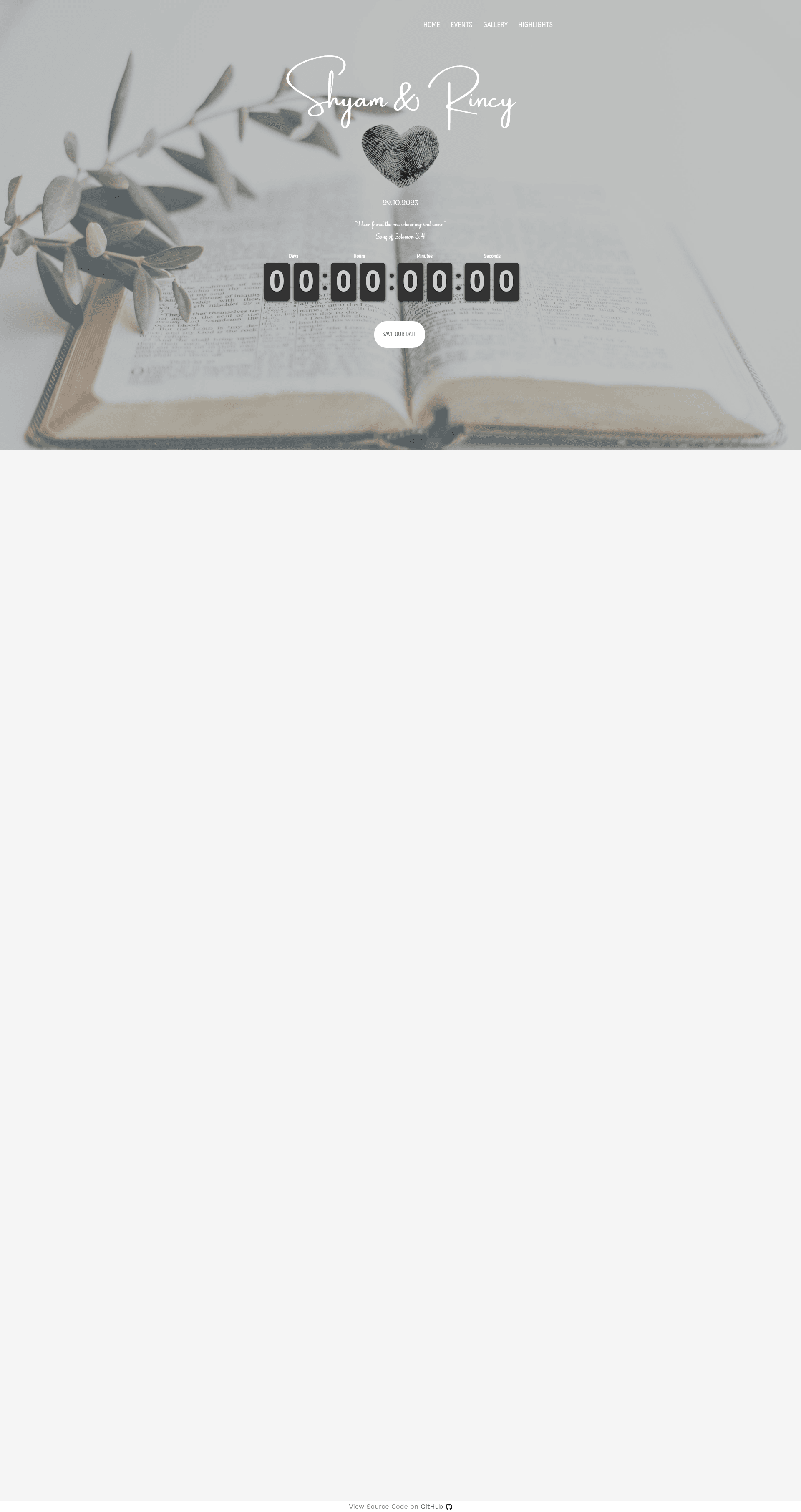
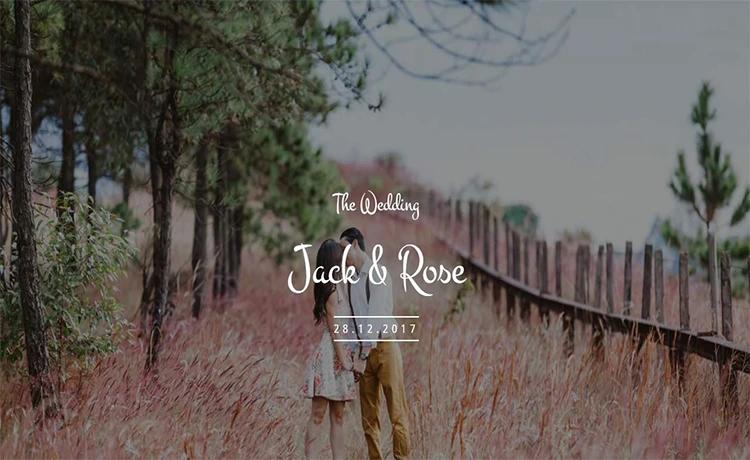
A free wedding website template with RSVP, countdown timer, and gallery based on a Bootstrap HTML5 theme.
About this template
Wedding Website Template is an open-source HTML5 wedding website based on the free FreeHTML5.co Bootstrap theme, built to give couples a live invitation page with RSVP, countdown, gallery, and event details. The source code is publicly available on GitHub and can be deployed to any static host.
What is Wedding Website Template?
Wedding Website Template is a static HTML website that takes wedding details such as the ceremony date, venue information, and an RSVP form and turns them into a ready-to-publish wedding page. It runs entirely in the browser with no backend required, and the code is hosted on GitHub for anyone to fork or customize. The project's repository metadata indicates it includes RSVP functionality and a wedding page layout, making it a full invitation solution.
Key Features
- Countdown timer — Uses moment.tz in js/clock.js to display a live countdown to the wedding moment; the target date and timezone are set in a single line, e.g.,
moment.tz("2023-10-29 12:00", "Asia/Kolkata"). - RSVP form — Includes an RSVP invitation flow, as confirmed by the repository's rsvp and rsvp-invitation topics, so guests can respond directly on the page.
- Bootstrap-based layout — Built on the FreeHTML5.co wedding Bootstrap template, providing a responsive grid, typography, and pre-styled components.
- Static site architecture — Purely HTML, CSS, and JavaScript, meaning it can be hosted on GitHub Pages, Netlify, or any static file server without server-side dependencies.
- Time zone support — The countdown uses Moment.js timezone, so the displayed time adjusts correctly across different guest locations.
- Customizable via HTML editing — Couples or developers can edit theme content directly in the markup, and the repository is structured for straightforward changes.
Who is it for?
- Couples planning a wedding — They can set their wedding date and timezone in js/clock.js, personalize the HTML sections, and publish a professional-looking wedding site in an afternoon.
- Web developers — They can use this as a starting point for client wedding projects, modifying the Bootstrap theme and integrating additional features like Google Maps or photo galleries.
- Event organizers — Anyone hosting a formal event can repurpose the RSVP and countdown features for anniversaries, receptions, or other celebrations.
What can you do with it?
- Set the wedding countdown — Edit the targetDate line in js/clock.js with your ceremony time and IANA timezone (e.g., Asia/Kolkata) to show guests exactly how long until the big moment.
- Collect guest RSVPs — Use the built-in RSVP form to gather responses, though note that a backend or third-party service would be needed to actually store submissions.
- Deploy a live wedding page — Push the files to GitHub Pages or another static host to get a publicly accessible invitation URL for your guests.
How does it work?
The workflow involves three simple steps: first, open js/clock.js and set the target future date and timezone in the moment.tz call; second, customize the HTML theme with your names, story, event details, and any photos or links; third, upload the static files to any web host. The countdown computes the difference between the current time and the target time in real time, and the RSVP form is rendered as part of the Bootstrap layout.
FAQ
Is Wedding Website Template free?
Yes, the template is based on the free FreeHTML5.co Bootstrap wedding theme, and the source code is open on GitHub with no listed price or license restrictions in the repository metadata.
How do I set the countdown date?
Open js/clock.js and locate the line that sets the target date, such as moment.tz("2023-10-29 12:00", "Asia/Kolkata"). Replace the date, time, and timezone string with your ceremony's details.
Does the RSVP form store responses?
The repository includes an RSVP form component, but because this is a static site with no backend or server-side code, submissions are not automatically saved. To capture responses, you would need to integrate a form service like Formspree or handle submissions with JavaScript.
What technologies does it use?
The template uses HTML, the Bootstrap CSS framework, and JavaScript with the Moment.js timezone library for the countdown. No build step or package manager is required.