Template details
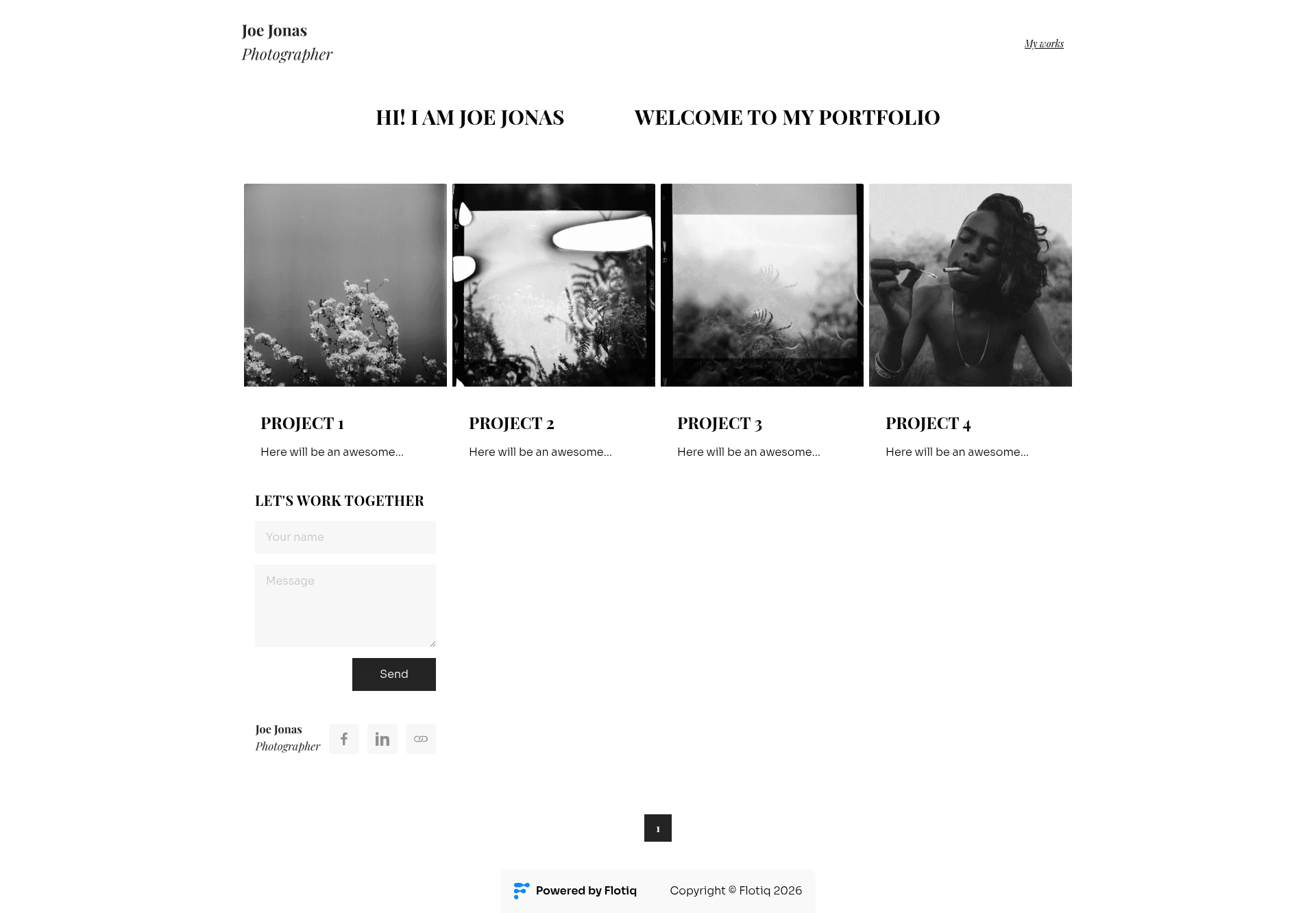
Flotiq Gatsby Portfolio 1
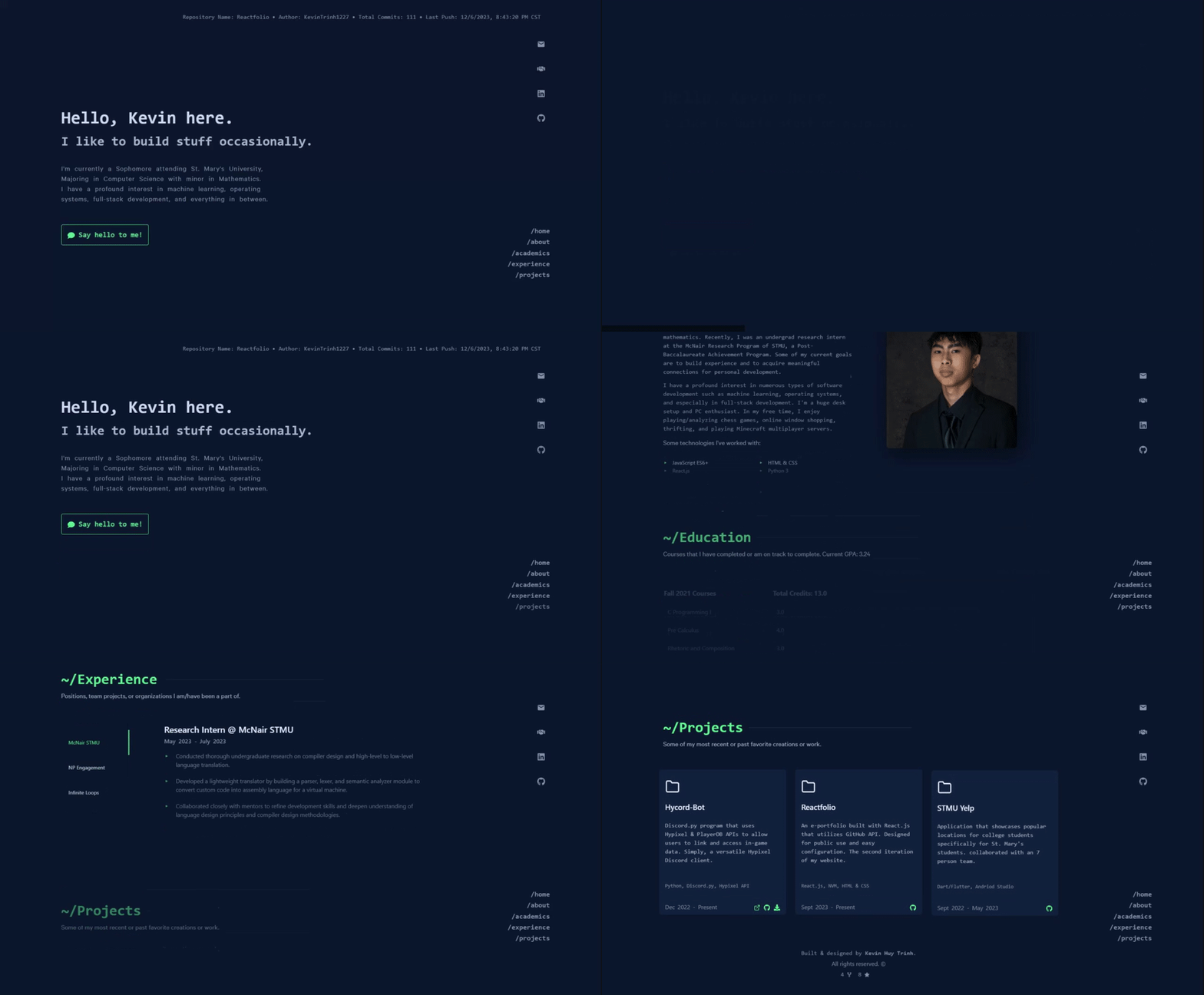
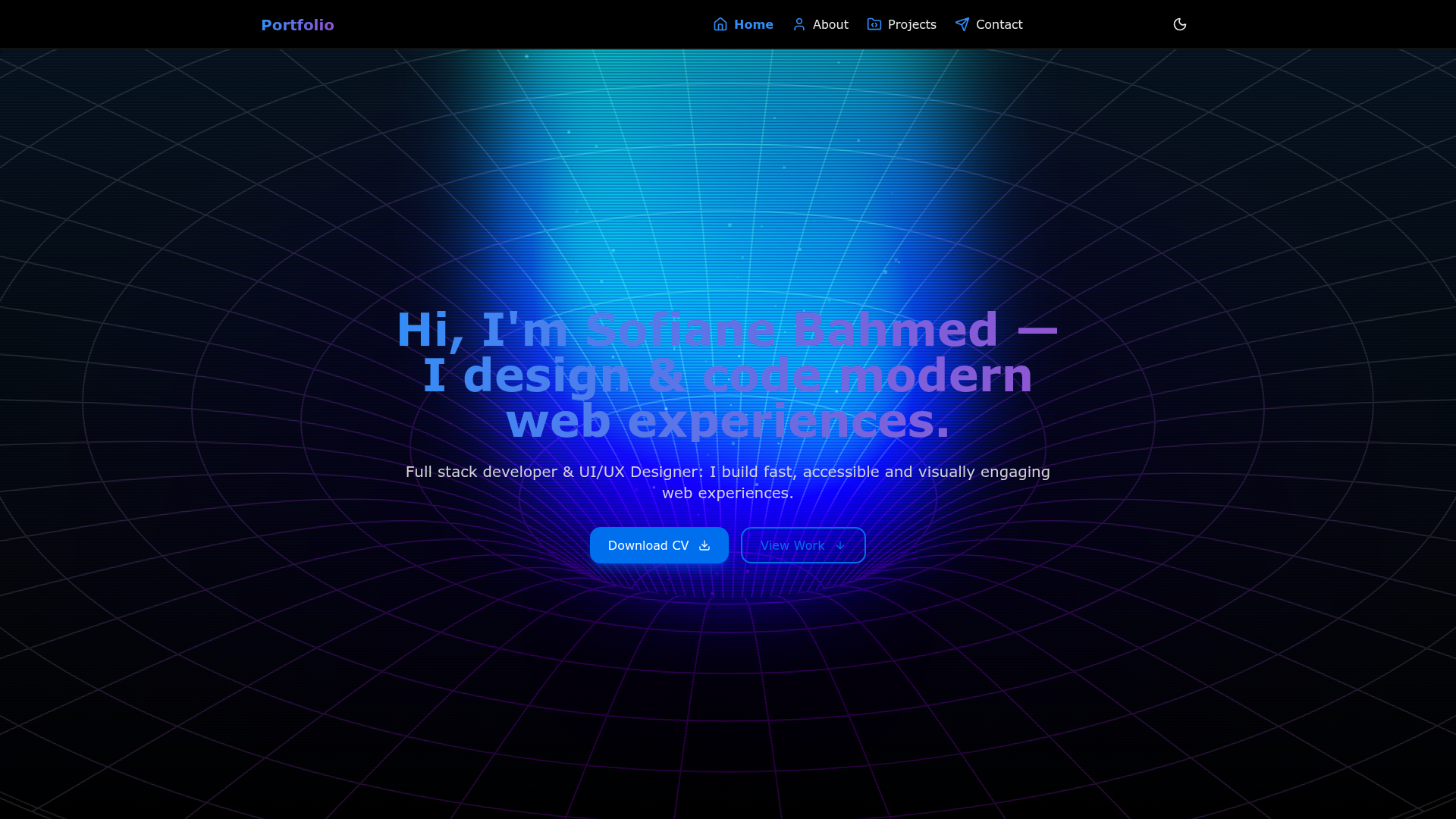
Gatsby starter for a projects portfolio powered by the Flotiq headless CMS and styled with Tailwind CSS.
About this template
Flotiq Gatsby Portfolio 1 is a Gatsby 5 starter template for building a project portfolio site, powered by the Flotiq headless CMS and styled with Tailwind CSS.
What is Flotiq Gatsby Portfolio 1?
Flotiq Gatsby Portfolio 1 is a boilerplate starter that combines the Gatsby static site generator with the Flotiq headless CMS. It takes content from your Flotiq account — managed through the Flotiq editor — and generates a static portfolio site with project showcases. The starter runs on Gatsby 5 and requires Node.js version 18 or newer. It is published by Flotiq under the MIT license and is one of several starters in the Flotiq Gatsby ecosystem.
Key Features
- Flotiq CMS integration — Content objects are fetched using the
gatsby-source-flotiqplugin; the.flotiqdirectory contains the content type definitions needed for the starter to work. - Tailwind CSS styling — Utility-first CSS framework is configured in
tailwind.config.js, with global styles in/src/styleand reusable sections in/src/sections. - Flotiq React component library — The starter uses
flotiq-components-react, a component library designed to display Flotiq Content Objects and data beautifully. - One-command setup with Flotiq CLI — Running
flotiq start [projectName] [repoUrl] [flotiqApiKey]clones the repository, installs npm dependencies, writes.envvariables, imports example data, and launchesgatsby develop. - Example data import — Running
flotiq import .flotiq [flotiqApiKey]adds four example objects to your Flotiq account, so you can see the portfolio in action immediately. - Multiple deployment targets — The repo includes one-click deploy buttons and configs for Heroku (
app.json), Netlify (netlify.toml), and Cloudflare Workers (wrangler.toml). - Organized source structure — Source code is separated into
components,layouts,pages,sections,style, andtemplates, making it easy to customize the portfolio layout.
Who is it for?
- Front-end developers who want a pre-configured portfolio starter instead of wiring up a CMS integration from scratch; they get a working Gatsby build with Flotiq data fetching ready to run.
- Flotiq users looking for a reference implementation of how to connect Flotiq to Gatsby, including content type definitions, component usage, and rebuild workflows.
- Independent creatives and freelancers who need a clean, Tailwind-based portfolio site with the ability to manage project content from a CMS dashboard and deploy to Netlify or Cloudflare Workers without writing server code.
What can you do with it?
- Showcase a portfolio of projects: add project content in Flotiq and rebuild the Gatsby site to publish a static portfolio, with content changes triggering a fresh
gatsby build. - Customize the visual design: edit
src/templates/index.js, global styles insrc/style, and the section components to match your branding, then redeploy with your existing hosting workflow. - Deploy to a serverless platform: use the Cloudflare Workers deploy button to run the portfolio as a Worker, then swap the starter API key for your own
GATSBY_FLOTIQ_APIsecret in GitHub Actions for a truly personal setup.
How does it work?
The recommended workflow starts with the Flotiq CLI. After installing it globally, you run flotiq start [projectName] [repoUrl] [flotiqApiKey], which clones the template into your chosen directory, runs gatsby new, installs dependencies, writes environment variables to .env, imports the four example content objects into your Flotiq account, and starts the development server. The site then runs at http://localhost:8000, with a GraphQL playground at http://localhost:8000/___graphql for experimenting with data queries.
FAQ
What Node version is required for this starter?
Gatsby 5 requires Node.js version 18.0.0 or newer. If you are on an older LTS release, you will need to upgrade before running gatsby develop or gatsby build.
Do I need a Flotiq account to use this starter?
Yes. You need a Flotiq account and a read & write API key. The Flotiq CLI setup step imports example data with that key, and the .env.development file stores it as GATSBY_FLOTIQ_API_KEY so Gatsby can fetch content.
How do I update content after changes?
In development, rerun gatsby develop after updating a content object; after updating a content type definition, run gatsby clean. In production, rebuild with gatsby build, or use Flotiq's Gatsby Cloud or Netlify plugins to rebuild automatically when data changes.
Can I deploy this starter to Cloudflare Workers?
Yes. The repository includes a Deploy to Cloudflare Workers button and a wrangler.toml configuration. The default deployment uses Flotiq's starter API key, so to use your own key you add a GATSBY_FLOTIQ_API secret in your forked repository's GitHub Actions settings and rerun the workflow.