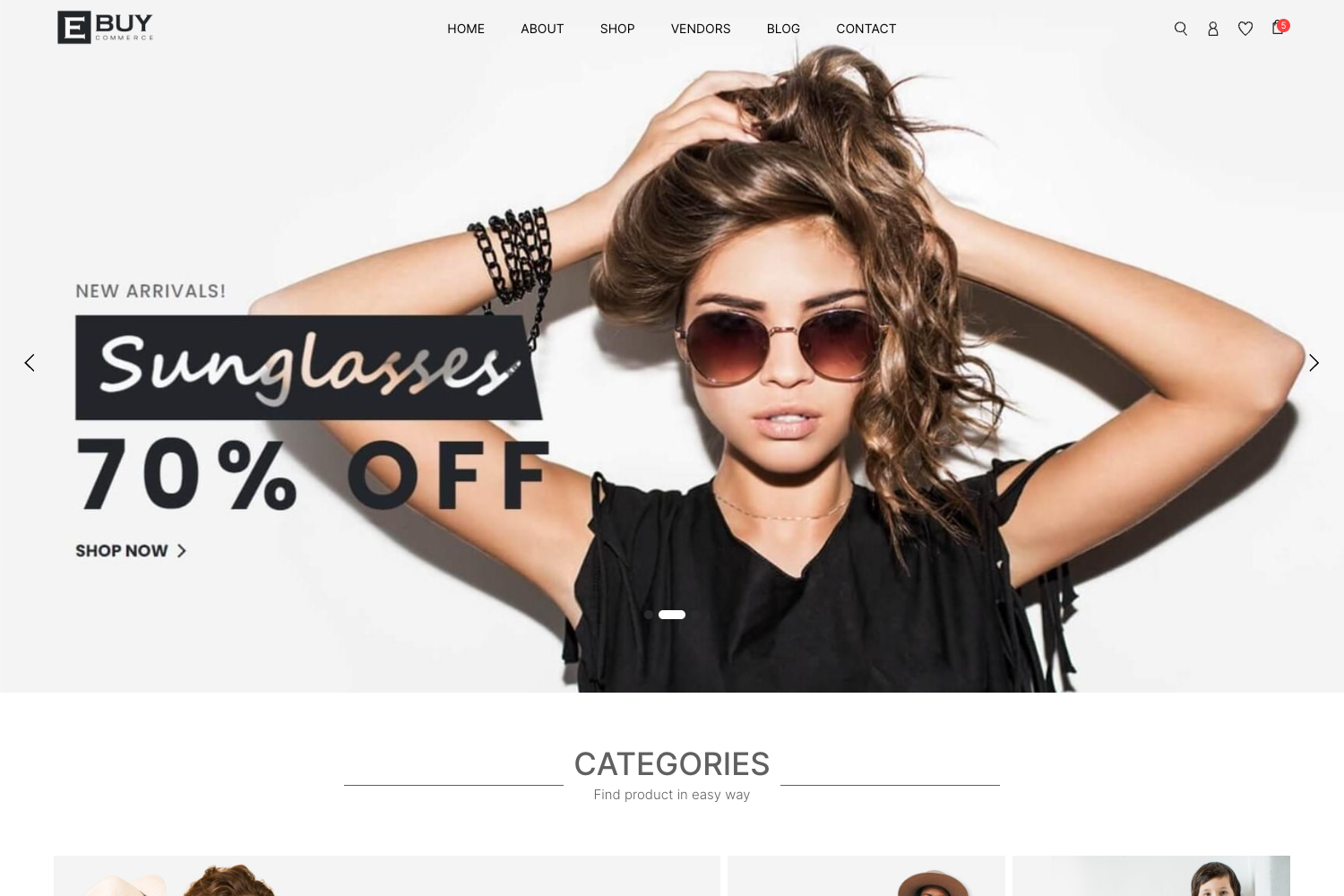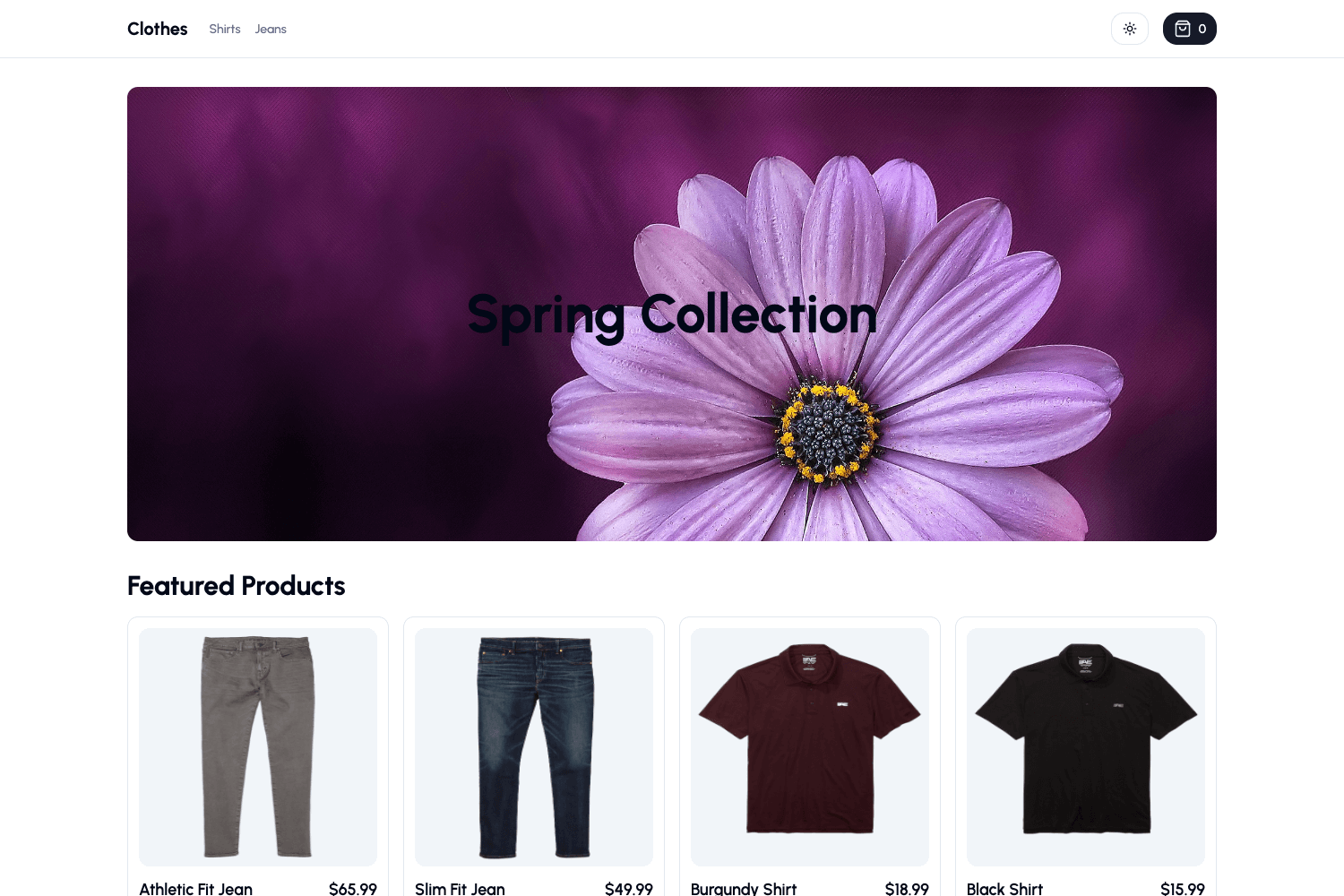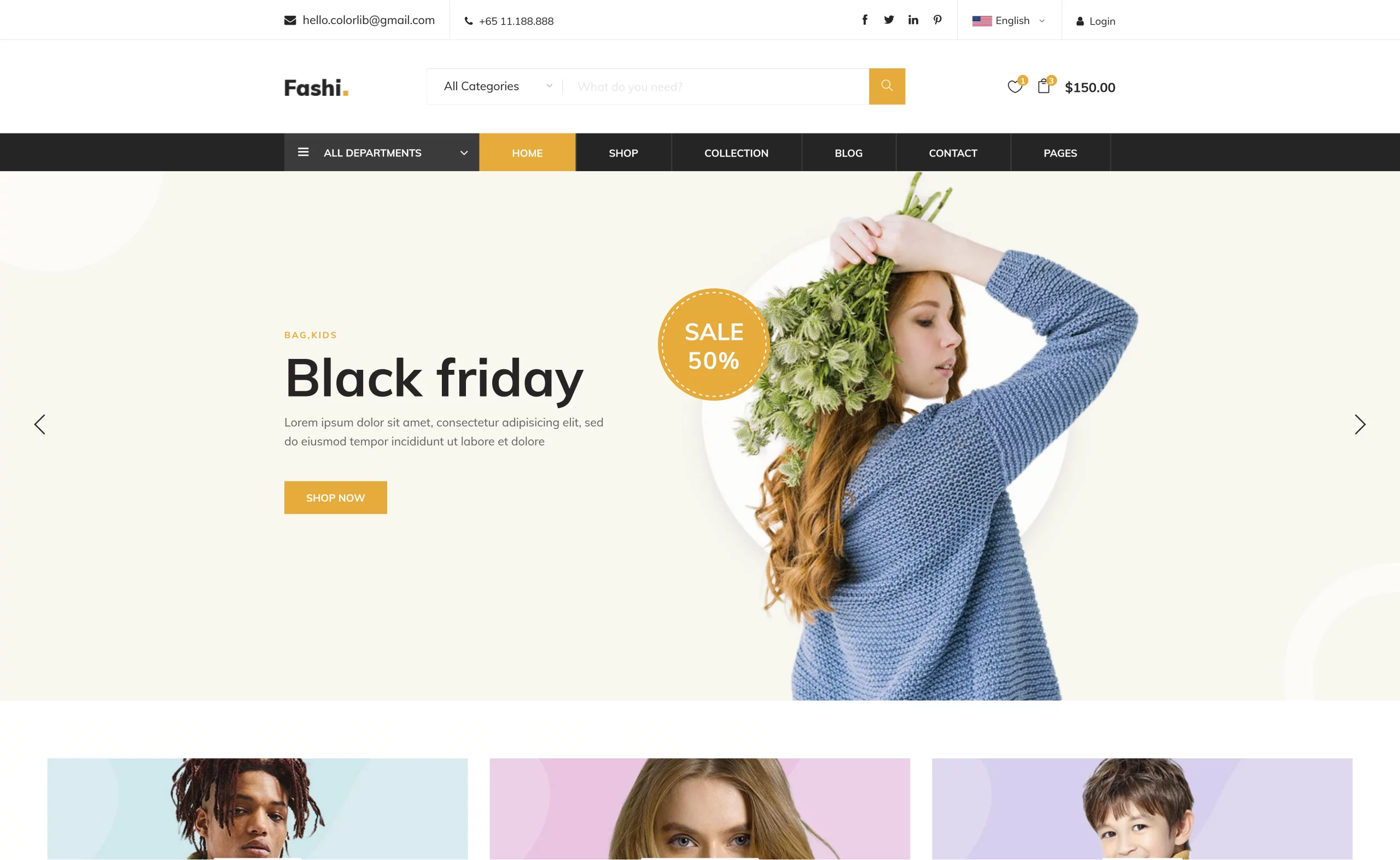
Template details
Dev Bazar
An ecommerce web app with cart, wishlist, and facet filters built on Next.js, TypeScript, Tailwind CSS, and Ant Design.
About this template
Dev Bazar is an open-source ecommerce storefront built with Next.js, TypeScript, Tailwind CSS, and Ant Design that provides cart, wishlist, and facet-filter shopping features out of the box.
What is Dev Bazar?
Dev Bazar is a full-fledged ecommerce web application written in TypeScript, with a frontend powered by Next.js and a backend built on Nest.js, PostgreSQL, and TypeORM. The frontend repository contains the storefront UI, while the backend is maintained in a separate linked repository. The app includes core shopping features like a product cart, a wishlist, and faceted product filtering to help shoppers narrow results.
Key Features
- Cart and wishlist — Customers can add products to a cart and save items to a wishlist for later, both managed through React Context API.
- Facet filtering — Product listing pages support faceted filters, letting shoppers combine attributes to refine results.
- Next.js frontend — Built on Next.js with TypeScript, giving type safety and a modern React development experience.
- Tailwind CSS and Ant Design — Styling combines Tailwind CSS utility classes with Ant Design components such as buttons, forms, and layout elements.
- Nest.js backend — The companion backend uses Nest.js, PostgreSQL, and TypeORM, providing a backend API for the storefront.
- MIT license — The project is open-sourced under the MIT license, per the license badge in the repository.
Who is it for?
- Ecommerce developers — Use it as a starting point for a storefront, then customize the Next.js components, styling, and features to fit a brand.
- Full-stack developers — Pair the frontend with the linked Nest.js backend to get a complete commerce stack with a PostgreSQL database.
- Frontend learners — Study a real-world TypeScript/Next.js application that demonstrates Context API state management, Tailwind styling, and Ant Design integration.
What can you do with Dev Bazar?
- Store owners: Launch an online store with cart, wishlist, and faceted product filters without building the frontend from scratch.
- Developers: Extend the app by adding new pages, components, and integrations using the existing Next.js structure.
- Tinkerers: Run the app locally in a few commands and inspect how the pieces fit together, thanks to the included installation instructions.
How does Dev Bazar work?
To run the frontend locally, clone the repository, install dependencies with Yarn, and start the development server. The app then loads at localhost:3000. The README also links to the backend repository for those who want the API side.
Pricing
Dev Bazar is free and open source under the MIT license. There are no paid tiers, subscription plans, or cloud restrictions mentioned in the repository.
FAQ
Is Dev Bazar free?
Yes, Dev Bazar is released under the MIT license, so it is free to use, modify, and distribute with attribution.
What technologies does Dev Bazar use?
The frontend uses Next.js, TypeScript, Tailwind CSS, Ant Design, and React Context API. The backend uses Nest.js, PostgreSQL, and TypeORM.
How do I run Dev Bazar locally?
Clone the frontend repository, run yarn to install dependencies, then yarn dev to start the development server. The app will be available at localhost:3000.
Is the backend included in the same repository?
No, the backend is hosted in a separate repository, linked from the README. The frontend and backend are split into two repositories.