Template details
Ebuy Frontend
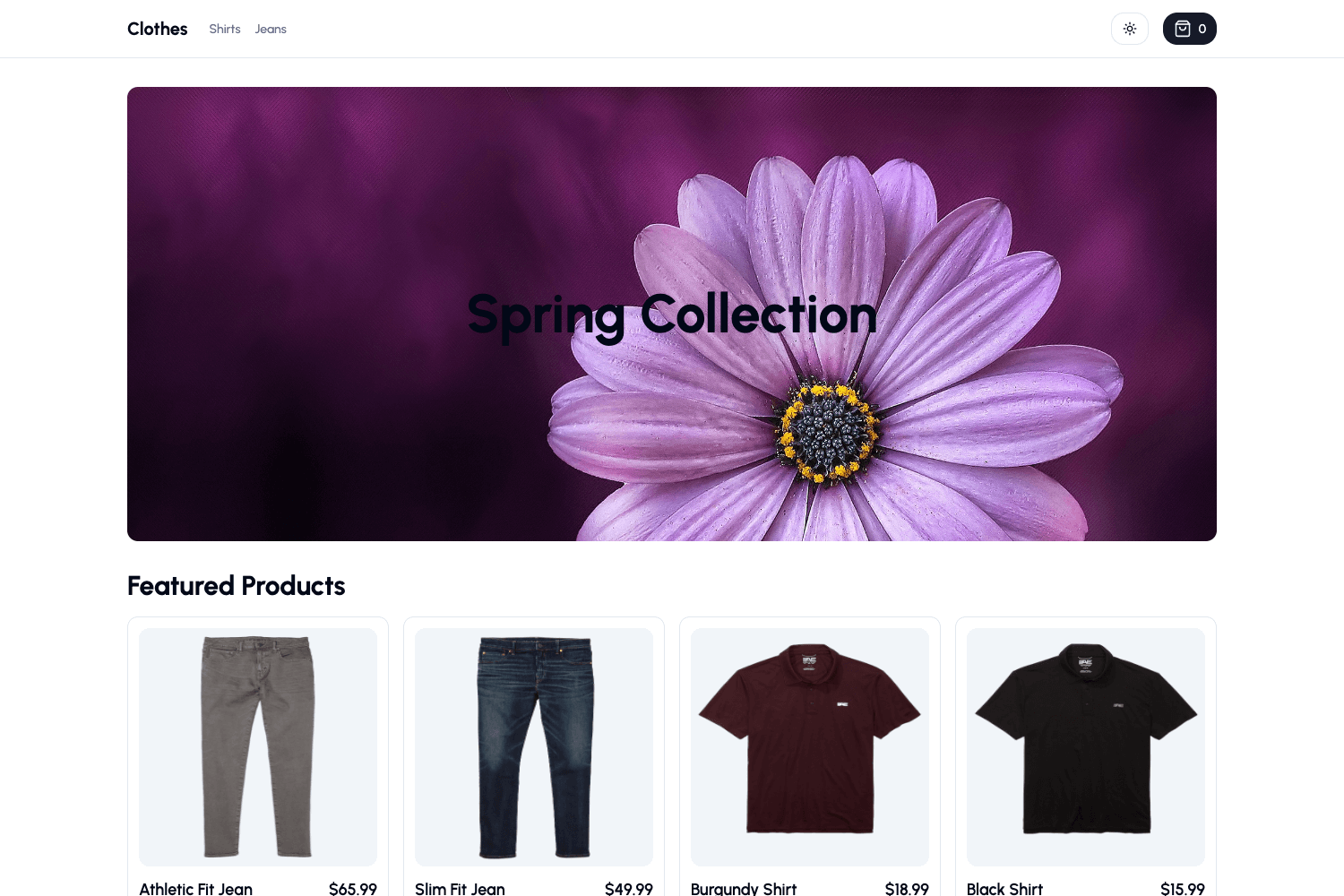
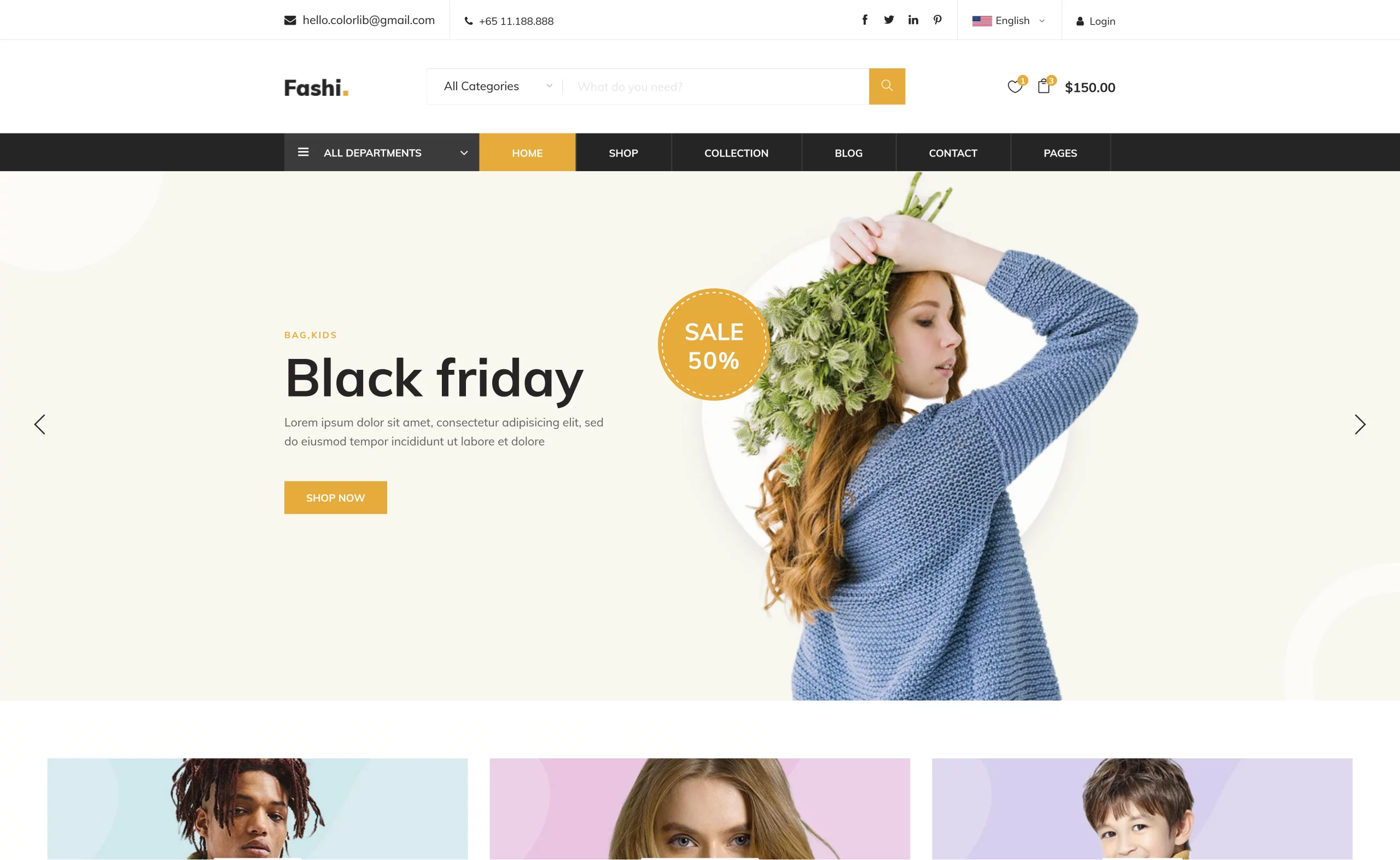
Ebuy is a modern and responsive e-commerce platform built with Next.js and Material-UI.
About this template
Ebuy Frontend is a responsive e-commerce website template built with Next.js and Material-UI, designed to give developers a ready-made storefront frontend. It is authored by Siam Ahnaf and distributed as an open-source project for anyone to download and run locally.
What is Ebuy Frontend?
Ebuy Frontend is a modern e-commerce frontend built on the Next.js React framework with Material-UI (MUI) components and typed with TypeScript. It takes no backend configuration on setup: you install dependencies with npm i, start the development server with npm run dev, and access the site at localhost:3000. The project is maintained by developer Siam Ahnaf and presented as a complete starting point for building an online store interface.
Key Features
- Next.js framework — Built on Next.js, providing server-side rendering, static generation, and file-based routing for e-commerce pages.
- Material-UI components — Uses the Material-UI component library for pre-built UI elements such as buttons, cards, and navigation, keeping the visual style consistent.
- TypeScript support — The codebase is written in TypeScript, giving type safety across React components and props.
- Responsive layout — The design adapts to mobile, tablet, and desktop screen sizes, as stated in the project description.
- E-commerce focused — The template is specifically designed for e-commerce web applications and claims to include all standard e-commerce functionality.
- Simple local setup — Requires only
npm iandnpm run dev; the site runs onlocalhost:3000for development. - Interactive UI — The template advertises a visually appealing and user-friendly interface designed to improve the shopping experience.
Who is it for?
- Frontend developers — Can use Ebuy Frontend as a foundation to build a custom online store, replacing the demo content with their own products and pages.
- Startups and small businesses — A ready-made storefront design that can be customized and connected to a backend later, without starting from scratch.
- Next.js learners — A real-world example of a Next.js + TypeScript + Material-UI project structure, useful for studying how an e-commerce frontend is organized.
What can you do with Ebuy Frontend?
- Launch a storefront quickly — Download the code, install dependencies, and have a functional e-commerce web interface running in minutes.
- Customize the design — Since it is built with Material-UI, you can restyle colors, spacing, and components using MUI theming.
- Extend with e-commerce features — Add product listings, shopping cart, checkout flow, and payment integration on top of the existing frontend structure.
- Learn the stack — Study how Next.js pages, TypeScript components, and MUI styles are combined in a single project.
How does Ebuy Frontend work?
The project runs as a standard Next.js application. After downloading the code, install dependencies with npm i, start the development server with npm run dev, and open localhost:3000 in a browser. There is no database or authentication wired in; it is purely a frontend template ready to be connected to a commerce backend.
FAQ
What framework is Ebuy Frontend built with?
Ebuy Frontend uses Next.js, a React framework, alongside Material-UI for styling and TypeScript for static typing. The project declares React.js, TypeScript, Next.js, and Material UI as its toolset.
How do I run Ebuy Frontend locally?
You need Node.js and npm. Download the code, run npm i to install dependencies, then npm run dev to start the development server. Open your browser to localhost:3000 to view the site.
Is Ebuy Frontend an e-commerce template?
Yes, it is explicitly designed for e-commerce web applications. The repository describes it as a modern and responsive e-commerce platform, and the key features list includes all e-commerce functionality.
Does Ebuy Frontend include a backend?
No, it is a frontend-only template. The local setup instructions show only frontend tooling, and there is no mention of a server, database, or API integration in the repository description.
Who created Ebuy Frontend?
Ebuy Frontend is created by Siam Ahnaf, a developer who works on frontend, backend, and mobile app development. The author page links to www.siamahnaf.com.