Template details
Flowbite Datepicker
A Tailwind CSS datepicker built with vanilla JavaScript.
About this template
Flowbite Datepicker is a free, open-source Tailwind CSS datepicker library that wraps Vanilla JS Datepicker into an easy-to-import JavaScript module for single-date and date-range pickers.
What is Flowbite Datepicker?
Flowbite Datepicker is a free and open source datepicker plugin that combines the utility-first CSS classes of Tailwind with the JavaScript of Vanilla JS Datepicker. It is part of the larger Flowbite component library but can be used independently in any Tailwind CSS project. The library provides two main JavaScript modules: Datepicker for single dates and DateRangePicker for selecting a start and end date.
Key Features
- Tailwind CSS styling — The datepicker's visuals are built entirely with Tailwind utility classes, so it inherits your project's design tokens and requires no custom CSS.
- Vanilla JavaScript core — Uses Vanilla JS Datepicker under the hood, meaning no dependency on jQuery or other UI frameworks.
- Datepicker and DateRangePicker modules — Import either
flowbite-datepicker/Datepickerorflowbite-datepicker/DateRangePickerdepending on whether you need a single date or a date range. - Custom options — The
DatepickerandDateRangePickerconstructors accept a plain options object, letting you configure behavior for each instance. - NPM installation — Install with
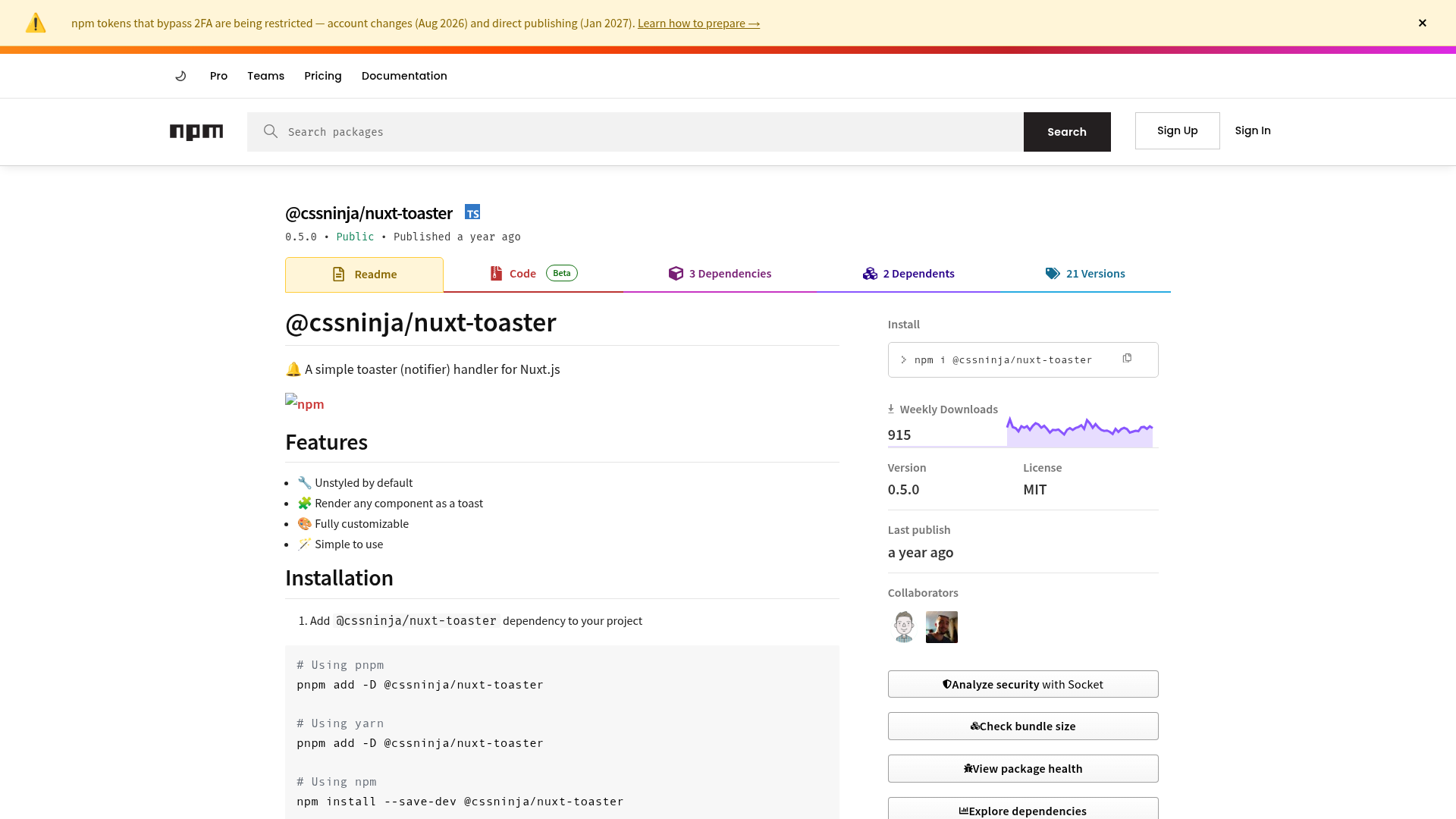
npm i flowbite-datepicker --save, then import the module into your JavaScript bundle. - MIT License — The library is free to use in commercial and personal projects.
- Part of Flowbite ecosystem — Works standalone but also integrates with the broader Flowbite components library.
Who should use Flowbite Datepicker?
- Tailwind CSS developers — Need a date input that matches Tailwind styling without writing custom CSS.
- Frontend teams building dashboards — Use the DateRangePicker for filtering analytics or reports by a start and end date.
- Form-heavy web applications — Booking, scheduling, and reservation forms that require a polished date selection widget.
What can you do with Flowbite Datepicker?
- Add a single-date picker — Create a
Datepickerinstance on any input element by passing its element and optional options. - Add a date range picker — Use the
DateRangePickerconstructor to let users select a start and end date for filters, bookings, or event searches. - Customize per instance — Pass a plain object of options to the constructor to set language, format, or other behavior for each specific field.
How does Flowbite Datepicker work?
Install the package via npm with npm i flowbite-datepicker --save. Then import the desired module in JavaScript: import Datepicker from 'flowbite-datepicker/Datepicker' or import DateRangePicker from 'flowbite-datepicker/DateRangePicker'. Finally, create a new instance by calling new Datepicker(element, options) or new DateRangePicker(element, options) on an existing DOM element.
Pricing
Flowbite Datepicker is free and open source under the MIT License. A separate Flowbite Pro version exists with additional components, application UI layouts, marketing pages, e-commerce pages, and Figma files, but the datepicker plugin itself remains free.
FAQ
Is Flowbite Datepicker free?
Yes, Flowbite Datepicker is open source and distributed under the MIT License, which allows free use in personal and commercial projects.
Does Flowbite Datepicker support date range selection?
Yes. Alongside the Datepicker module for single dates, the library includes a DateRangePicker module that lets users pick a start and end date.
How do I install Flowbite Datepicker?
Run npm i flowbite-datepicker --save in your project directory, then import the module you need in your JavaScript and initialize it on an element.
Can I use Flowbite Datepicker without the Flowbite library?
Yes, the datepicker is designed to work independently from the main Flowbite component library. It only requires Tailwind CSS to provide the utility classes for its styling.