Template details
Gatsby Source Notion API
Gatsby source plugin that pulls Notion pages into GraphQL nodes with Markdown output via the official Notion API.
About this template
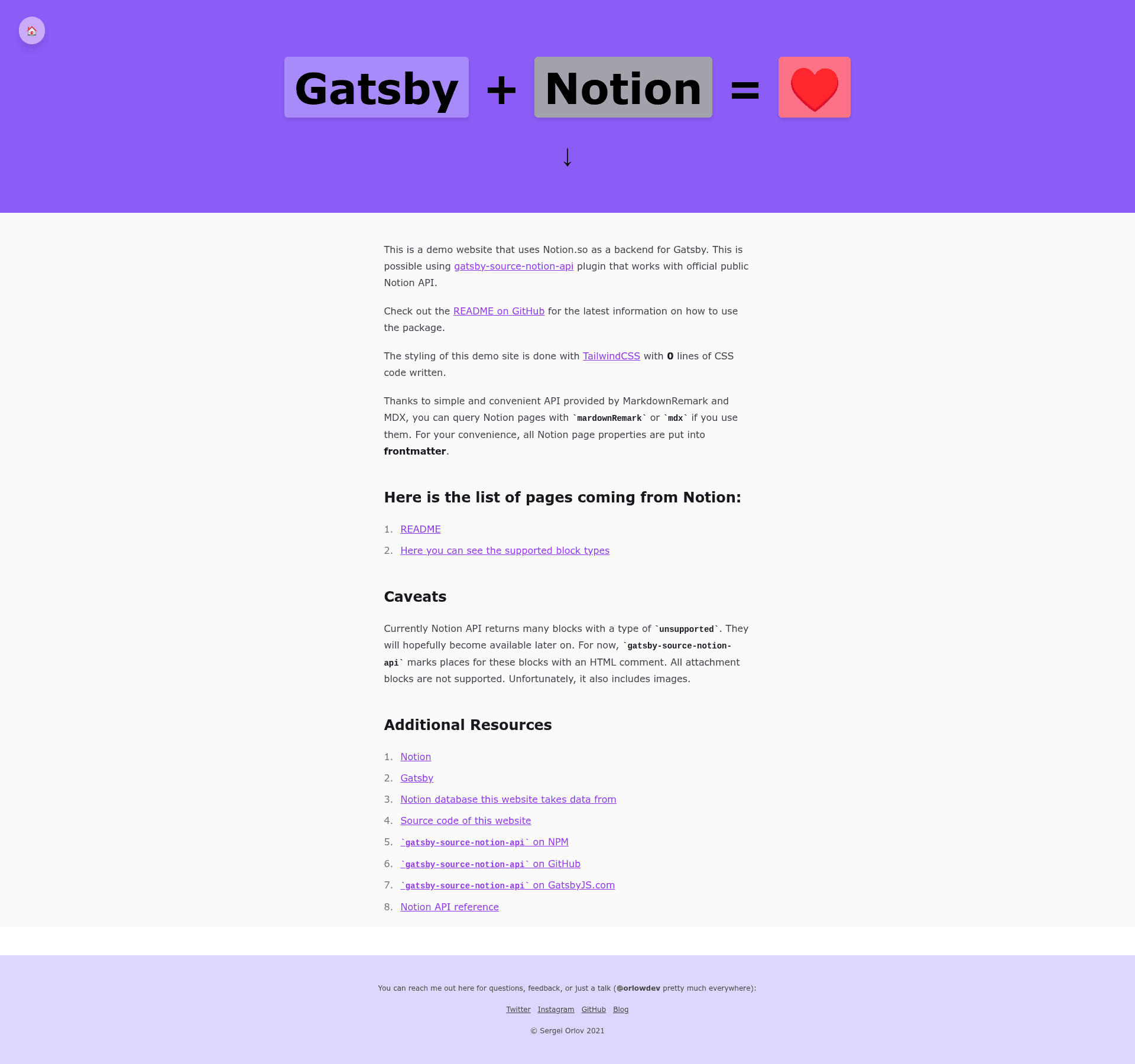
Gatsby Source Notion API is a Gatsby source plugin that pulls pages from a Notion database through the official Notion API and exposes them as GraphQL nodes with Markdown output.
What is Gatsby Source Notion API?
Gatsby Source Notion API is an open-source Gatsby source plugin that connects to the official Notion API (currently in beta) to retrieve pages from a specific database. It requires a Notion integration token and a database ID as configuration, then creates Gatsby GraphQL nodes containing page properties, Markdown-converted content, and raw API data. The plugin supports both gatsby-transformer-remark and gatsby-plugin-mdx, and was built by orlowdev, the author of the orlow.dev blog, which runs on this plugin.
Key Features
- GraphQL nodes — Query all pages via
allNotionor a single node vianotion, with fields fortitle,properties,archived,createdAt,updatedAt,markdown, andraw. - Markdown conversion — Page contents become Markdown with styling for bold, italic, strikethrough, underline, inline code, and color spans using the
notion-colorattribute; unsupported blocks become HTML comments. - Page properties — Each database column appears in the
propertiesobject withid,key,value, andtypesubfields, and can be injected into Markdown frontmatter viapropsToFrontmatter. - Raw data access — The
rawnode property holds the untouched Notion API response, useful for consuming block types not yet converted. - MarkdownRemark and MDX support — Works with
gatsby-transformer-remarkand MDX, so you can query withallMarkdownRemarkor customize components through MDXProvider. - Nested block support — As of version 0.4.0, nested lists and other nested blocks are included in Markdown output.
- Heading level control — The
lowerTitleLeveloption (true by default) shifts#headings one level down to accommodate Notion's three-level heading limit and allow deeper headings in Markdown.
Who is it for?
- Gatsby developers who want Notion as a lightweight CMS: they can add the plugin to
gatsby-config.js, point it at a database, and query the content with GraphQL. - Bloggers who write in Notion: they can publish a Gatsby blog where each Notion page becomes a post, as demonstrated by the author's blog at orlow.dev.
- Documentation sites using Notion databases: teams can convert Notion knowledge bases into Markdown/MDX docs, with column lists and columns rendered as
ColumnListandColumncomponents that are customizable.
What can you do with it?
- Content site builders: Connect a Notion database of articles or docs to a Gatsby site, then query pages via GraphQL and render them as Markdown or MDX with images attached through a "Files" property using a custom
onCreateNodehook andcreateRemoteFileNode. - Developers needing raw Notion data: Access the
rawproperty to inspect the complete API response for blocks that aren't yet converted to Markdown. - Markdown aficionados: Use
allMarkdownRemarkqueries directly to get rendered HTML from the Notion content, with frontmatter containing your database columns.
How does it work?
Install via yarn add gatsby-source-notion-api or npm install --save gatsby-source-notion-api, create a Notion integration to obtain a token, share the target database with that integration, and copy the database ID from the URL. Then add the plugin to gatsby-config.js with token and databaseId; during the Gatsby build, the plugin fetches pages, converts them to Markdown, and creates GraphQL nodes.
Pros and cons
- Pros: Uses the official Notion API; supports both MarkdownRemark and MDX; includes raw data for unsupported content; offers useful configuration options like
propsToFrontmatterandlowerTitleLevel. - Cons: Notion API is still in beta, so some blocks are marked "unsupported" and images cannot be fetched for now; the plugin currently supports only one database per configuration instance.
FAQ
Is the plugin free?
The plugin is open-source and available for free on npm; it uses the official Notion API, which requires a Notion integration token that you create yourself.
What Notion blocks are unsupported?
The README states that some blocks are marked "unsupported" by the Notion API, and images cannot be fetched at this time. Unsupported blocks are turned into HTML comments in the Markdown output.
Can I use this plugin with MDX?
Yes, the plugin supports both markdown-remark and mdx, so you can query through allMarkdownRemark or use MDXProvider to customize components like column lists.
How do I add multiple databases?
As of now, the plugin works with only one database per plugin configuration. The README notes that future releases will make all databases reachable by the integration available for querying.
What does lowerTitleLevel do?
When set to true (the default), it shifts every heading one level down (# becomes ##), because Notion itself supports only three heading levels; this lets you use #### and deeper in Markdown even though Notion won't display them.