Template details
HTML Truncator
A Ruby gem that truncates HTML strings to a word or character count while preserving valid markup, powered by Nokogiri.
About this template
HTML Truncator is a Ruby gem that truncates HTML-formatted strings to a specified number of words or characters while preserving valid markup, using Nokogiri for parsing instead of regex.
What is HTML Truncator?
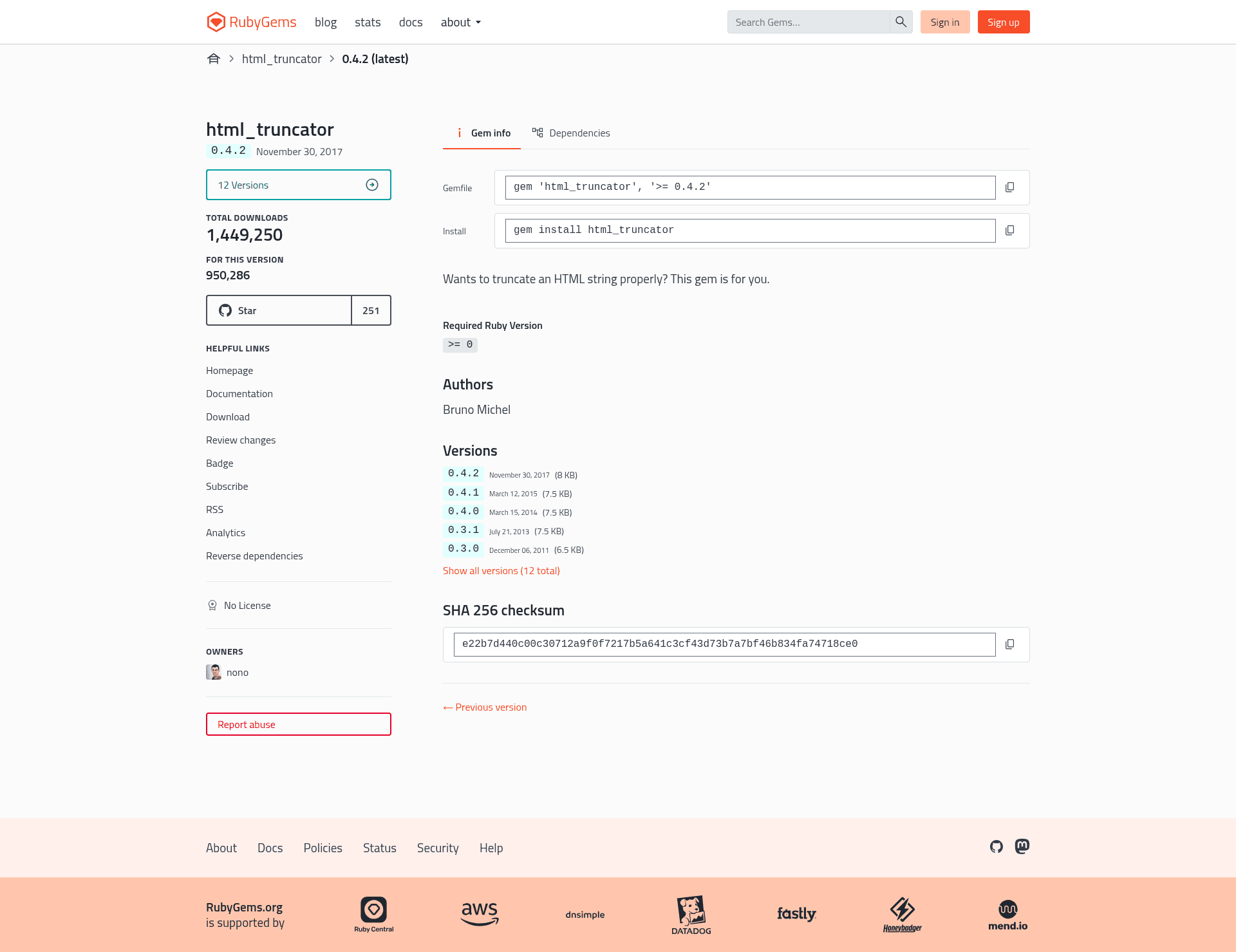
HTML Truncator is a Ruby gem, authored by Bruno Michel, that shortens HTML strings to a given word count while keeping tags balanced and valid. It takes an HTML-formatted string plus an integer word count as input and returns the truncated HTML with an ellipsis inserted at a safe position. The entire public API is one class method — HTML_Truncator.truncate — plus three configurable class attributes. The gem is released under the MIT license and distributed as html_truncator on RubyGems.
Key Features
HTML Truncator exposes a single truncate method whose behavior is controlled by three configurable class attributes, plus optional arguments for the length mode and the ellipsis.
- Word-accurate truncation — Counts real words only; HTML tags and attributes are never counted toward the limit.
- Character-length mode — Pass
:length_in_chars => trueto truncate by characters instead of words, backing off to the nearest word boundary so words are never cut in half. - Configurable ellipsis — By default the ellipsis is '…', but any string works, including HTML such as
<a href="/more-to-read">...</a>. - Punctuation cleanup — Punctuation characters immediately before the truncation point — by default
, . : ; ! ?— are removed so the excerpt ends cleanly. - Tag-aware ellipsis placement — The ellipsis lands inside ellipsable tags (p, ol, ul, li, div, header, article, nav, section, footer, aside, dd, dt, dl by default) but outside non-ellipsable tags like
<i>. - Adjustable tag lists — Modify the class attributes
ellipsable_tags,self_closing_tags, andpunctuation_chars; for example, deleting"img"from self-closing tags makes images excluded from word counting. - Truncation detection — Calling
.html_truncated?on the returned string tells you whether truncation actually happened. - Nokogiri integration — A parsed
Nokogiri::HTML::DocumentFragmentcan be truncated directly withdocument.truncate(12, options), merging your own options withHTML_Truncator::DEFAULT_OPTIONS.
Who is it for?
HTML Truncator suits any Ruby project that needs to produce short, valid HTML excerpts from longer HTML strings.
- Ruby and Rails developers — Replace Rails' built-in
truncatehelper, which can leave unbalanced or incomplete tags, with a parser-based truncator that returns valid HTML. - Maintainers of content-heavy applications — Generate safe excerpts and previews from user-generated HTML for lists, search results, or teaser blocks.
- Developers building feeds or APIs — Produce short, valid HTML summaries from full HTML payloads for RSS, email digests, or JSON responses.
What can you do with HTML Truncator?
The documented examples cover preview generation, custom read-more ellipses, and integration with already-parsed Nokogiri documents.
- Blog and CMS previews: Truncate article bodies to a fixed word count with a clean ellipsis, safe to render because tags stay balanced.
- Custom "read more" excerpts: Pass an HTML ellipsis like a
read moreanchor link so truncated entries link back to the full content. - Nokogiri pipeline integration: Truncate documents already parsed with Nokogiri in-place via the
truncatemethod on the document fragment.
How does HTML Truncator work?
Install the gem with gem install html_truncator, or add gem "html_truncator", "~>0.2" to a Gemfile. Then call HTML_Truncator.truncate("<p>Lorem ipsum dolor sit amet.</p>", 3). The gem parses the input with Nokogiri, counts only real words, drops punctuation right before the cut, places the ellipsis inside a suitable tag, and serializes the result back to a string.
Alternatives
The author compares HTML Truncator with Rails' truncate helper and several open-source truncation solutions.
- Rails' built-in
truncatehelper — its own documentation warns that truncating text containing HTML tags may produce invalid HTML with unbalanced or incomplete tags. - truncate_html — an open-source Ruby library for the same task; the author of HTML Truncator considered the existing alternatives fragile because they rely on regexp parsing, misplace the ellipsis, or leave empty DOM nodes.
FAQ
Is HTML Truncator free?
Yes. The gem is released under the MIT license. The source itself says "Copying is an act of love. Please copy and share."
How do I install HTML Truncator?
Run gem install html_truncator, or add gem "html_truncator", "~>0.2" to your Gemfile when using Bundler.
Does HTML Truncator count HTML tags as words?
No. Only real words count toward the truncation limit; tags and attributes are ignored, so a heavily formatted string truncates by its visible text.
Can HTML Truncator truncate by characters instead of words?
Yes. Pass the option :length_in_chars => true. The truncation backs off to the immediately preceding word boundary, so it never cuts a word in half.
What happens if the text is already shorter than the limit?
The string is returned unmodified with no ellipsis added, so short content is never altered.