Template details
Gatsby Starter Mate
An accessible and fast portfolio starter for Gatsby integrated with Contentful CMS.
About this template
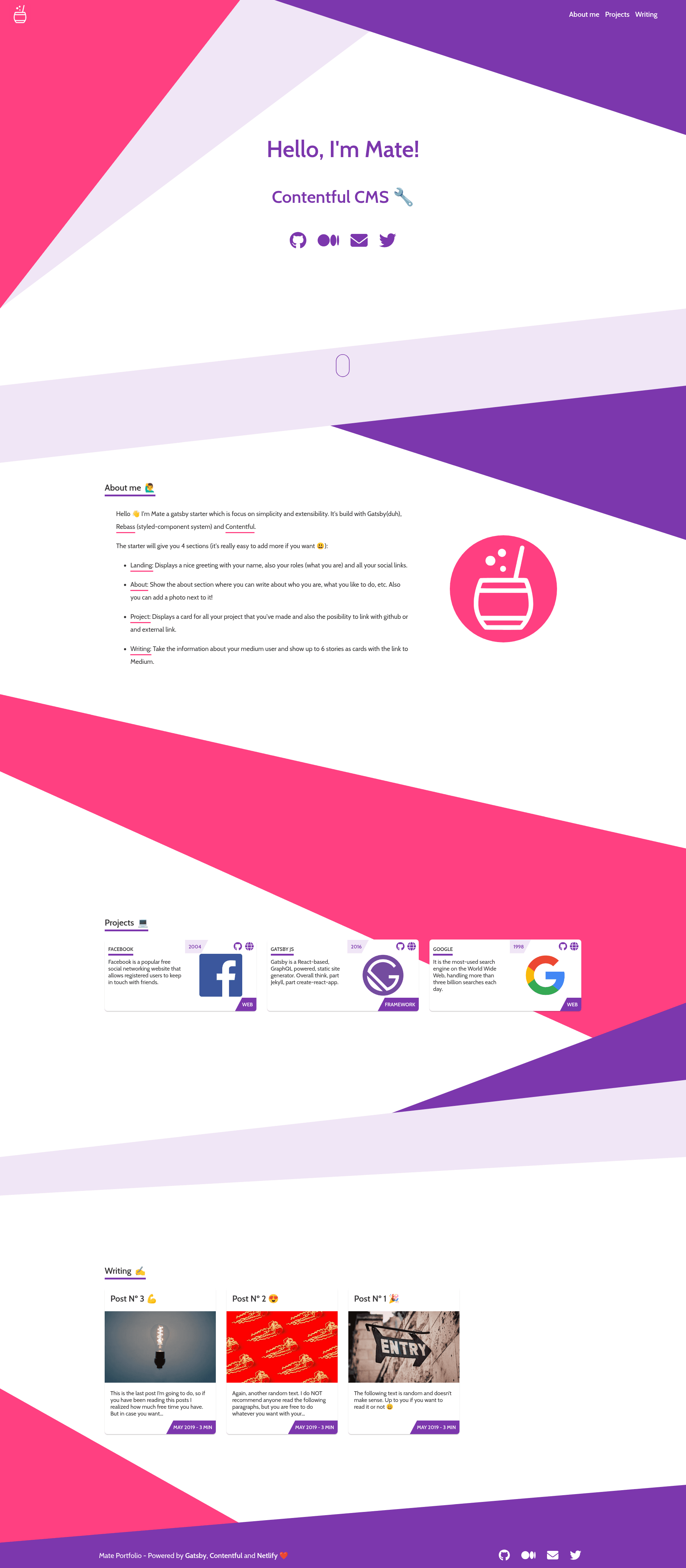
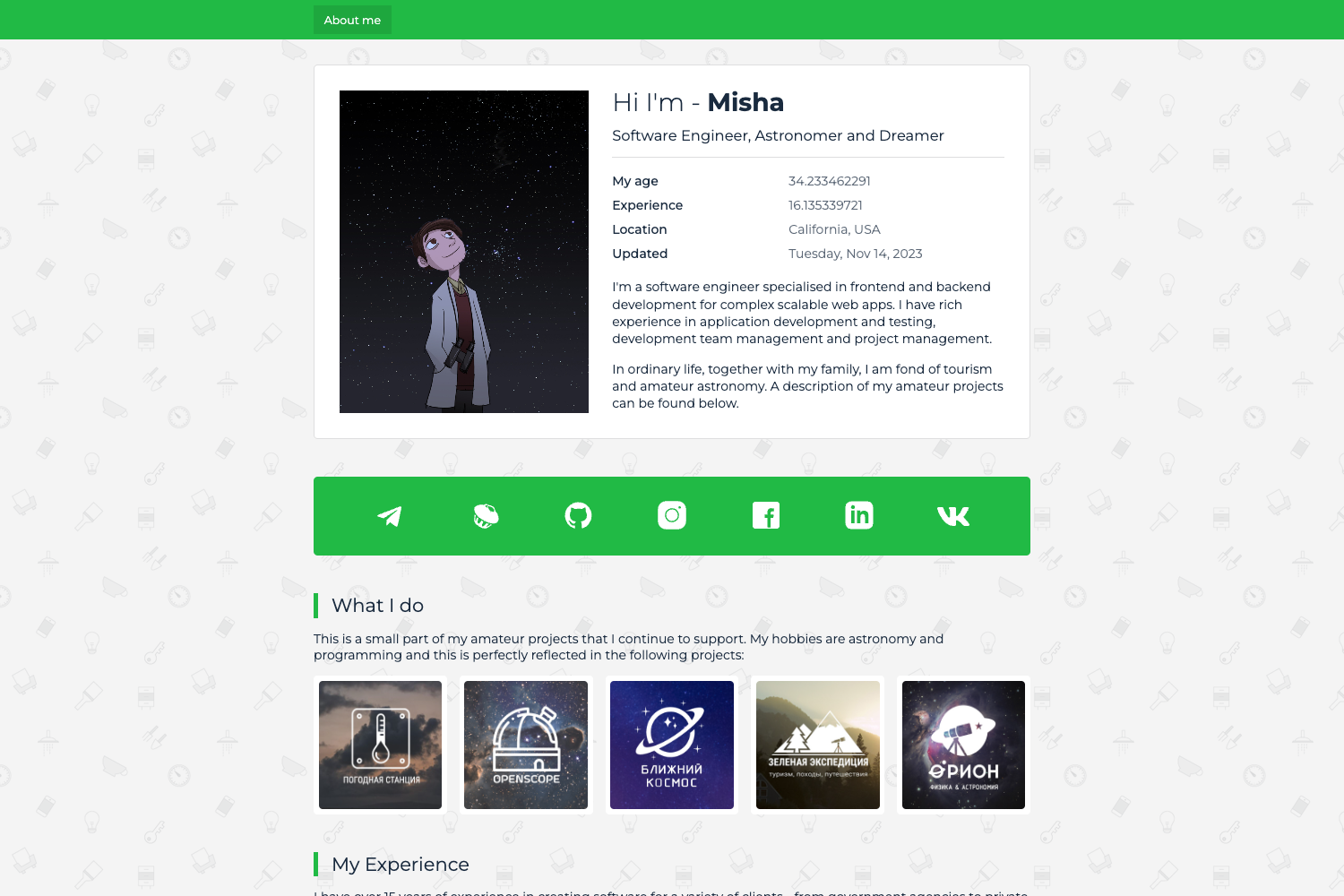
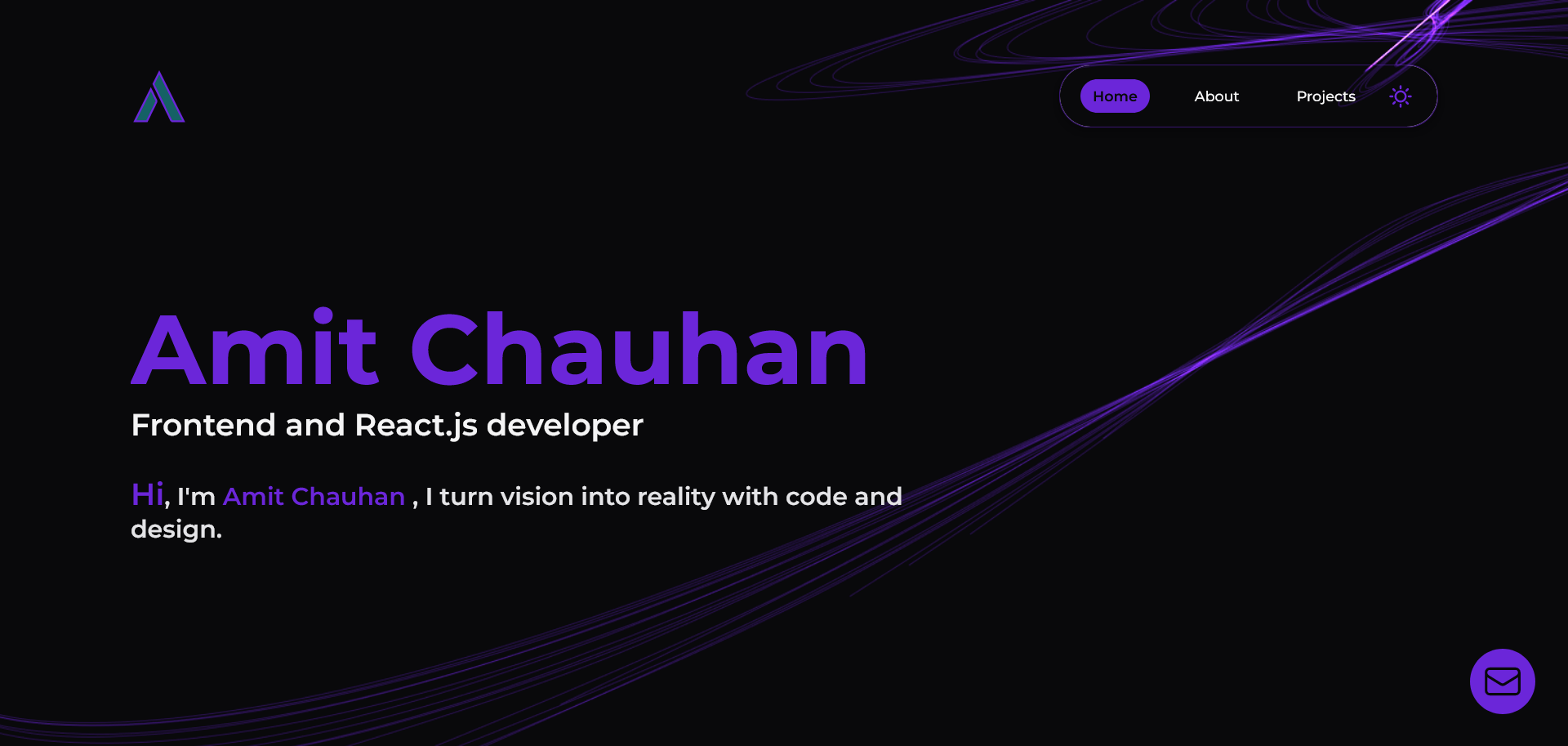
Gatsby Starter Mate is an open-source portfolio starter for Gatsby 5 and React that uses Contentful as a headless CMS, built for developers and technical writers who want a fast, accessible personal site. The starter consists of a Gatsby theme called gatsby-theme-mate plus a thin wrapper project; all page content is stored in Contentful and rendered as a single-page application with Home, About me, Projects, and Writing sections. It was created by Ema Suriano and the repository has 544 stars on GitHub. A live demo is hosted at https://gatsby-starter-mate.netlify.app/.
What is Gatsby Starter: Mate?
Gatsby Starter Mate is a starter template, not a plugin: you copy it with the Gatsby CLI, link it to an empty Contentful space, and it generates a static portfolio site. The template depends on the gatsby-theme-mate theme for its components and pages, so the starter root only holds configuration files, while the theme controls the layout. Output is a static site in the public folder, deployable to Netlify or Gatsby Cloud with SPACE_ID and ACCESS_TOKEN environment variables.
Key Features
- Gatsby 5 + React — the static site generator is Gatsby 5, with React as the view layer, producing an SEO-friendly, PWA-ready output.
- Rebass styling — UI components are built with Rebass, a styled-component system that exposes a theme of color and space scales.
- Contentful CMS integration — all portfolio content (about text, projects, social links) lives in Contentful; a
yarn setupcommand imports 3 content types, 8 entries, and 6 assets into your own space. - Medium integration — the Writing section pulls posts from a specified Medium username, giving articles a content feed without manual updates.
- Theme Shadowing customization — you can reorder or remove sections by shadowing
templates/Home.js, change icons viaicons.js, and recolor the site viacolors.json. - Social sharing and SEO — includes meta tags and share buttons for Twitter, Facebook, Google, and LinkedIn.
- Optional Google Analytics — adding an
ANALYTICS_IDenvironment variable activates the analytics plugin automatically. - Deployment friendly — built for Netlify and Gatsby Cloud, with the build command accepting Contentful credentials as environment variables.
Who is it for?
- Developers — anyone who wants a portfolio up quickly with Gatsby and Contentful, without writing the layout and content plumbing from scratch.
- Technical writers — writers who publish on Medium can use the Writing section to display their articles automatically.
- Contentful users — teams or individuals who prefer editing site content in a CMS rather than in Markdown files.
What can you do with it?
- Launch a portfolio in one session — run
gatsby new mate-portfolio https://github.com/EmaSuriano/gatsby-starter-mate, create a Contentful space, thenyarn setupto import the demo content andyarn startto run locally. - Recolor the whole site — create
src/gatsby-theme-mate/colors.jsonand set five color values (text, background, muted, primary, secondary) to apply a new theme instantly. - Showcase Medium articles — set your Medium username in Contentful and the Writing section displays your post list.
- Customize page structure — shadow the Home template to reorder the four default sections, or add new sections by editing the React components in the theme.
How does it work?
First, clone the starter with the Gatsby CLI and create an empty Contentful space. Then run yarn setup, which asks for the Space ID, Content Delivery API access token, and Personal Access Token, and automatically copies the demo content models and entries into your space. After setup completes, yarn start runs the site at http://localhost:8000, and yarn build with the two required environment variables produces a production build in the public folder.
FAQ
Why do I get a "TypeError: Expected parameter accessToken"?
That error appears when you run yarn develop before connecting Contentful. The starter requires three values from your Contentful space — Space ID, Content Delivery API access token, and Personal Access Token — which are collected by the yarn setup command and written to a local .env file.
How do I change the colors of the portfolio?
Create a new file at src/gatsby-theme-mate/colors.json and define values for text, background, muted, primary, and secondary. The starter reads that file through Gatsby Theme Shadowing and applies the colors everywhere; the repository shows original, teal, and dark examples based on Color Hunt palettes.
How can I modify the sections?
The starter's Home page is composed of four sections: Landing, About, Projects, and Writing. To reorder, remove, or add sections, create src/gatsby-theme-mate/templates/Home.js and render the section components in the order you want. Because this is Theme Shadowing, your file fully overrides the theme's default Home template.
How do I deploy the site?
Build the site with SPACE_ID=your-id ACCESS_TOKEN=your-token yarn build and upload the resulting public folder, or connect the repository to Netlify or Gatsby Cloud and set the environment variables in their dashboard. The starter's demo is hosted on Netlify.