Template details
Portfolio Website
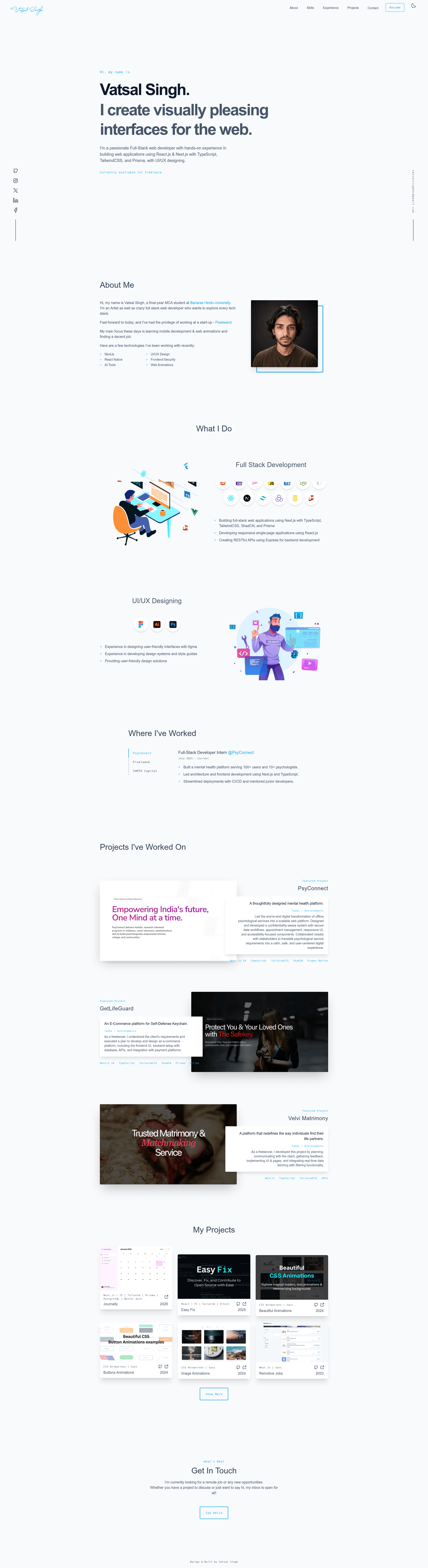
Personal portfolio website built with Next.js, TypeScript, and Tailwind CSS.
About this template
portfolio-website is an open-source Portfolio template that gives developers a complete personal portfolio site built with Next.js, TypeScript, and Tailwind CSS, deployed on Vercel. The repository, originally created by Vatsal Singh (vatsalsinghkv), is MIT-licensed and currently at version 2.0.0, making it free to use and modify for any personal or commercial project.
What is this template?
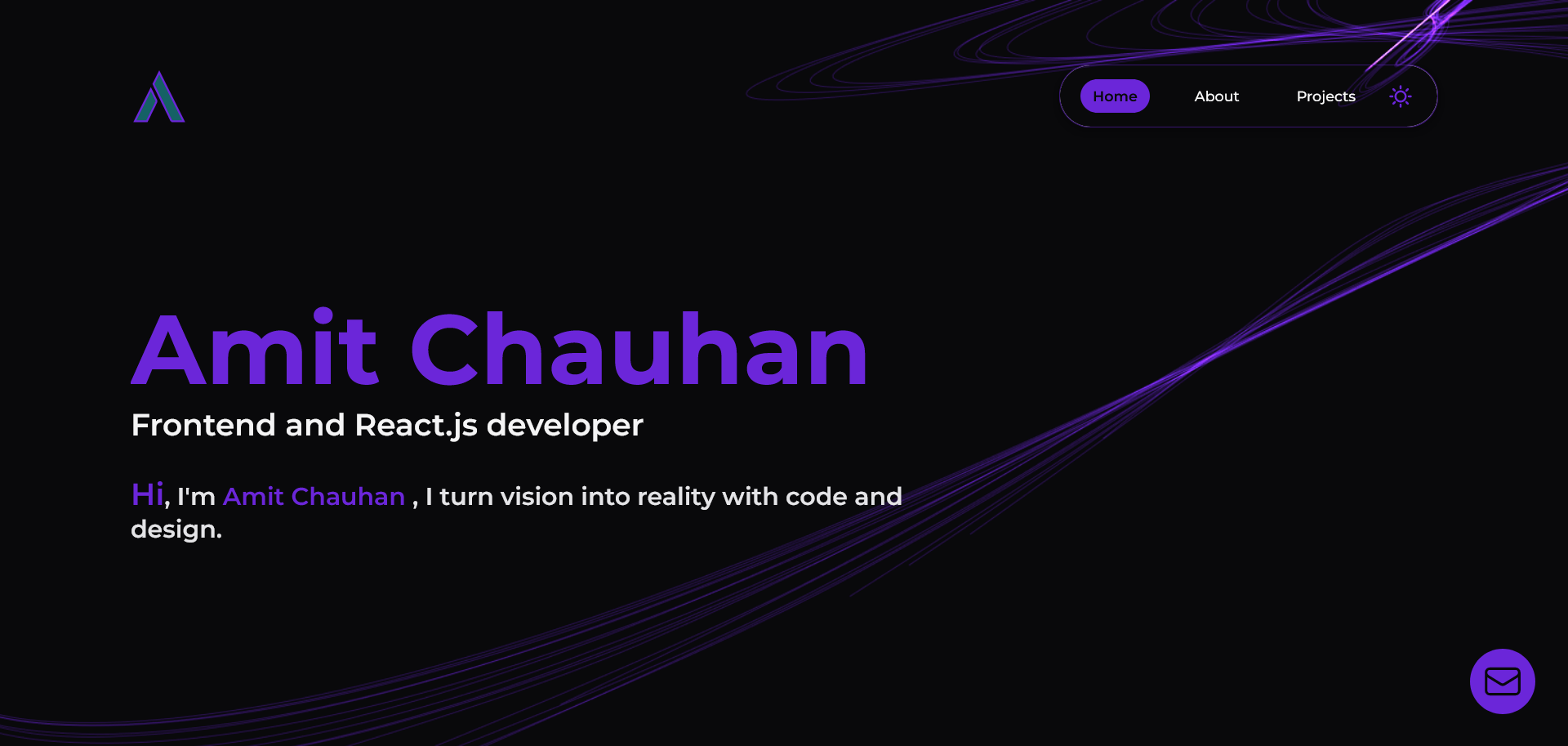
This template is a ready-to-run developer portfolio website that combines a modern single-page layout with six distinct sections: Hero, About, Skills, Experience, Projects, and Contact. It takes a Next.js project structure as its base and produces a fully responsive portfolio site, with content stored in src/lib/content/ and separate files for the resume and profile image. The author runs the live version at vatsalsinghkv.vercel.app, and the code is hosted on GitHub for public contribution.
Key Features
- Six pre-built sections — Hero, About, Skills, Experience, Projects, and Contact are already implemented, so you only need to replace the content rather than build pages from scratch.
- Next.js with TypeScript — The app is built on Next.js and TypeScript, giving you typed props and modern React patterns throughout the codebase.
- Tailwind CSS styling — All styling uses Tailwind CSS; the global theme is defined in
src/styles/globals.css, so changing colors and fonts is done in one place. - Framer Motion animations — Page and component animations are powered by Framer Motion, adding smooth transitions without writing custom animation code.
- Iconify icons — Icons come from Iconify's icon sets, letting you swap icons without adding individual icon packages.
- Lottie Files illustrations — Lottie animations are used for illustrations, keeping the portfolio visually dynamic.
- Easy content editing — Biography and project data live in
src/lib/content/, the resume ispublic/resume.pdf, and the profile image ispublic/me.png, so customization is file-based. - MIT license — The project is MIT-licensed, and the README asks for credit by linking back to the original site when you use it.
Who is it for?
- Job-seeking developers who need a polished portfolio quickly and want to replace placeholder content with their own skills, experience, and projects.
- Open-source contributors looking for a well-structured Next.js + TypeScript project to practice on; the repo is tagged for Hacktoberfest and has contributing guidelines.
- Freelancers and designers who want a clean, animated portfolio template they can restyle with Tailwind without writing a site from scratch.
What can you do with it?
- Personal branding: Deploy your own portfolio to Vercel by forking the repository and editing
src/lib/content/with your bio, skills, and project list. - Open-source practice: Submit pull requests for the listed roadmap items (such as adding a case study page or moving icons to lucide-icons) to gain contribution experience.
- Rapid prototyping: Use the existing Hero and About sections as a starting point to experiment with Framer Motion animations or Lottie illustrations in a Next.js environment.
How does the template work?
To run it locally, fork the repository, clone it, then run yarn to install dependencies and yarn dev to start the development server. Changes to the site's content are made by editing the files in src/lib/content/, replacing public/resume.pdf with your resume, and swapping public/me.png with your photo. The README specifies Node.js v20.18.0 for best results.
FAQ
Is the portfolio-website template free to use?
Yes, the project is released under the MIT license, so you can use, modify, and distribute it freely. The only request from the author is that you give credit by linking back to vatsalsinghkv.vercel.app when you use the template.
How do I change the content on the portfolio?
Content is centralized in the src/lib/content/ directory. You edit the TypeScript data files there to update your bio, skills, and projects. The About section is specifically edited in src/containers/About.tsx, and the overall theme is controlled by src/styles/globals.css.
Can I deploy this to Vercel?
Yes, the template is designed for Vercel hosting, and the author's live demo runs on vatsalsinghkv.vercel.app. You can connect your forked GitHub repository to Vercel for automatic deployments, or host it on any platform that supports Next.js.
What Node.js version do I need?
The README recommends Node.js v20.18.0, which comes with yarn. You'll need Git and Node.js installed to clone and run the project locally.
How do I contribute to this project?
The repository is open for contributions and participates in Hacktoberfest. You can join the Discord server listed in the README, review the contributing guidelines, and submit pull requests for the features in the Continuous Development roadmap, such as the case study page or the icon migration to lucide-icons.