Template details
Sleek Blog
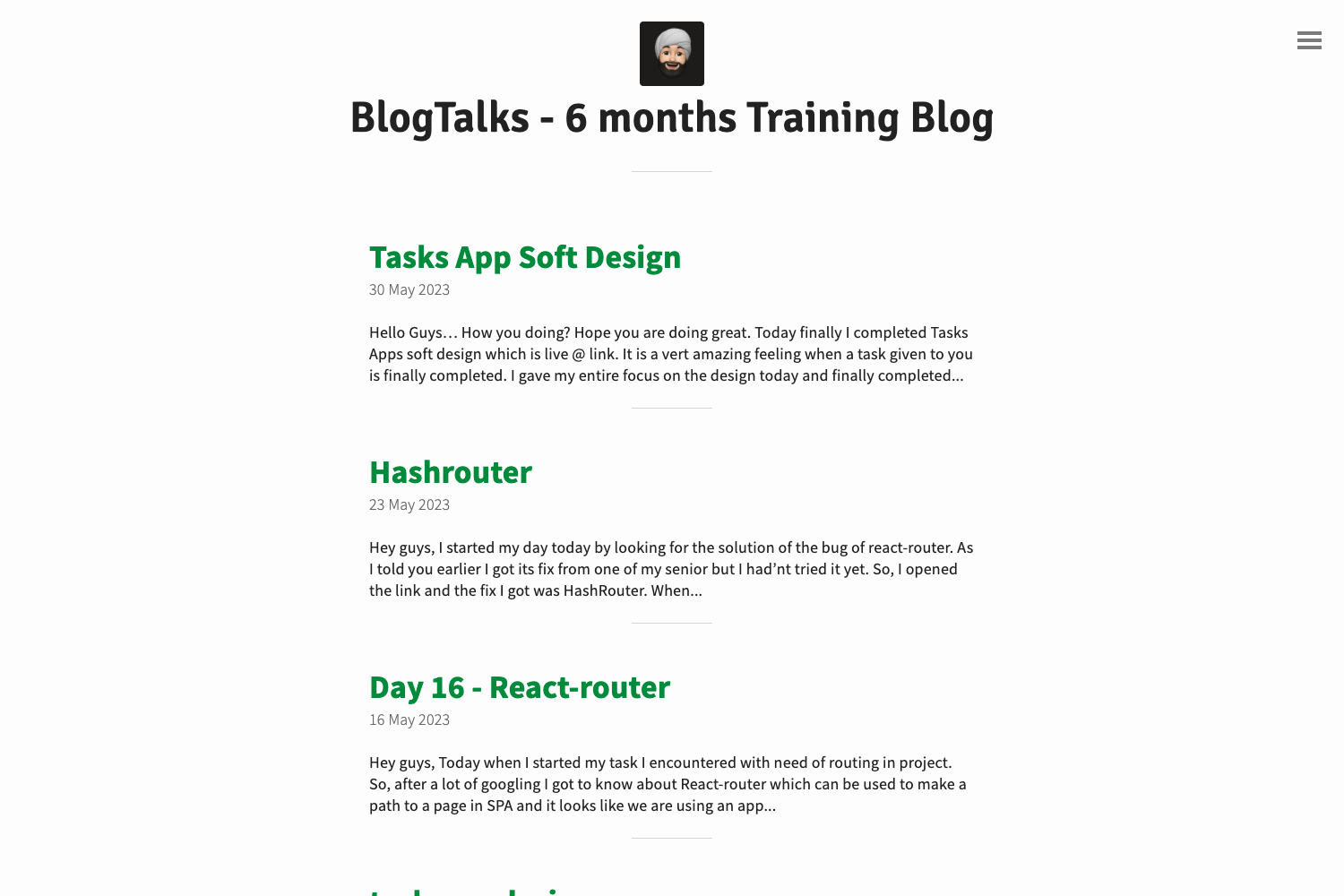
A Jekyll blog starter kit with GulpJS, SASS, AutoPrefixer, and BrowserSync for a live-reload development workflow.
About this template
Sleek Blog is a Jekyll-based blog starter kit that pairs the Ruby static-site generator with a GulpJS development pipeline for compiling SASS, adding CSS vendor prefixes, and live-reloading the browser.
What is Sleek Blog?
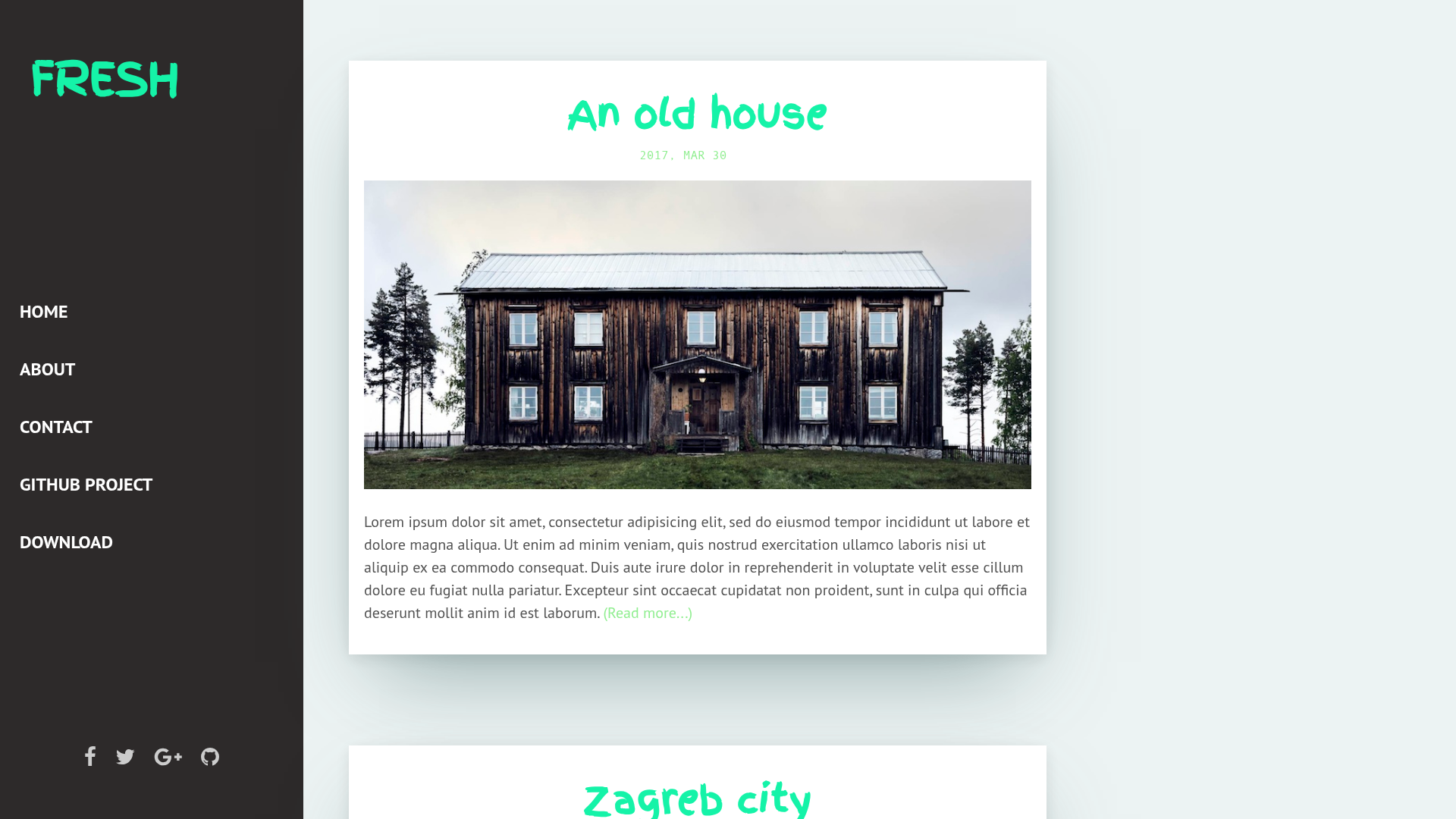
Sleek Blog is a blogging template and project scaffold built around Jekyll, the Ruby static-site generator, with a NodeJS and GulpJS toolchain for asset processing. It takes Markdown-based content and SASS stylesheets as inputs and produces a fully static HTML blog as output, ready to host on any static server. The repository metadata describes it as "A Empty template blog," meaning it ships as a clean starting point rather than a finished theme, and a live example is linked from the project at gearoidoconnor.ie.
Key Features
- Jekyll static generation — Converts Markdown content and layouts into plain HTML output with no database or server-side runtime, so the resulting site runs on any static host.
- GulpJS task runner — Automates the build pipeline through npm-installed dependencies, with
gulp watchas the main development command. - SASS compilation — Processes SASS stylesheets into browser-ready CSS as part of the automated build.
- AutoPrefixer integration — Automatically adds vendor prefixes to the compiled CSS to support older browsers.
- BrowserSync — Provides browser synchronization, file watching, auto-rebuild, and CSS injection while you edit, so changes appear without a manual refresh.
- npm-based setup — All dependencies install with a single
npm installcommand after cloning, with Jekyll and GulpJS installed beforehand.
Who is it for?
Sleek Blog is aimed at developers who want to start a Jekyll blog without assembling the build pipeline themselves. Jekyll users can clone the repo and immediately get a working SASS-to-CSS compile chain with live reload. Front-end developers who prefer GulpJS workflows get a preconfigured NodeJS environment with well-defined watch tasks. Bloggers who want a self-hosted static site can use it to publish Markdown posts without a CMS.
What can you do with Sleek Blog?
- Personal bloggers: publish a Jekyll-driven blog with Markdown posts, compiled SASS styling, and static output that deploys to any web host.
- Front-end developers: use the GulpJS, SASS, and AutoPrefixer setup as the foundation for a theme-development workflow with CSS injection and browser sync.
- Jekyll learners: study a minimal project structure that shows how Jekyll, GulpJS, and BrowserSync work together in one repository.
How does Sleek Blog work?
The setup requires three pieces: Jekyll installed via gem install jekyll, NodeJS installed from the official installer, and GulpJS installed globally with npm install -g gulp (mac users may need sudo). After cloning or downloading the repo, you run npm install inside the directory to fetch local dependencies. Running gulp watch starts development mode, which enables file watching, browser synchronization, auto-rebuild, and CSS injection while you edit.
FAQ
Do I need to install Jekyll separately?
Yes. Sleek Blog requires Jekyll to be installed on your machine before setup, which you do with the command gem install jekyll.
What does gulp watch do?
gulp watch is the development-mode command for Sleek Blog. It starts file watching, browser synchronization, auto-rebuild on changes, and CSS injection so edits appear in the browser without manual refreshes.
Is Sleek Blog a complete theme?
No. The repository is described as "A Empty template blog," so it provides the project structure and build setup rather than a finished visual theme. You supply the content, layouts, and styling on top of the scaffold.