Template details
Kiera
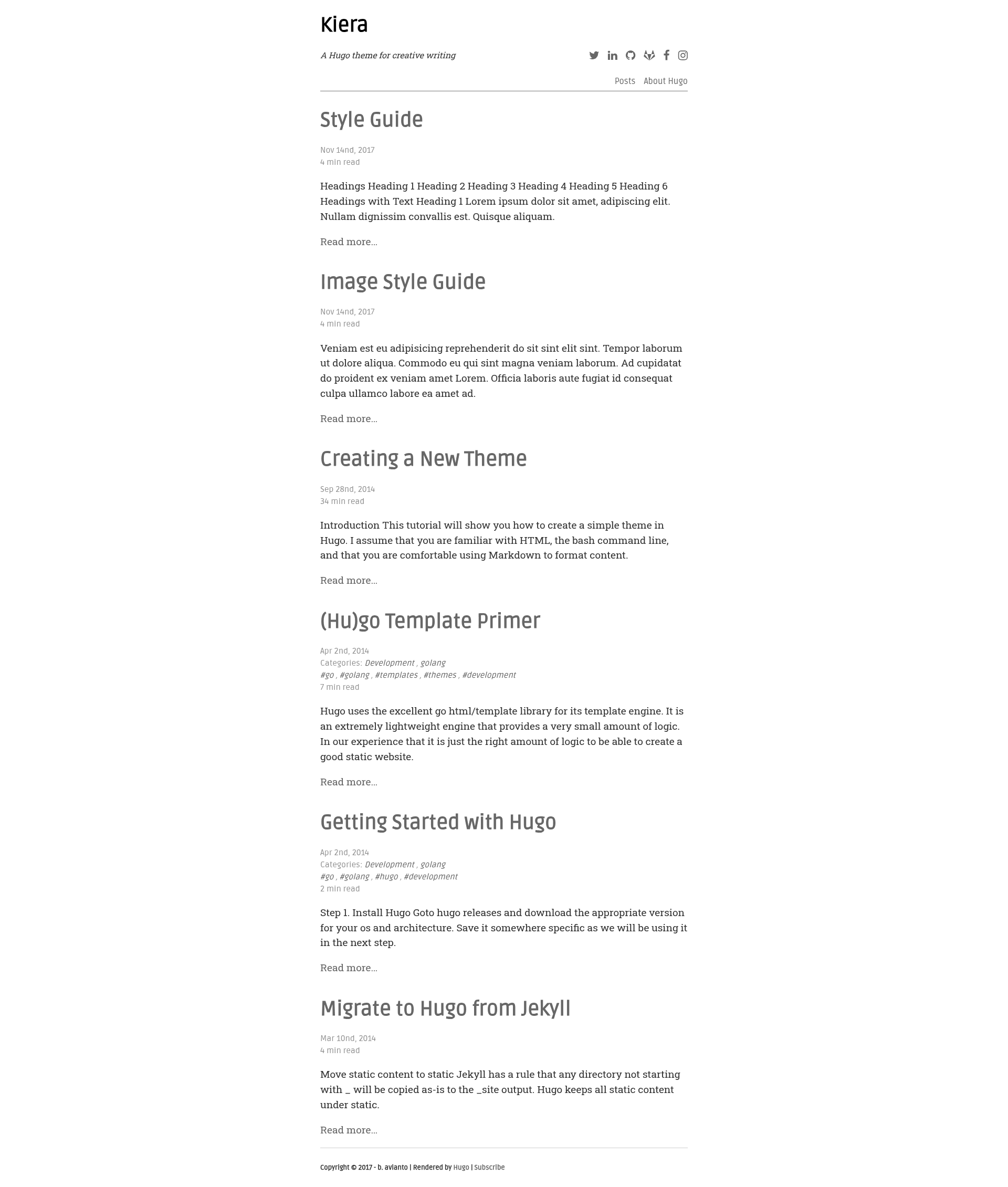
A Hugo theme for long-form writing with four image placements, Chroma code highlighting, and on-demand Disqus comments.
About this template
Kiera is a Hugo theme specialized for long essays and technical writing, offering four figure placements, Hugo Chroma code highlighting, and Disqus comments that load on demand.
What is Kiera?
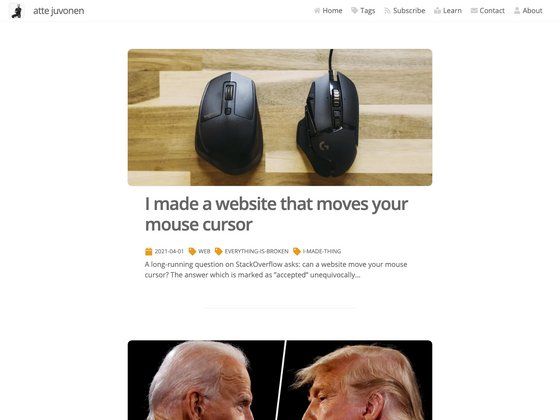
Kiera is a Hugo theme designed around a clean, reading-focused layout for long-form content. It takes standard Hugo content files (Markdown pages and posts) and renders them into a static website with a single-column essay style. The theme was originally created by b. avianto and is now maintained by funkydan2; a live demo is hosted on the official Hugo themes site. It includes built-in support for categories and tags, a configurable main menu, and a set of typographic and layout choices tailored to written articles.
Key Features
- Four image placements — Authors can choose full, middle, float-left, or float-right positioning using either a
#placementsuffix on Markdown images or aclasson thefigureshortcode, letting images break up long text in controlled ways. - Chroma code highlighting — Fenced code blocks are highlighted by Hugo's own Chroma engine, so technical articles render syntax-colored code without extra JavaScript.
- Font Awesome icons — Icons load from a Cloudflare CDN, keeping the theme free of bundled font files; usage follows the standard Font Awesome classes.
- normalize.css — The theme pulls normalize.css from the Cloudflare CDN to smooth out cross-browser styling inconsistencies.
- Google Fonts pairing — Ruda (serif) is used for headings and Roboto Slab (sans-serif) for body text, giving long-form writing a readable contrast.
- On-demand Disqus — Comments are not loaded until a visitor clicks the "View Comments" button, which reduces initial page weight for readers who never open the comment section.
- Author social profile — The configuration supports GitHub, GitLab, LinkedIn, Facebook, Twitter, and Instagram usernames, plus a site tagline, declared in
config.toml. - Main menu integration — Static pages like About can be added to the top menu by setting
menu = "main"andmeta = "false"in front matter, and a posts listing page can be created with an_index.mdfile.
Who should use Kiera?
Technical writers and bloggers who publish articles with embedded code and want a minimal, typography-first page will find Kiera a good fit. Developers who already use Hugo benefit from its simple installation via git clone or submodule and its straightforward configuration through config.toml. Writers who want comments on their posts but worry about load time can take advantage of the on-demand Disqus behavior. The theme also suits personal sites that mix an About page with a posts archive under a single main menu.
Use cases
- Long-form essayists: publish essays with floating images and middle-placed figures to keep the reading flow uninterrupted.
- Technical bloggers: present code snippets with Chroma syntax highlighting and use the
#fullplacement for wide code or diagram images. - Personal site owners: build a clean posts listing page using
_index.mdand add a menu entry for an About page without showing post metadata like time and categories. - Privacy-conscious readers: page speed improves because Disqus loads only after an explicit click, keeping third-party scripts off the initial request.
How does Kiera work?
To use Kiera, change into the Hugo themes directory and run git clone https://github.com/funkydan2/hugo-kiera.git kiera or, if you deploy with Netlify, add it as a git submodule with git submodule add https://github.com/avianto/hugo-kiera.git kiera. After that, set your preferred options in config.toml, including pygmentsCodeFences = true, a Disqus shortname, Google Analytics ID, author details, and a tagline. Place content in standard Hugo folders, and use the theme's supported front matter and shortcodes for images and menu entries.
FAQ
How do I install Kiera?
Clone or add the repository as a submodule into your Hugo project's themes directory. The recommended path is themes/kiera, but you can name it anything and reference it in your site configuration.
Does Kiera support categories and tags?
Yes, Kiera supports both categories and tags. You can use one, the other, or both in your posts' front matter; the theme will render them appropriately in the post listing.
How can I add an image with a specific placement?
For a Markdown image, append a hash fragment like #full, #mid, #float, or #float-right to the image path. For the figure shortcode, use the class attribute with one of those values (for example, class="full").
How do I make Disqus comments load?
Disqus is loaded on demand: a "View Comments" button appears below each post, and the Disqus thread only loads when a reader clicks it. Set the disqusShortname in your config.toml to enable it.
Can I have a posts listing page?
Yes, create content/posts/_index.md with front matter that includes title = "Posts", menu = "main", and a weight value. This adds a "Posts" link to the main menu showing all your posts.