Template details
Gatsby Docs
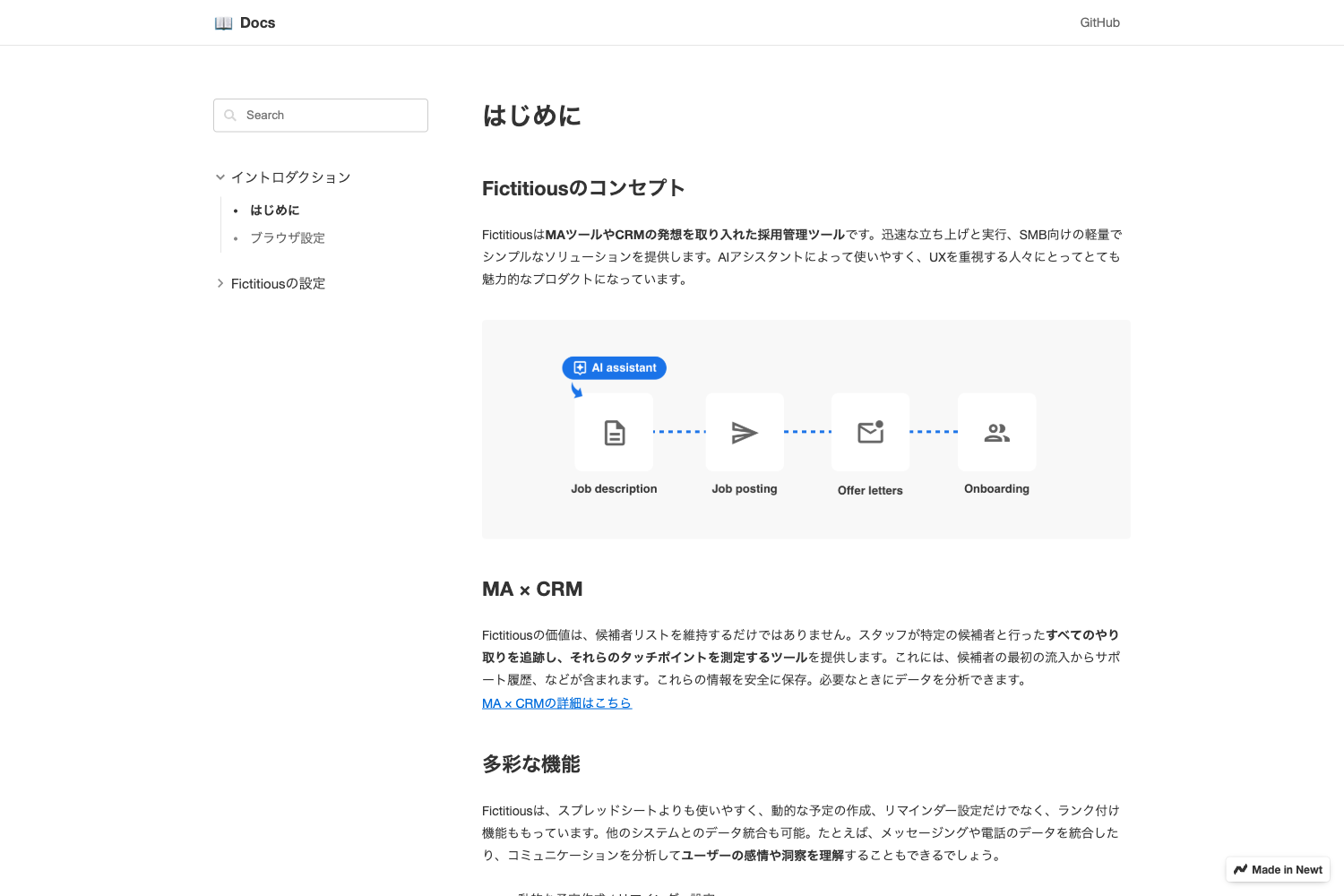
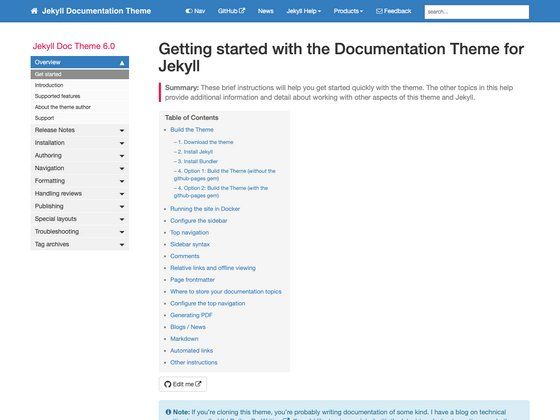
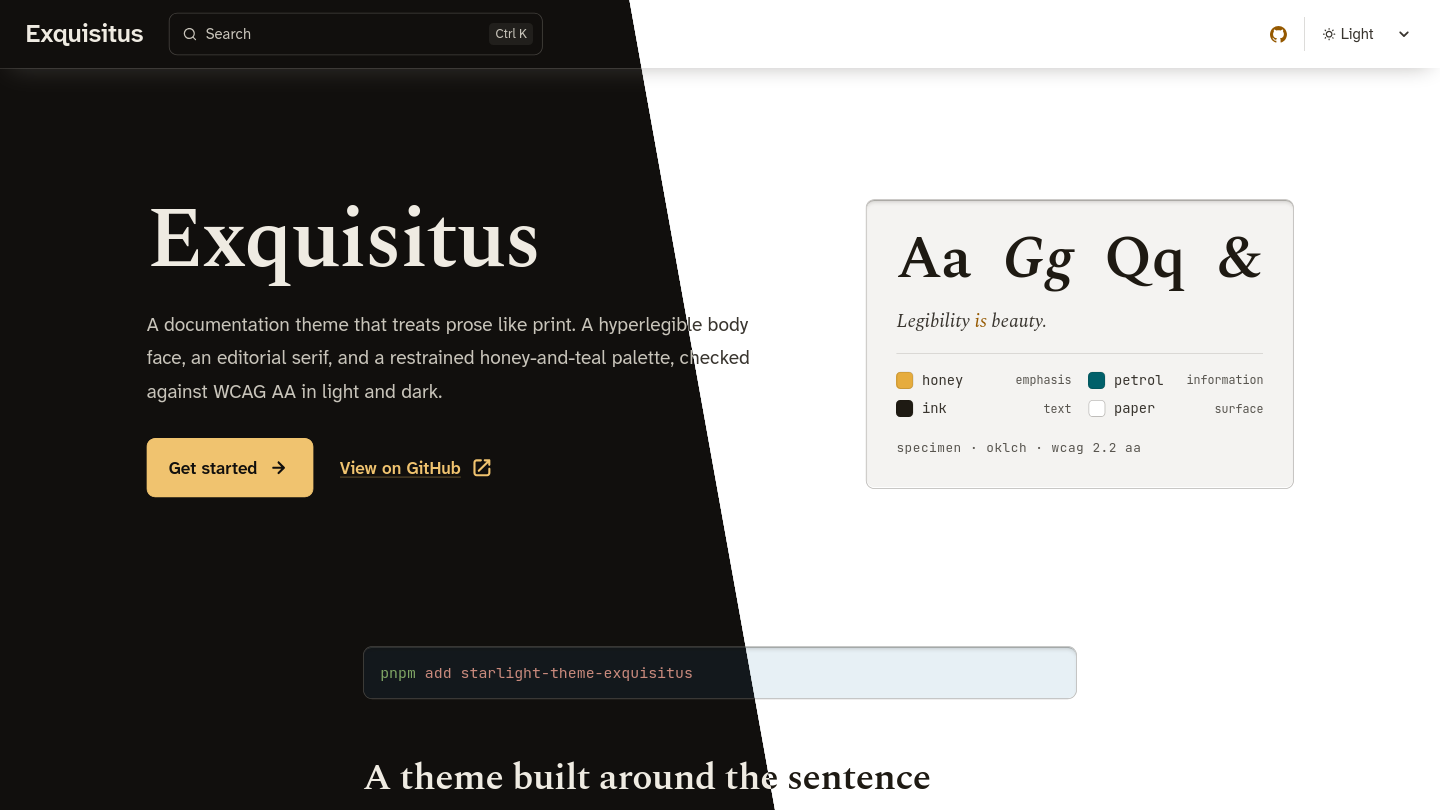
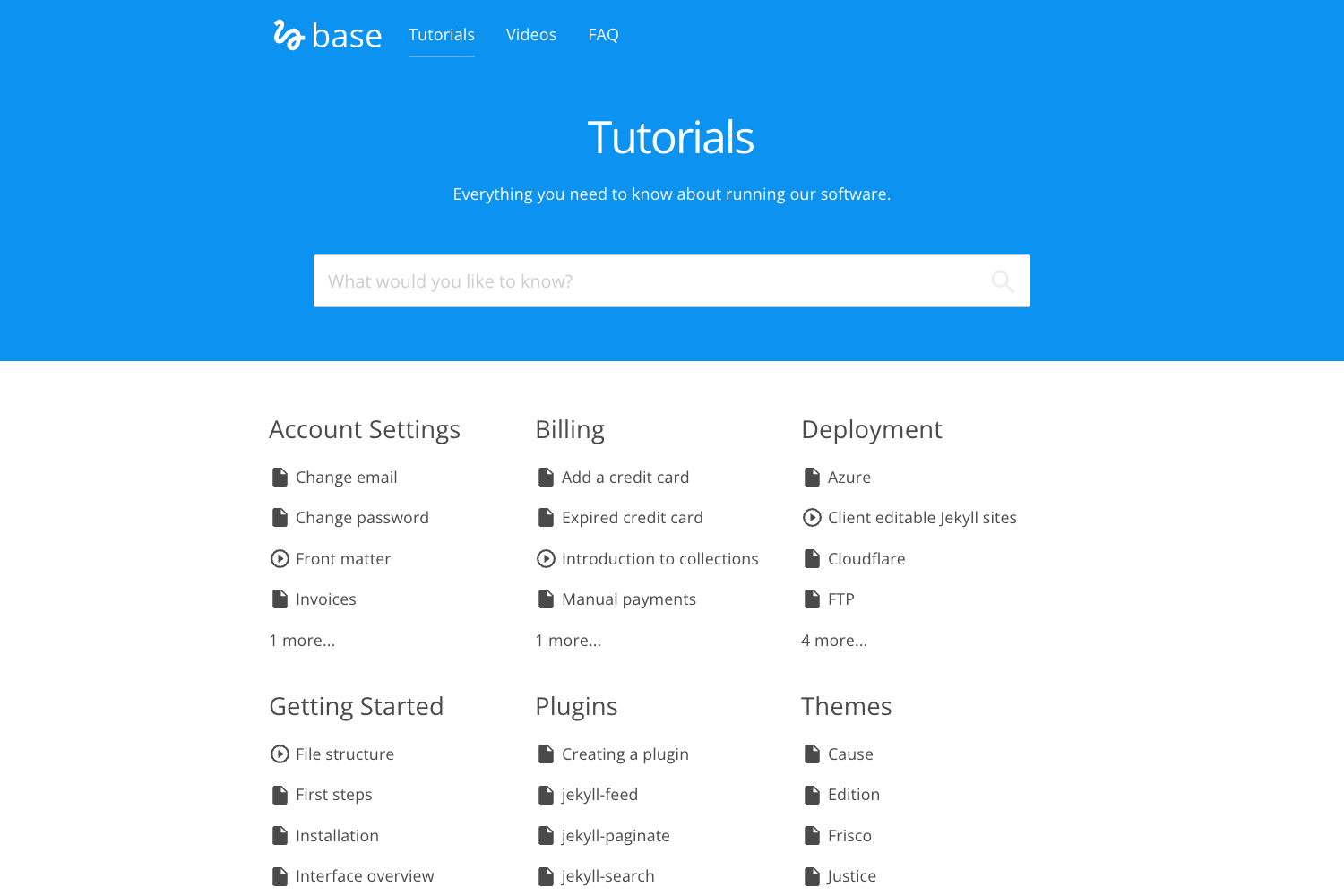
A minimal Gatsby starter for building documentation sites with content managed by Cosmic JS.
About this template
Gatsby Docs is a minimal Gatsby starter for building documentation sites, with content managed through the Cosmic JS headless CMS.
What is Gatsby Docs?
Gatsby Docs is a starter project that combines the Gatsby static site generator with the Cosmic JS content management system to produce a lightweight documentation website. It takes a configured Cosmic JS bucket (with read and write keys) as its content source and generates a static site with pages built at build time. The project runs on Gatsby's development workflow, offering live reload and a built-in GraphQL playground at /___graphql. It is distributed as a public GitHub repository by Jacob Knaack, with a live demo hosted at cosmicjs.com/apps/gatsby-docs.
Key Features
- Cosmic JS integration — Uses a Cosmic JS bucket for content storage; configuration is done through three environment variables: bucket title, read key, and write key.
- Gatsby static generation — Builds a static documentation site using Gatsby's build pipeline.
- GraphiQL during development — The default Gatsby development server exposes a GraphQL playground at localhost:8000/___graphql for querying site and CMS data.
- Pre-configured Gatsby API files — Includes gatsby-browser.js, gatsby-node.js, and gatsby-ssr.js for customizing browser behavior, build-time node processing, and server-side rendering.
- Deployment manifests — Contains app.json for container-based deployment on Heroku or Cosmic JS, and static.json for handling static build files on Heroku buildpacks.
- Code formatting with Prettier — Ships with a .prettierrc file to keep JavaScript formatting consistent across contributors.
- Standard Gatsby project structure — Follows the familiar src layout with a single index page in src/pages/index.js that can be edited to change the site.
Who is it for?
- Documentation-focused teams that want a minimal, content-managed documentation site without building from scratch.
- Gatsby developers looking for a headless CMS starter that uses Cosmic JS as the content backend.
- Open-source projects that need a simple way to publish and maintain project documentation with a CMS dashboard for contributors.
What can you do with Gatsby Docs?
- Set up a documentation site: Clone the repository, install dependencies, connect a Cosmic JS bucket, and run the development server to start writing docs.
- Manage content through Cosmic JS: Editors can add and update documentation content in the Cosmic JS dashboard, which the Gatsby build pulls in via the configured keys.
- Deploy to Heroku or Cosmic JS: Use the included app.json and static.json to deploy the built site to these platforms.
How does Gatsby Docs work?
The README's quick start outlines a straightforward workflow: clone the repository, run npm install or yarn install to install dependencies, create a .env file with the Cosmic JS bucket and API keys, then start the development server with yarn develop or npm run develop. The site runs at http://localhost:8000 and refreshes in real time when you edit source files. The same configuration is then built into static files for production deployment.
FAQ
How do I install Gatsby Docs?
Clone the GitHub repository, then run npm install or yarn install from the project directory. Create a .env file with the Cosmic JS bucket and keys as described in the README before starting the development server.
What environment variables does Gatsby Docs require?
The project needs three environment variables inside a .env file: COSMIC_BUCKET (your bucket title), COSMIC_READ_KEY (the read key), and COSMIC_WRITE_KEY (the write key). Without these, the site cannot fetch content from Cosmic JS.
Where is the live demo?
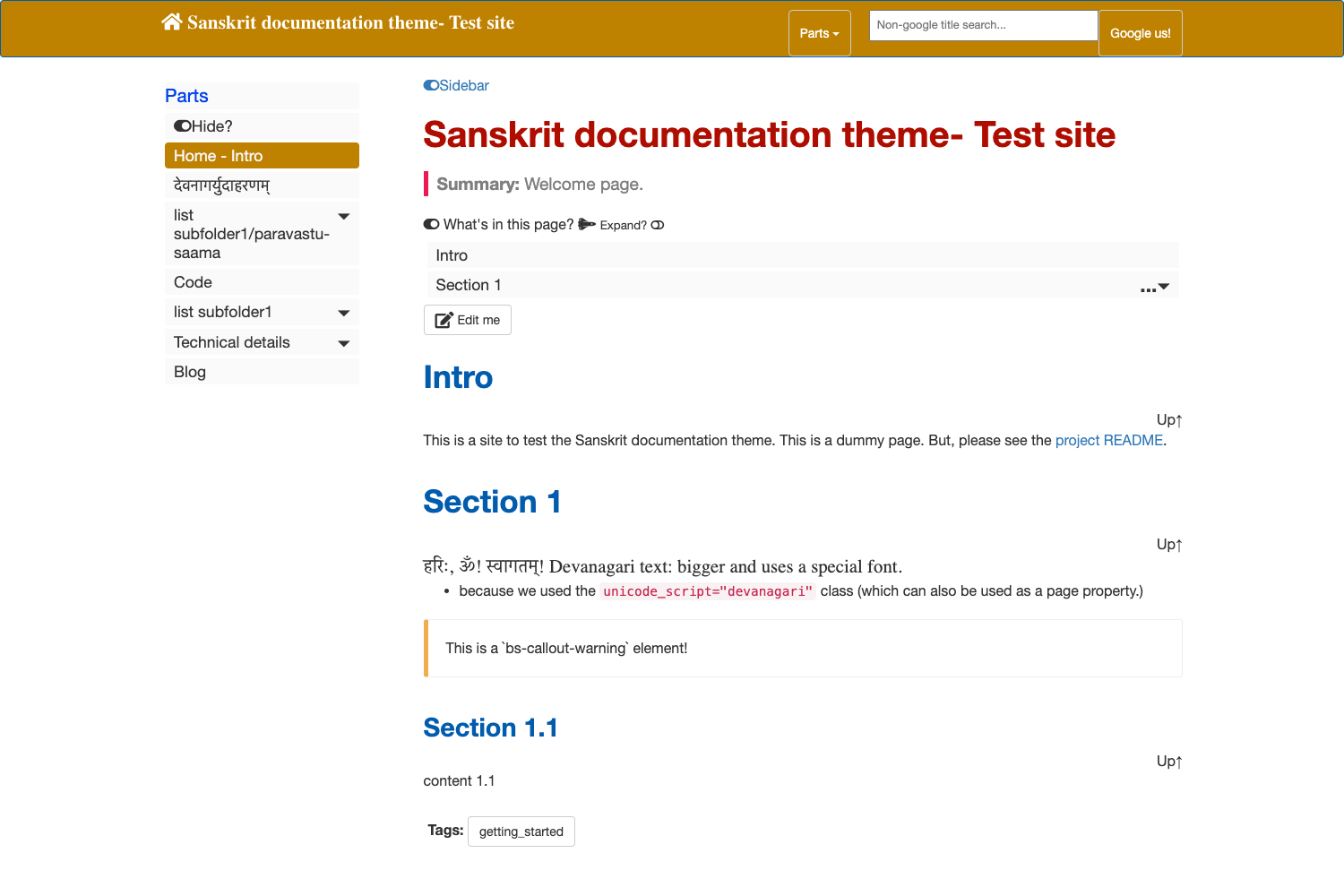
The README links to a live demo at cosmicjs.com/apps/gatsby-docs, hosted on the Cosmic JS platform. This demo shows the template's appearance and behavior with sample documentation.
Can I use this template with any host?
The Gatsby build produces static files, which means the output can be hosted on any static file server. The README also includes app.json and static.json specifically for deploying to Heroku or Cosmic JS.
What is the project structure?
The project follows the standard Gatsby starter layout: source code in src, configuration in gatsby-config.js, and API extensions in gatsby-browser.js, gatsby-node.js, and gatsby-ssr.js. Other files include app.json, static.json, and Prettier configuration.