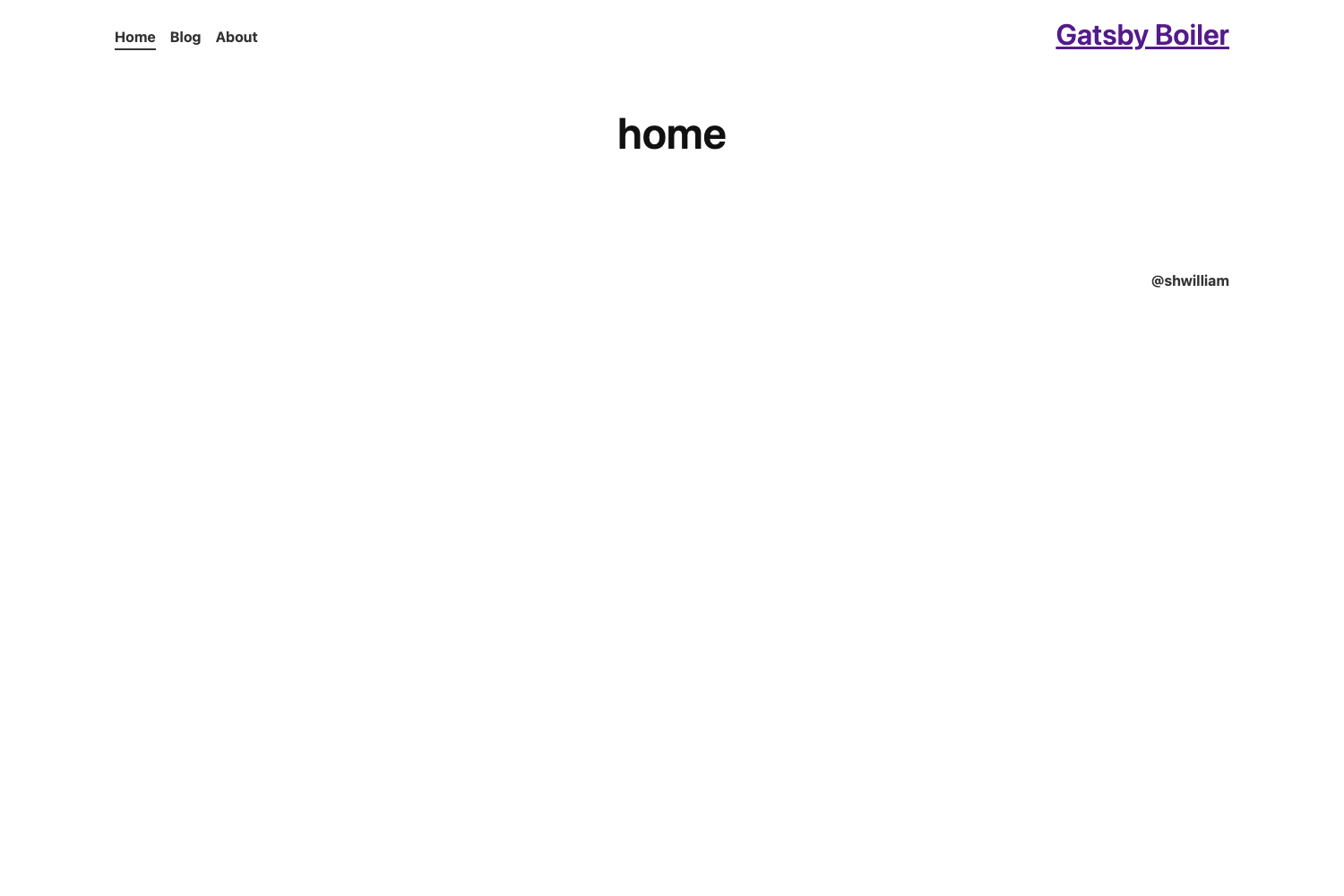
Template details
Gatsby Minimal TypeScript Starter
Official Gatsby starter that scaffolds a minimal TypeScript site, editable at src/pages/index.tsx and deployable to Gatsby Cloud.
About this template
The Gatsby Minimal TypeScript Starter is a boilerplate from the Gatsby team for scaffolding a new Gatsby site pre-configured with TypeScript, installable through the Gatsby CLI.
What is the Gatsby Minimal TypeScript Starter?
The Gatsby Minimal TypeScript Starter is the official minimal starting point for Gatsby sites that use TypeScript. It takes one CLI command — npm init gatsby — as input and produces a running Gatsby site on localhost:8000 with an editable homepage at src/pages/index.tsx. The starter is maintained by the Gatsby team and hosted in the gatsbyjs GitHub organization as gatsby-starter-minimal-ts.
Key Features
- TypeScript configured by default — pages and components are authored as .tsx files, with the homepage provided as
src/pages/index.tsx. - Minimal file structure — the starter omits demo content and sample posts so developers start from a blank site rather than removing boilerplate.
- Gatsby CLI setup — the template is created interactively with
npm init gatsby, the standard Gatsby scaffolding command. - Live development server — running
npm run developserves the site at http://localhost:8000 and updates the page in real time when source files are edited. - One-click Gatsby Cloud deployment — a Deploy to Gatsby Cloud button linked to the GitHub repository deploys the starter with a single click.
- Official learning links — the readme points to Gatsby documentation, tutorials, guides, API reference, plugin library, and a cheat sheet.
Who is it for?
- Developers new to Gatsby: stand up a working TypeScript site with two commands (
npm init gatsbyandnpm run develop) and use the linked tutorials to learn the framework. - TypeScript-first teams: avoid converting a JavaScript starter to TypeScript by starting from a template that already has TS set up.
- Site builders planning a custom project: use the minimal base as a clean foundation for adding pages, components, and plugins from the Gatsby plugin library.
What can you do with it?
- Frontend developers: scaffold a Gatsby site in TypeScript, edit
src/pages/index.tsx, and see changes appear instantly at localhost:8000. - Gatsby Cloud users: deploy the starter directly from the GitHub repository using the one-click deploy button in the readme.
- Plugin experimenters: install Gatsby plugins from the plugin library onto the minimal starter to add features like a blog, images, or a CMS connection.
How does it work?
The quick start in the readme describes a three-step workflow: create the site with npm init gatsby, navigate into the new project directory, and run npm run develop to start the dev server. The homepage lives at src/pages/index.tsx and can be edited to update the site in real time.
Alternatives
- Gatsby Default Starter — the JavaScript-based counterpart to this minimal TypeScript starter, requiring TypeScript to be configured manually.
FAQ
Is the Gatsby Minimal TypeScript Starter free?
Yes. It is a public starter in the gatsbyjs GitHub organization, created via the standard Gatsby CLI flow with no paid account required to scaffold a local site.
What commands do I run to start the site?
Run npm init gatsby to create the project, then run npm run develop inside the project directory. The site becomes available at http://localhost:8000.
Where is the homepage file?
The homepage is at src/pages/index.tsx. Editing this file updates the rendered page in real time while the development server is running.
Can I deploy this starter to Gatsby Cloud?
Yes. The readme includes a Deploy to Gatsby Cloud button that deploys the starter from the gatsby-starter-minimal-ts GitHub repository with one click.