Template details
UI Elements
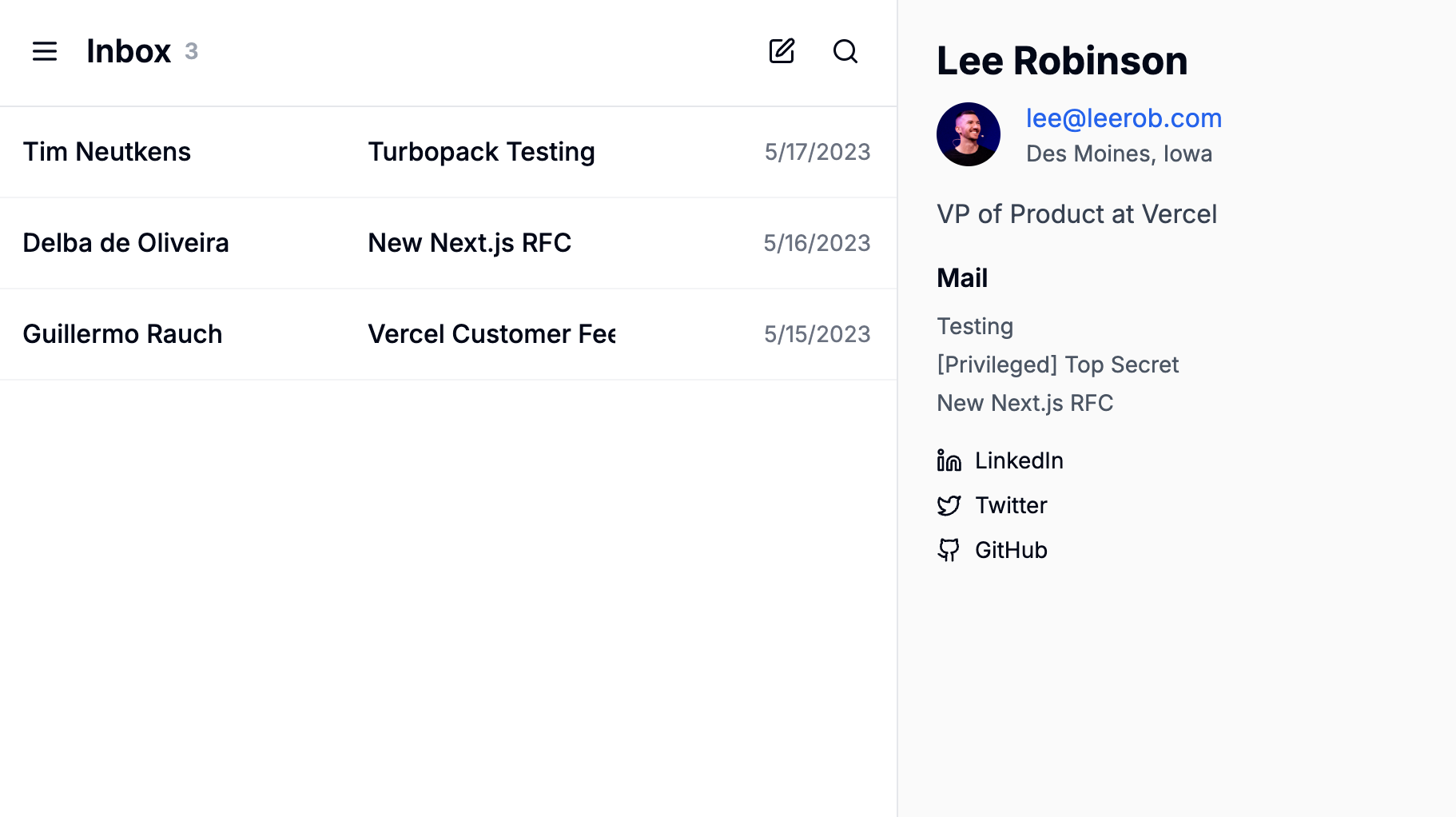
A Next.js + TailwindCSS + TypeScript boilerplate collection for building and showcasing modern React UI components.
About this template
UI Elements is a Next.js + TailwindCSS + TypeScript boilerplate that gives React developers a ready-to-run environment for building and showcasing modern UI components.
What is UI Elements?
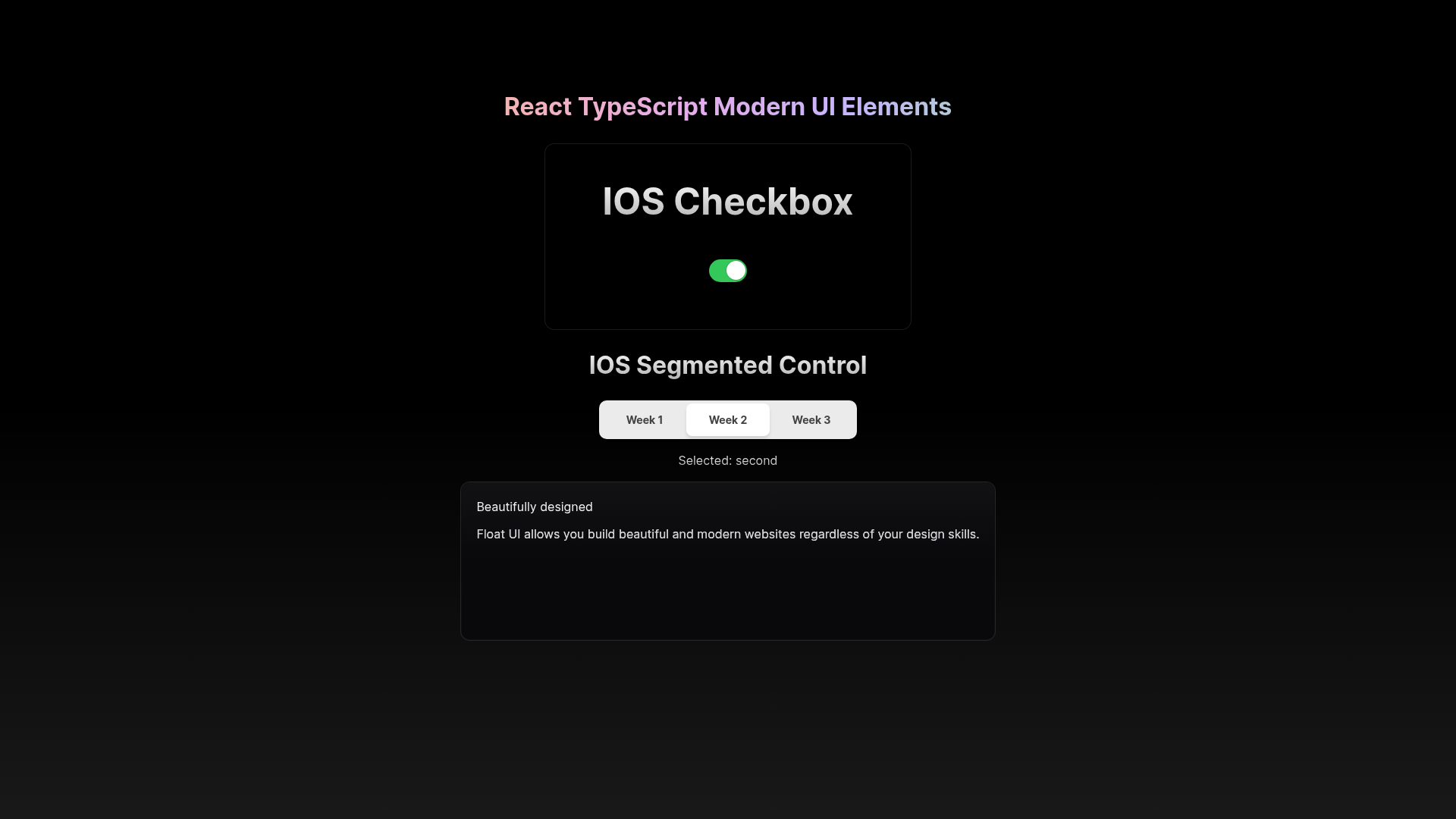
UI Elements is a GitHub repository by mustafaabobakr that pairs the Next.js React framework with TailwindCSS and TypeScript to serve as a collection of modern React TypeScript UI components. It takes the form of a starter project: you install dependencies with pnpm and start the dev server to view the components in the browser. The repository acts as a development playground for creating reusable interface components.
Key Features
- Next.js framework — Built on Next.js with React, enabling file-based routing and server-side rendering for the component showcase.
- TypeScript integration — Components are written in TypeScript for static type checking and better developer experience.
- TailwindCSS styling — Uses the TailwindCSS utility-first framework for styling components with low-level utility classes.
- pnpm package manager — Configured for pnpm, with
pnpm installandpnpm run devcommands for setup and local development. - Component collection structure — The repo is organized as a collection of UI elements, making it easy to browse and reuse components.
- Inspiration references — The README cites Turbo.build and Float UI as sources of inspiration for the component style and structure.
Who is it for?
- React developers — who want a pre-configured TypeScript + Tailwind environment to prototype UI components quickly.
- Front-end designers — who need to iterate on component designs in a local dev server with hot reload.
- Component library maintainers — who are starting a new set of reusable components and need a scaffold with Next.js and Tailwind.
What can you do with UI Elements?
- Build reusable components: Create buttons, cards, modals, and other interface pieces in a dedicated showcase environment.
- Prototype UI ideas: Quickly spin up the dev server and experiment with Tailwind classes and component markup.
- Start a component library: Use the repository as the foundation for an internal or public collection of accessible React components.
How does UI Elements work?
The setup involves two steps: install dependencies with pnpm install, then start the development server with pnpm run dev. Once running, the server serves the component collection locally, so you can open it in a browser and view each component in isolation.
FAQ
What stack does UI Elements use?
UI Elements runs on Next.js with React, styled by TailwindCSS, and written in TypeScript. It uses pnpm as its package manager.
How do I start the development server?
Clone the repository, run pnpm install to install dependencies, then pnpm run dev to launch the dev server. The README provides these two commands.
Is UI Elements free to use?
The repository is publicly available on GitHub, so you can access and use the starter code directly. The README does not mention any licensing terms beyond that.